Gatsby-theme-novela: Add an optional caption under images
It'd be nice to have to credit the photo author or just to add context to the image. Like this on medium:
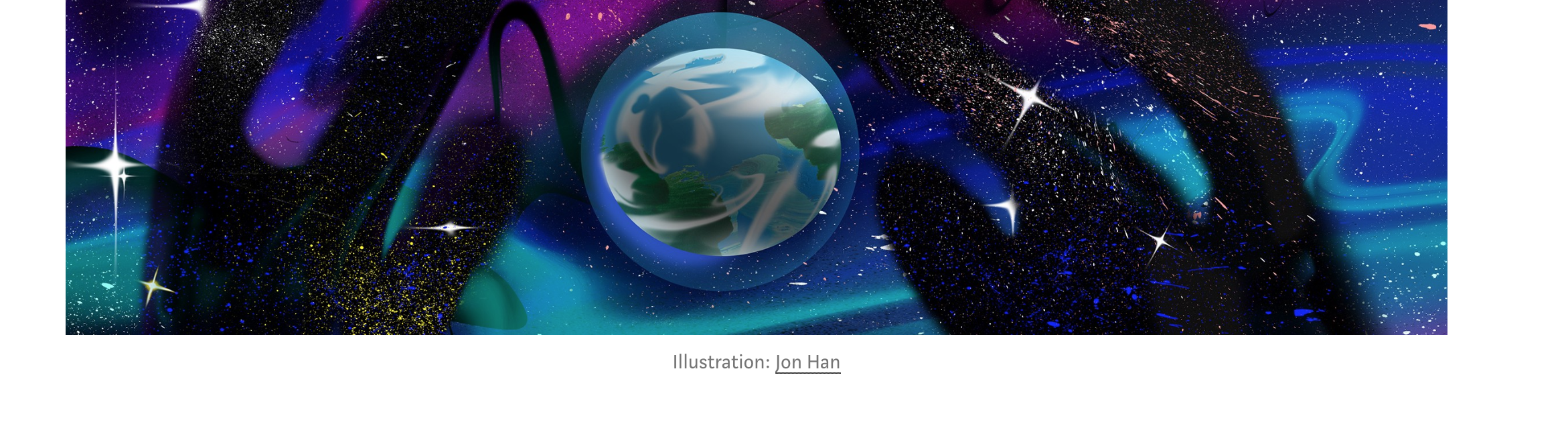
 freddydumont
All 19 comments
Would also be nice to support markdown as well
 jletey
on 27 Aug 2019
jletey
on 27 Aug 2019
Agreed. We have this feature on our own blogs. For example https://www.narative.co/articles/creating-the-new-narative-co-website.
Agreed we should support markdown or HTML and different data sources.
 brotzky
on 27 Aug 2019
brotzky
on 27 Aug 2019
I think this will be implemented through MDX. Originally I thought of pulling the alt tag but there are cases where you want links and other features to to work within that description.
brotzky
on 30 Aug 2019
I'm not sure if this is the right way but here's how I implemented the image caption.
- Create
Figcaption.tsxundersrc/@narative/gatsby-theme-novela/components/Figcaption/
Its content can look something like this:
import styled from "@emotion/styled";

const Figcaption = styled.figcaption`
  padding: 0 10px;
  color: ${p => p.theme.colors.grey};
  font-size: 14px;
`;

export default Figcaption;
- Create
MDX.tsxundersrc/@narative/gatsby-theme-novela/components/MDX/to shadow MDX component. Add these two lines somewhere in the code:
import Figcaption from "@components/Figcaption/Figcaption.tsx"
...
figcaption: Figcaption, // Note that this should be under components definition block
- Use
figcaptionelement inside image div like this to achieve the effect:
<div className="Image__Small">
  <img
    src="./images/article-image-2.jpg"
    title="Logo Title Text 1"
    alt="Alt text"
  />
  <figcaption>This is example image caption. Nice picture by the way!</figcaption>
</div>
This will make it look like this in the example first post in the theme:
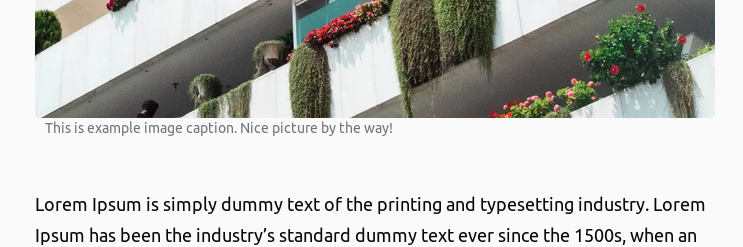
 kevinra
on 19 Nov 2019
kevinra
on 19 Nov 2019
I think that's the best way to implement it as well, @kevinra. Gives you full customizability and takes advantage of the beauty of MDX.
brotzky
on 19 Nov 2019
@brotzky do you think this feature should be implemented using shallowing by each developer or if it should be part of the official theme?
 EmaSuriano
on 19 Nov 2019
EmaSuriano
on 19 Nov 2019
In this instance you're not shadowing as you're creating the component yourself and not overriding anything from Novela.
The component seems quite simple so maybe it's best to keep it outside and have userland do it like they want :)
But PR welcome to anyone that wants to integrate this into Novela!
brotzky
on 19 Nov 2019
I think it's a good idea to have an image caption feature on Novela theme. An experienced dev can always tweak existing tools like this to fit their needs because they understand the framework. On the other hand, people like me who have limited front end development experience, it's hard to implement such features on their own without lots of Googling and help. Our life can be easier if such features are provided with an example so that we can decide whether to use them or not. After all, I think image caption is commonly seen on any online article.
I can create PR if you guys are interested.
kevinra
on 19 Nov 2019
PR is welcomed <3
If you can, please style it closer to how Medium does it (in the original screenshot above)
brotzky
on 19 Nov 2019
When an image fits the paragraph width, it's fine. There's a problem when the image is narrower. It looks ugly when the text spans wider than the image its describing.
I want to make the figcaption to have the same width as the image but don't know how. Is there a way to match the width of gatsby-resp-image-wrapper on figcaption style?
kevinra
on 20 Nov 2019
I believe we have a set of widths defined here. You could re-use the image classes if you wanted to:
https://github.com/narative/gatsby-theme-novela/blob/master/%40narative/gatsby-theme-novela/src/components/MDX/MDX.tsx#L210
It's not the cleanest implementation right now, but there you should be able to see the breakpoints and max-widths of each image variation.
brotzky
on 20 Nov 2019
Hmm I don't understand your solution. the max-width in MDX.tsx files are the max-width of Image__* container meaning figcaption inherits the same width.
Here's a detailed example of the problem. The small image (let's say A) I have has a width of 360. Image__Small is set to have max-width of 680. Image A is contained by gatsby-resp-image-wrapper with max-width=360px. Now figcaption must have max-width of 360, not 680. How do I achieve this by modifying MDX.tsx?
I was thinking solutions like this but no luck:
https://stackoverflow.com/questions/30686191/how-to-make-image-caption-width-to-match-image-width
https://stackoverflow.com/questions/37442430/limiting-caption-to-width-of-the-image
kevinra
on 20 Nov 2019
When an image fits the paragraph width, it's fine. There's a problem when the image is narrower. It looks ugly when the text spans wider than the image its describing.
I want to make the
figcaptionto have the same width as the image but don't know how. Is there a way to match the width ofgatsby-resp-image-wrapperon figcaption style?
What do you mean narrower than paragraph? I style the css like this for the class Image__Small and it looks absolutely fine:

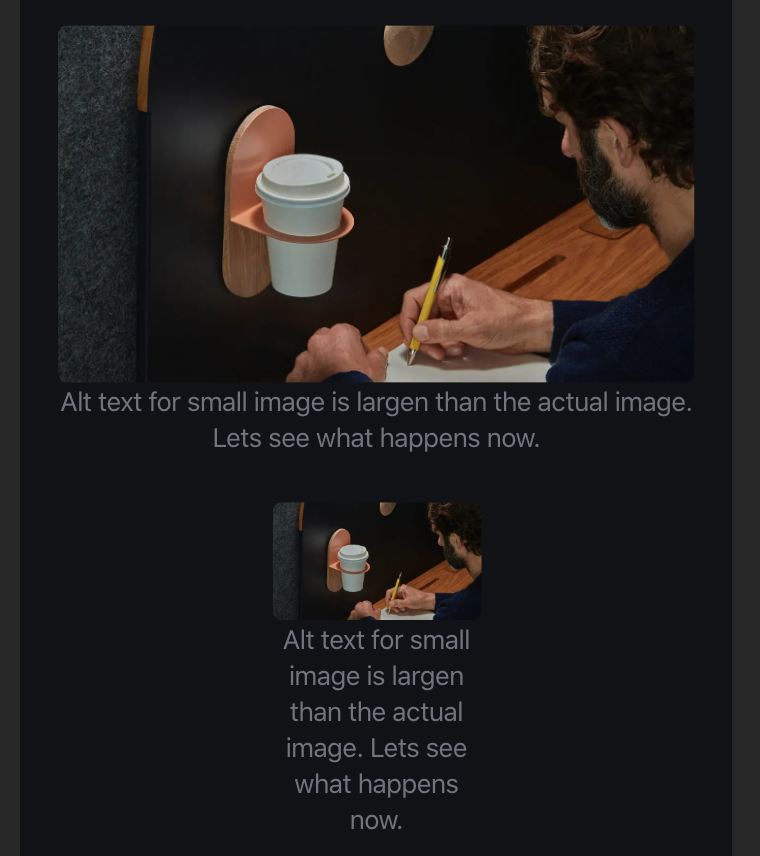
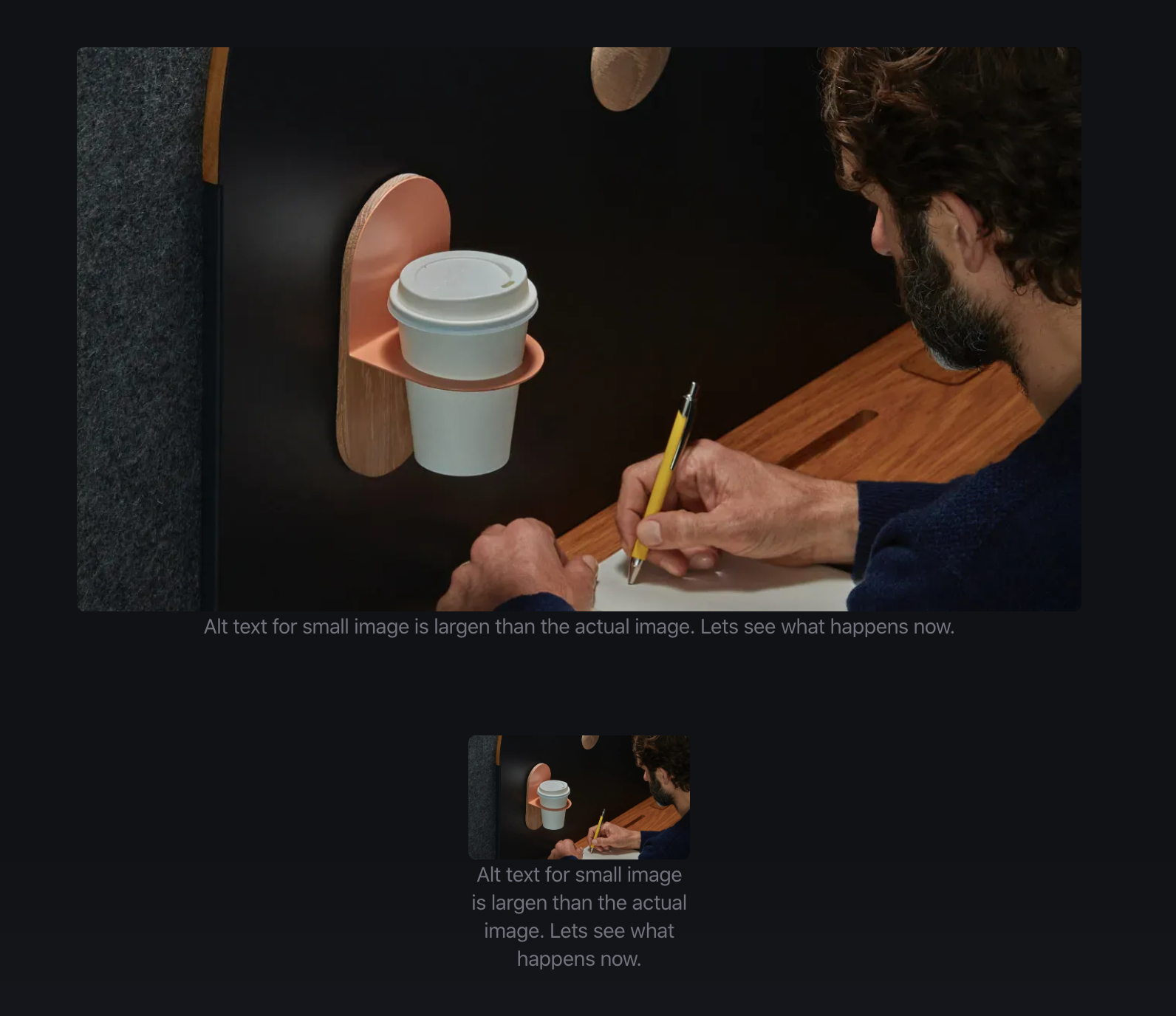
This is my css:
  color: ${p => p.theme.colors.grey};
  font-size: 14px;
  text-align: center;
  width: 100%;
 imprashast
on 26 Nov 2019
imprashast
on 26 Nov 2019
@imprashast Is the image width greater or equal to paragraph width? If not, try expanding the browser width. Please refer to the image below for the problem I'm facing. FYI, I made the figcaption background for easy visualization.
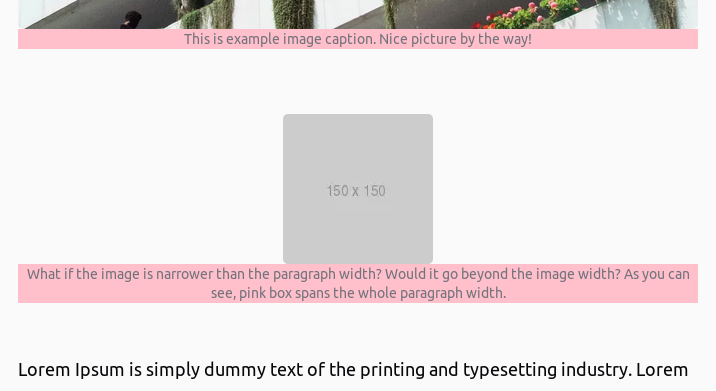
If I shrink the browser width to make it look like yours, it's not bad:
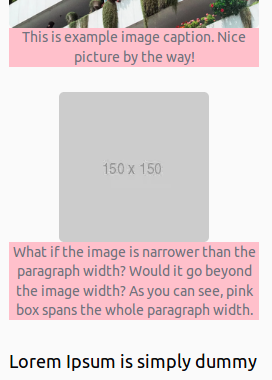
Of course,
a workaround is to avoid using small image but what if I need to place such square image?
kevinra
on 28 Nov 2019
Well, my css still works:
Do you want me to send the PR?
imprashast
on 30 Nov 2019
Interesting. I wonder why my implementation doesn't work :(
Yes it would be great if everyone can benefit from this feature!
kevinra
on 30 Nov 2019
@brotzky Can you give me access to push to the repo?
imprashast
on 30 Nov 2019
@imprashast make a PR, should be the easiest way :)
https://help.github.com/en/github/collaborating-with-issues-and-pull-requests/creating-a-pull-request
(also, we'll want a bit of spacing under the image. From the screenshots it looks a bit too close. mybe 6px)
brotzky
on 2 Dec 2019
Can be closed now 😄
imprashast
on 3 Dec 2019
Related issues
 dennismorello
·
4Comments
dennismorello
·
4Comments
 mabasic
·
4Comments
mabasic
·
4Comments
 dgovil
·
3Comments
dgovil
·
3Comments
 bravo-kernel
·
4Comments
bravo-kernel
·
4Comments
 eugenejeonme
·
3Comments
eugenejeonme
·
3Comments
Most helpful comment
Agreed. We have this feature on our own blogs. For example https://www.narative.co/articles/creating-the-new-narative-co-website.
Agreed we should support markdown or HTML and different data sources.