Game-compatibility: Pirates of the Caribbean [BS-004] [1.02]
Description
Game is booting and shows a distorted loading screen.
After that it crashes with following exception:
Cxbx-Reloaded
---------------------------
Received Exception Code 0xC0000005 @ EIP := 0x001F2095(=CDirectSoundVoice_SetFormat+0x3c8)

  Press "OK" to terminate emulation.
  Press "Cancel" to debug.
---------------------------
OK   Abbrechen
---------------------------
Dumps
Xbe.txt
KrnlDebug_131ce6da.txt
hlecache_v2.txt
Status
Previous behavior:
None reported
Current behavior:
crashing
Screenshots
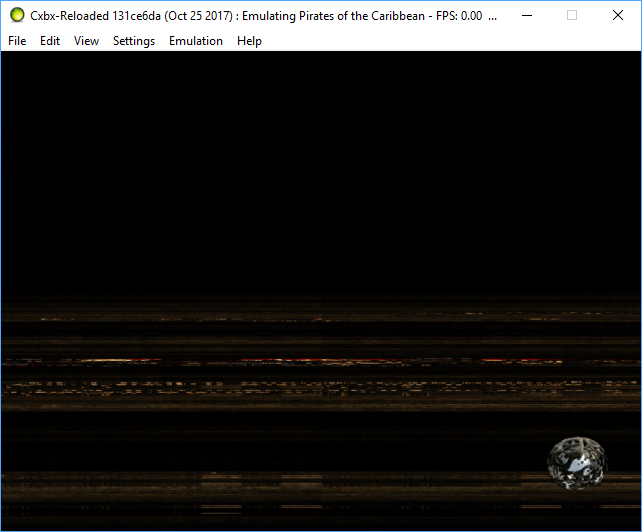
Additional Information
- tested with build 131ce6da
 hotzenplotz3000
All 8 comments
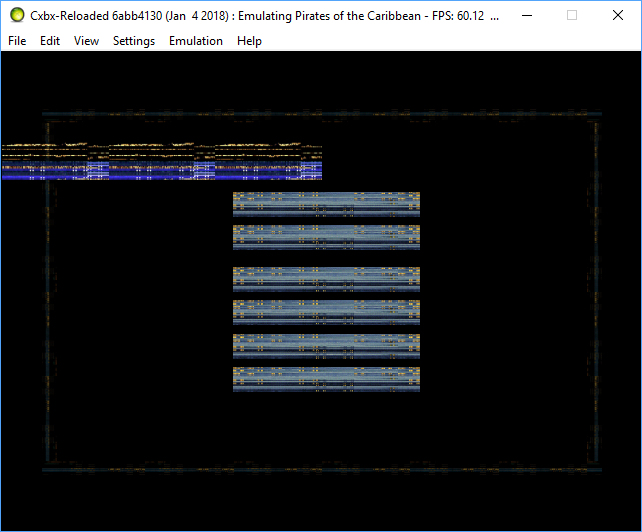
I've tested the current state with Build 6abb4130
game boots up to the main menu, but all graphics are broken.
When starting a new game, it crashes with this exception:
Received Exception Code 0xC0000005 @ EIP := 0x77E21AF0
hotzenplotz3000
on 4 Jan 2018
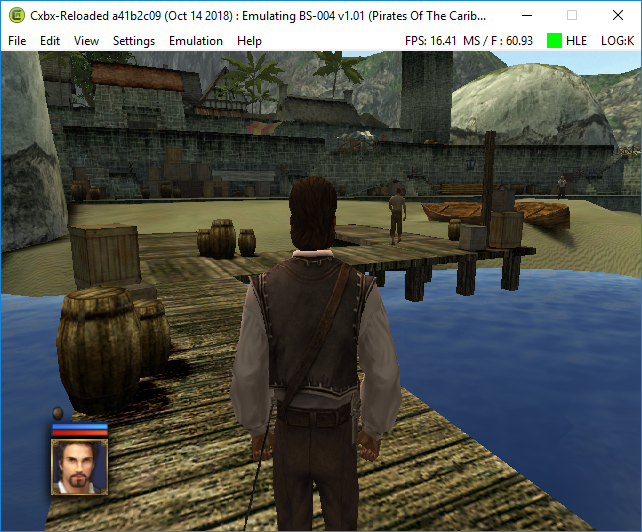
Now game is renders much better - no more depth and textures issues. Need to test walkthrough but i tested some locations - no issues at all.
 gandalfthewhite19890404
on 15 Oct 2018
gandalfthewhite19890404
on 15 Oct 2018
Black screen during intro videos - can be skipped https://github.com/Cxbx-Reloaded/Cxbx-Reloaded/pull/1605
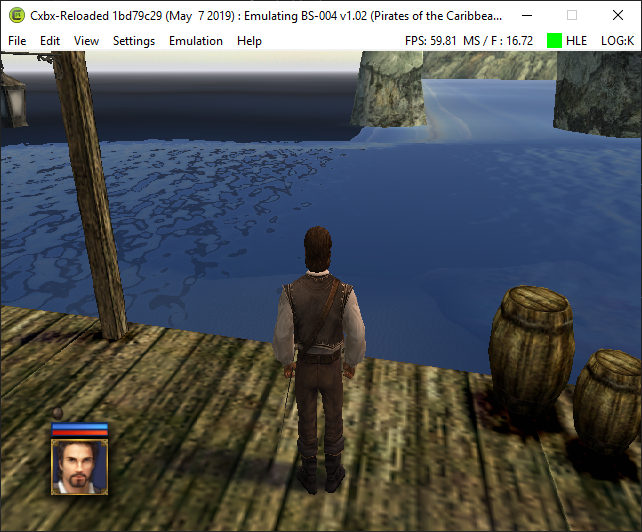
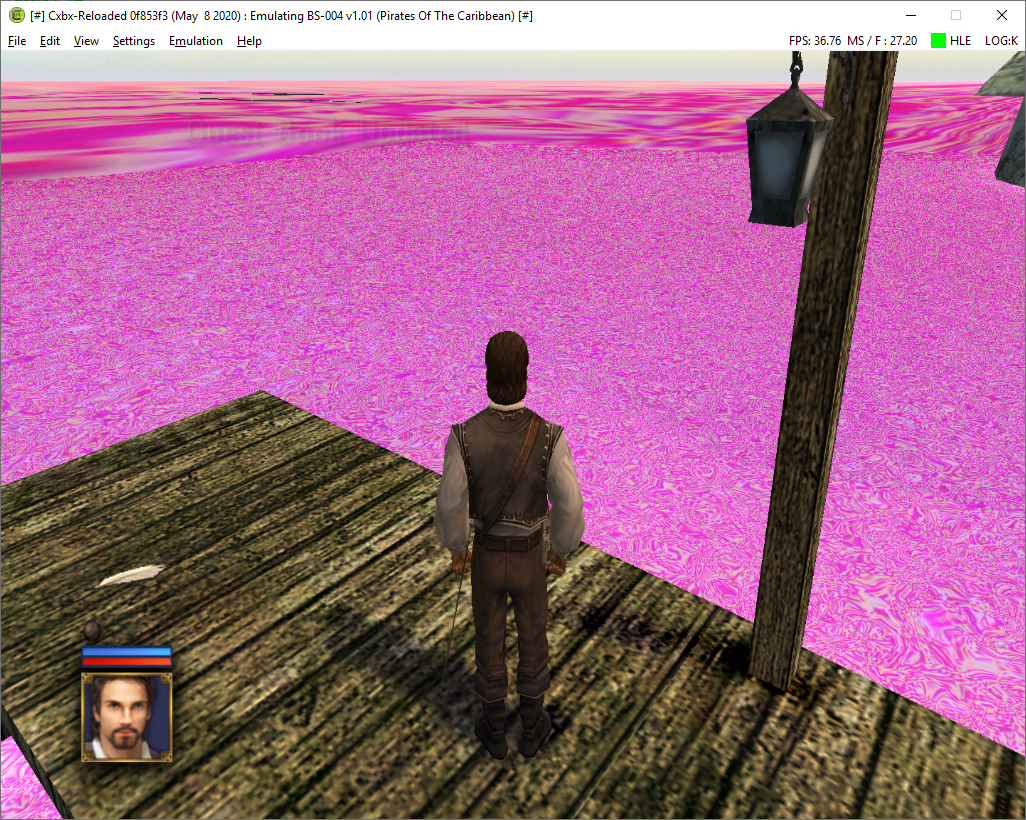
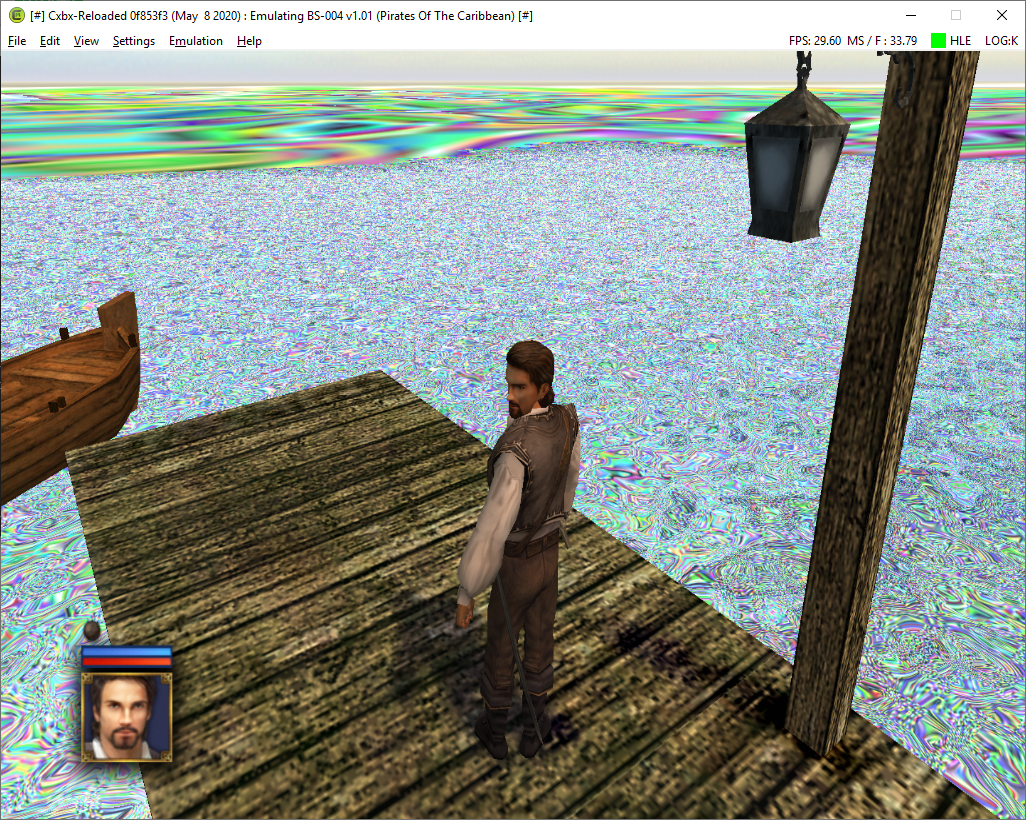
Water does not render correctly
 NZJenkins
on 7 May 2019
NZJenkins
on 7 May 2019
Interesting thing - in you start new game and then go outside you will get water like that:
Immediately load game(from ingame menu, by pressing Start):
Stop emulation, start it again and from load game from main menu:
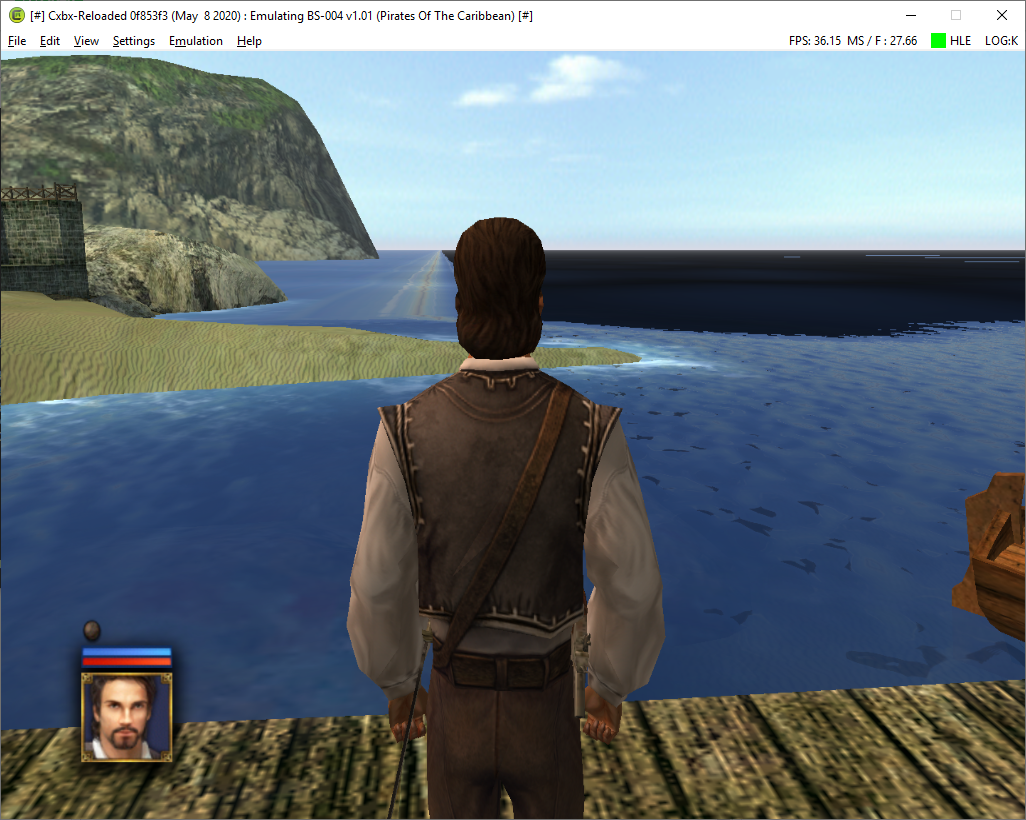
What is it? I may try to find regressed commit but it take some time because I can't simply load game?
gandalfthewhite19890404
on 10 May 2020
Screenshots in the last few posts from two different users above give the matching title ID: [BS-004].
Although, gandalf is using the v1.01 release while NZJenkins is using the v1.02 release.
And, oh, as the screens above show, the current status is now unfortunately partially working instead of working.
 ObiKKa
on 10 May 2020
ObiKKa
on 10 May 2020
Using v.102 i get the same results as gandalf.
Although for me it can randomly crash unexpectedly during the tutorial at non-specific times.
(Sadly im unsure how to figure out why it's crashing)
 HuskyNator
on 14 Sep 2020
HuskyNator
on 14 Sep 2020
Apart from the water, after trying this out for a while (saving constantly to remedy crashes), I've noticed that some saves turn out corrupted, and for some reason reached a dead end with any new saving being created crashing the program.
Edit: It seems this happens when close to max savefiles, removing some saves fixed it I think.
HuskyNator
on 27 Sep 2020
A comment, dated November 20, 2020, under a recent PR 2033, that was opened two weeks ago on November 16, 2020 (And then merged later on Nov 21), stated that the dialogue text in this game should already be rendered. The PR, which is about improving viewport calculations, fixed the scaling of the menu and UI-related elements on-screen.
Please retest this game.
ObiKKa
on 29 Nov 2020
Related issues
 PatrickvL
·
3Comments
PatrickvL
·
3Comments
 NNX3x
·
3Comments
NNX3x
·
3Comments
 fatjohnny118
·
3Comments
gandalfthewhite19890404
·
3Comments
hotzenplotz3000
·
3Comments
fatjohnny118
·
3Comments
gandalfthewhite19890404
·
3Comments
hotzenplotz3000
·
3Comments