Game-compatibility: FarCry Instincts [Far Cry Instincts] [US-008] [1.04]
_From @hotzenplotz3000 on July 31, 2017 22:15_
Hi guys.
i've tested Far Cry Instincts with the build a92a5d81
TitleID: 55530008
Region: 4
it crashes just after the "Ubisoft Montreal Studios" logo and playes the previous FMVs without any sound
It doesn't matter which sound options are enabled
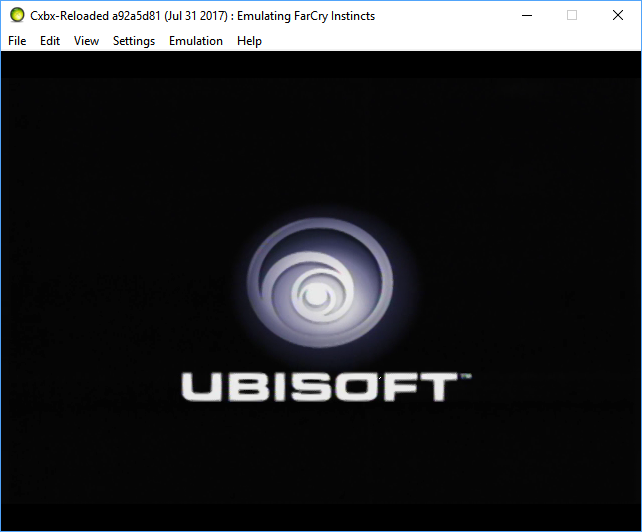
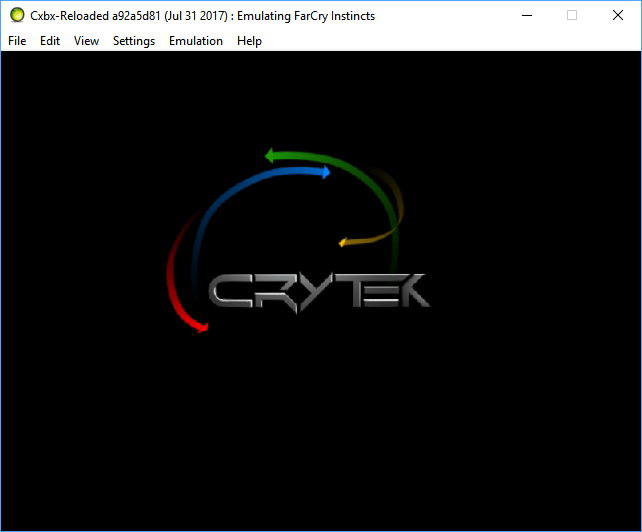
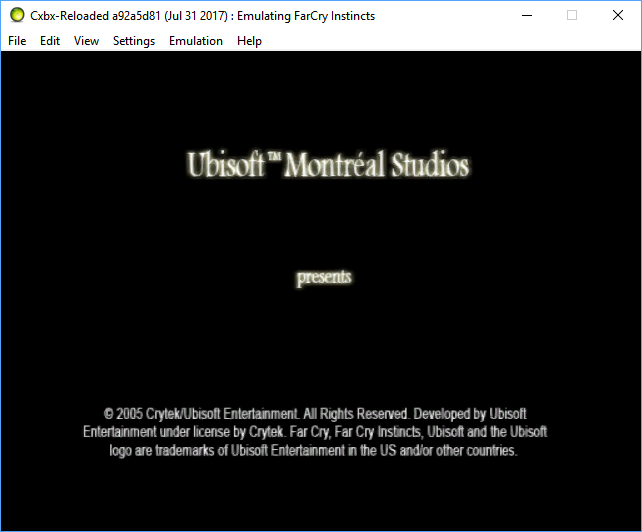
1.04: Xbe.txt
KrnlDebug.txt
it also has a level editor ige.xbe
this one goes to the menu and if i start a map, it crashes during the loading screen:
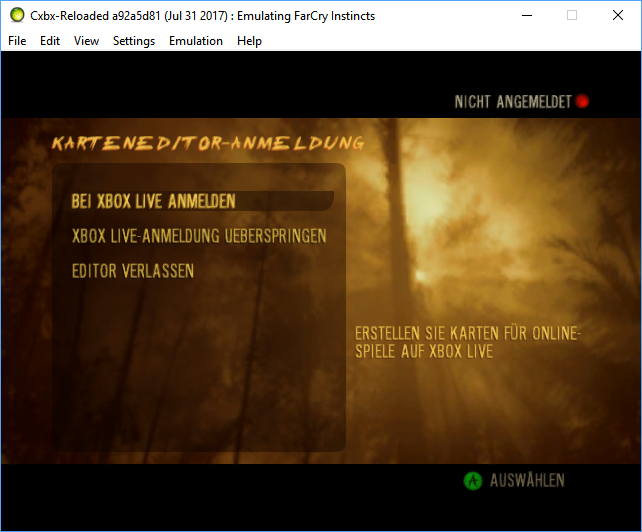
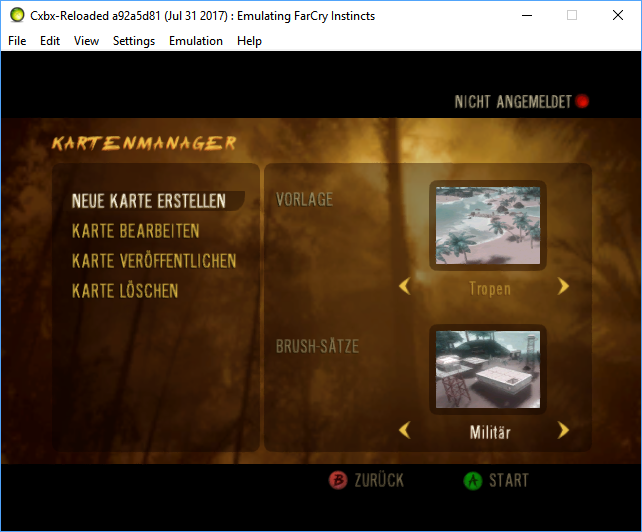
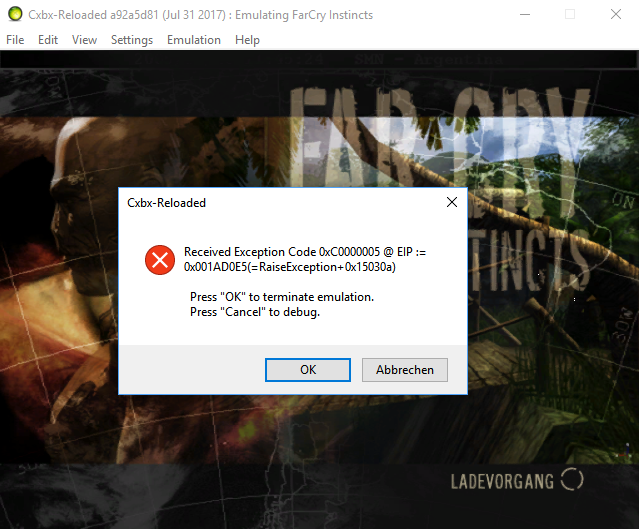
====================================
but I've remembered, that this game went into the main menu a few month ago
so I digged around in older builds and found the last version where it plays all the intros and shows the main menu 7c266ad4
the sound in all FMVs is choppy and it ignores all controller inputs
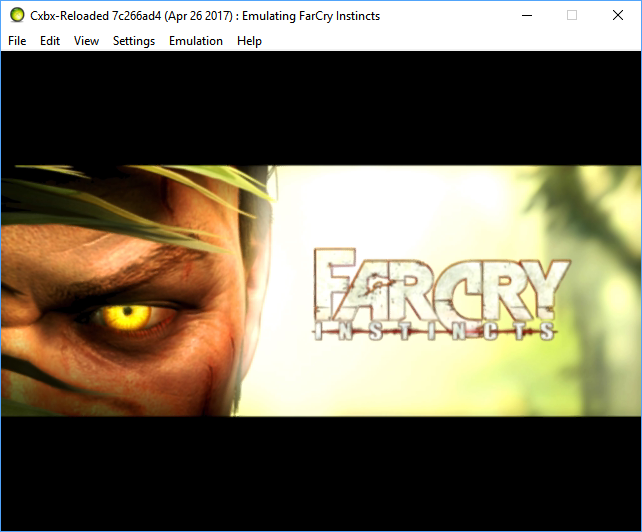
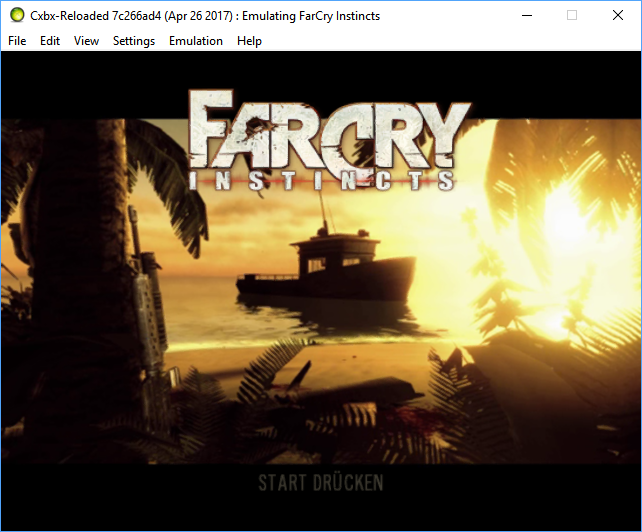
KrnlDebug.txt
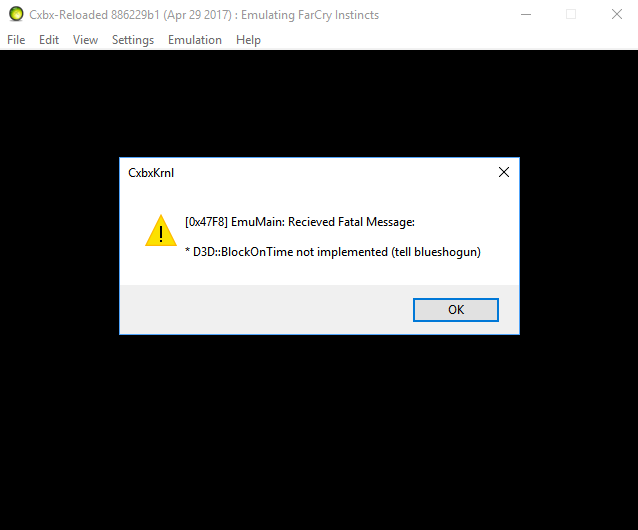
the next build 886229b1 crash after the "Montreal Studios" Logo
with: D3D::BlockOnTime not implemented (tell blueshogun)
KrnlDebug.txt
the next build where the behaviour to the previous bulds changed is e0daedb2
here it just crashs after the "Montreal Studios" Logo without any error message
KrnlDebug.txt
if it helps, I also have the hle-cache files
and of course my specs :)
i7 3820
Win10 x64
GTX 980Ti SLI
_Copied from original issue: Cxbx-Reloaded/Cxbx-Reloaded#565_
 PatrickvL
All 26 comments
_From @hotzenplotz3000 on August 4, 2017 20:18_
tested with build 77f28217
Intros are with Sound now
still crashes
KrnlDebug.txt
PatrickvL
on 15 Aug 2017
short update:
game goes into main menu with build 9cea5af8
starting new game result in an endless loading screen
there also a bunch of failed00000.xvu files in cxbx directory
 hotzenplotz3000
on 2 Sep 2017
hotzenplotz3000
on 2 Sep 2017
Regression after pr #753
Game doesn't recognize the gamepad anymore
Level editor also says now that no gamepad is connected
only difference in hlecache to previous build is a new function patch --> GetTypeInformation=5a95f1
KrnlDebug_05661be4._default.txt
KrnlDebug_05661be4_editor.txt
hotzenplotz3000
on 4 Oct 2017
That's interesting, as now XInput is slightly more accurate to how a real xbox works. Have you noticed anything similar in other titles?
 LukeUsher
on 4 Oct 2017
LukeUsher
on 4 Oct 2017
didn't test much yet, just the first game I've tried
sorry
hotzenplotz3000
on 4 Oct 2017
Could you retest with this version please and post the debug log, it should have more information about device type detection.
LukeUsher
on 5 Oct 2017
game is back to previous behaviour
Thanks @LukeUsher
KrnlDebug_04364407.txt
hotzenplotz3000
on 7 Oct 2017
A video from Literalmente{Game} (Dated Oct 9, 2017) showing this game getting to the menus nicely then loading screens before it ends.
His channel also has a video of Digimon World 4 running on this emulator. So that game is worth testing on this Github home page.
 ObiKKa
on 9 Oct 2017
ObiKKa
on 9 Oct 2017
Alas there's no mention of which build version it's running
PatrickvL
on 9 Oct 2017
There is a regression after HLEDB_V2 update https://github.com/Cxbx-Reloaded/Cxbx-Reloaded/pull/771
Game now crashes right away with this error:
````---------------------------
Cxbx-Reloaded
Received Exception Code 0xC0000005 @ EIP := 0x0050AF07(=D3D_MakeRequestedSpace+0x37)
Press "OK" to terminate emulation.
Press "Cancel" to debug.
OK Abbrechen
````
Dump:
KrnlDebug_74e61b6b.txt
hlecache_before_update.txt
HLEDB_v2_cache.txt
hotzenplotz3000
on 22 Oct 2017
On the latest build, the game displays the Ubisoft logo, but then just remains on an endless black screen.
 Voxel9
on 13 Jan 2018
Voxel9
on 13 Jan 2018
@ compatibility-list maintainers is it possible to assign this issue back to me, so I can update the initial issue?
I can also confirm the regression after the PR https://github.com/Cxbx-Reloaded/Cxbx-Reloaded/pull/853
I've corrected the PR to 853. Sorry my mistake
hotzenplotz3000
on 14 Jan 2018
@ compatibility-list maintainers is it possible to assign this issue back to me, so I can update the initial issue?
I don't believe I can assign issues to those who aren't maintainers, if you want you can post your updated version and I can add it. You could also ask to be an issue maintainer if you don't mind helping out - any assistance is appreciated. 👍
 CakeLancelot
on 14 Jan 2018
CakeLancelot
on 14 Jan 2018
Game is back to its previous behavior with PR https://github.com/Cxbx-Reloaded/Cxbx-Reloaded/pull/858
KrnlDebug_8ee17ac6.zip
Nice work 👍
hotzenplotz3000
on 14 Jan 2018
The game now shows a CreateTexture error.

 AmbientMalice
on 15 Apr 2018
AmbientMalice
on 15 Apr 2018
@AmbientMalice At which point does Farcry show a CreateTexture 0x8876086C error dialog?
Try to open the DirectX control panel, go to the Direct3D tab, and select "Enable Debug Runtimes". If that's available, it might result in additional log messages detailing what went wrong with this CreateTexture call.
PatrickvL
on 15 Apr 2018
At which point does Farcry show a CreateTexture 0x8876086C error dialog?
During the level loadscreen.
Try to open the DirectX control panel, go to the Direct3D tab, and select "Enable Debug Runtimes". If that's available, it might result in additional log messages detailing what went wrong with this CreateTexture call.
I'll do that if/when I get the chance.
AmbientMalice
on 15 Apr 2018
Unfortunately the DirectX control panel doesn't appear to work under Windows 10. (Note the greyed out functions.)
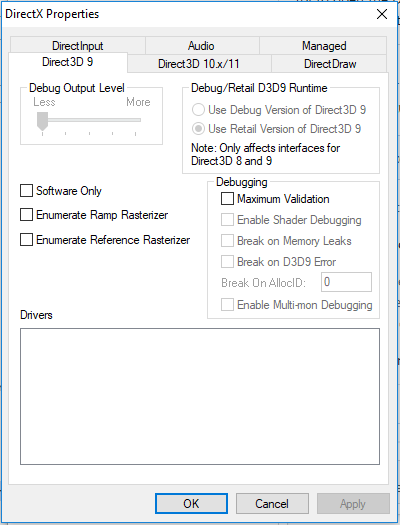
I've looked around, and this problem appeared in 7 SP1, but then MS completely broke debug DX9 in Win 8, and I assume Win 10 carries on from that.
AmbientMalice
on 15 Apr 2018
Thanks for trying anyways.
PatrickvL
on 15 Apr 2018
Format 75 is D3DFMT_D24S8 - this is a depth-stencil format which would normally only be created as a surface (via CreateDepthStencilSurface), so it's strange that the Xbe decides to create this as a texture.
PatrickvL
on 16 Apr 2018
 frankyfife
on 29 May 2018
frankyfife
on 29 May 2018
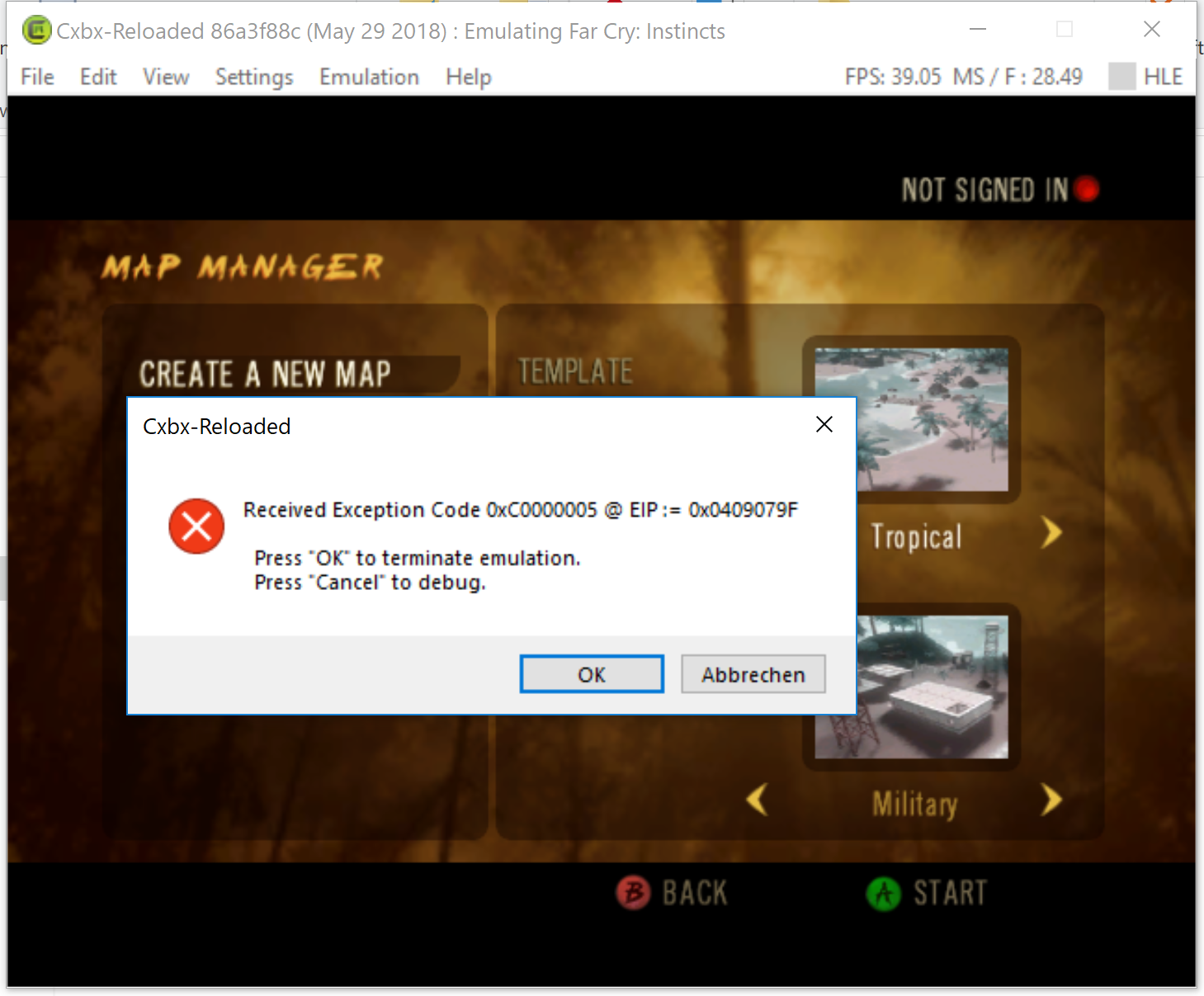
A couple new test screenshots from this new, ongoing PR, on Vertex declaration refactoring (click on Details highlight to view screens), show some progress in the ingame status.
There is something more being shown ingame if that draft PR is merged. But it's just a mess of poorly rendered graphics, though, HUD icons are clearly rendered in the second shot. Maybe with more work, the ingame graphics will eventually become near legible to the naked eyes.
ObiKKa
on 9 May 2020
On the most recent build, for me it gets to one of the opening screens, and then seems to sit there forever.

1.01: KrnlDebug.txt
 bryce13950
on 23 May 2020
bryce13950
on 23 May 2020
Most recent build now plays the opening cinematic after the last screenshot, but it now gets to a black screen after that.
bryce13950
on 14 Jun 2020
The title id for this one is US-008 1.01
bryce13950
on 4 Jul 2020
@bryce13950 It's actually a different version of the game.
 Margen67
on 24 Jul 2020
Margen67
on 24 Jul 2020
Related issues
 fatjohnny118
·
3Comments
fatjohnny118
·
3Comments
 NNX3x
·
3Comments
hotzenplotz3000
·
3Comments
NNX3x
·
3Comments
hotzenplotz3000
·
3Comments
 gandalfthewhite19890404
·
3Comments
fatjohnny118
·
3Comments
gandalfthewhite19890404
·
3Comments
fatjohnny118
·
3Comments
Most helpful comment
Game is back to its previous behavior with PR https://github.com/Cxbx-Reloaded/Cxbx-Reloaded/pull/858
KrnlDebug_8ee17ac6.zip
Nice work 👍