Game-compatibility: 4541080F - The Orange Box
Tested on xenia-project/xenia@51c3df1
Issues:
Stuck at choosing game screen - Not responding to any key/button (keyboard & xbox 360 controller)
Maybe it freezes?
Screenshot(s):

Log
Labels:
state-menus
 RoySenpai
All 20 comments
state-crash as of https://github.com/benvanik/xenia/commit/8ea9aea84c79a817960a4ca6fe2ff3eca0f36cd1
Log: https://gist.github.com/Margen67/918cbb8abef3c8ba528f58b0fec6d9ca
 Margen67
on 18 Jun 2016
Margen67
on 18 Jun 2016
All Source Engine games crashing after 29 December 2015 update
 JusicP
on 6 Aug 2017
JusicP
on 6 Aug 2017
@JusicP Do you know which commit?
Margen67
on 6 Aug 2017
@Margen67 here: xenia-project/xenia@cc72de0
I think all problem with unimplemented instruction mtvscr.
JusicP
on 6 Aug 2017
Perhaps im late but the drawing of the gpu and the rendering works fine... it renders hl2 and portal works somewhat. The portals dont render correctly and the particles (including the grid not working)
 13yearoldADULT
on 19 Oct 2017
13yearoldADULT
on 19 Oct 2017
@13yearoldADULT Which commit, renderer, etc?
Margen67
on 19 Oct 2017
I got the menu to load, The thumbs and background seem not appearing, Episode Two Works kind of, The Text is not there and when i got on the game, the cutscene from Episode One happen you can watch it all the way through until you get into the actual game then it freezes, My Keyboard and controller does respond to the game, Not Sure about mouse yet.
 ghost
on 10 Dec 2017
ghost
on 10 Dec 2017
@CkTheSorrow Build?
JusicP
on 24 Dec 2017
@JusicP It only loads on Debugging such as Windbg and Microsoft Visual Studio, but here's the Log, https://pastebin.com/LveiLy37
ghost
on 4 Jan 2018
Game just boots up to a whitescreen shortly after crashes xenia.
 PersonalityPi
on 27 May 2018
PersonalityPi
on 27 May 2018
Crashes immediately on startup in Xenia 131525e4 (DirectX 12)
 FitterSpace
on 4 Oct 2018
FitterSpace
on 4 Oct 2018
as of master currently:
This is only usable with a debugger attached and pressing go to all breakpoints/exceptions.
AppChooser is unusable
It gets in game but does not render correctly (black screen but visible hud)
Text is garbled.
 Juesto
on 10 Nov 2018
Juesto
on 10 Nov 2018
Shows the menus on Direct 3D , Running through windbg, I recorded it https://www.youtube.com/watch?v=PChlD1F_9nE
ghost
on 17 Jan 2019
It seems like its not reading the tier0_360 in the iso
xenia.log
ghost
on 17 Jul 2019
Orange Box.zip
The emulator completely crashes when I load the iso.
FitterSpace
on 24 Sep 2019
For me it does not crashing, but with x360ce game not accept any input so I cannot choose game to play.
 gandalfthewhite19890404
on 16 Oct 2019
gandalfthewhite19890404
on 16 Oct 2019
Still not launching.
 bm07tr
on 24 Apr 2020
bm07tr
on 24 Apr 2020
Still not Launching
xenia.log
 sabi1
on 27 Jul 2020
sabi1
on 27 Jul 2020
Requires GPU>CPU resolve readback for fonts.
 Triang3l
on 4 Aug 2020
Triang3l
on 4 Aug 2020
Still not working... This is what i got for now:
break_on_unimplemented_instructions = false - Makes the game not crash upon opening the file/iso.
d3d12_readback_resolve = true - Makes the text appear in the main menu and fixes it in the games if you manage to launch it.
d3d12_resolution_scale = 2 - Makes the above one break. (Must be 1)
break_on_unimplemented_instructions = true with d3d12_readback_resolve = false with d3d12_resolution_scale = 1 does:
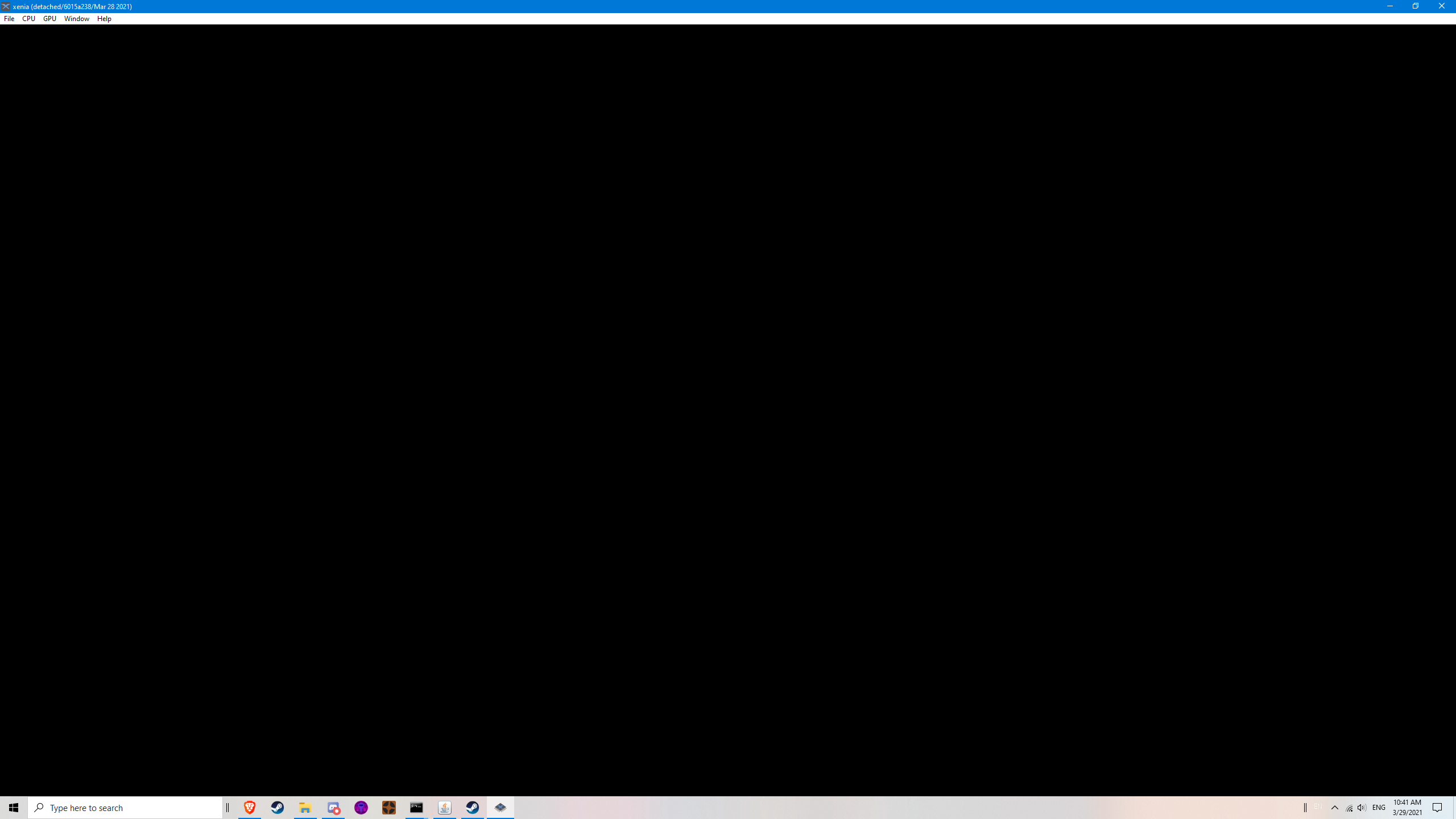
_Crashes._ (The window closes)
break_on_unimplemented_instructions = false with d3d12_readback_resolve = false with d3d12_resolution_scale = 1 does:

_Opens but almost always freezes when selecting a game._ (With corrupted text in games and no text in menus)
break_on_unimplemented_instructions = false with d3d12_readback_resolve = false with d3d12_resolution_scale = 1 does:
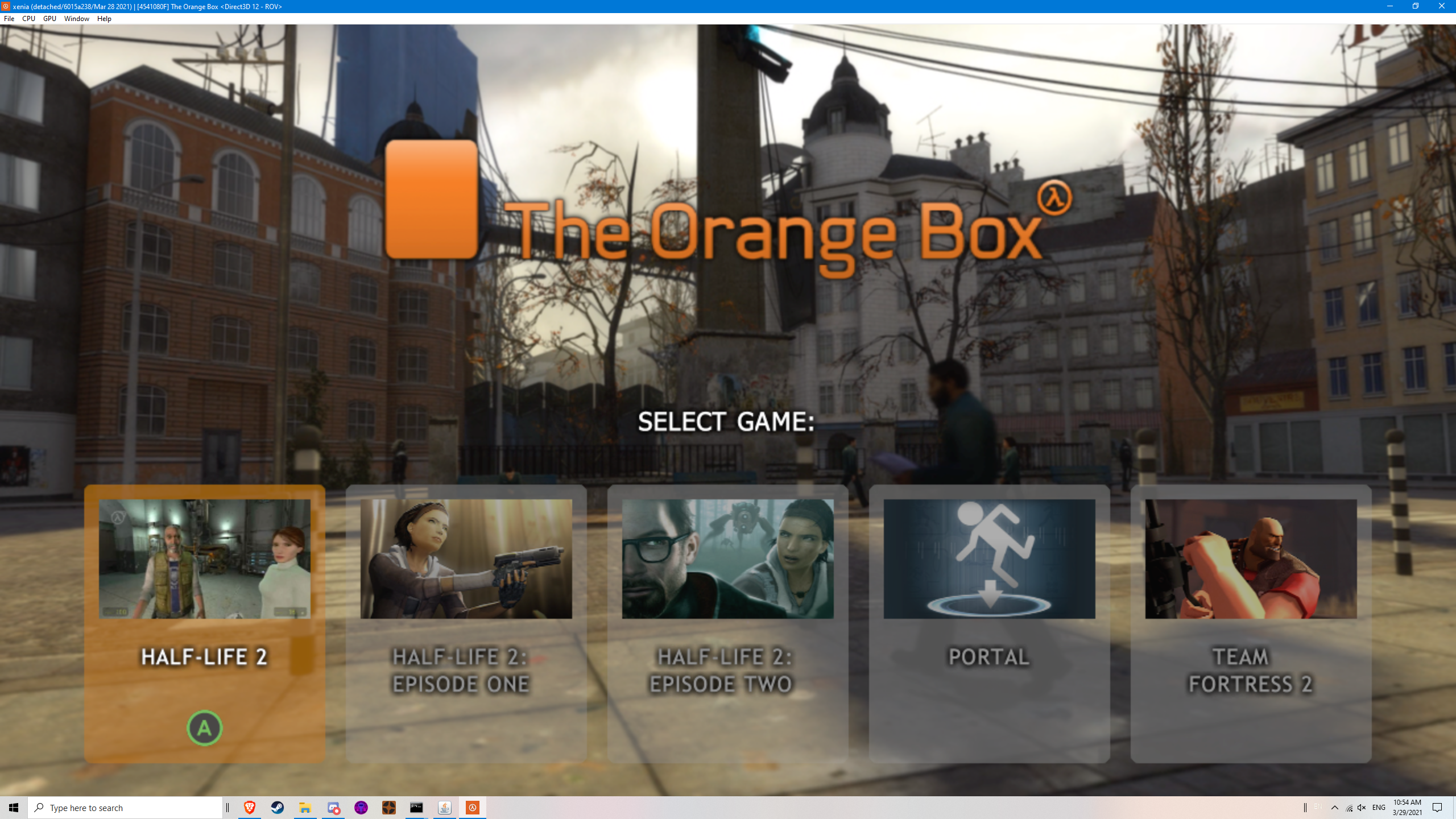
_Opens but almost always freezes when selecting a game._ (Without corrupted text)
Other notes:
After many retries, i was able to launch TF2 (Team Fortress 2) by only launching it again and again until it loads with and without the corrupted text. But upon doing an action in the ingame menu, it just freezes there, waiting us to close it...
Edit:
I did cl = "-dvd -game tf" to launch TF2, but still freezes after doing an action...
Edit2:
I added -nosound and it works despite having no sounds or lipsync on characters.
 LifeDreamer24
on 29 Mar 2021
LifeDreamer24
on 29 Mar 2021
Related issues
 SeppNel
·
7Comments
SeppNel
·
7Comments
 ok122234
·
6Comments
ok122234
·
6Comments
 Myoko
·
7Comments
Myoko
·
7Comments
 nahucirujano
·
6Comments
nahucirujano
·
6Comments
 cooperate
·
5Comments
cooperate
·
5Comments
Most helpful comment
Crashes immediately on startup in Xenia 131525e4 (DirectX 12)
xenia.log