Fsnotes: I added the Simplified Chinese Language Pack for mac, but there are some things that can't be displayed properly!
Describe
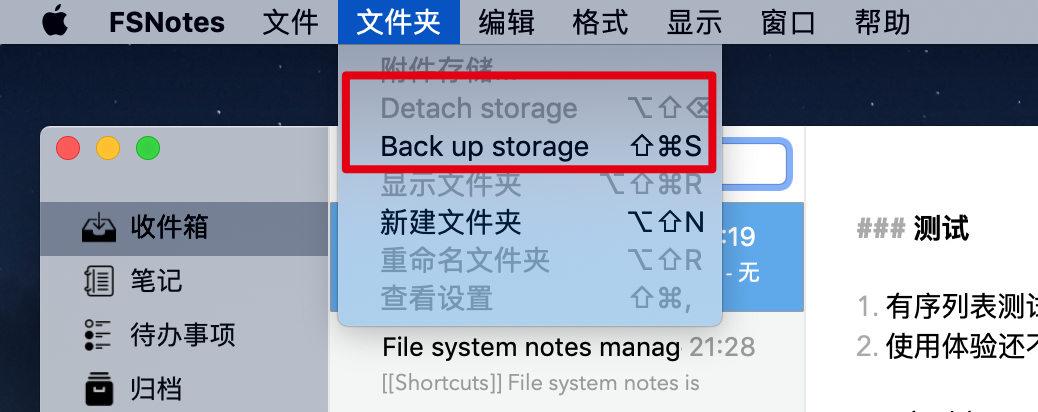
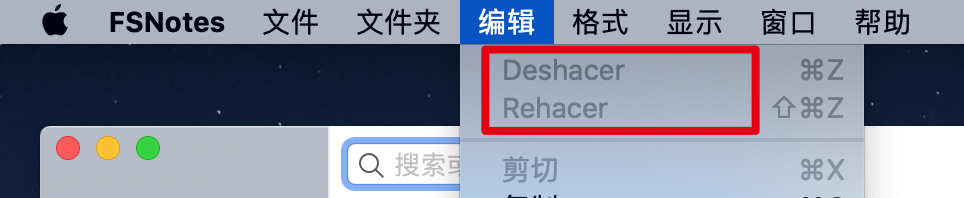
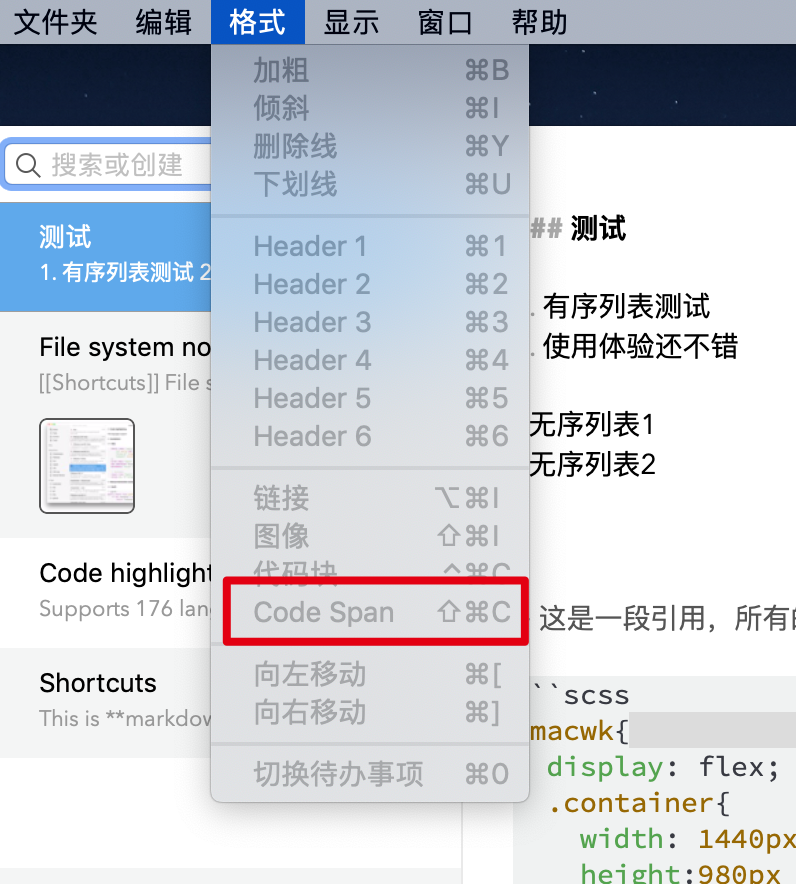
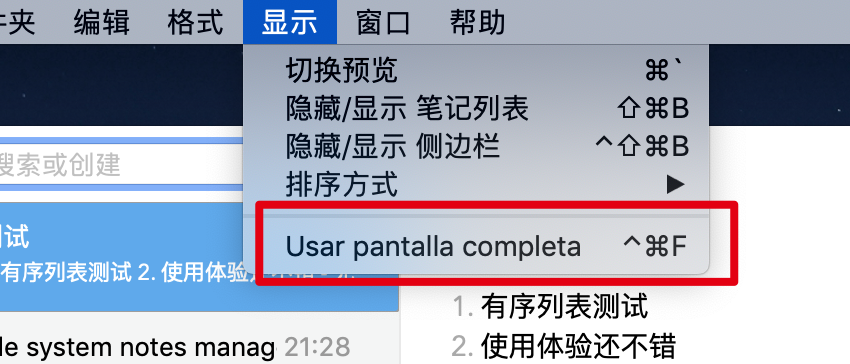
I added the Simplified Chinese Language Pack, but there are some things that can't be displayed properly. How can I operate it?
Additional context

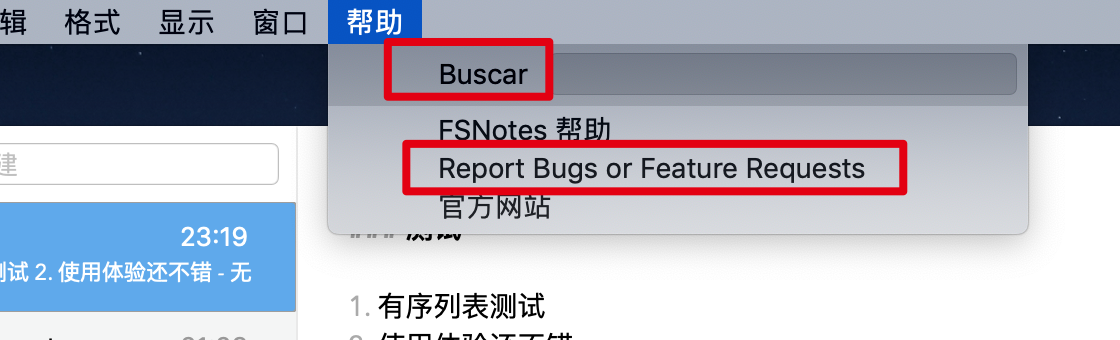
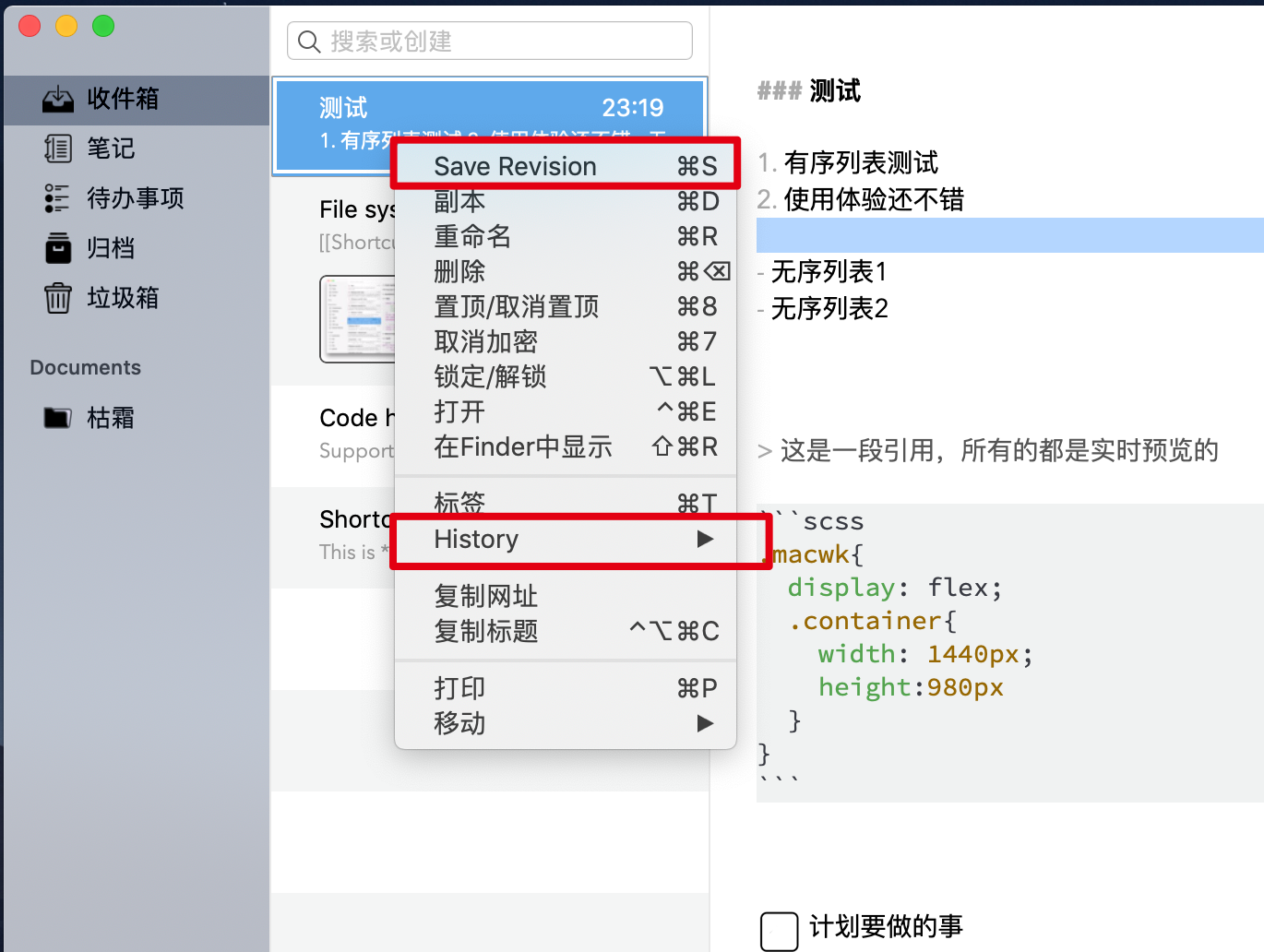
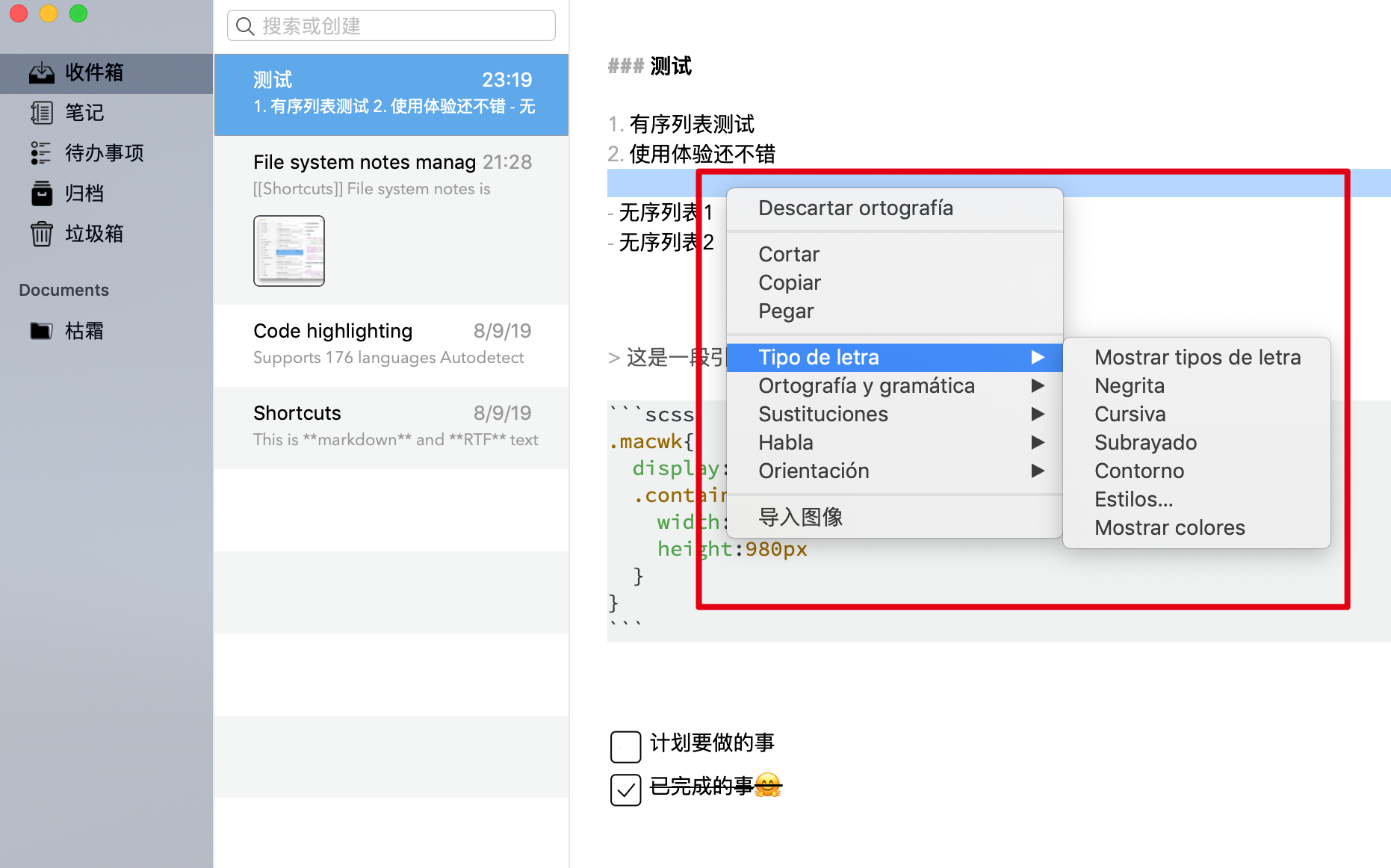
 cdwmhcc
All 15 comments
Can you provide pull request?
 glushchenko
on 11 Sep 2019
glushchenko
on 11 Sep 2019
Can you provide pull request?
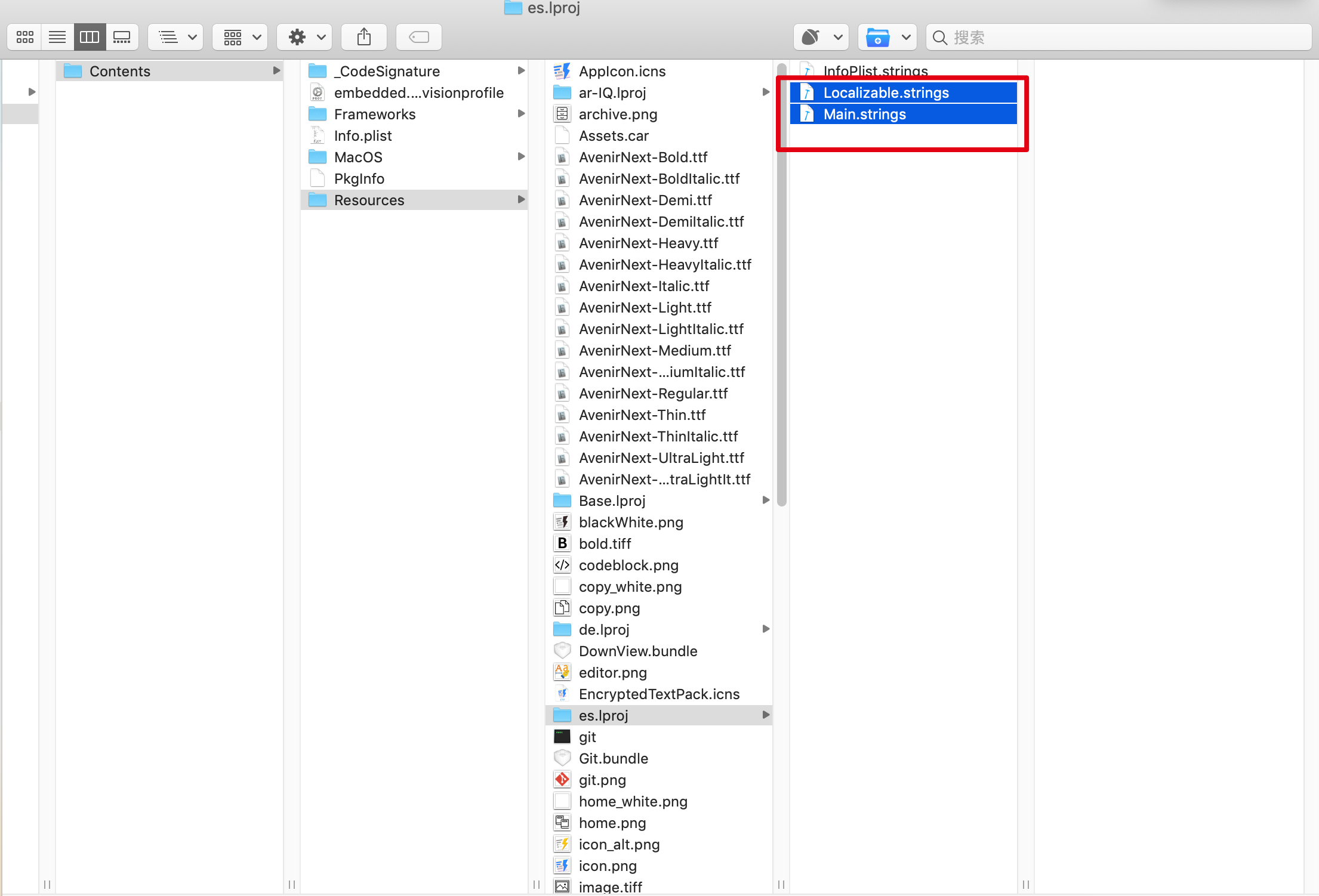
I modify these two files directly and don't know how to add other languages.
cdwmhcc
on 12 Sep 2019
If you want make translation I can provide full set of files.
glushchenko
on 12 Sep 2019
If you want make translation I can provide full set of files.
That's great, thank you. Cool
cdwmhcc
on 12 Sep 2019
All non empty string should be filled. You can use XLIFFTool https://remuslazar.github.io/osx-xliff-tool/
glushchenko
on 13 Sep 2019
All non empty string should be filled. You can use XLIFFTool https://remuslazar.github.io/osx-xliff-tool/
Thank you very much, I am going to sleep, I will send it to you tomorrow. The guarantees are all accurate.
cdwmhcc
on 13 Sep 2019
 gingerbeardman
on 13 Sep 2019
gingerbeardman
on 13 Sep 2019
App download: https://apps.apple.com/gb/app/xlifftool/id1074282695?mt=12
Wow, I use Xliff Editor,haha.
cdwmhcc
on 14 Sep 2019
Source | Target | notes
------------ | ------------- | -------------
Attach storage | 附加存储 | I don't quite understand. I need to know what it can do.
Archive storage | 存档存储 | I don't quite understand. I need to know what it can do.
Back up storage | 备份存储 | I don't quite understand. I need to know what it can do.
Set| | Is this a setup or a collection? I need to know what it can do.
hour at | | Does it mean:『sometime』?
Automatic snapshots | 自动快照 | Does it mean: 『Auto Save』 ?
Default Keyboard On Edititng | 编辑时的默认键盘 | Does it mean: 『input method』?
2/23/11 | | What's the meaning of this?
Table View Cell | | What's the meaning of this?
cdwmhcc
on 14 Sep 2019
- Attach storage - adds multiple folders.
- Back up storage - commits all files in Git repository.
- hour at - every N hours on XX minute of hour.
- Set - setup font.
Another strings not important
glushchenko
on 14 Sep 2019
- Attach storage - adds multiple folders.
- Back up storage - commits all files in Git repository.
- hour at - every N hours on XX minute of hour.
- Set - setup font.
Another strings not important
1、Attach storage - 添加多个文件夹.
2、Back up storage - 提交git的存储库中的所有文件.
3、hour at - every N hours on XX minute of hour. (This is not easy to translate. I will not translate it for the time being.)
4、Set - 设置字体.
5、Code span - 单行代码 (The translation between is wrong and needs to be changed to this.)
6、System - 跟随系统 (The translation between is wrong and needs to be changed to this.)
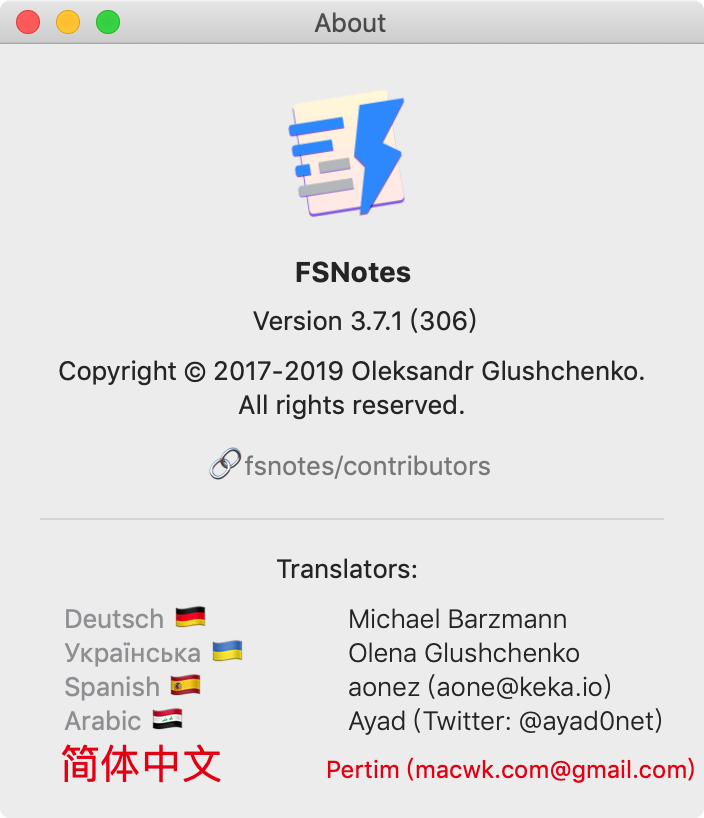
There may be some differences in translation. If it is convenient, you can package one and I will check it again.
cdwmhcc
on 16 Sep 2019
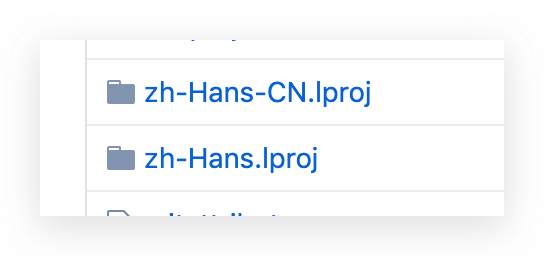
Both of these are Chinese, but there are many differences.
I am offering Chinese Simplified, which is used by more than 95% of Chinese people.
The other is traditional Chinese, only used in Taiwan, China.
cdwmhcc
on 16 Sep 2019
Thank you, @cdwmhcc for awesome work. I made dev build, please check this:
glushchenko
on 16 Sep 2019
@glushchenko
Need correction
Source | Target | notes
------------ | ------------- | -------------
Open | 使用文本编辑器打开 |
Default storage: | 默认存储位置: |
Line width: | 内容区宽度 |
Focus in editor when selecting note: | 当选中笔记时编辑器自动聚焦(笔记内容区处于编辑状态) |
Show in Terminal: | 在终端中打开: |
Not sure.
I tried the following two shortcuts, but they are not the same as the actual performance and words.
Source | Target | notes
------------ | ------------- | -------------
Search shortcut: | 搜索快捷键: |
Save clipboard shortcut: | 保存到剪贴板快捷键 |
Questions and BUG
1、Not translated
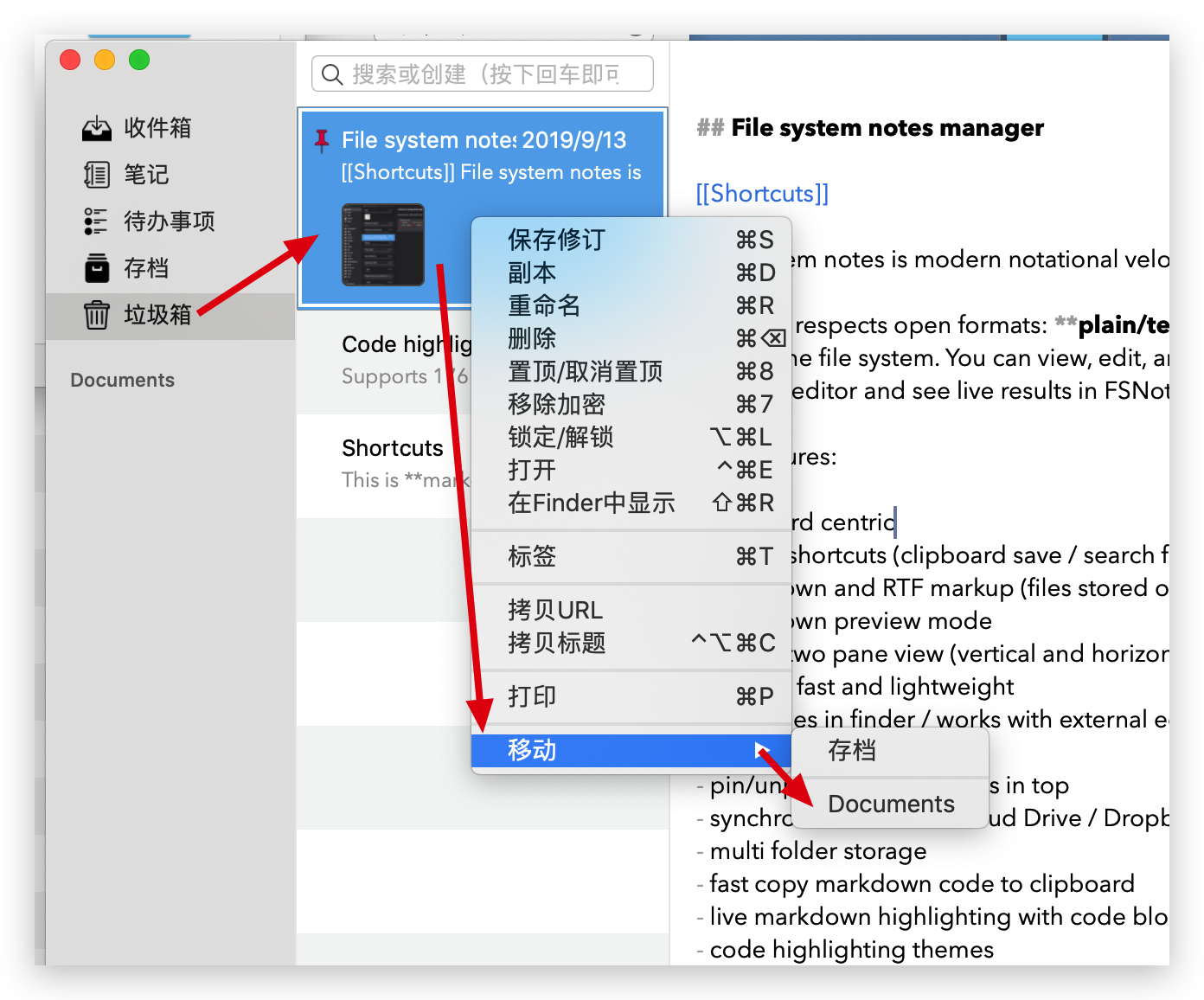
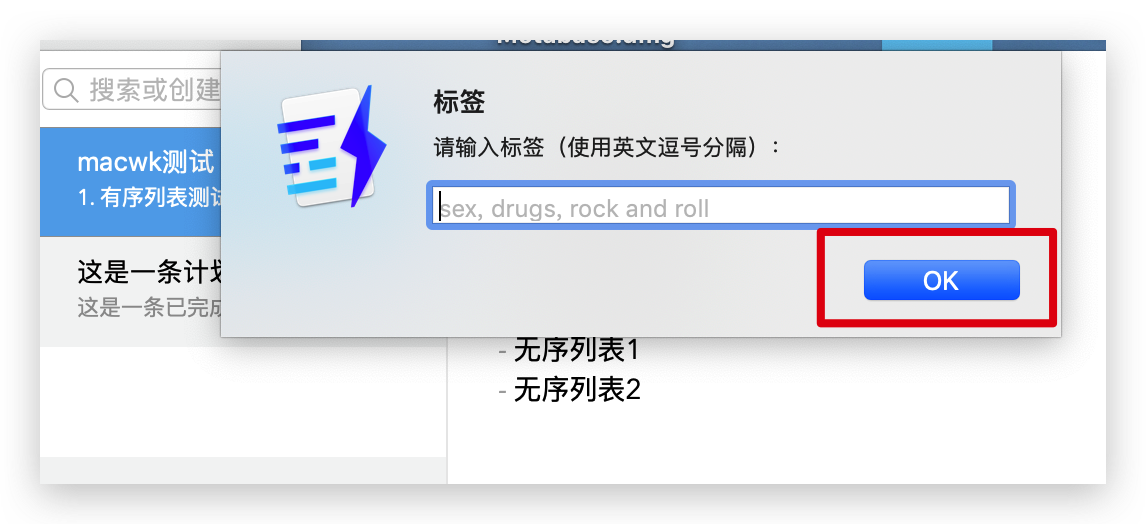
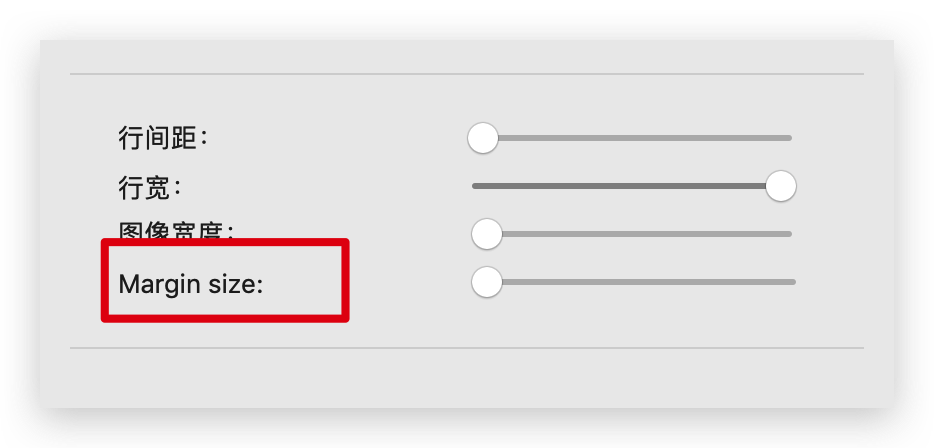
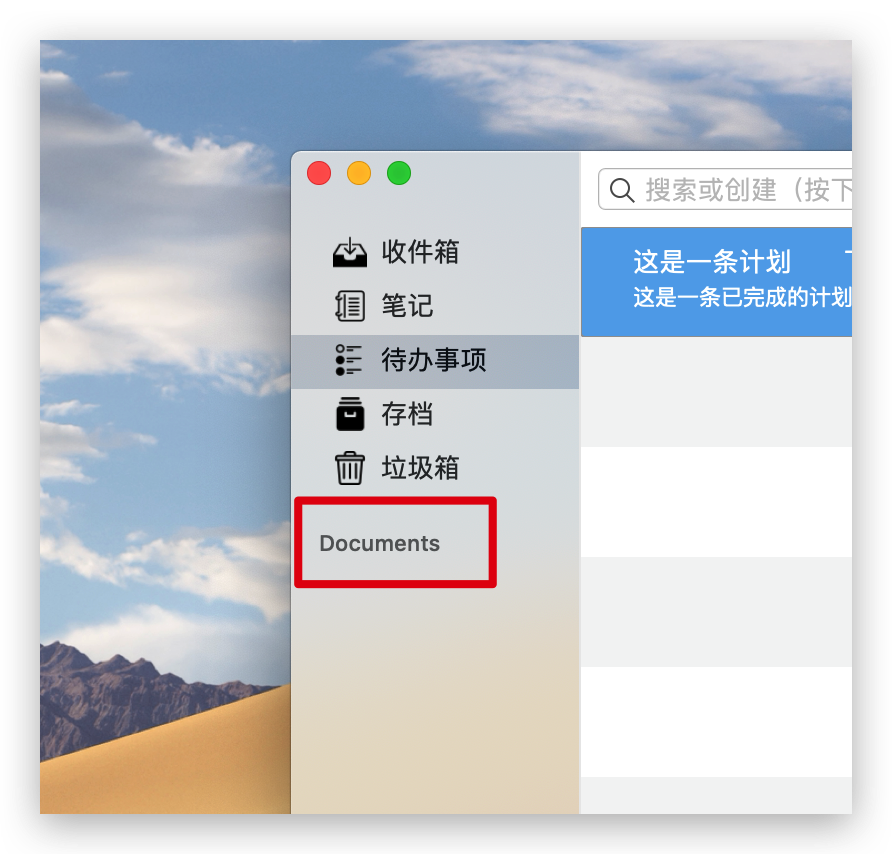
2、Unable to quit, unable to close
3、Not aligned with the checkbox
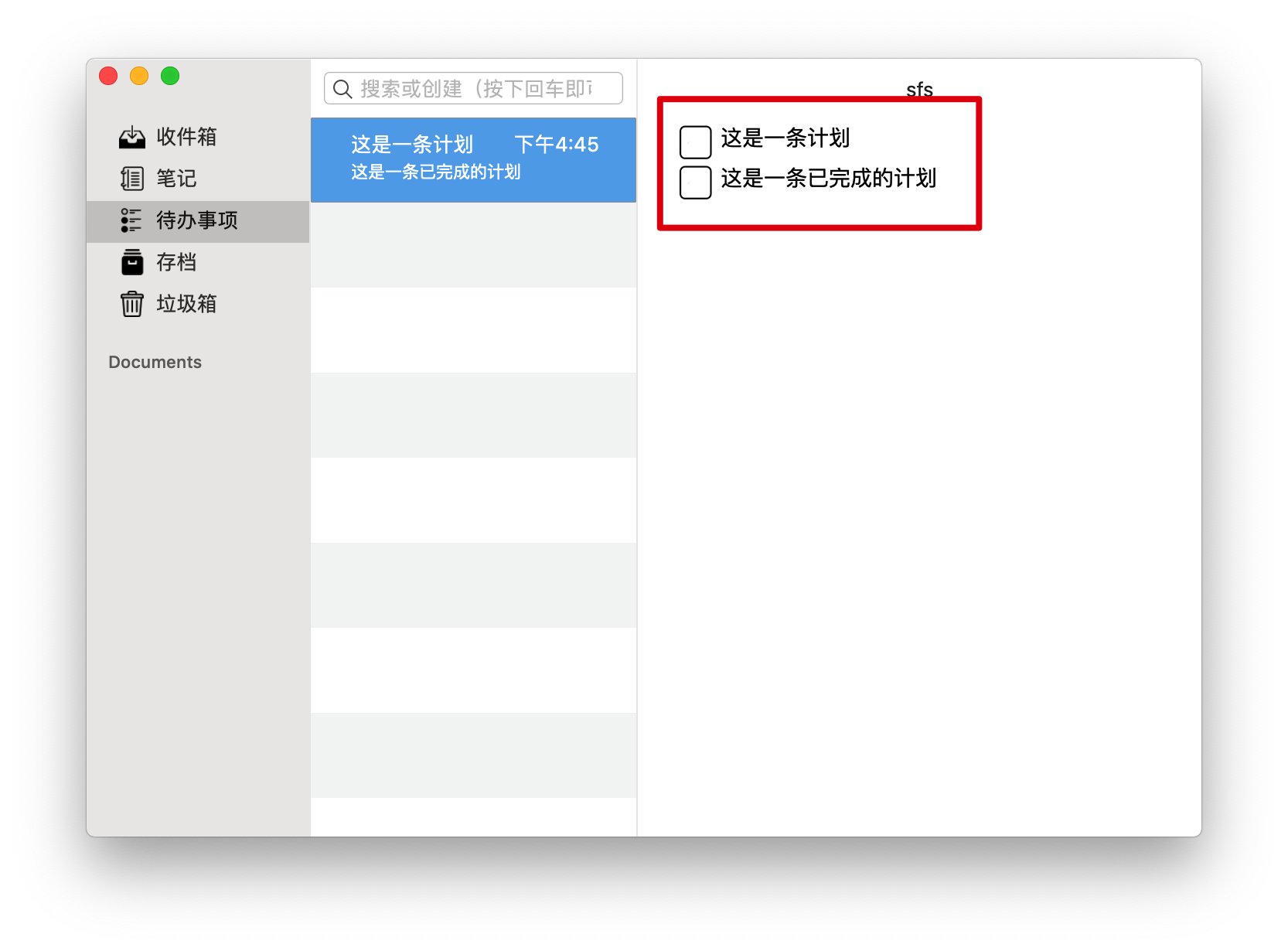
4、Not fully displayed
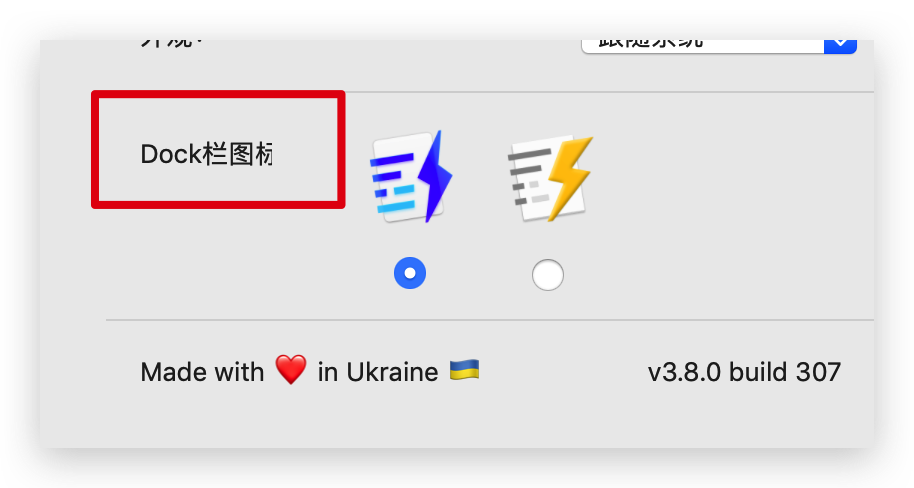
5、I don't know what function it is.
Markdown Preview CSS:
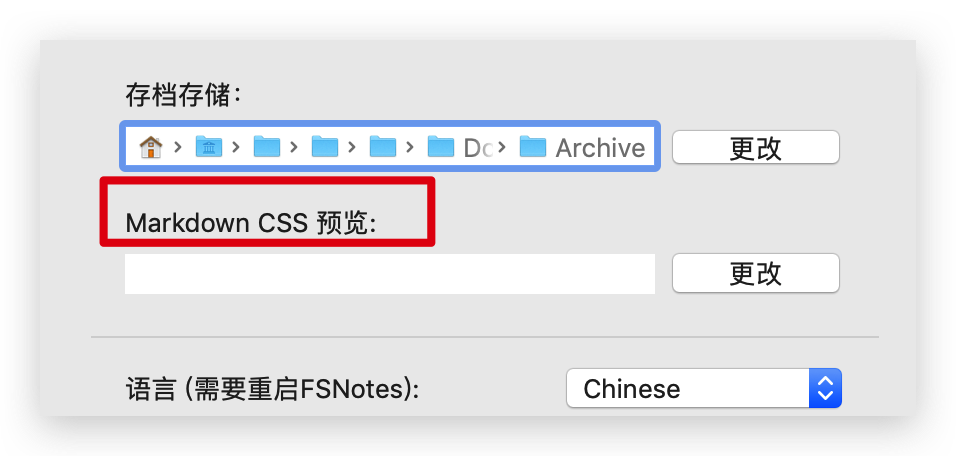
XXXXXXXXXXXX
Apart from these, no more problems have been found so far.
Thank you,
I love FSNotes.
cdwmhcc
on 16 Sep 2019
Thanks, will be available soon on GitHub and MAS.
glushchenko
on 16 Sep 2019
Related issues
 iandol
·
4Comments
iandol
·
4Comments
 yene
·
3Comments
yene
·
3Comments
 lowski
·
3Comments
lowski
·
3Comments
 ebsmv
·
4Comments
ebsmv
·
4Comments
 dmattera
·
3Comments
dmattera
·
3Comments
Most helpful comment
App download: https://apps.apple.com/gb/app/xlifftool/id1074282695?mt=12