Foundation.mozilla.org: [Wagtail Component] Figure, Image, Image text, Figure Grid
@taisdesouzalessa @gvn we should look at these 4 components more holistically and see how we can make them easier to use and better looking.
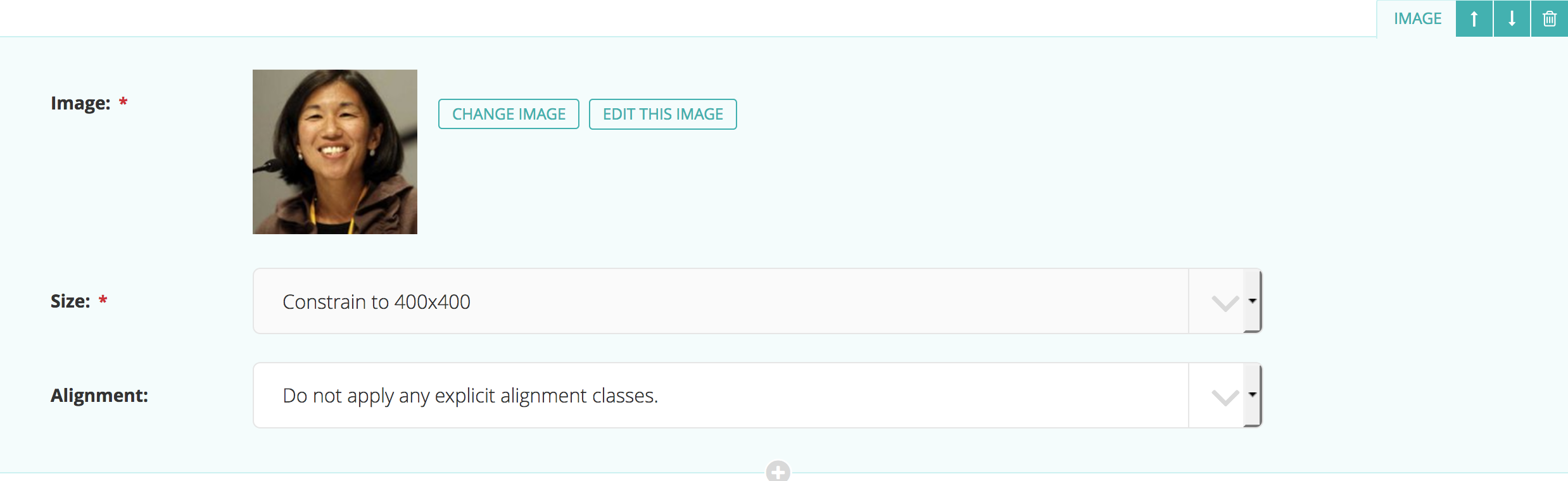
Image
- Image (size + alignment)

Figure
- Image (size + alignment)
- Caption (paragraph text style)
- URL (turns paragraph into link)
- (result = image on top of text)
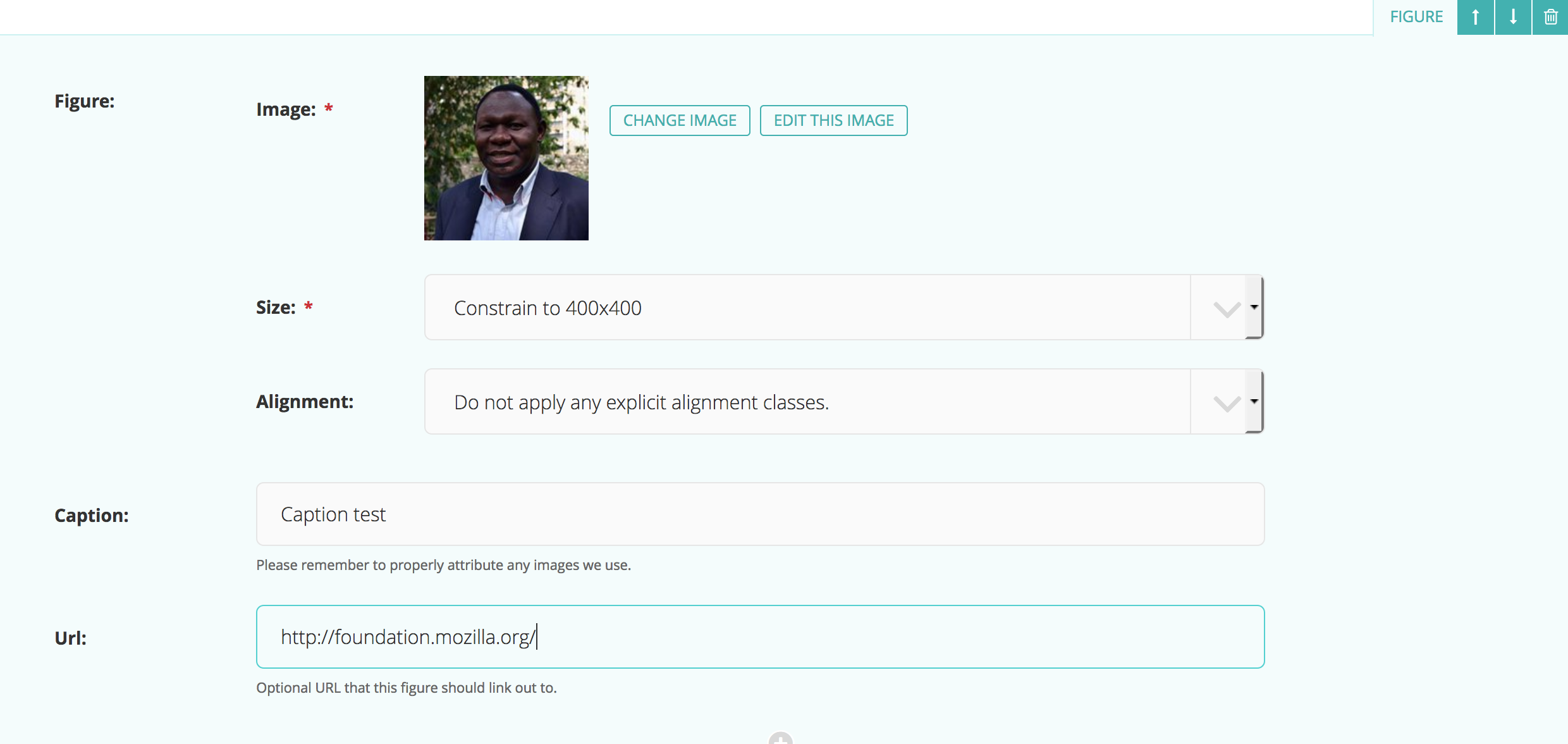

Image text
- Text (paragraph text style)
- Image (size + ordering (similar to alignment))
- (result = image left of text)
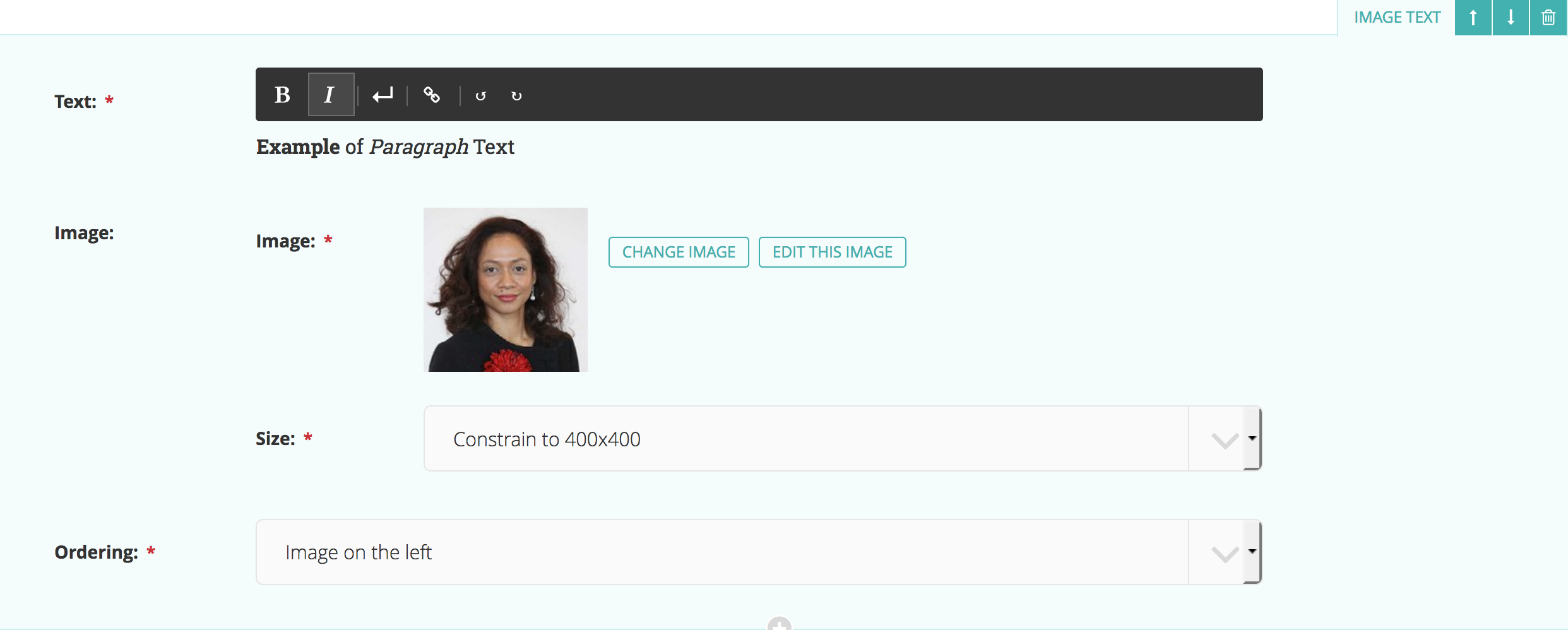

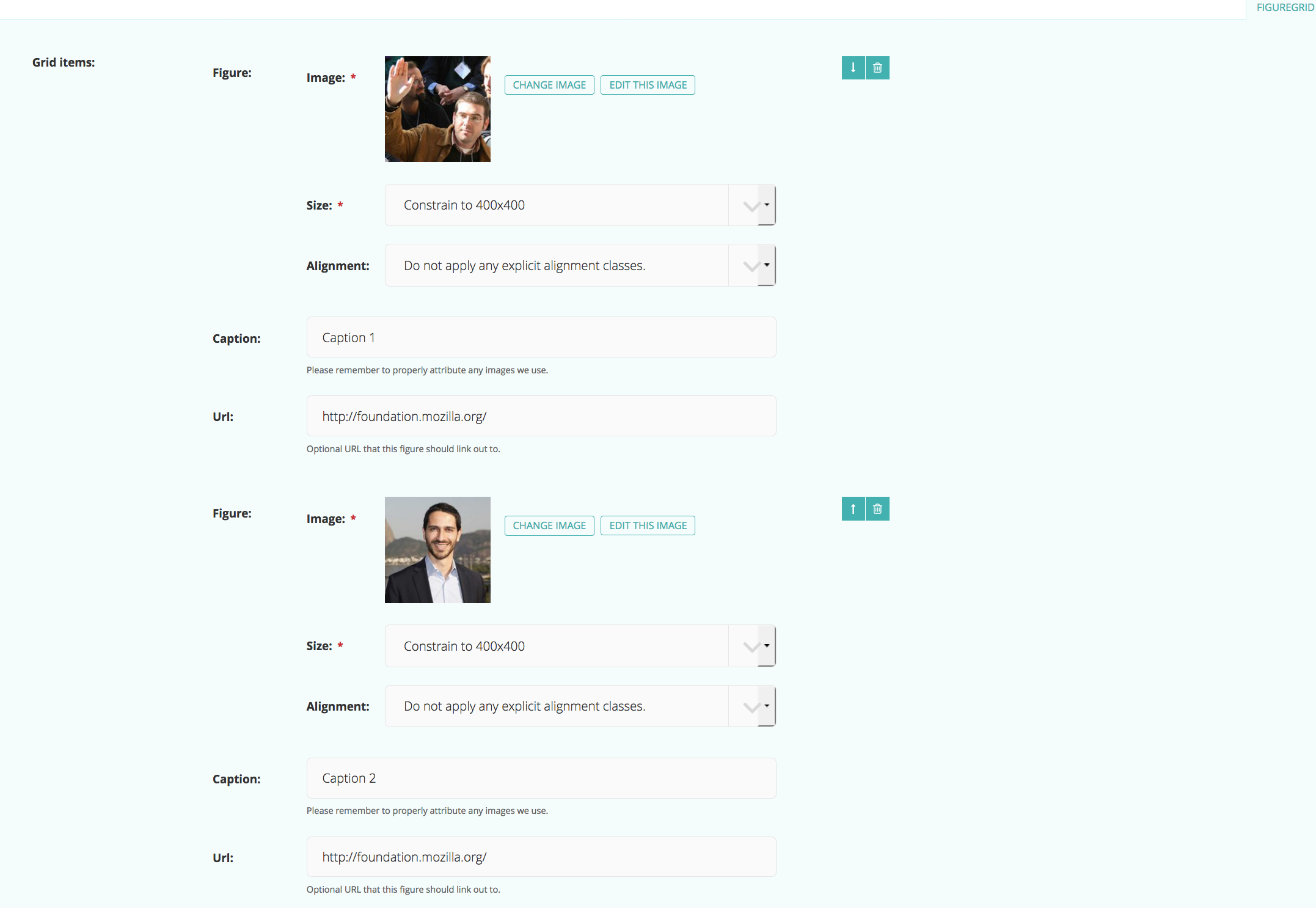
Figure Grid
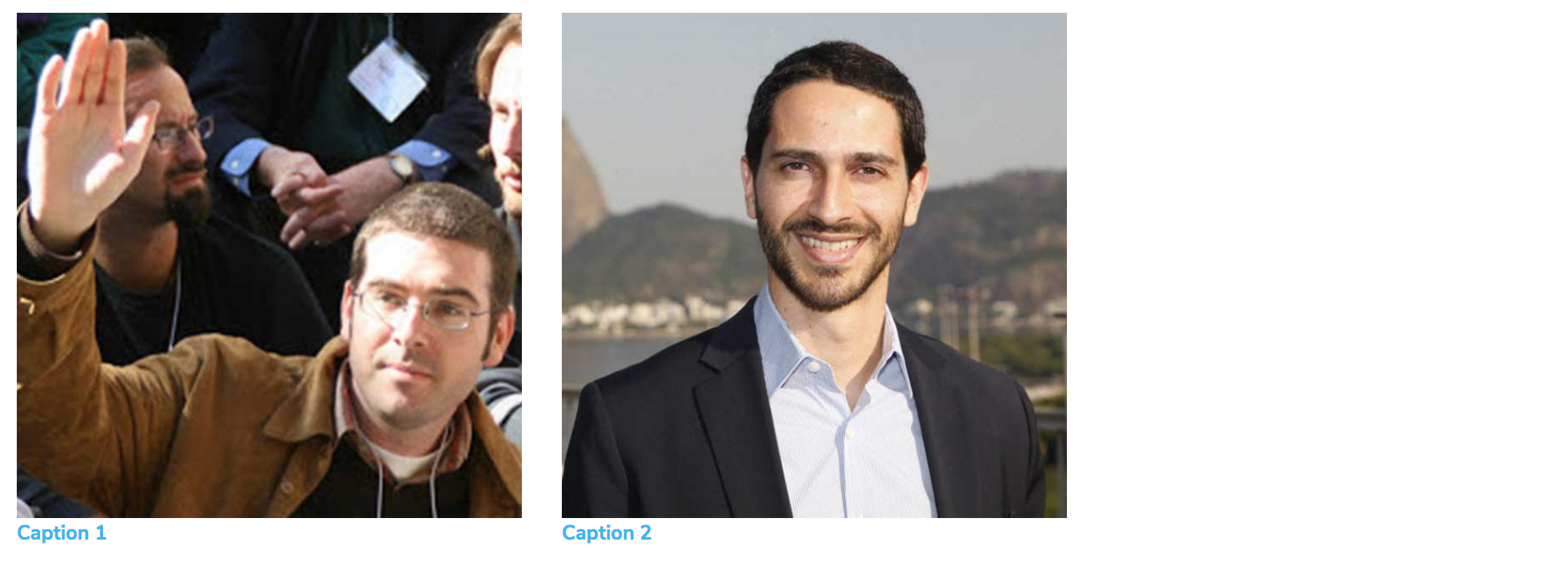
- Multiple Figures
 kristinashu
All 17 comments
I need to think through this more but I think using the Paragraph component would help streamline the Caption, URL, and Text fields into one consistent and flexible field/options. Then it's a matter of the text being below or beside the image.
kristinashu
on 20 Apr 2018
@kristinashu is this issue related to the discussion we had today with the figure grid or is it bigger than that?
 taisdesouzalessa
on 23 Apr 2018
taisdesouzalessa
on 23 Apr 2018
We talked about the Figure Grid component but not really the other components how they all fit together.
kristinashu
on 24 Apr 2018
I'd like to get rid of the "size" options entirely since Wagtail can handle image sizing for us.
It'd be nice to drop the alignment options too as much as possible. I feel like a broken record, but we want to keep users focused on content and not layout.
 gvn
on 24 Apr 2018
gvn
on 24 Apr 2018
Agree with the mantra "keep users focused on content not layout" 💯 .
About the image sizes, I think for the "figure grid" it should adjust to the page's grid as we discussed yesterday.
For image + copy (side by side), I think it would be cool if the system could accommodate at least 2 scenarios:
1. Image on the left + body copy on the right
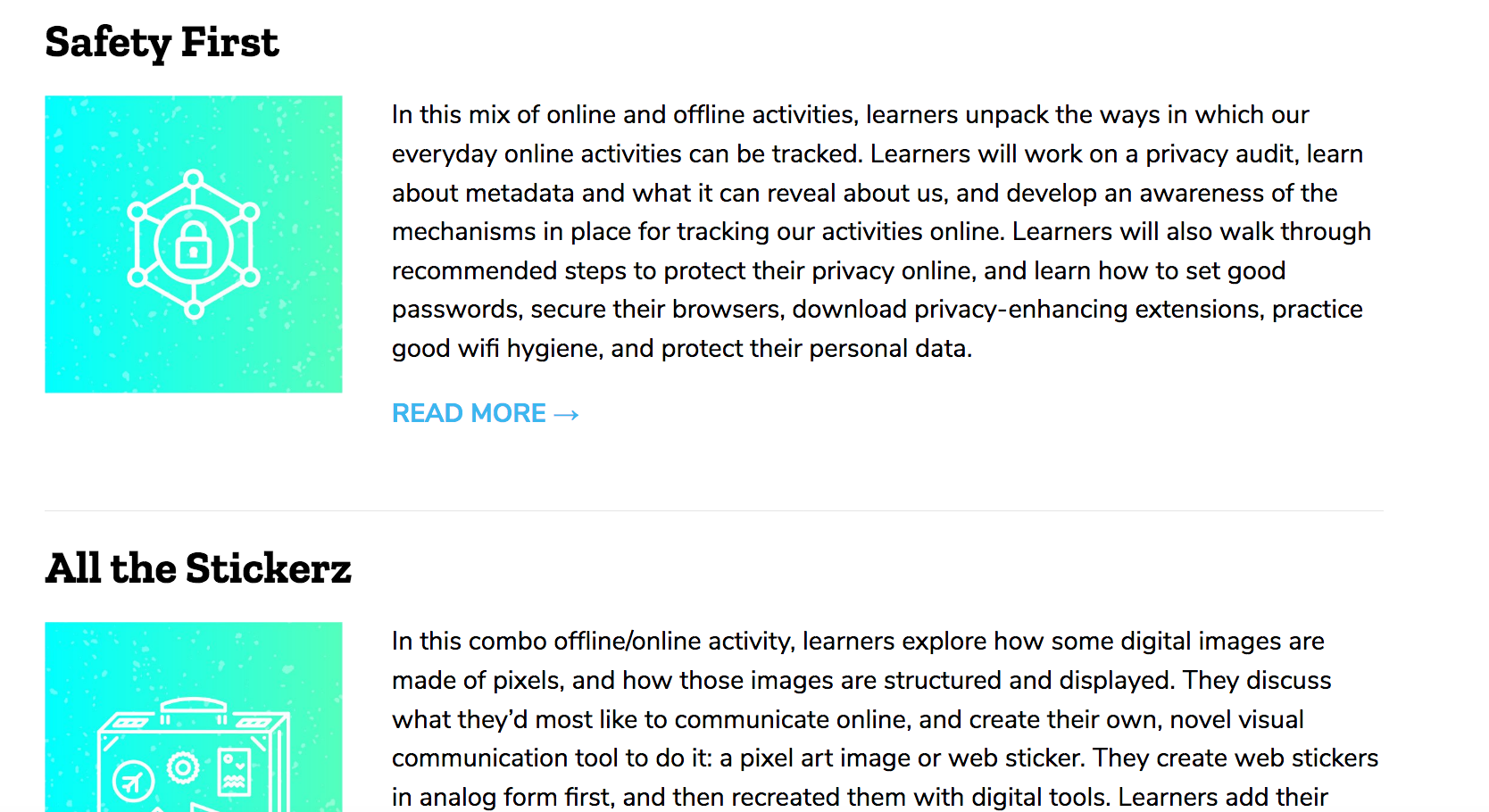
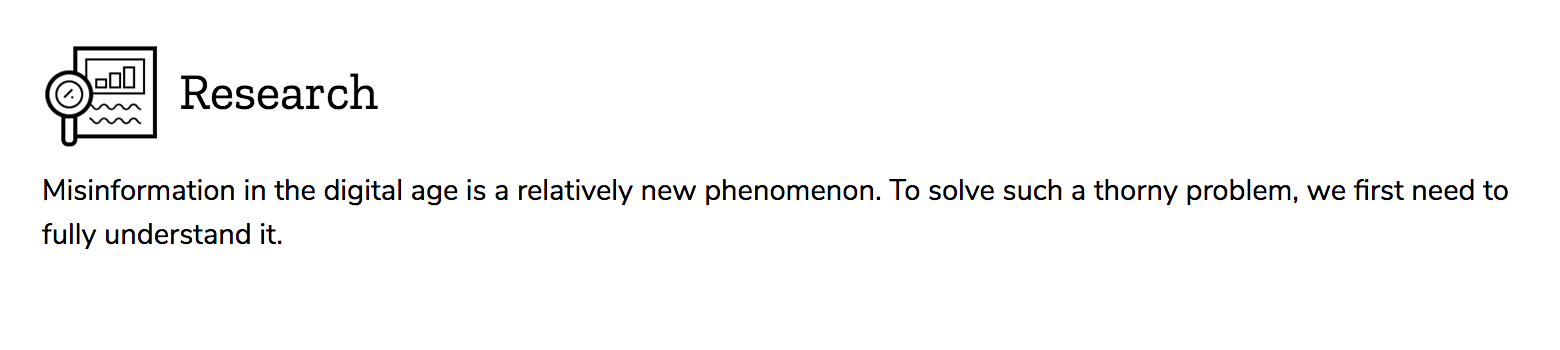
2. Image on the left (small) + title on the right (h2-h6)
Offer the option to add icons to titles.
taisdesouzalessa
on 24 Apr 2018
I'm all for removing options but just want to make sure things will look good.
Listing a few use cases as a starting point:
- icon
- 1 column width
- always left aligned
- 1:1 aspect ratio
- heading + paragraph text could wrap it?
- small image
- 2-3 columns (would need to test to decide)
- always left aligned
- 1:1 aspect ratio
- example: profile pic
- large image
- 6-8 columns (8=full width)
- if 6 columns then center aligned
- 16:9 aspect ratio
kristinashu
on 24 Apr 2018
@taisdesouzalessa will mock-up the best case scenario of how the components should look (using content from our existing opportunity pages as use cases). Then we can see what patterns arise and how we can streamline them.
I was looking at what we currently have but realize maybe we should ignore this for now and just focus on what we want!
kristinashu
on 30 Apr 2018
Here are some use cases:
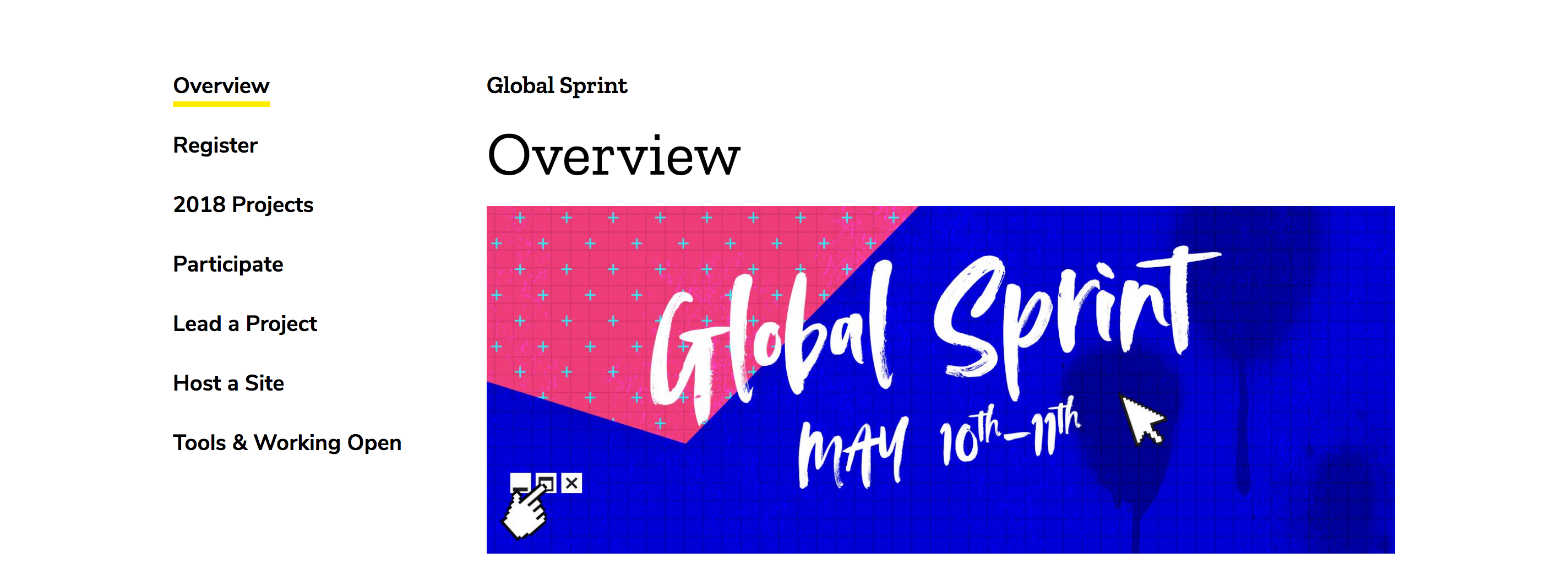
https://foundation.mozilla.org/opportunity/global-sprint/
Full-width image:
Grid of images with text and link (would be nice to have full paragraph component options for text. Text should have all paragraph style options (i.e. different headings, paragraph text, bold individual words, link individual words):

Logo grid (each logo links to external site):

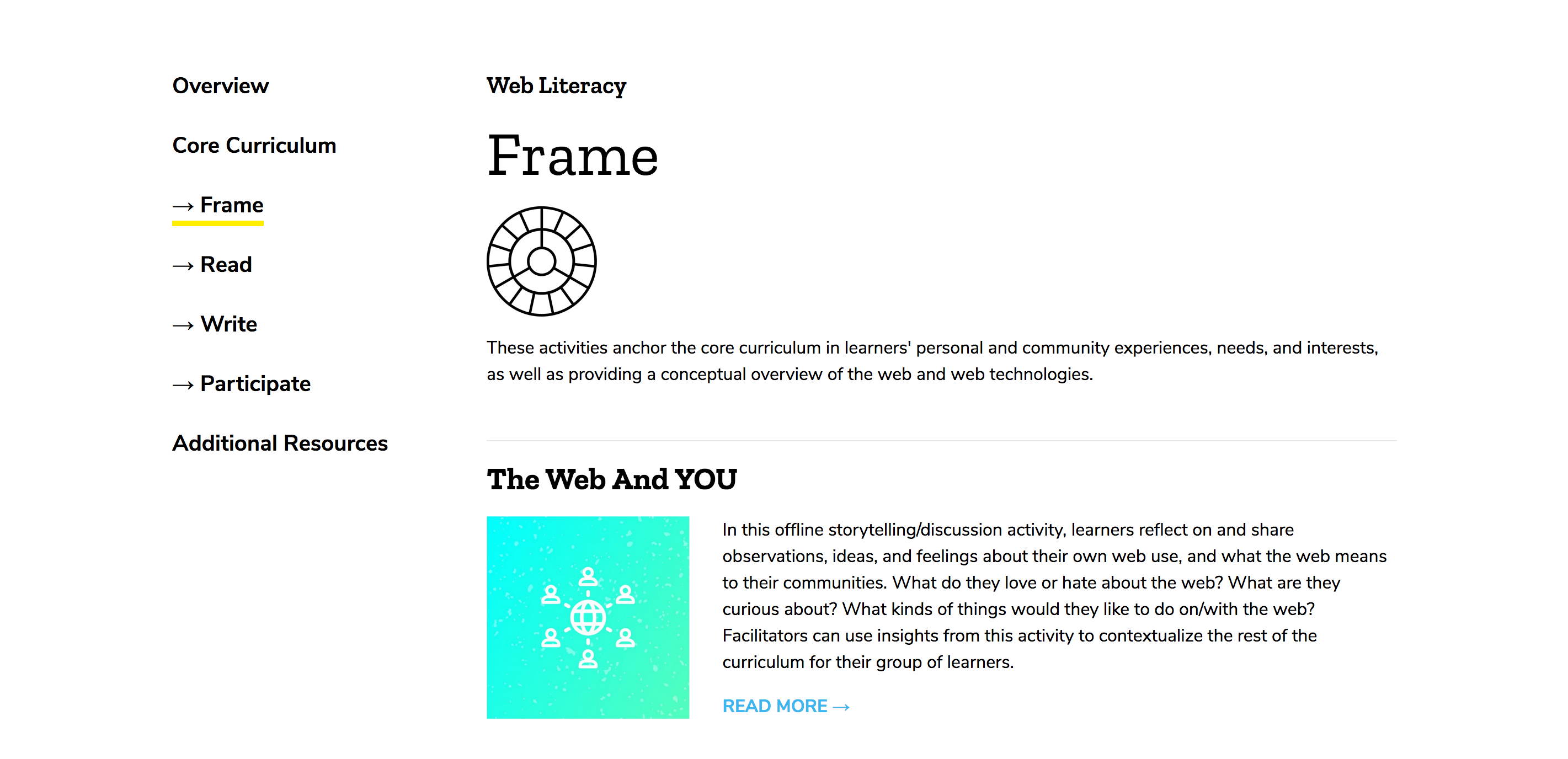
https://foundation.mozilla.org/opportunity/web-literacy/core-curriculum/frame/
Icon (would be better if text could wrap around the logo. Text should have all the paragraph style options)
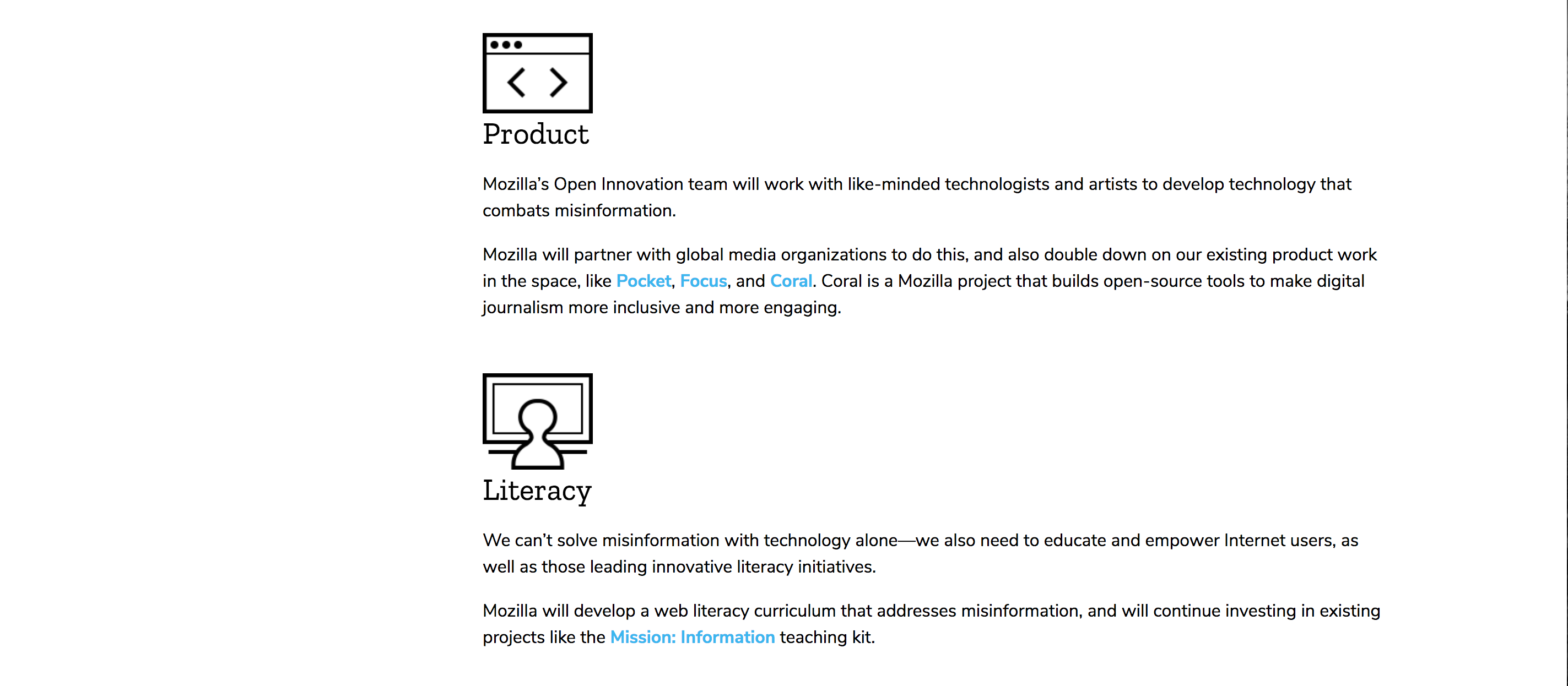
https://foundation.mozilla.org/opportunity/mozilla-information-trust-initiative/
Again, text should wrap around icon:
Here is an smaller image centered, not sure if we need this option? Maybe it should just be full width.

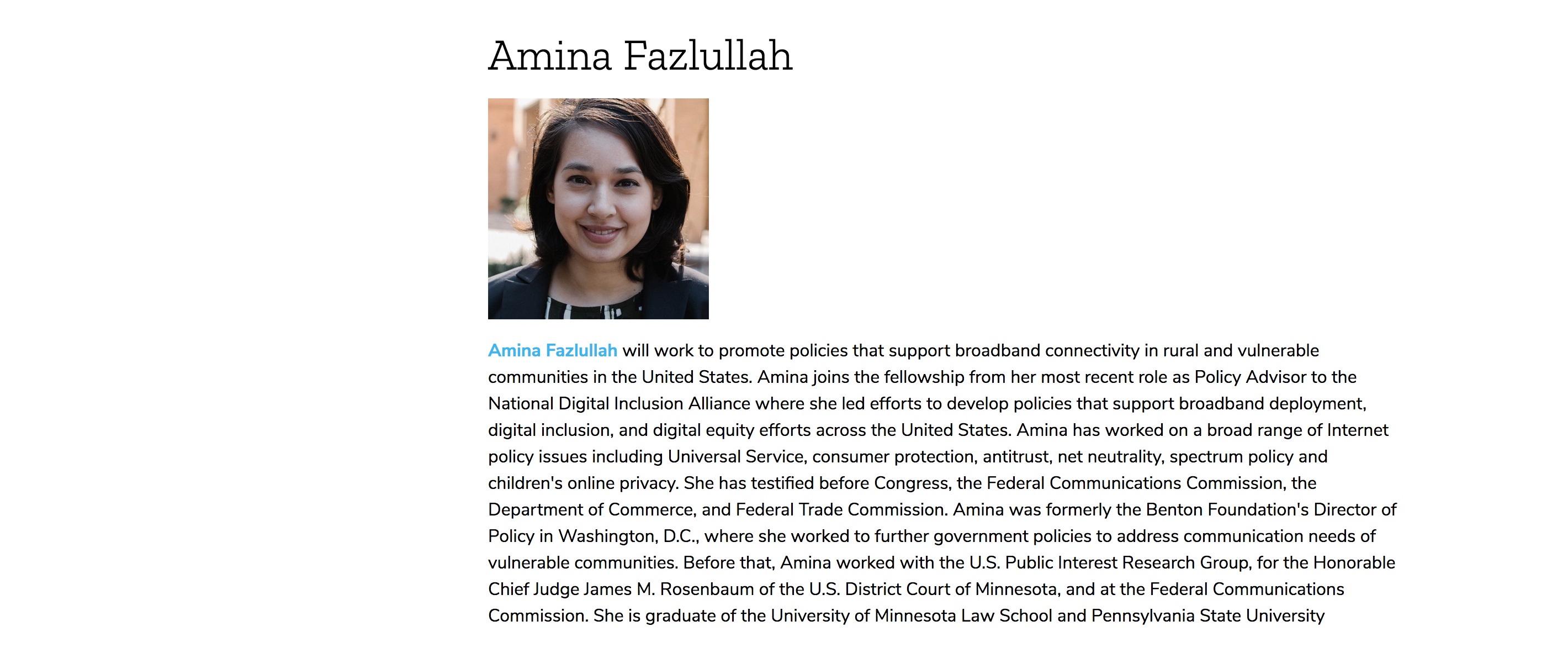
https://foundation.mozilla.org/opportunity/tech-policy-fellows/
Ideally text would be next to the image:
kristinashu
on 30 Apr 2018
@kristinashu @gvn I created a doc that contains links to comps and also recommendations. Some files look big in the screen because I wanted to keep the comps in their real size.
I think it is better if we keep all the comments in the doc, so they are all in a central place. Please let me know your thoughts on the recommendations and if anything seems confusing or not feasible:
https://docs.google.com/document/d/1nsu6k-MdJ1yL9myRgVg8im6Uc0wH_RwSa52Ul4yFfyo/edit?usp=sharing
taisdesouzalessa
on 2 May 2018
Nice @taisdesouzalessa! I left a few comments. Noting the campaign comps show the new grid I'm trying to enforce! They are generally narrower than what we have now so that should help with the full width images and videos.
kristinashu
on 3 May 2018
@kristinashu I updated the comps to reflect the new grid and addressed your feedback. Please let me know if all looks good to you then I can create an implementation ticket.
taisdesouzalessa
on 4 May 2018
Comps look good! I've added some clarifying questions about requirements and move some text around but I think we're close.
@gvn when you can, please take a look at the doc and let us know if we're missing anything.
kristinashu
on 4 May 2018
I've cleaned up and updated the doc based on our chat. Tomorrow, Taís will mockup these components all together on one page. This will help us visualize the final results, check spacing, and make it easier to add them to our style guide. Once comps are finalized, we will open separate implementation tickets for each component.
kristinashu
on 7 May 2018
Here are the unified comp of all those components. I added the optional caption as noted in the doc. Check it out and let me know your thoughts: https://mozilla.invisionapp.com/share/CPIAF8M4FBK#/296012268_All_Image_Components_in_1_page - I really like we could narrow down to this set, it seems versatile enough for the scenarios we encountered so far. Go team!
taisdesouzalessa
on 9 May 2018
Woohoo this is excellent @tais! Do you think they're ready for implementation? I think so!
kristinashu
on 9 May 2018
Cool! I'll file individual implementation tickets then. I'll create a master ticket so we can have an overview of how individual tickets are progressing. Will close this issue as soon as I have them all written.
taisdesouzalessa
on 9 May 2018
Master Implementation ticket: #1516 - closing the issue. Feel free to reopen it if necessary.
taisdesouzalessa
on 9 May 2018
Related issues
taisdesouzalessa
·
5Comments
 mmmavis
·
4Comments
kristinashu
·
5Comments
mmmavis
·
4Comments
kristinashu
·
5Comments
 xmatthewx
·
3Comments
taisdesouzalessa
·
5Comments
xmatthewx
·
3Comments
taisdesouzalessa
·
5Comments
Most helpful comment
I've cleaned up and updated the doc based on our chat. Tomorrow, Taís will mockup these components all together on one page. This will help us visualize the final results, check spacing, and make it easier to add them to our style guide. Once comps are finalized, we will open separate implementation tickets for each component.