Foundation-emails: Update Gulp-Sass dependency to 3.1.0
Problem
I recently came upon an issue when running "npm start", I would get the following message error.
12:43:02] Starting 'default'...
[12:43:02] Starting 'build'...
[12:43:02] Starting 'clean'...
[12:43:02] Finished 'clean' after 135 ms
[12:43:02] Starting 'pages'...
[12:43:06] Finished 'pages' after 3.95 s
[12:43:06] Starting 'sass'...
[12:43:11] 'sass' errored after 4.64 s
[12:43:11] Error: Node Sass does not yet support your current environment: OS X 64-bit with Unsupported runtime (57)
For more information on which environments are supported please see:
https://github.com/sass/node-sass/releases/tag/v3.13.1
Solution
I narrowed down the solution by updating gulp-sass from 2.1.0 to 3.1.0. I am not sure if anyone else has come across this issue but updating gulp-sass solved it for me.
 dan10gc
All 12 comments
Nice catch! Thanks for posting the problem AND solution.
 davehoran
on 17 Jan 2018
davehoran
on 17 Jan 2018
Until this gets updated, another option is to run npm rebuild node-sass. There aren't pre-built binaries for every OS.
 colin-marshall
on 30 Jan 2018
colin-marshall
on 30 Jan 2018
Hey guys I came across this problem today too and I managed to solve it (read on for my solution).
Environment
I'm on Windows 10, recently I had to update my Node version (npm 5.7.1 and node 8.10.0).
The problem
Foundation E-mails started breaking because npm run start (or any other npm script really) didn't worked anymore.
The solution
Easy: go to packaje.json and update gulp-sass (inside devDependencies) to version ^3.0.0. Of course after this delete everything inside node_modules folder and npm install again.
Hope this helps, bye! 😁
 vcoppolecchia
on 27 Mar 2018
vcoppolecchia
on 27 Mar 2018
hi guys please help me i have tried to change the version package.json and i am still getting errors
Starting 'sass'...
[20:32:45] 'sass' errored after 167 ms
[20:32:45] Error: Node Sass does not yet support your current environment: Windows 64-bit with Unsupported runtime (57)
For more information on which environments are supported please see:
https://github.com/sass/node-sass/releases/tag/v3.13.1
 JMKP
on 25 Apr 2018
JMKP
on 25 Apr 2018
@JMKP did you try running npm rebuild node-sass?
colin-marshall
on 25 Apr 2018
@colin-marshall thanks for the response, yes I have tried that. I installed node.js, got because I want to do website using sass I am not sure if I am missing something. When I do foundation watch keep giving me errors
JMKP
on 25 Apr 2018
What happens when you run npm rebuild node-sass? Does it compile successfully? Also, if you're not using foundation-emails this is the wrong repo to be looking for help.
colin-marshall
on 25 Apr 2018
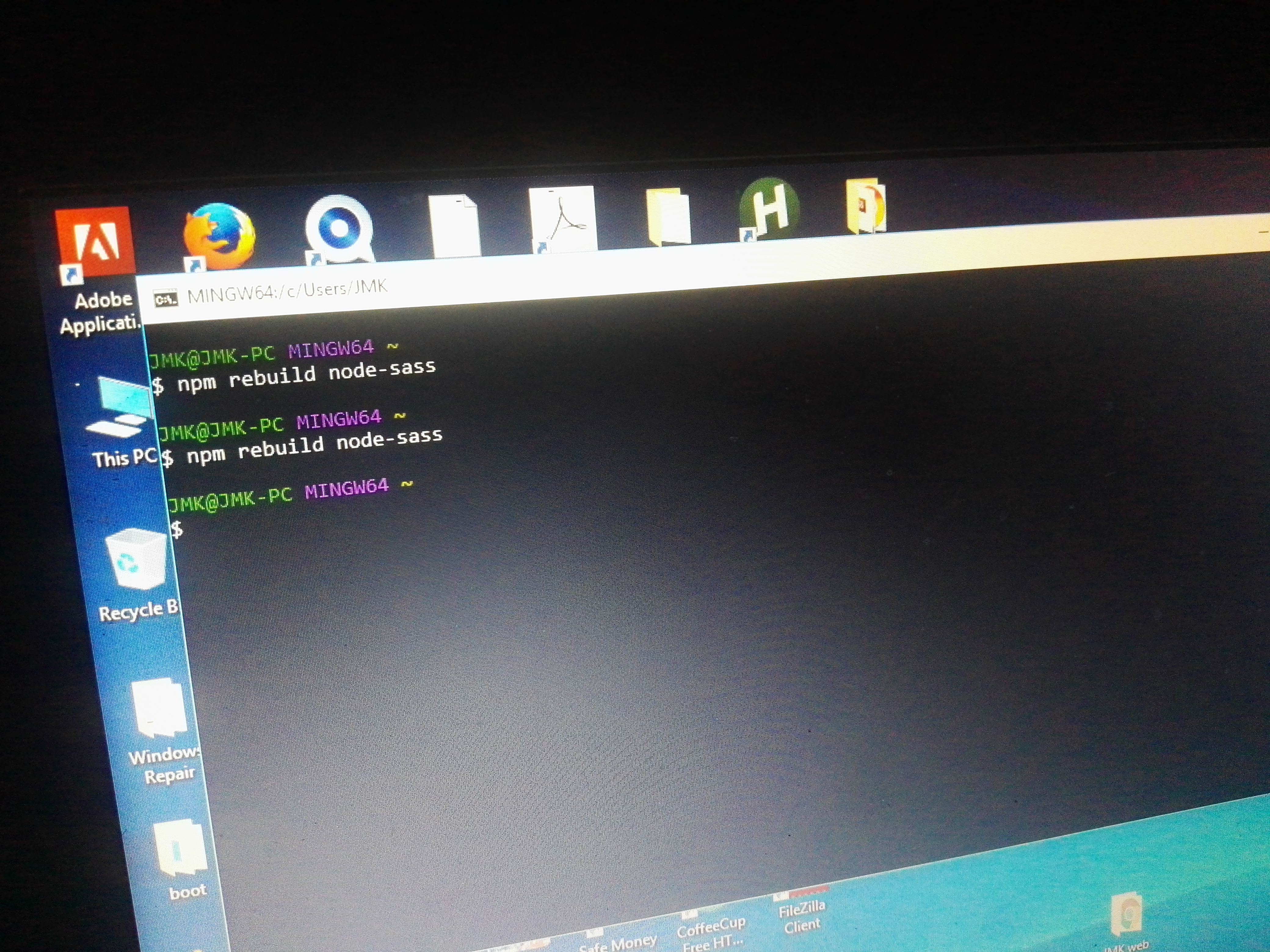
It doesn't run see the image
JMKP
on 25 Apr 2018
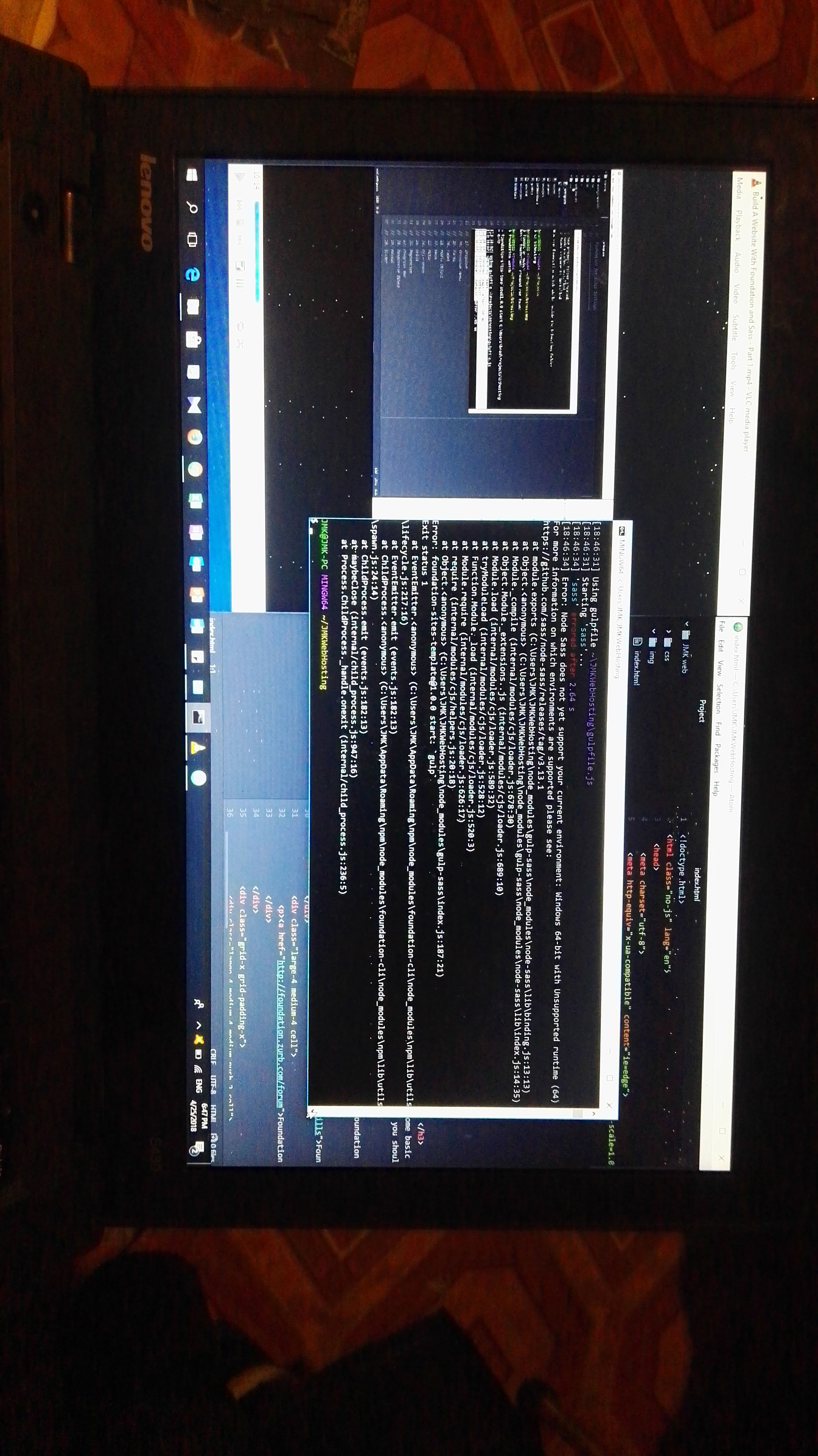
And this is the error I am getting when I do foundation watch so that it can compile the files to create CSS folder on my web editor
JMKP
on 25 Apr 2018
Hey JMKP, @colin-marshall is right about the repo: from your second screenshot it looks like you're in foundation-sites, not the framework for the e-mails.
This is the wrong repo, go here: https://github.com/zurb/foundation-sites/issues
vcoppolecchia
on 25 Apr 2018
@JMKP you have to run it from inside your project's folder. It looks like you're just running that in your home directory.
colin-marshall
on 26 Apr 2018
You have to upgrade node-sass.
 DanielRuf
on 5 Dec 2018
DanielRuf
on 5 Dec 2018
Related issues
 frecklebit
·
5Comments
frecklebit
·
5Comments
 jlafica
·
3Comments
jlafica
·
3Comments
 dnglr
·
5Comments
dnglr
·
5Comments
 timaschew
·
6Comments
timaschew
·
6Comments
 rockse
·
3Comments
rockse
·
3Comments
Most helpful comment
Until this gets updated, another option is to run
npm rebuild node-sass. There aren't pre-built binaries for every OS.