Flutter_widget_from_html: Border css not working
In this code all the shown inline styles are working except border:
...
        return HtmlWidget(
          text,
          enableCaching: false,
          customStylesBuilder: (element) {
            final styles = <String>[];

            if (element.localName == 'blockquote')
              styles.addAll([
                'margin',
                '0',
                'padding',
                '10px 15px',
                'border',
                '1px solid red',
              ]);

            if (element.localName == 'blockquote' &&
                element.className == 'blue')
              styles.addAll(
                ['background-color', themeState.aayahBlockquoteBlueBg],
              );
...

            return styles;
          },
          textStyle: TextStyle(
            fontSize: state.fontSize,
            height: 1.6,
            color: themeState.htmlTextColor,
          ),
          hyperlinkColor: Theme.of(context).primaryColor,
        );
...
 yerzhant
All 7 comments
This is expected. Only table border and inline top/bottom borders are supported for now. See list of all supported styling here.
For v0.5, it will probably won't include border generic support. Maybe 0.6 or later.
 daohoangson
on 22 Aug 2020
daohoangson
on 22 Aug 2020
Actually border-top doesn't work either. In source code I've seen border and I thought that it means both top and bottom borders.
yerzhant
on 22 Aug 2020
Hmm, it should work. Considering this widget:
import 'package:flutter/material.dart';
import 'package:flutter_widget_from_html/flutter_widget_from_html.dart';

class Test extends StatelessWidget {
  @override
  Widget build(BuildContext context) => Scaffold(
        appBar: AppBar(title: Text('Issue 289')),
        body: SingleChildScrollView(
          child: Padding(
            child: HtmlWidget(kHtml),
            padding: const EdgeInsets.all(8.0),
          ),
        ),
      );
}

const kHtml = """
<span>
  Inline borders:
  <span style="border-top: 1px solid red">
    top

    <span style="border-bottom: 1px solid red">top+bottom</span>

    top
  </span>
  nothing.
</span>
""";
It will look like this:
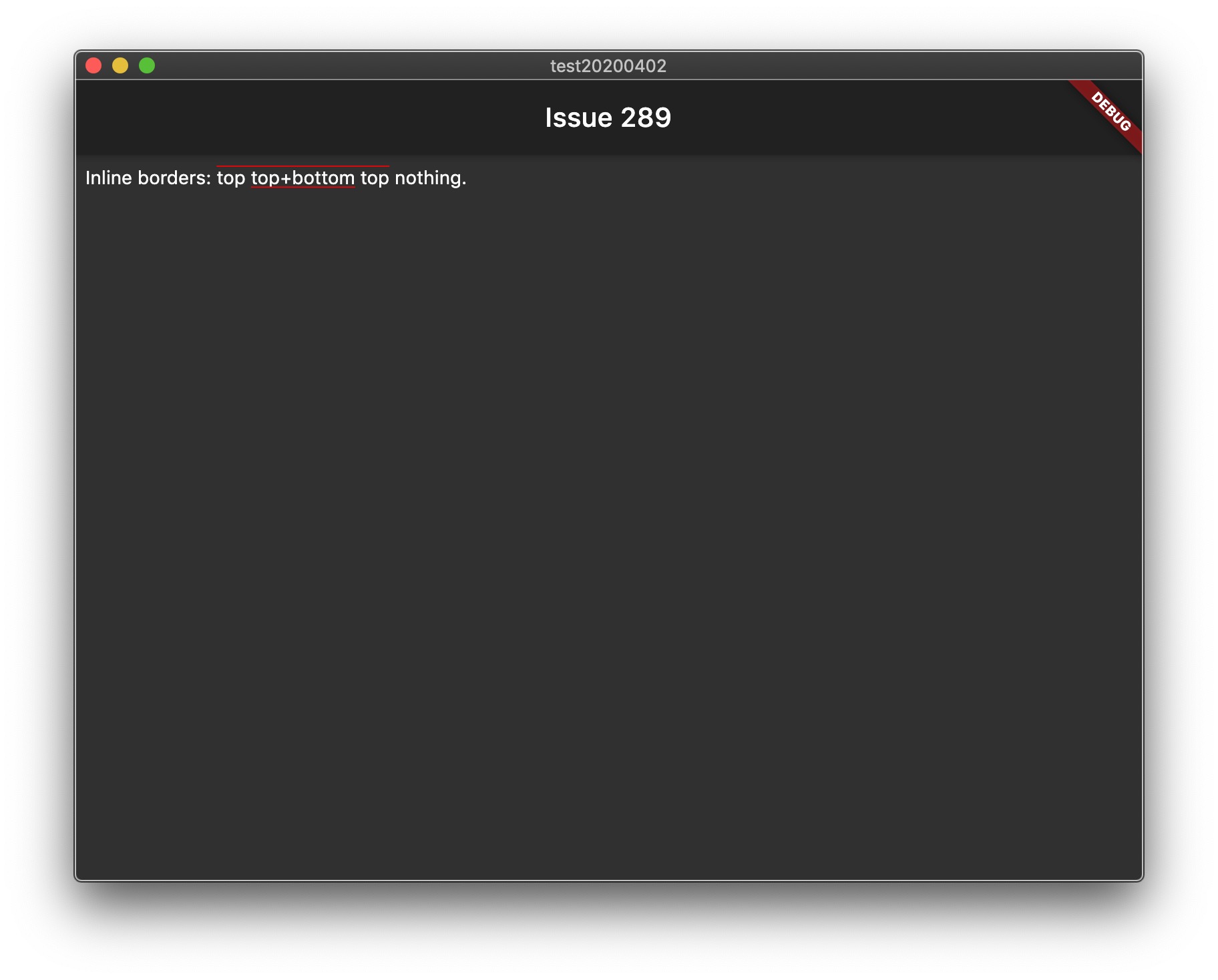
Which is pretty close to how Chrome renders it:

daohoangson
on 23 Aug 2020
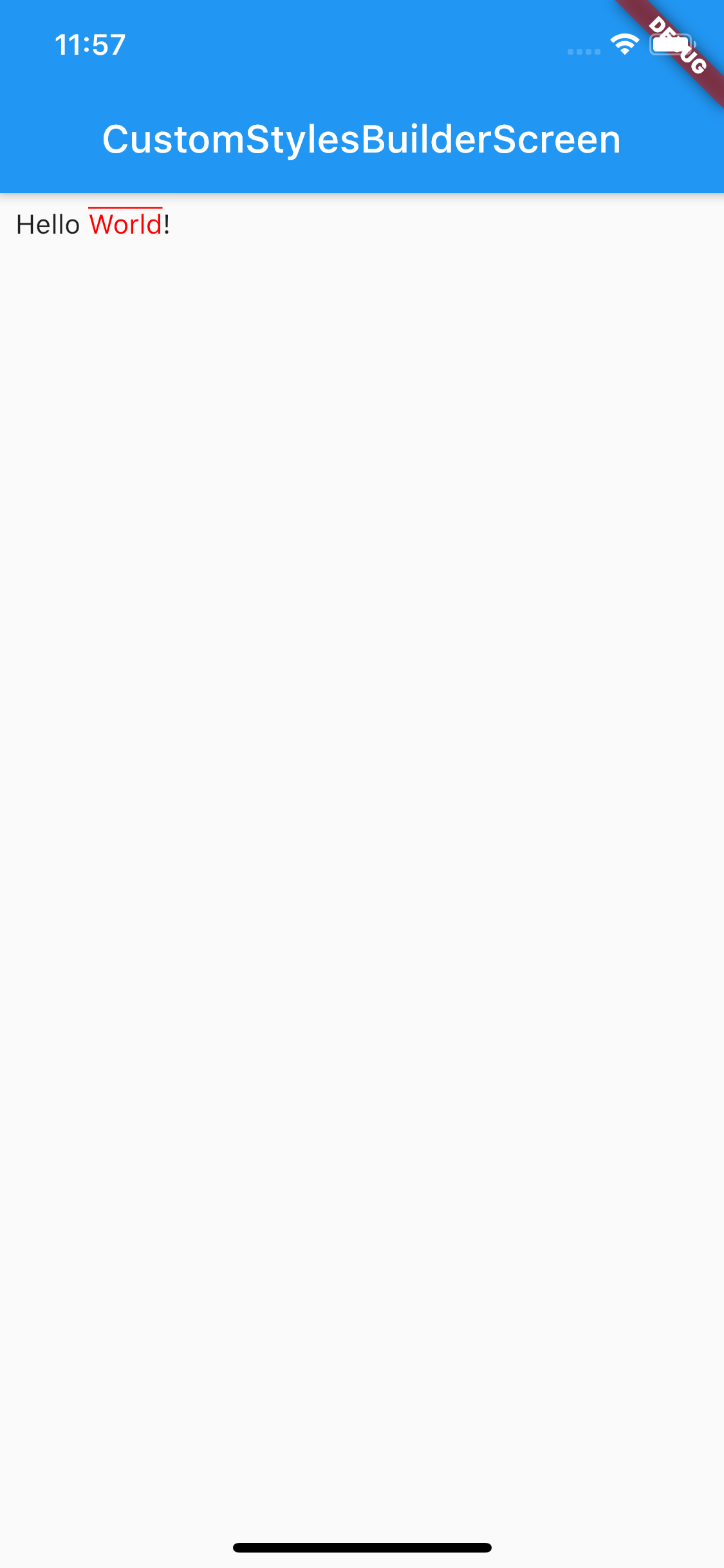
Thanks @daohoangson for replies. I guess the problem is with customStylesBuilder. I took your code from here, added border-top style and it doesn't work. The repo with the test is here.
yerzhant
on 23 Aug 2020
Hmm, I have just cloned your repo and ran it. It seemed to work?
daohoangson
on 24 Aug 2020
@daohoangson Thank you for test. Upgraded flutter from 1.20.1 to 1.20.2 (and make flutter clean) and a border has appeared.
yerzhant
on 24 Aug 2020
That's great to hear. I didn't test with 1.20.1 specifically (this feature has been done a long time ago). But maybe the .2 version fixed something right there 👍
daohoangson
on 24 Aug 2020
Related issues
 SoFo12
·
4Comments
SoFo12
·
4Comments
 forever84721
·
4Comments
forever84721
·
4Comments
 ahmadkhedr
·
7Comments
ahmadkhedr
·
6Comments
ahmadkhedr
·
7Comments
ahmadkhedr
·
6Comments
 theneshofficial
·
4Comments
theneshofficial
·
4Comments