Flutter_widget_from_html: Custom loading indicator on image loading
Hey, I am new to this library but I find it very useful and want to ask a question related to the custom image loading indicator.
As I am loading my HTML, the image tag when loading is just blank and I want to put something like circle loading to indicate that it's loading. Is there a way to do that? Thanks beforehand.
 HenglyEver
All 12 comments
Hmm, that's not possible right now. I think I may be able to add something soon.
 daohoangson
on 10 Jul 2020
daohoangson
on 10 Jul 2020
May I know how soon? because I really need that feature.
HenglyEver
on 10 Jul 2020
I'll see what can be done today.
daohoangson
on 11 Jul 2020
Like this?
Used cached_network_image.
HtmlWidget(
  Html,
  factoryBuilder: (c) => MyWidgetFactory(c),
)
class MyWidgetFactory extends WidgetFactory {
  @override
  Widget buildImage(String url, {double height, String text, double width}) {
    return CachedNetworkImage(
      imageUrl: url,
      progressIndicatorBuilder: (context, url, downloadProgress) => Center(
        child: SizedBox(
          width: 50,
          height: 50,
          child: CircularProgressIndicator(value: downloadProgress.progress),
        ),
      ),
      errorWidget: (context, url, error) => Icon(Icons.error),
    );
  }
}
 forever84721
on 11 Jul 2020
forever84721
on 11 Jul 2020
That's one way to do it. However you will loose some image layout functionality of the package.
daohoangson
on 11 Jul 2020
Version 0.5.0-rc.2020071301 has been released with a breaking change in the way it builds Image. You can now override WidgetFactory.buildImage to specify your own loadingBuilder. Please try upgrading and see whether it works for you.
daohoangson
on 13 Jul 2020
I was caught up with work and just get to try it out now. It works great, thank you very much :D
HenglyEver
on 19 Jul 2020
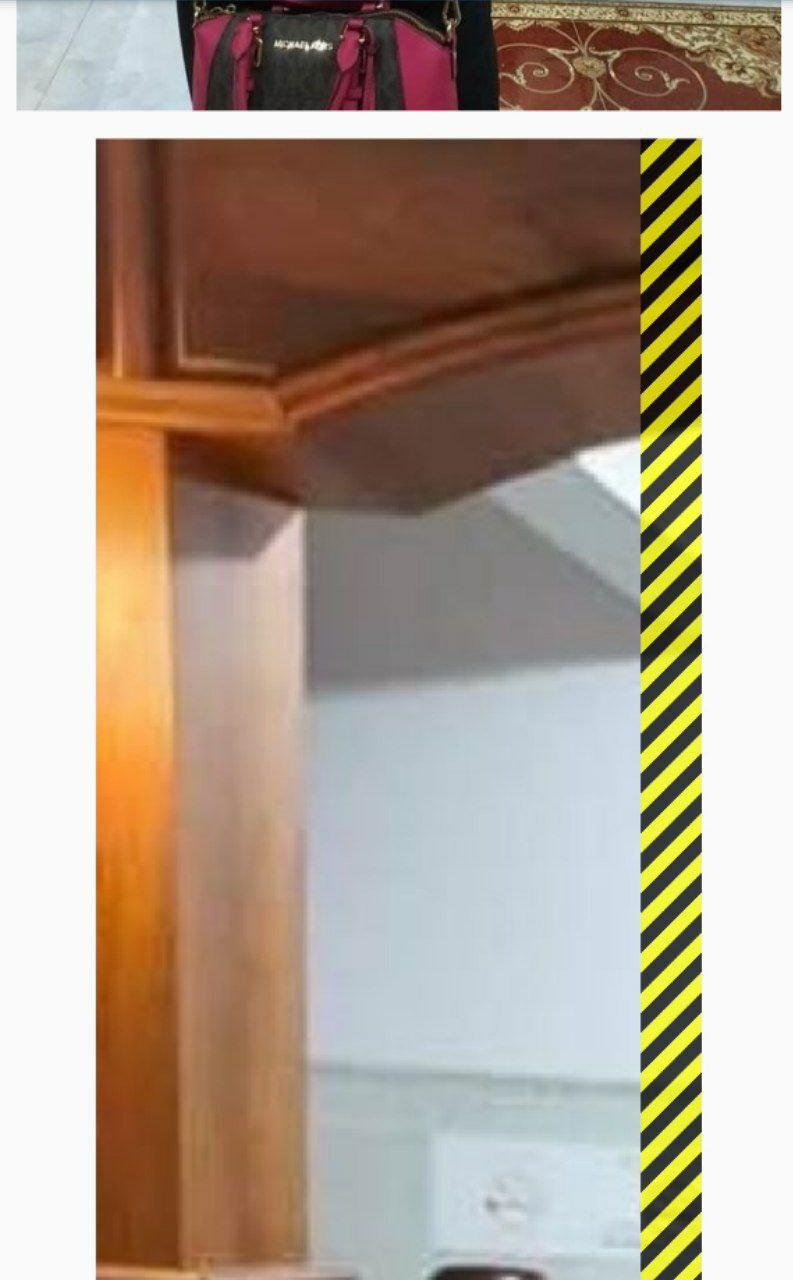
@daohoangson I have one more question about an oversized image? How do I deal with this? Thank you beforehand :D
HenglyEver
on 20 Jul 2020
How did you override the WidgetFactory.buildImage method?
daohoangson
on 21 Jul 2020
This is how I override it
@override
  Widget buildImage(Object provider, ImgMetadata img) {
    final index = imageUrls.indexOf(img.url);
    return InkWell(
      onTap: () {
        Navigator.push(context,
          MaterialPageRoute(builder: (context) => FullscreenImageSlider(imageUrls, index: index)),
        );
      },
      child: SmartImage(img.url, boxFit: BoxFit.fitHeight),
    );
  }
but I don't think that's the problem since I go back to test it on version 0.4.2 and it still reproducible. Please kindly test it with this html
<figure id="attachment_149772" aria-describedby="caption-attachment-149772" style="width: 2560px" class="wp-caption aligncenter"><a href="https://www.skyradiokh.com/wp-content/uploads/2020/07/reuters_com_2019_newsml_RC17C6444680-scaled.jpg"><img src="https://www.skyradiokh.com/wp-content/uploads/2020/07/reuters_com_2019_newsml_RC17C6444680-scaled.jpg" alt="" width="2560" height="1707" class="size-full wp-image-149772" srcset="https://www.skyradiokh.com/wp-content/uploads/2020/07/reuters_com_2019_newsml_RC17C6444680-scaled.jpg 2560w, https://www.skyradiokh.com/wp-content/uploads/2020/07/reuters_com_2019_newsml_RC17C6444680-300x200.jpg 300w, https://www.skyradiokh.com/wp-content/uploads/2020/07/reuters_com_2019_newsml_RC17C6444680-1024x683.jpg 1024w, https://www.skyradiokh.com/wp-content/uploads/2020/07/reuters_com_2019_newsml_RC17C6444680-768x512.jpg 768w, https://www.skyradiokh.com/wp-content/uploads/2020/07/reuters_com_2019_newsml_RC17C6444680-1536x1024.jpg 1536w, https://www.skyradiokh.com/wp-content/uploads/2020/07/reuters_com_2019_newsml_RC17C6444680-2048x1366.jpg 2048w" sizes="(max-width: 2560px) 100vw, 2560px" /></a><figcaption id="caption-attachment-149772" class="wp-caption-text">People move along a flooded road in Gaibandha, Bangladesh July 18, 2019. REUTERS/Stringer NO RESALES. NO ARCHIVES</figcaption></figure>
I have found the problem. It was the inline style width: 2560px in the parent FIGURE tag causing the overflow. There are 2 ways to fix this:
- Remove the inline style from your HTML. If you don't control it directly (e.g. fetching from an API), you can do a regex replace.
- Disable sizing support by overriding it in your
WidgetFactory, something like this:
  @override
  BuildOp styleSizing() => BuildOp();
The sizing support is fairly new and is causing some weird error (like yours), I may remove support for it in future release.
daohoangson
on 23 Jul 2020
Thanks, man. Work great :D
HenglyEver
on 26 Jul 2020
Related issues
 mclark4386
·
3Comments
mclark4386
·
3Comments
 shofi-ishraak
·
6Comments
shofi-ishraak
·
6Comments
 leewonghao
·
7Comments
leewonghao
·
7Comments
 ahmadkhedr
·
4Comments
ahmadkhedr
·
6Comments
ahmadkhedr
·
4Comments
ahmadkhedr
·
6Comments