Flutter_widget_from_html: facebook embeded videos donot play
I import both my facebook and youtube embedded videos inside an iframe....the thumbnail works fine for both facebook and youtube videos and the youtube videos works without any problems....the facebook videos, however, does not start playing at all after clicking on the video and no bug or what so ever appears on the console.
example of the embedded facebook video:
` HtmlWidget("<p><iframe src=\"https://www.facebook.com/plugins/video.php?href=https%3A%2F%2Fwww.facebook.com%2FMohammadAlwakeelshow%2Fvideos%2F260288981581432%2F&show_text=0&width=560\" width=\"560\" height=\"315\" style=\"border:none;overflow:hidden\" scrolling=\"no\" frameborder=\"0\" allowtransparency=\"true\" allowfullscreen=\"true\"></iframe></p>"
config: Config(
webView: true,
webViewJs: true,
),
),
`
Screen shot of the facebook thumbnail:

 ahmadkhedr
All 27 comments
Which device are you testing on? Or are you using the iOS Simulator / Android Emulator?
 daohoangson
on 14 Apr 2019
daohoangson
on 14 Apr 2019
I have tested it on Android emulator and a real android device and it is the same on both of them...didn't try it on iOS simulator or on a real iOS device
ahmadkhedr
on 14 Apr 2019
I think Facebook blocked Flutter web views or something like that. I have just created a new app with another Flutter lib: flutter_inappbrowser and the video doesn't work either...
daohoangson
on 14 Apr 2019
You are right...I will report it to facebook developer too may be they will provide us with an answer from their side
ahmadkhedr
on 14 Apr 2019
I have tried the same code using webview_flutter: ^0.3.5+3 plugin and it is working fine...Do you think there is something relative we can use here to solve this issue?
ahmadkhedr
on 15 Apr 2019
That's interesting, let me update webview_flutter@^0.3.5+3 and see if it works.
daohoangson
on 15 Apr 2019
Hmm, when you use webview_flutter directly, did you set javascriptMode: JavascriptMode.unrestricted? You can play video etc. everything?
daohoangson
on 15 Apr 2019
Hmm, when you use
webview_flutterdirectly, did you setjavascriptMode: JavascriptMode.unrestricted? You can play video etc. everything?
yes indeed.....here is the code that I am using with webview_flutter plugin :
WebView(
                      javascriptMode: JavascriptMode.unrestricted,
                      initialUrl: new Uri.dataFromString(
                              snapshot.data.storyDetails.storyContent,
                              mimeType: 'text/html',
                              encoding: utf8)
                          .toString(),
                      gestureRecognizers: Set()..add(Factory<VerticalDragGestureRecognizer>(()=>VerticalDragGestureRecognizer())),
                      onWebViewCreated: (WebViewController webViewController) {
                        _controller.complete(webViewController);
                      },
                    ),
==" snapshot.data.storyDetails.storyContent" refers to the incoming data that I went to display which includes video etc. everything
ahmadkhedr
on 15 Apr 2019
Hmm, this is weird... I have 2 web views in the same screen with similar html and only one of them works. The top one uses data URI like your code, the below one open the Facebook video url directly.
class WebViewScreen extends StatelessWidget {
@override
Widget build(BuildContext context) => Scaffold(
appBar: AppBar(
title: Text('WebView compare'),
),
body: Column(
children: <Widget>[
Expanded(
child: lib.WebView(
javascriptMode: lib.JavascriptMode.unrestricted,
initialUrl: Uri.dataFromString(
"<iframe src=\"https://www.facebook.com/plugins/video.php?href=https%3A%2F%2Fwww.facebook.com%2FMohammadAlwakeelshow%2Fvideos%2F260288981581432%2F&show_text=0&width=560\" width=\"560\" height=\"315\"></iframe>",
mimeType: 'text/html',
).toString(),
),
),
Expanded(
child: lib.WebView(
javascriptMode: lib.JavascriptMode.unrestricted,
initialUrl:
"https://www.facebook.com/plugins/video.php?href=https%3A%2F%2Fwww.facebook.com%2FMohammadAlwakeelshow%2Fvideos%2F260288981581432%2F&show_text=0&width=560",
),
),
],
));
}
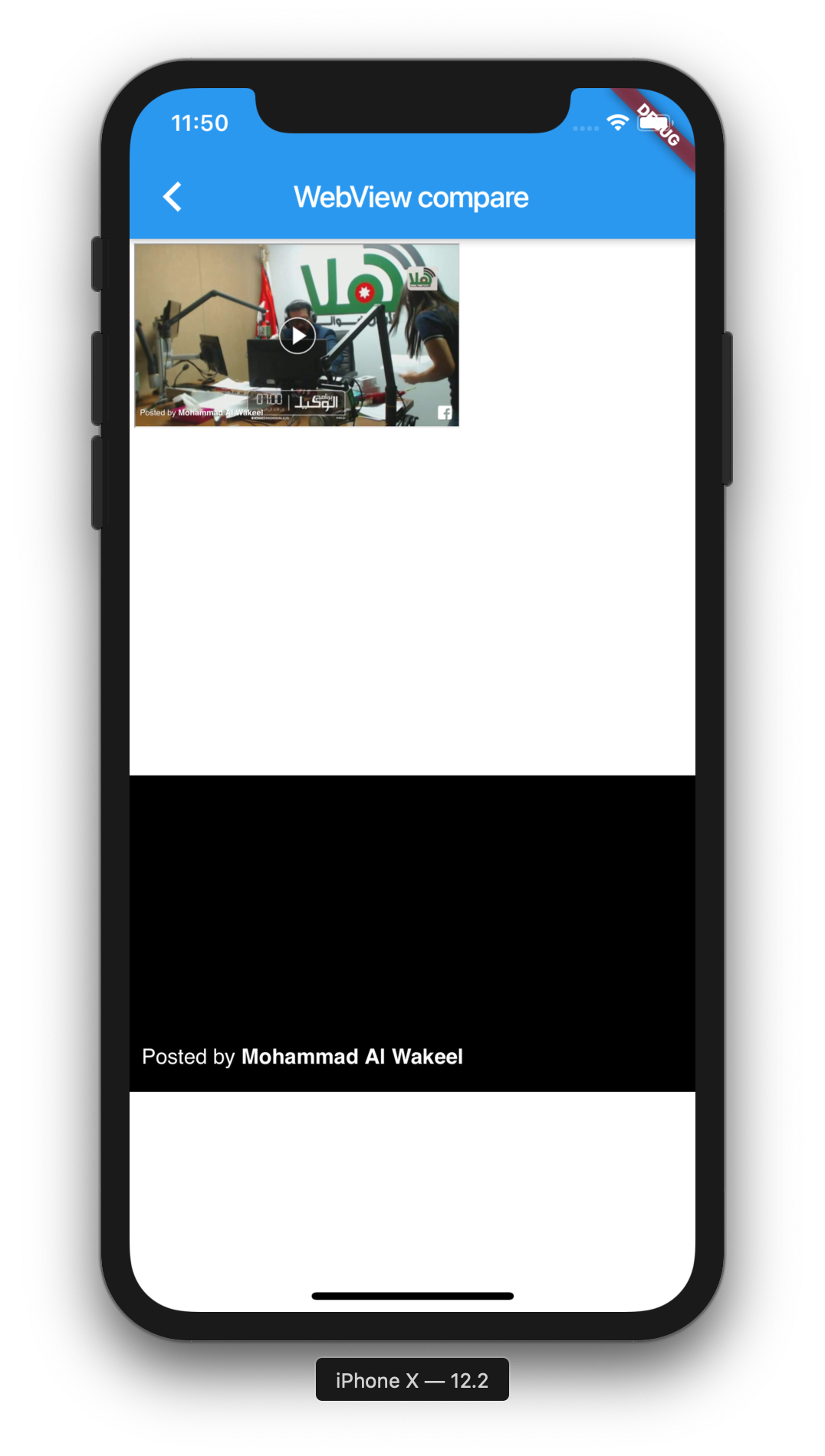
daohoangson
on 16 Apr 2019
Hmm, this is weird... I have 2 web views in the same screen with similar html and only one of them works. The top one uses data URI like your code, the below one open the Facebook video url directly.
class WebViewScreen extends StatelessWidget { @override Widget build(BuildContext context) => Scaffold( appBar: AppBar( title: Text('WebView compare'), ), body: Column( children: <Widget>[ Expanded( child: lib.WebView( javascriptMode: lib.JavascriptMode.unrestricted, initialUrl: Uri.dataFromString( "<iframe src=\"https://www.facebook.com/plugins/video.php?href=https%3A%2F%2Fwww.facebook.com%2FMohammadAlwakeelshow%2Fvideos%2F260288981581432%2F&show_text=0&width=560\" width=\"560\" height=\"315\"></iframe>", mimeType: 'text/html', ).toString(), ), ), Expanded( child: lib.WebView( javascriptMode: lib.JavascriptMode.unrestricted, initialUrl: "https://www.facebook.com/plugins/video.php?href=https%3A%2F%2Fwww.facebook.com%2FMohammadAlwakeelshow%2Fvideos%2F260288981581432%2F&show_text=0&width=560", ), ), ], )); }
I have tested the two ways you mentioned...the direct url does not work with me....the one with the full html code works fine as folow:
- The full Html code with iframe, etc :
`WebView(
javascriptMode: JavascriptMode.unrestricted,
initialUrl: new Uri.dataFromString(
"<iframe src=\"https://www.facebook.com/plugins/video.php?href=https%3A%2F%2Fwww.facebook.com%2FMohammadAlwakeelshow%2Fvideos%2F260288981581432%2F&show_text=0&width=560\" width=\"560\" height=\"315\"></iframe>",
mimeType: 'text/html',
).toString(),
                  gestureRecognizers: Set()
                    ..add(Factory<VerticalDragGestureRecognizer>(
                        () => VerticalDragGestureRecognizer())),
                  onWebViewCreated: (WebViewController webViewController) {
                    _controller.complete(webViewController);
                  },
),`
-Image for the full HTML code with the iframe, etc :
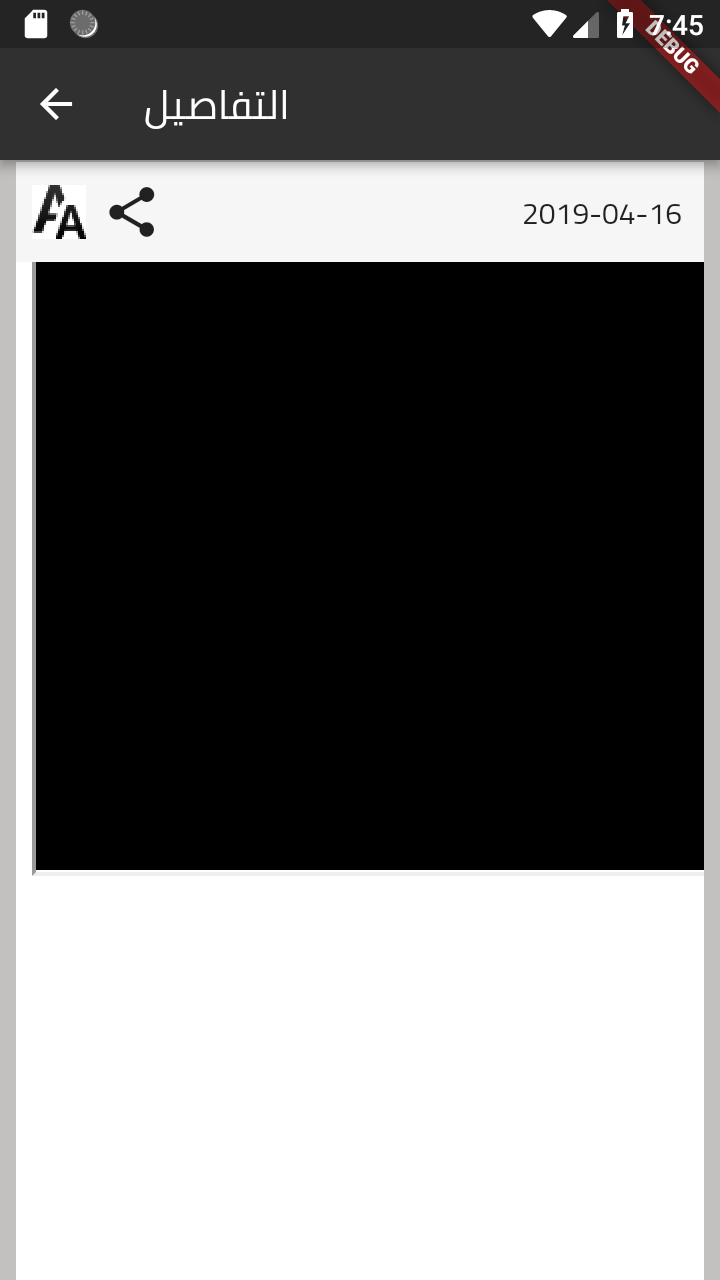
==and the video here is not fixed to the screen as the video of the second code and I do not know why
-The direct url code:
```
WebView(
javascriptMode: JavascriptMode.unrestricted,
initialUrl:
"https://www.facebook.com/plugins/video.php?href=https%3A%2F%2Fwww.facebook.com%2FMohammadAlwakeelshow%2Fvideos%2F260288981581432%2F&show_text=0&width=560",
gestureRecognizers: Set()
..add(Factory<VerticalDragGestureRecognizer>(
() => VerticalDragGestureRecognizer())),
onWebViewCreated: (WebViewController webViewController) {
_controller.complete(webViewController);
},
),
-Image of the Direct url code :

-by the way the, the second image is the the same image that accures using flutter_widget_from_html
package with the same issue of not able to play the video
===Hope this will help solving the issue :)
ahmadkhedr
on 16 Apr 2019
I have tested the two ways you mentioned...the direct url does not work with me....
Yes, same results here.
by the way the, the second image is the the same image that accures using flutter_widget_from_html
package with the same issue of not able to play the video
Yes, that's expected because the plugin renders WebView with direct URL in the same way.
I will try to do some digging to find out what went wrong.
daohoangson
on 18 Apr 2019
Best of luck :)
ahmadkhedr
on 18 Apr 2019
Any progress regarding the issue??
ahmadkhedr
on 23 Apr 2019
Not yet, I'll work on this after 0.2.0 release. WebView has been upgraded in this version and it can now resize itself to fit the web page FYI.
daohoangson
on 24 Apr 2019
Not yet, I'll work on this after 0.2.0 release. WebView has been upgraded in this version and it can now resize itself to fit the web page FYI.
when the 0.2.0 will be released?
ahmadkhedr
on 27 Apr 2019
It is working now...
Please confirm from your side as well and I will close the issue after your confirmation :)
ahmadkhedr
on 12 May 2019
Which version of Flutter are you using? Can you give me log of flutter doctor -v? This is still not working for me:
import 'package:flutter/material.dart';
import 'package:flutter_widget_from_html/flutter_widget_from_html.dart';
class Facebook extends StatelessWidget {
@override
Widget build(BuildContext context) => Scaffold(
appBar: AppBar(title: Text('Facebook')),
body: HtmlWidget(
"<p><iframe src=\"https://www.facebook.com/plugins/video.php?href=https%3A%2F%2Fwww.facebook.com%2FMohammadAlwakeelshow%2Fvideos%2F260288981581432%2F&show_text=0&width=560\" width=\"560\" height=\"315\" style=\"border:none;overflow:hidden\" scrolling=\"no\" frameborder=\"0\" allowtransparency=\"true\" allowfullscreen=\"true\"></iframe></p>",
webView: true,
webViewJs: true,
),
);
}
Weird...
daohoangson
on 13 May 2019
Weird...
What is even weirder that it still does not work on the debug mode....and even on the release apk that I am using right now it was not working at the beginning,I was testing it yesterday and surprisingly I found it working and I thought the problem was solved...The currently apk was created and uploaded to my phone on the 30th of April...I have created a new apk and uploading it to my device right now and will update you with the new result-Which I think that it will bring the problem again-
Screenshot of the Facebook video now :

ahmadkhedr
on 13 May 2019
Please keep me updated, thank you.
daohoangson
on 13 May 2019
Please keep me updated, thank you.
I uninstaled the app and installed it again using the new created apk
and,It does not work any more :(
ahmadkhedr
on 13 May 2019
Still weird, but at least it makes more sense.
daohoangson
on 13 May 2019
Hi,
It started working again
ahmadkhedr
on 15 May 2019
What? Without changes in your code?
daohoangson
on 15 May 2019
What? Without changes in your code?
Without changing even a single line...I have a suggestion ...create a simple app with only one screen displaying the video and create an apk from it and put it on your phone and test it as well.
What is driving me crazy that I have tested it yesterday and it didn't work!!
ahmadkhedr
on 15 May 2019
What? Without changes in your code?
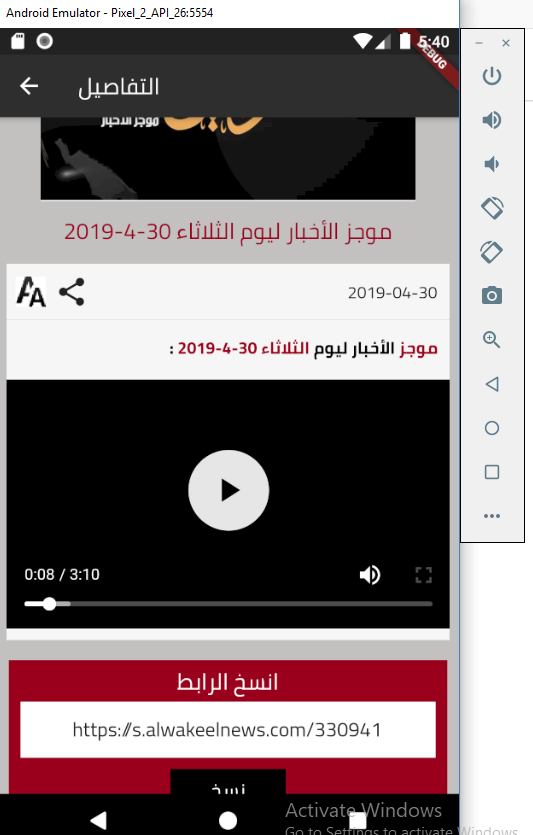
What is new now that is started working on the debug mode as well...Please try it and inform me if it works with you too
ahmadkhedr
on 15 May 2019
I have created a new apk ...uninstalled the old one and installed the newly created one and the facebook videos are working fine......Should this issue be considered as solved and be closed?
ahmadkhedr
on 15 May 2019
I can confirm this works on my Android real device (release apk):
import 'package:flutter/material.dart';
import 'package:flutter_widget_from_html/flutter_widget_from_html.dart';
void main() => runApp(MyApp());
class MyApp extends StatelessWidget {
@override
Widget build(BuildContext context) => MaterialApp(
title: 'Facebook Demo',
home: Scaffold(
appBar: AppBar(title: Text('Facebook Demo')),
body: HtmlWidget(
"<p><iframe src=\"https://www.facebook.com/plugins/video.php?href=https%3A%2F%2Fwww.facebook.com%2FMohammadAlwakeelshow%2Fvideos%2F260288981581432%2F&show_text=0&width=560\" width=\"560\" height=\"315\" style=\"border:none;overflow:hidden\" scrolling=\"no\" frameborder=\"0\" allowtransparency=\"true\" allowfullscreen=\"true\"></iframe></p>",
webView: true,
),
),
);
}
It seems to work on iOS Simulator too. I guess we can close this now.
daohoangson
on 16 May 2019
Related issues
 rommelcarlo
·
3Comments
rommelcarlo
·
3Comments
 mclark4386
·
3Comments
mclark4386
·
3Comments
 yoush97
·
6Comments
yoush97
·
6Comments
 theneshofficial
·
4Comments
ahmadkhedr
·
7Comments
theneshofficial
·
4Comments
ahmadkhedr
·
7Comments
Most helpful comment
Not yet, I'll work on this after 0.2.0 release. WebView has been upgraded in this version and it can now resize itself to fit the web page FYI.