Flutter_map: possible to use in flutter web?
Hi guys,
I try to use this framework to build with web. Unfortunately I received only blank screen in the place that map should be displayed.
On iOS/Android with the same code works fine.
Any hints?
 SebWojd
All 14 comments
Thanks for filing an issue! This looks like an issue with the flutter_image package. You can define your own TileProvider that uses NetworkImage to work around the issue:
class NonCachingNetworkTileProvider extends TileProvider {
  @override
  ImageProvider getImage(Coords<num> coords, TileLayerOptions options) {
    return NetworkImage(getTileUrl(coords, options));
  }
}
Added e8e687b75e6287ff5faddd9331724f1915a00a27 to demonstate.
 johnpryan
on 10 Oct 2019
johnpryan
on 10 Oct 2019
I've filed an issue here: https://github.com/flutter/flutter/issues/42375
johnpryan
on 10 Oct 2019
That is super cool!
I tried it and interestingly it didn't work in the chrome instance launched with: flutter web -d chrome
Took me a while to figure what was wrong.
 moovida
on 10 Oct 2019
moovida
on 10 Oct 2019
@johnpryan thank you for your quick respond and help! I really appreciate it!
Problem seems to be solved.
SebWojd
on 10 Oct 2019
@SebWojd, do you have an idea on how to keep a cache? The proposed solution works but reloads same tiles.
moovida
on 11 Oct 2019
I am testing the web part further. I hope it is ok to signal in this discussions test results, maybe @SebWojd can confirm if he/she also sees them.
I tried to add polylines on top of an OSM layer (same as I do in android/ios). The result is the background map disappearing:

If I drag to pan, the background map is seen flickering, but once I stop, the background disappears.
I can't find any error in the console of the browser and have no idea how to find out what is going on? Any idea on how to proceed?
moovida
on 12 Oct 2019
@moovida as for cache - I didn't figure it out yet. I've just started development for web so in few days I will get the results.
@johnpryan as you can see, there is the concern here about web - maybe you will take a look for this part of your framework in next releases?
SebWojd
on 12 Oct 2019
@SebWojd, I have in my test-todo list to have a look if html.window.indexedDB can be used to keep tiles in cache. I would appreciate comments about this, if you have knowledge, since i will have to check it out from scratch.
moovida
on 12 Oct 2019
I just finished another round of testing. The Markers part work pretty well also together with the clustering plugin.
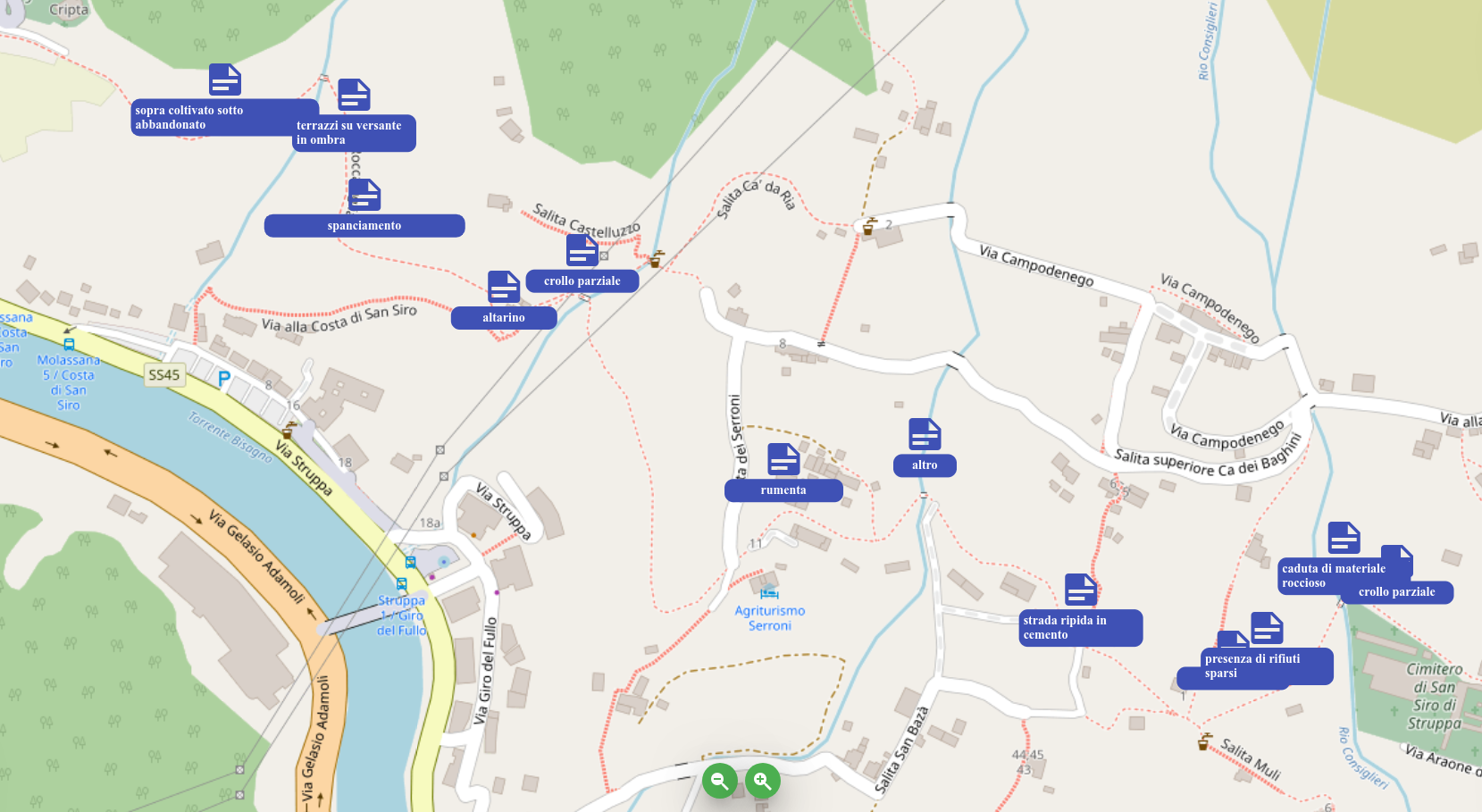
There has been some flickering sometimes on panning, but I wasn't able to catch any error.
I have to say that being able to add widgets to the markers and add plugins to the library has a huge potential also for the web part. Thanks @johnpryan ! :-)
moovida
on 13 Oct 2019
Thanks for filing an issue! This looks like an issue with the flutter_image package. You can define your own TileProvider that uses NetworkImage to work around the issue:
class NonCachingNetworkTileProvider extends TileProvider {
  @override
  ImageProvider getImage(Coords<num> coords, TileLayerOptions options) {
    return NetworkImage(getTileUrl(coords, options));
  }
}
Added e8e687b to demonstate.
This actually works. Unfortunately I couldn't find a way to zoom in and out. There is no pinch zoom in the web. Any suggestions?
 ibosev
on 14 Oct 2019
ibosev
on 14 Oct 2019
@ibosev Right now you would have to make a plugin that places buttons on the screen to move the map using the map controller.
The long-term solution for zooming is to handle scroll gestures, but this is not part of the framework yet https://github.com/flutter/flutter/issues/23604
johnpryan
on 14 Oct 2019
@johnpryan do you have any idea what could handle the background disappearing when adding lines? Also I experienced this today testing with markers on a secondary high resolution screen. But still no error and I am not able to understand what is getting crazy.
moovida
on 14 Oct 2019
@ibosev Right now you would have to make a plugin that places buttons on the screen to move the map using the map controller.
The long-term solution for zooming is to handle scroll gestures, but this is not part of the framework yet flutter/flutter#23604
I made a workaround without adding buttons to the screen. One just have to wrap the map in Listener widget and check for onPointerSignal like so:
Listener(
        onPointerSignal: handleSignal,
        .....
)

======


void handleSignal(e) {
    if (e is PointerScrollEvent) {
      var delta = e.scrollDelta.direction;
      mapController.move(mapController.center, mapController.zoom + (delta > 0 ? -0.2 : 0.2));
    }
  }
This issue is tracked by #383 so I'm going to close this one
johnpryan
on 17 Dec 2019
Related issues
 aytunch
·
3Comments
aytunch
·
3Comments
 thoffart
·
4Comments
thoffart
·
4Comments
 jasonleung101
·
3Comments
jasonleung101
·
3Comments
 DanialV
·
6Comments
DanialV
·
6Comments
 igaurab
·
5Comments
igaurab
·
5Comments
Most helpful comment
Thanks for filing an issue! This looks like an issue with the flutter_image package. You can define your own TileProvider that uses NetworkImage to work around the issue:
Added e8e687b75e6287ff5faddd9331724f1915a00a27 to demonstate.