Flutter_map: Markers position when zooming
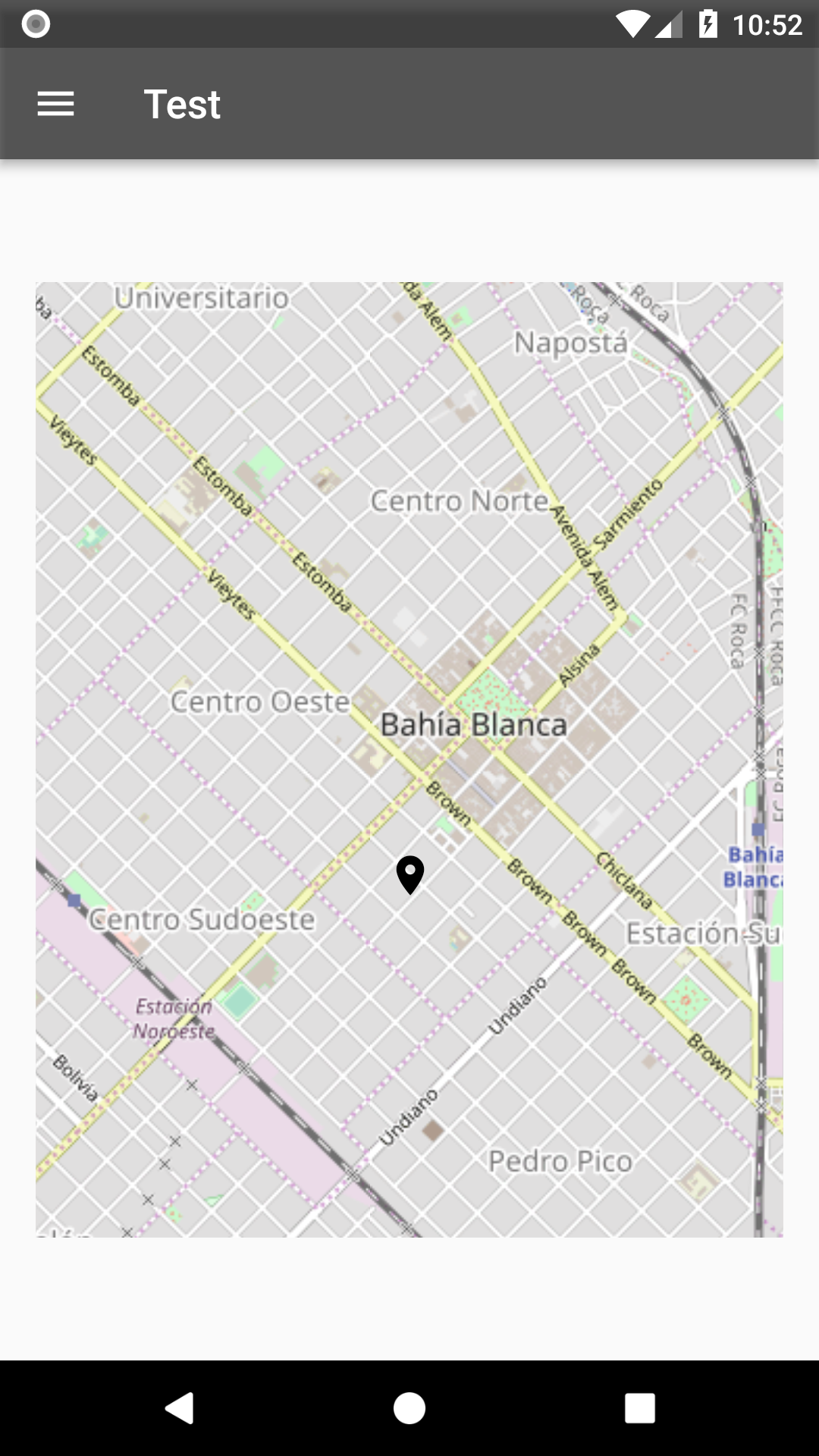
Marker moves out when I zoom in or out, the position moves around, how can I keep it in the same coordinates? Is this spected? Tried OpenMaps and MapBox.
UPDATE:
This is only reproduce when using non "square" marker proportions...
new Marker(
  width: 180.0,
  height: 60.0,
...
Using square width and height seems to solve this issue.

 marianoarga
All 7 comments
+1 I'd like to see this fixed
 vinicentus
on 5 Sep 2018
vinicentus
on 5 Sep 2018
This could be a math / rounding issue with coordinates. Can you make sure you are setting the pin position correctly and not to the center of the icon?
 johnpryan
on 5 Sep 2018
johnpryan
on 5 Sep 2018
@johnpryan I dont understand the question, the coordinates are ok, always comparing with a google maps pinned marker.
I have tried with widgets other than an Icon, Card for example, in order to be more descriptive about the marker inside the map, but got the same issue.
The marker itself seems to be pinned at the choosen widgets's center o bottom center, not sure, but in a squared size little Icon the bug isn't noticeable.
marianoarga
on 5 Sep 2018
Sorry - I meant to say did you try setting the AnchorPos attribute of the marker? https://github.com/apptreesoftware/flutter_map/blob/master/lib/src/layer/marker_layer.dart#L70
johnpryan
on 5 Sep 2018
I have a fix for this in my project at home, please bear with me a few days to prepare a PR.
It's either todo with min/max zoom and the starting zoom or/and with the allignment attributes of the marker.
 alfanhui
on 24 Sep 2018
alfanhui
on 24 Sep 2018
@johnpryan AnchorPos solve this issue (Having non-square Marker), thank you.
marianoarga
on 25 Oct 2018
cool, thanks for filing an issue!
johnpryan
on 25 Oct 2018
Related issues
 JonasVautherin
·
4Comments
JonasVautherin
·
4Comments
 garrrettt
·
4Comments
garrrettt
·
4Comments
 jacksos101
·
3Comments
jacksos101
·
3Comments
 jasonleung101
·
3Comments
jasonleung101
·
3Comments
 reidterror
·
3Comments
reidterror
·
3Comments
Most helpful comment
I have a fix for this in my project at home, please bear with me a few days to prepare a PR.
It's either todo with min/max zoom and the starting zoom or/and with the allignment attributes of the marker.