Flutter-intellij: Incompatibility with IntelliJ 2020.2.4
Hello,
A new release of IntelliJ is available: 2020.2.4 (202.8194.7 build).
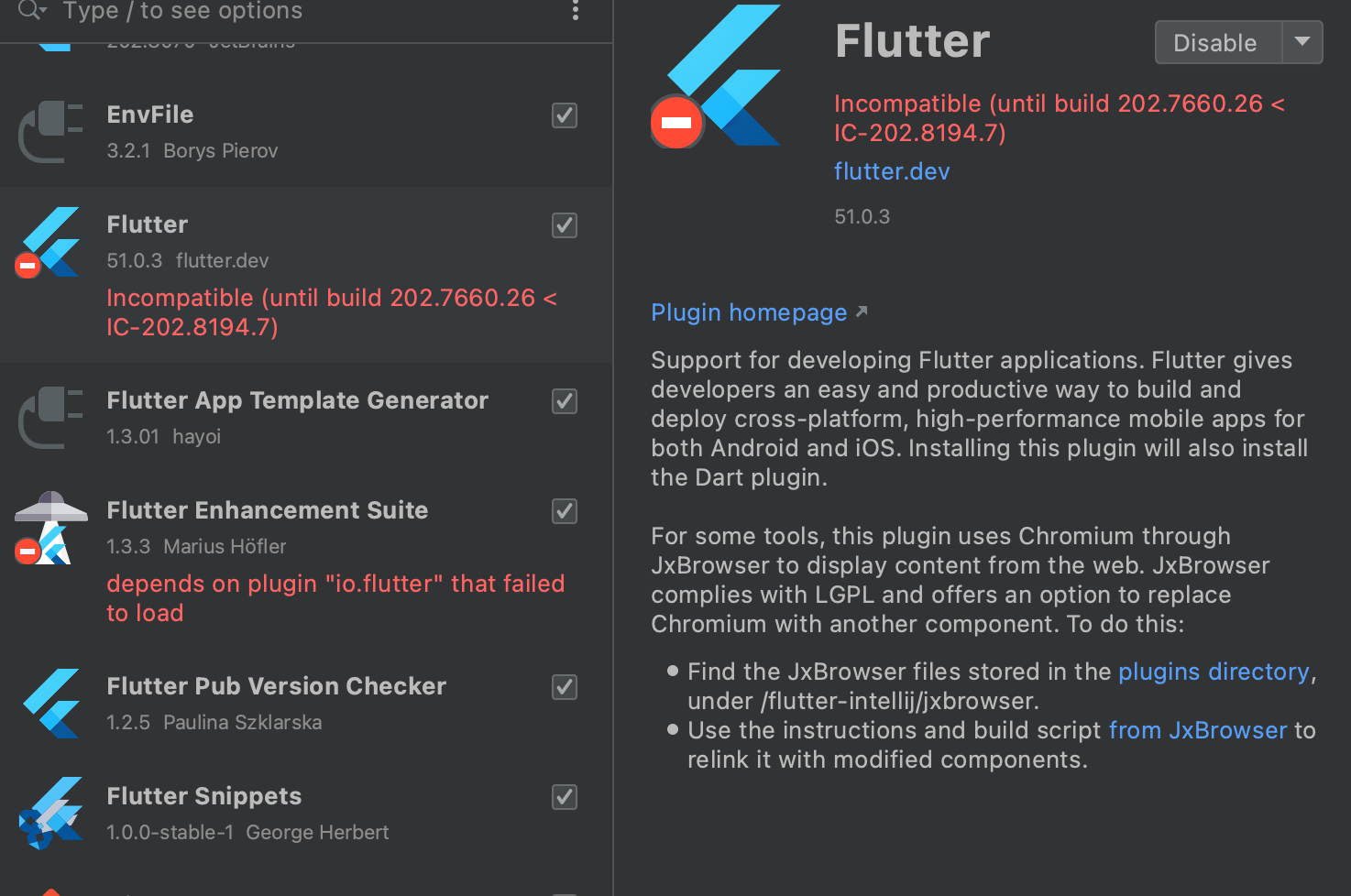
However the Flutter plugin is incompatible with this version.
Any ETA when it will be?
 g123k
g123k
All 6 comments
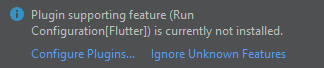
Just to add some info, we are seeing this notification:
 feinstein
on 26 Nov 2020
feinstein
on 26 Nov 2020
Yea same here, cant do any dev now
 shaun0203
on 26 Nov 2020
shaun0203
on 26 Nov 2020
I also encountered this problem, you need to uninstall and reinstall the Flutter plugin. Version: 50.0 supports idea 2020.2.4. Reference: https://plugins.jetbrains.com/plugin/9212-flutter/versions
 pruidong
on 28 Nov 2020
pruidong
on 28 Nov 2020
I also encountered this problem, you need to uninstall and reinstall the Flutter plugin. Version: 50.0 supports idea 2020.2.4. Reference: https://plugins.jetbrains.com/plugin/9212-flutter/versions
After I reinstall it, it can be used normally.
pruidong
on 28 Nov 2020
Fyi @stevemessick
 jacob314
on 30 Nov 2020
jacob314
on 30 Nov 2020
There is a new version available now for IntelliJ 2020.2.4. This one won't automatically update. You need to uninstall version 51 then look for the version named SNAPSHOT.
- Open Settings/Preferences
- Select
Plugins - Select
Installed - Select Flutter
- Click the drop-down arrow next to
Disableand chooseUninstall - Close the modal window
- IntelliJ uninstalls the plugin; I did not have to restart
- Re-open Settings/Preferences and re-install the plugin with the SNAPSHOT version
- Restart IntelliJ
We plan to release version 52 at the end of the week. If you have already switched to version 50, as suggested above, you might want to wait for that.
 stevemessick
on 30 Nov 2020
stevemessick
on 30 Nov 2020
Related issues
 KevinTheGray
·
3Comments
KevinTheGray
·
3Comments
 dark-chocolate
·
4Comments
dark-chocolate
·
4Comments
 galeyang
·
4Comments
galeyang
·
4Comments
 brianegan
·
3Comments
brianegan
·
3Comments
 Widelx
·
3Comments
Widelx
·
3Comments
Most helpful comment
I also encountered this problem, you need to uninstall and reinstall the Flutter plugin. Version: 50.0 supports idea 2020.2.4. Reference: https://plugins.jetbrains.com/plugin/9212-flutter/versions