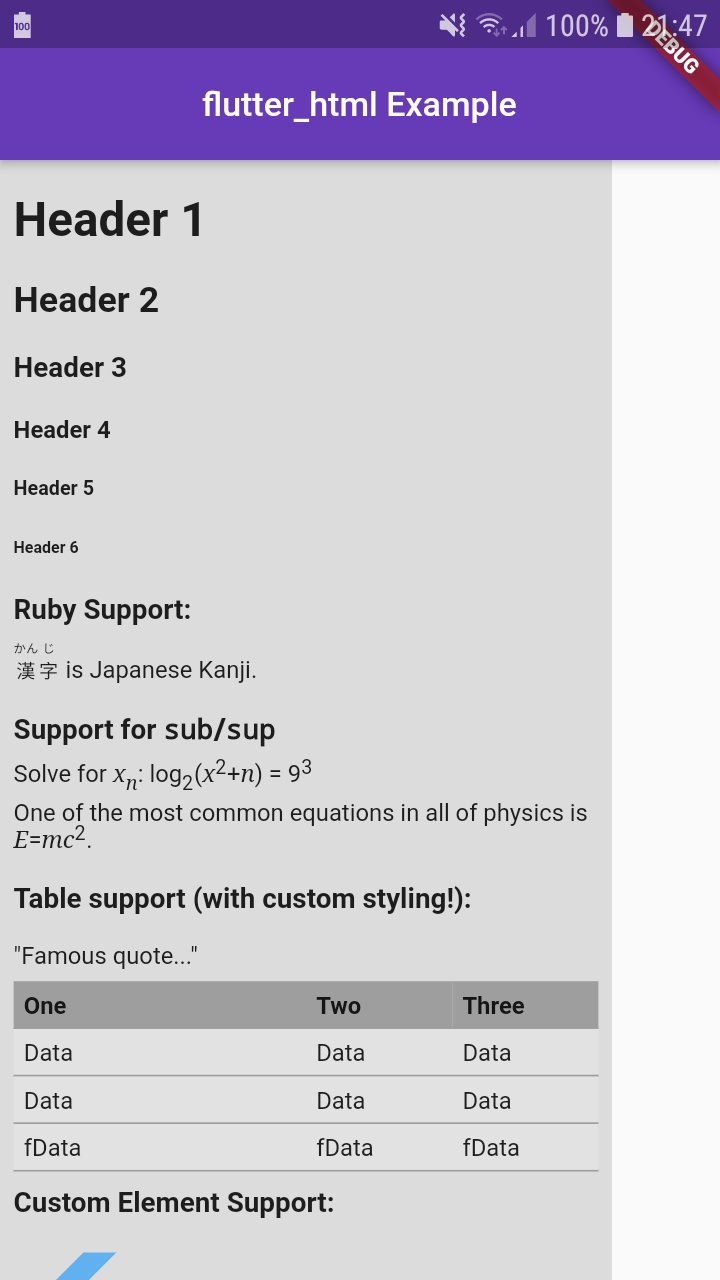
Flutter_html: Html Widget do not take all the available width
SInce v1.0.0 the Html widget do not take all the available space.
What I have trided :
- using Expended
- Set the width of the html tag
 odrevet
All 6 comments
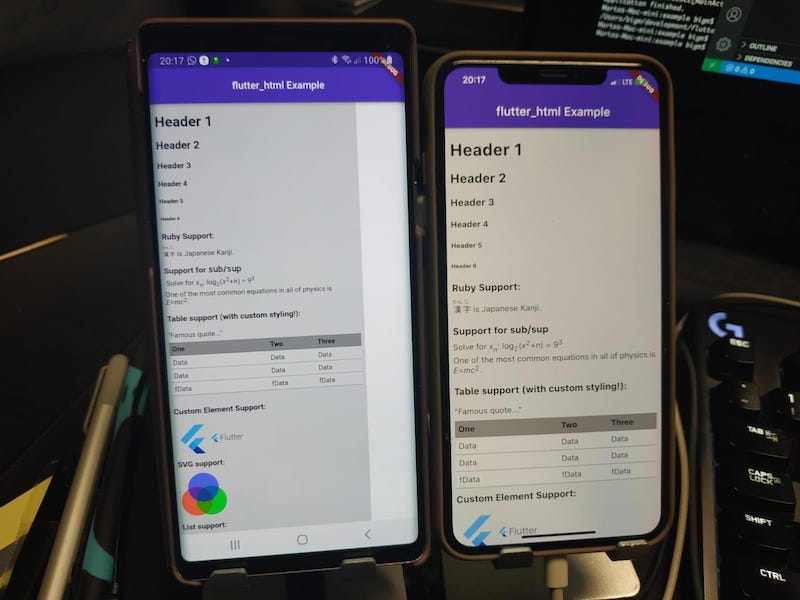
After compiling a sample code from the last release, iOS works well. There is a problem on Android.
 MartaTaszmowicz
on 19 Aug 2020
MartaTaszmowicz
on 19 Aug 2020
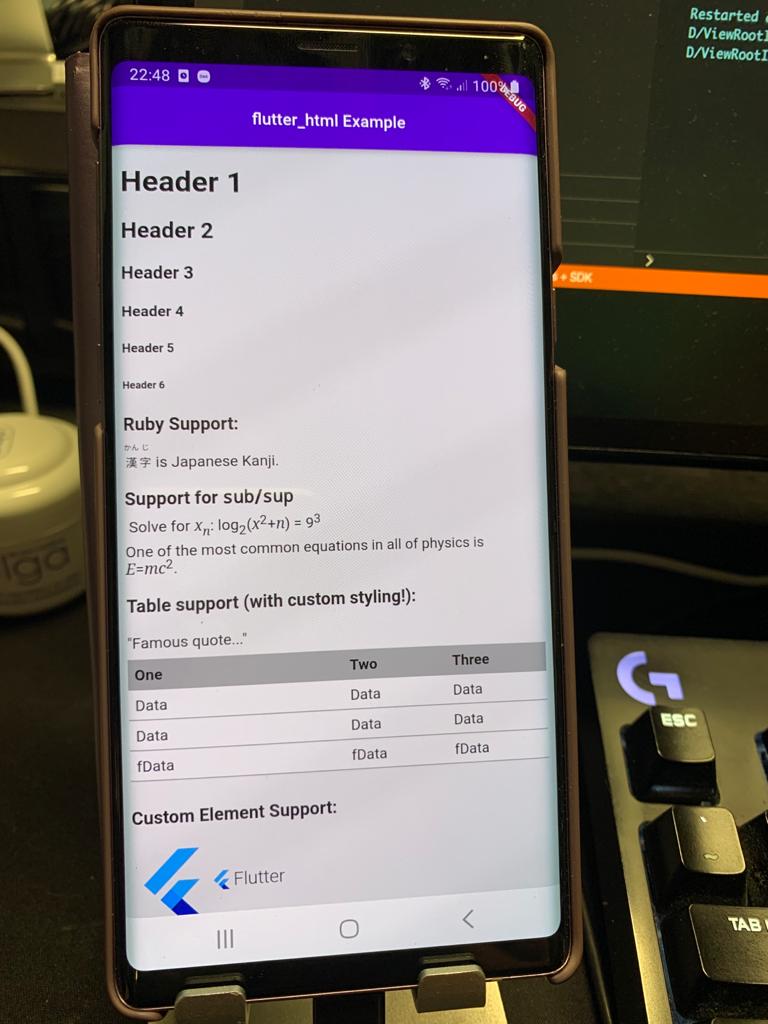
[workaround]
MediaQuery.of(context).textScaleFactor
In file html_parser.dart (class HtmlParser) line 74, I have permanently defined the text scaling size:
textScaleFactor: 1.0, //MediaQuery.of(context).textScaleFactor,
MartaTaszmowicz
on 22 Aug 2020
the issue is based on the devices font size setting.
a better workaround (taken from another issue) is this:
MediaQuery(
                        data: MediaQuery.of(context).copyWith(textScaleFactor: 1),
                        child: Html(),
),
but we need a propper fix that does not ignore the users font size setting!
 KorbinianMossandl
on 25 Aug 2020
KorbinianMossandl
on 25 Aug 2020
This is an improvement to @KorbinianMossandl 's workaround. I found that it is possible to reduce the width of the body to adapt to bigger font size, although there seems to be a hard cap on the max width for smaller font size. The code below will adjust the body width accordingly to fit the screen width when the font size is increased above the default, and fallback to textScaleFactor=1 if the font size is reduced. "1.5" is a magic number.
MediaQuery(
  data: MediaQuery.of(context).copyWith(textScaleFactor: MediaQuery.of(context).textScaleFactor<=1 ? 1 : MediaQuery.of(context).textScaleFactor),
  child: Html(
    style: {
      "body": Style(
        width: MediaQuery.of(context).size.width / (1 + 1.5*(MediaQuery.of(context).textScaleFactor-1)),
      ),
    },
    data: ....
  ),
),
 wilsonna
on 20 Sep 2020
wilsonna
on 20 Sep 2020
This should be fixed in 1.22!
 ryan-berger
on 4 Oct 2020
ryan-berger
on 4 Oct 2020
updated today to 1.1.1. No problem with this version. thank you
odrevet
on 24 Nov 2020
Related issues
 zs-dima
·
4Comments
zs-dima
·
4Comments
 raLaaaa
·
3Comments
raLaaaa
·
3Comments
 assurancetourix
·
3Comments
assurancetourix
·
3Comments
 red42
·
4Comments
red42
·
4Comments
 AbdoXLabs
·
5Comments
AbdoXLabs
·
5Comments
Most helpful comment
the issue is based on the devices font size setting.
a better workaround (taken from another issue) is this:
but we need a propper fix that does not ignore the users font size setting!