Fluentui: Use selections with Basic List
Describe the feature that you would like added
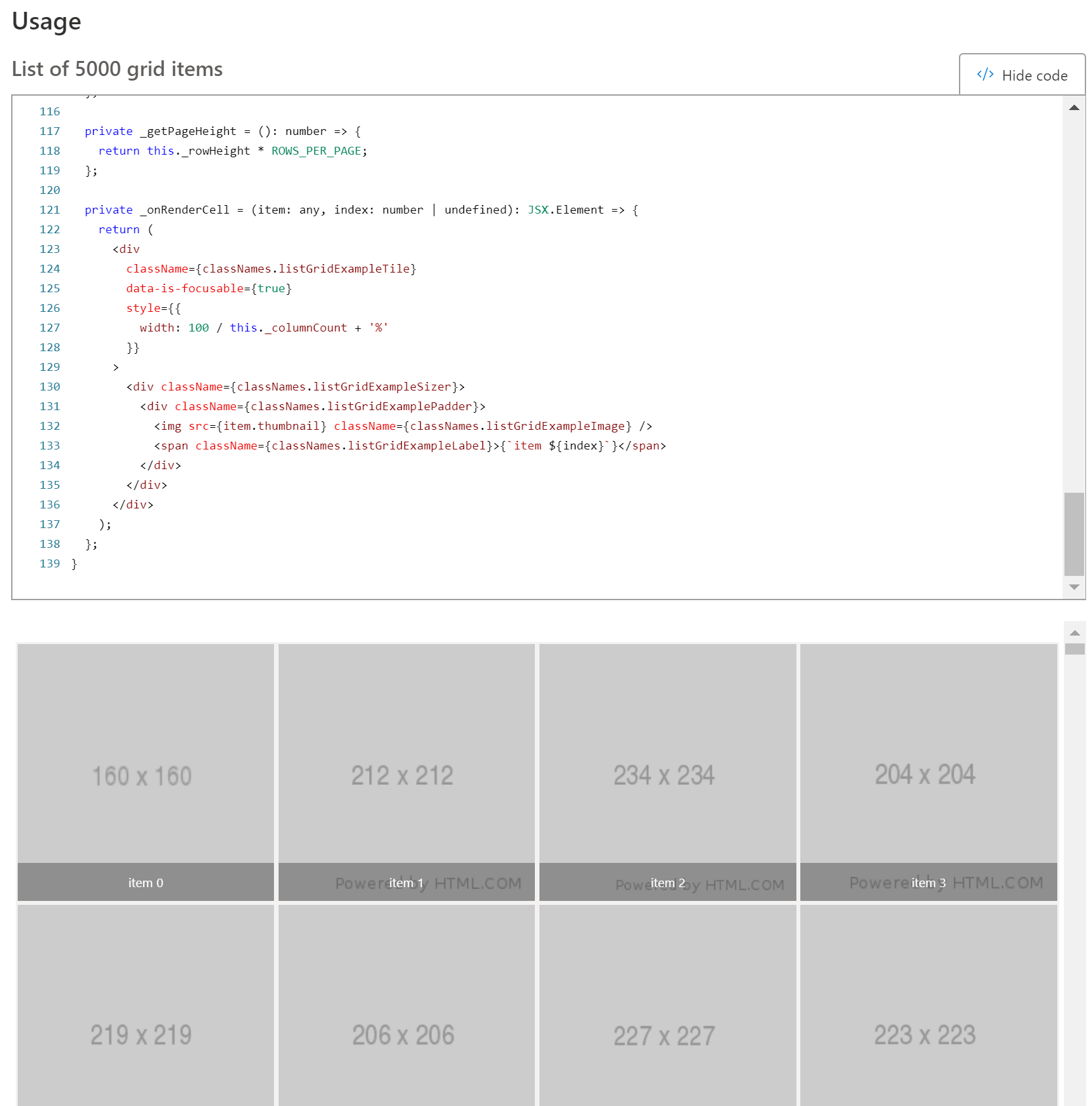
I am using Basic List to display grid Items as given in the example here https://developer.microsoft.com/en-us/fabric#/controls/web/list
I have checkboxes and I want to be able to use selection to check. I have used selection zone and marquee zone
grid-list-${triggerChangeNew}}
className='ms-ListGridExample'
items={this.props.job.files}
getItemCountForPage={this._getItemCountForPage}
getPageHeight={this._getPageHeight}
renderedWindowsAhead={2}
onRenderCell={this._onRenderCell}
/>
Unless I trigger the entire list using key I don't see change in checkboxes. But this causes the entire list to reload.
I want to be able to send selection object to List component like DetailsList
What component or utility would this be added to
List (Basic List)
Have you discussed this feature with our team, and if so, who
No
Additional context/screenshots
 AparnaPrasad
All 9 comments
Here is the code I am currently using:
`
                <SelectionZone
                    selection={selection}>

                        <List
                            key={`grid-list-${triggerChangeNew}`}
                            className='ms-ListGridExample'
                            items={this.props.job.files}
                            getItemCountForPage={this._getItemCountForPage}
                            getPageHeight={this._getPageHeight}
                            renderedWindowsAhead={2}
                            onRenderCell={this._onRenderCell}
                    />

                </SelectionZone>
AparnaPrasad
on 12 Sep 2019
Hey @AparnaPrasad could you possibly provide a CodePen example for us demonstrating your scenario? Here's a basic List CodePen that has checkboxes but no Selection object, hopefully it can get you started: https://codepen.io/kevintcoughlin/pen/PoYyYqz. Thanks!
 natalieethell
on 18 Sep 2019
natalieethell
on 18 Sep 2019
That is a list of checkbox, which is what I have but I also want to be able to drag and select. MS office UI react provides
AparnaPrasad
on 19 Sep 2019
@AparnaPrasad why not use DetailsList?
natalieethell
on 19 Sep 2019
This issue has been automatically marked as stale because it has marked as requiring author feedback but has not had any activity for 4 days. It will be closed if no further activity occurs within 3 days of this comment. Thank you for your contributions to Fabric React!
 msft-github-bot
on 23 Sep 2019
msft-github-bot
on 23 Sep 2019
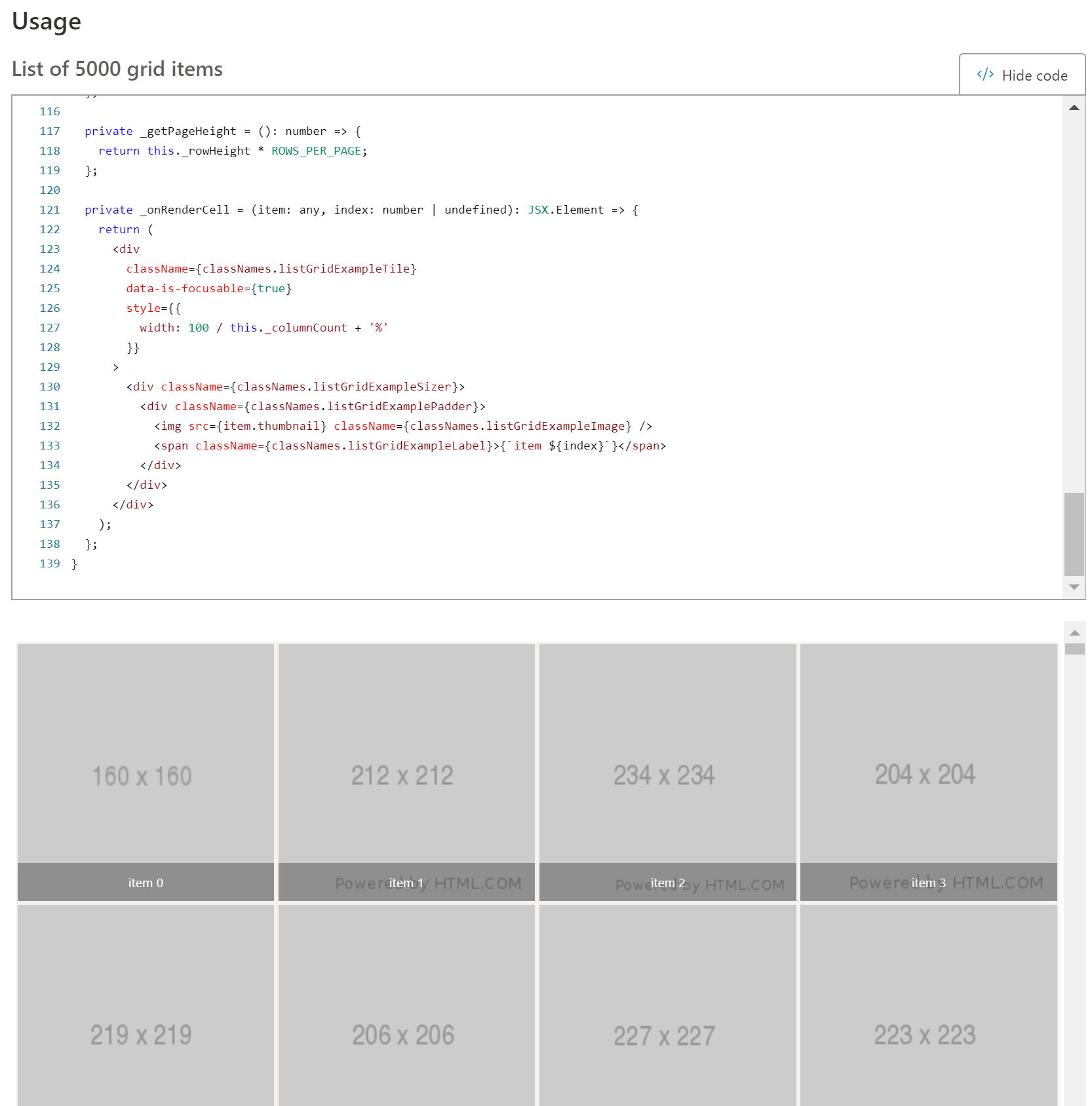
I need to use Basic list because I want to create a grid like view as below, and basic list provides support for that taking in height and width and adjusting automatically with screen width and height
AparnaPrasad
on 24 Sep 2019
@AparnaPrasad Got it. Have you checked out the implementation of TilesList? It's currently still in experiments, but it looks like it might be doing what you need, particularly with selection: http://fabricweb.z5.web.core.windows.net/pr-deploy-site/refs/pull/10546/merge/experiments/dist/index.html#/examples/tileslist. Check out the "TilesList with media tiles" example.
natalieethell
on 25 Sep 2019
This issue has been automatically marked as stale because it has marked as requiring author feedback but has not had any activity for 4 days. It will be closed if no further activity occurs within 3 days of this comment. Thank you for your contributions to Fabric React!
msft-github-bot
on 29 Sep 2019
@AparnaPrasad Got it. Have you checked out the implementation of TilesList? It's currently still in experiments, but it looks like it might be doing what you need, particularly with selection: http://fabricweb.z5.web.core.windows.net/pr-deploy-site/refs/pull/10546/merge/experiments/dist/index.html#/examples/tileslist. Check out the "TilesList with media tiles" example.
Yes this is what I need.
AparnaPrasad
on 14 Oct 2019
Related issues
 justinwilaby
·
3Comments
justinwilaby
·
3Comments
 carruthe
·
3Comments
carruthe
·
3Comments
 rickyp-ms
·
3Comments
rickyp-ms
·
3Comments
 satbai
·
3Comments
rickyp-ms
·
3Comments
satbai
·
3Comments
rickyp-ms
·
3Comments