Flipper: "Install Plugins" list is empty both on MacOS and Windows
🐛 Bug Report
"Install Plugins" list is empty both on MacOS and Windows
To Reproduce
- Download and open Flipper 0.70.0
Environment
Windows 10 and Catalina 10.15.7
Screenshots
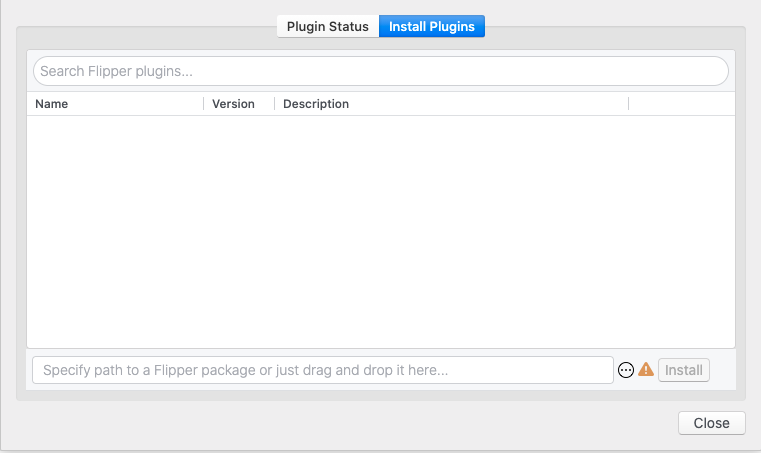

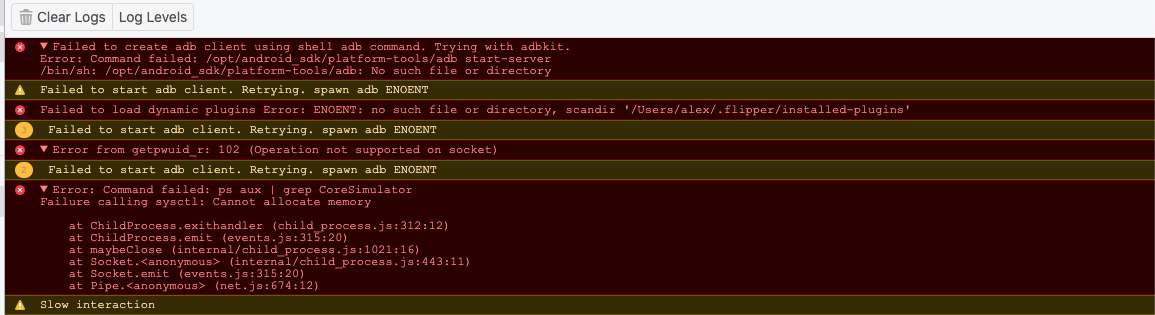
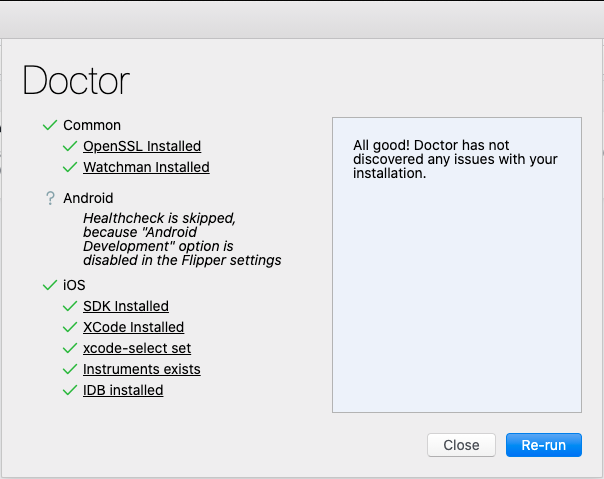
 alexfov
All 8 comments
Thanks for the level of detail. That's very helpful! Looks like a real bug to me. Will dig into it.
 passy
on 9 Jan 2021
passy
on 9 Jan 2021
Seeing the same issue with the following:
- macOS Catalina 10.15.7
- Flipper 0.70
- React Native 0.63.3
- Vanilla
npx react-native init - Flipper doctor is all green but manage plugin list is empty
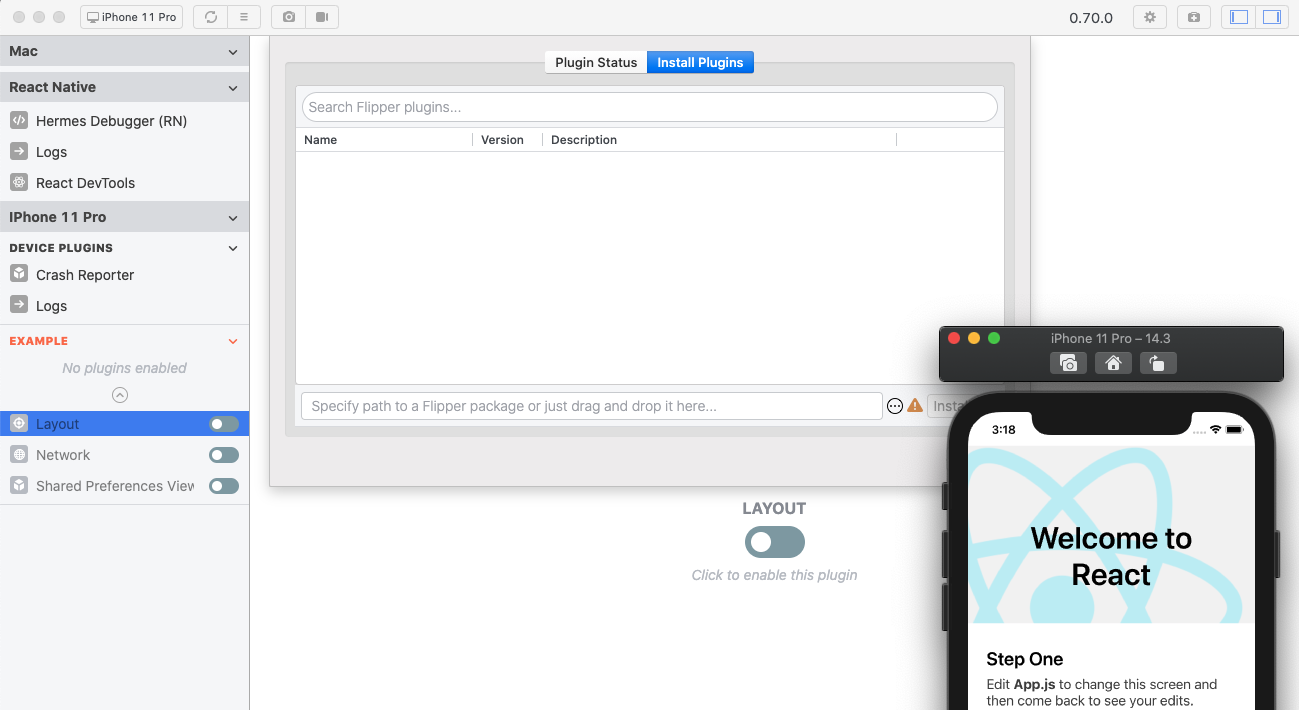
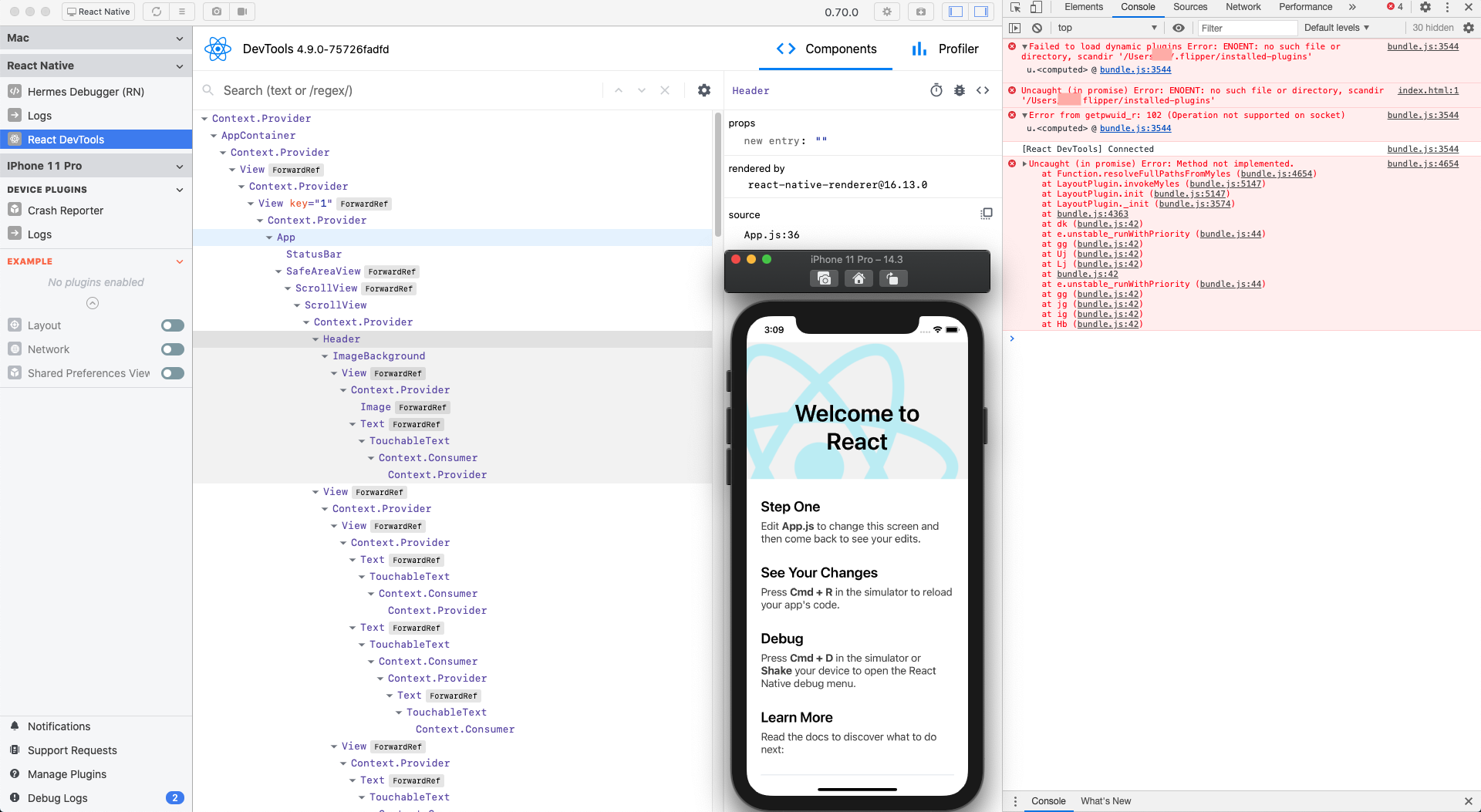
Console error when starting Flipper
> Failed to load dynamic plugins Error: ENOENT: no such file or directory, scandir '/Users/<user>/.flipper/installed-plugins'
> Uncaught (in promise) Error: ENOENT: no such file or directory, scandir '/Users/<user>/.flipper/installed-plugins'
> Error from getpwuid_r: 102 (Operation not supported on socket)
 sshquack
on 10 Jan 2021
sshquack
on 10 Jan 2021
+1
 rosnaib11
on 11 Jan 2021
rosnaib11
on 11 Jan 2021
Is it only 0.70 version problem? If so where can I get previous version?
alexfov
on 11 Jan 2021
I switched back to v0.69 and everything was fine. ok👌
You can find all versions here -> https://github.com/facebook/flipper/releases
 QuentinArnault
on 11 Jan 2021
QuentinArnault
on 11 Jan 2021
Thanks @QuentinArnault 0.69 shows the plugin list, but I had to delete the ~/.flipper before installing 0.69
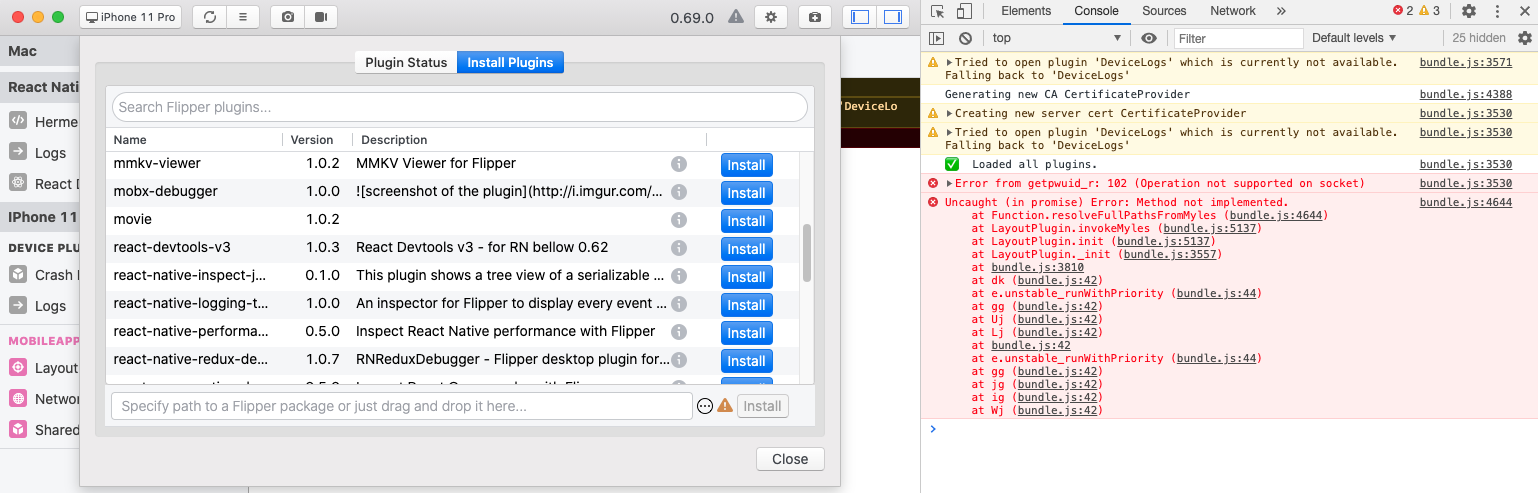
It also has this error in the console:
> Error from getpwuid_r: 102 (Operation not supported on socket)
Uncaught (in promise) Error: Method not implemented.
    at Function.resolveFullPathsFromMyles (bundle.js:4644)
    at LayoutPlugin.invokeMyles (bundle.js:5137)
...
sshquack
on 11 Jan 2021
Hi all, thanks for the details. We'll push a new release soon, but for now you can just create empty folder "installed-plugins" in "~/.flipper" and everything should work after that on version 0.70.0.
 nikoant
on 11 Jan 2021
nikoant
on 11 Jan 2021
Hi all, thanks for the details. We'll push a new release soon, but for now you can just create empty folder "installed-plugins" in "~/.flipper" and everything should work after that on version 0.70.0.
Ty! This works!
alexfov
on 11 Jan 2021
Related issues
 jhsware
·
3Comments
jhsware
·
3Comments
 bojankoma
·
4Comments
bojankoma
·
4Comments
 hsavit1
·
3Comments
hsavit1
·
3Comments
 usrbowe
·
3Comments
usrbowe
·
3Comments
 orlandobustamantep
·
3Comments
orlandobustamantep
·
3Comments
Most helpful comment
Hi all, thanks for the details. We'll push a new release soon, but for now you can just create empty folder "installed-plugins" in "~/.flipper" and everything should work after that on version 0.70.0.