Flipper: Question: How to create Flipper shortcut on Ubuntu?
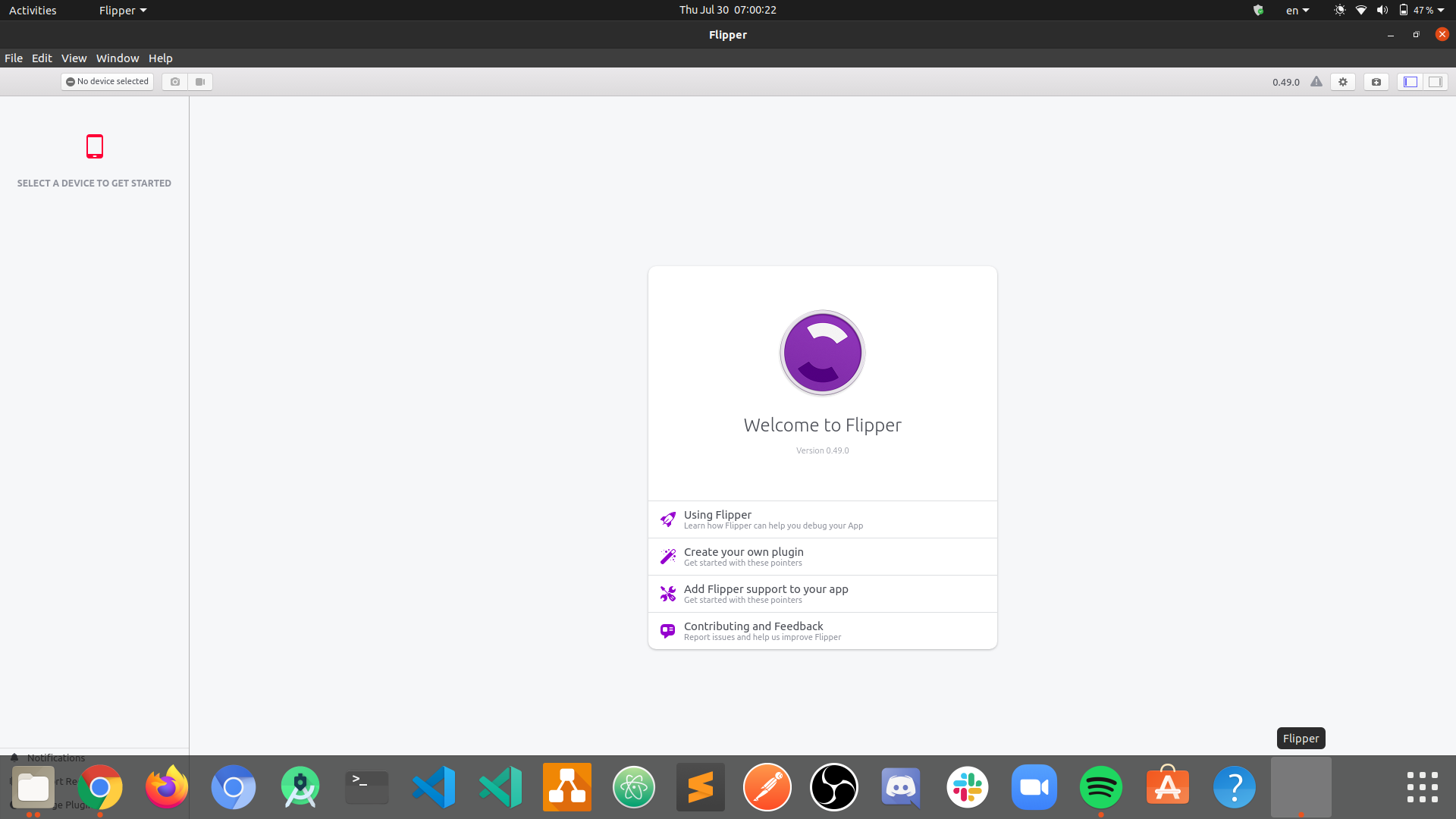
I've just download Flipper, and I wonder if there is a way to create a shortcut for Flipper, to access it easily!
Ubuntu version: 20.04
 mohamedsgap
All 6 comments
mohamedsgap
on 30 Jul 2020
This is one way to create a desktop shortcut on Ubuntu
 lmj0011
on 30 Jul 2020
lmj0011
on 30 Jul 2020
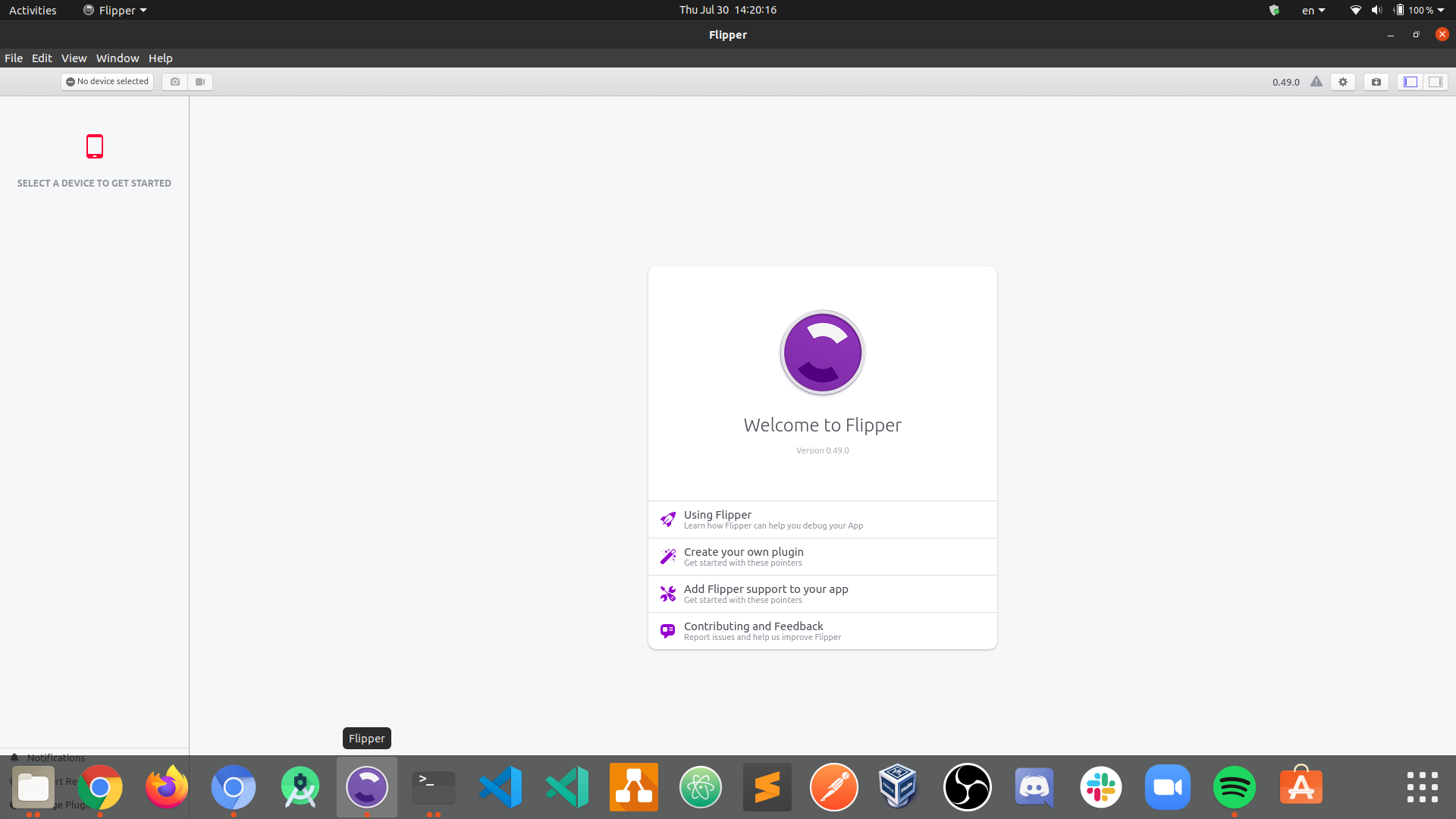
Update: Solved
sudo nano /usr/share/applications/Flipper.desktop
paste the following:
`
#!/usr/bin/env/ xdg-open`
[Desktop Entry]
Version=0.51
Type=Application
Terminal=false
Exec=/home/USERNAME/Downloads/Flipper-linux/flipper
Name=Flipper
Comment=Extensible mobile app debugger
Icon=/home/USERNAME/Downloads/Flipper-linux/resources/app/icon.png
``
make it executable
sudo chmod +x /usr/share/applications/Flipper.desktop
mohamedsgap
on 30 Jul 2020
@mohamedsgap Your solution did not work for me.
Instead I've created /usr/share/applications/Flipper.desktop with this content, like @lmj0011 mentioned.
[Desktop Entry]
Name=Flipper
Comment=Extensible mobile app debugger
Exec=/home/user/path-to/Flipper-linux/flipper
Type=Application
Terminal=false
Icon=/home/user/path-to/Flipper-linux/resources/app/icon.png
NoDisplay=false
Also you need to make this file executable.
 vkotovv
on 3 Aug 2020
vkotovv
on 3 Aug 2020
@vkotovv it's actually the same, but my solution makes you be able to add it to Favorites
mohamedsgap
on 3 Aug 2020
That icon file doesn't exist in 0.73, but you can grab it from https://fbflipper.com/img/icon.png
 Zakini
on 2 Feb 2021
Zakini
on 2 Feb 2021
Related issues
 usrbowe
·
3Comments
usrbowe
·
3Comments
 bojankoma
·
4Comments
bojankoma
·
4Comments
 keshavamurthy1
·
4Comments
keshavamurthy1
·
4Comments
 justintuchek
·
3Comments
justintuchek
·
3Comments
 abaker
·
3Comments
abaker
·
3Comments
Most helpful comment
Update: Solved
sudo nano /usr/share/applications/Flipper.desktoppaste the following:
`
[Desktop Entry]Version=0.51Type=ApplicationTerminal=falseExec=/home/USERNAME/Downloads/Flipper-linux/flipperName=FlipperComment=Extensible mobile app debuggerIcon=/home/USERNAME/Downloads/Flipper-linux/resources/app/icon.png``
make it executable
sudo chmod +x /usr/share/applications/Flipper.desktop