Flameshot: How to use the pin tools?
Is your feature request related to a problem? Please describe.
A clear and concise description of what the problem is. Ex. I'm always frustrated when [...]
Please, a single feature per issue.
 SYSU-Jmiao
All 7 comments
I use it to composite different snapshot of different places/status of an app. Do a screenshot, pin it, move it, do another one, etc...
 Rmano
on 18 May 2018
Rmano
on 18 May 2018
you can close the pinned screenshots with Escape or double click, drag it with the mouse and resize the widget with the mouse wheel.
I have to write an user manual so people can read about all the functionality of this software.
 lupoDharkael
on 18 May 2018
lupoDharkael
on 18 May 2018
Ah! I did not know the resize thing! Nice :-)
Rmano
on 18 May 2018
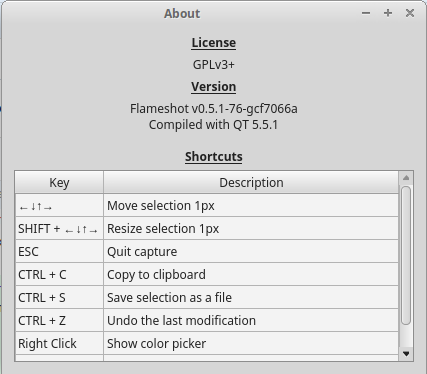
There is no pin-tool button here. I'm using the git version under Mint 18.3 (ubuntu 16.04) and compile flameshot from master branch.
 et2010
on 24 May 2018
et2010
on 24 May 2018
It's not enabled by default, have you enabled it in the settings dialogs?
Rmano
on 24 May 2018
Ah, I feel really stupid. Thanks for the hint!
et2010
on 24 May 2018
This tool is quite useful! I guess it could be enabled by default?
 cmpute
on 4 Aug 2019
cmpute
on 4 Aug 2019
Related issues
 mrinvisible0
·
4Comments
mrinvisible0
·
4Comments
 thiswillbeyourgithub
·
3Comments
thiswillbeyourgithub
·
3Comments
 gdude2002
·
4Comments
gdude2002
·
4Comments
 xstable
·
3Comments
xstable
·
3Comments
 hosiet
·
4Comments
hosiet
·
4Comments
Most helpful comment
This tool is quite useful! I guess it could be enabled by default?