Firebase-tools: Documentation: debug() function for Firestore emulator
According your changelog, you have introduced a debug(...) function for the firestore emulator in the v6.14.0 but we couldn't find any documentation for it.
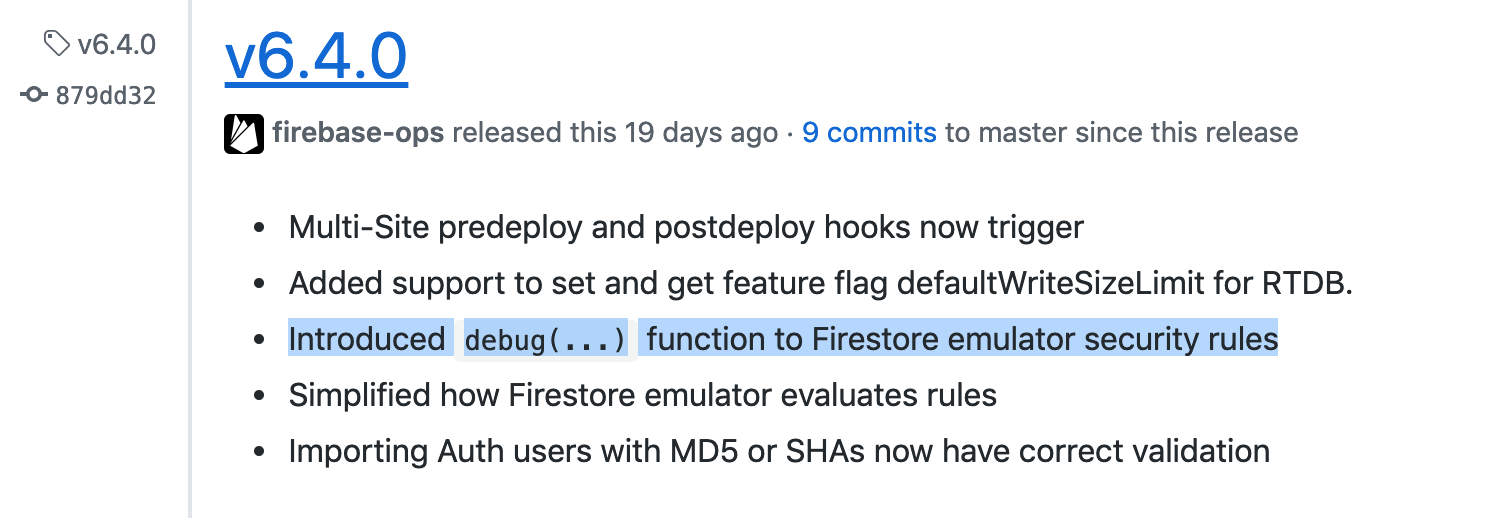
Can you help us on how to use it?
 gaeldestrem
All 5 comments
Ah, very perceptive :smile:. Keeping in mind that this feature is not yet well-documented:
When running the Firestore emulator, you can use the debug(...) function in your security rules to cause the emulator to print out the value passed into the function. So for example:
service cloud.firestore {
  match /databases/{db}/documents {
    match /{doc=**} {
      allow read, write: if debug(request.auth) != null;
    }
  }
}
will allow any request from an authenticated user, and will additionally print out the value of request.auth (to stdout in whatever terminal you're running the emulator from).
 ryanpbrewster
on 12 Mar 2019
ryanpbrewster
on 12 Mar 2019
In firestore emulator v1.10.2, the emulator seems to only output the debug log to the firestore-debug.log, not stdout.
 mpppk
on 27 Nov 2019
mpppk
on 27 Nov 2019
In this case I'm assuming you're running the Firestore emulator via
firebase emulators:start --only firestore
or something like it. This "wrapper" command starts up the Firestore emulator and routes its stdout into the local firestore-debug.log file.
ryanpbrewster
on 27 Nov 2019
I'd find the debug() useful, especially if it prints to stdout.
 akauppi
on 27 Aug 2020
akauppi
on 27 Aug 2020
Somehow we forgot to close this issue, but debug() was supported since the OP, and we've documented it as well at https://firebase.google.com/docs/reference/rules/rules.debug . Cheers!
 yuchenshi
on 27 Aug 2020
yuchenshi
on 27 Aug 2020
Related issues
 jefrydco
·
3Comments
jefrydco
·
3Comments
 Symbolk
·
3Comments
Symbolk
·
3Comments
 FluorescentHallucinogen
·
3Comments
FluorescentHallucinogen
·
3Comments
 repentsinner
·
3Comments
repentsinner
·
3Comments
 adam-remotesocial
·
3Comments
adam-remotesocial
·
3Comments
Most helpful comment
Ah, very perceptive :smile:. Keeping in mind that this feature is not yet well-documented:
When running the Firestore emulator, you can use the
debug(...)function in your security rules to cause the emulator to print out the value passed into the function. So for example:will allow any request from an authenticated user, and will additionally print out the value of
request.auth(to stdout in whatever terminal you're running the emulator from).