Firebase-ios-sdk: Hi, reCAPTCHA flow on ios 13 is not working on lastest sdk.
[READ] Step 1: Are you in the right place?
- For issues or feature requests related to __the code in this repository__
file a Github issue.
- If this is a __feature request__ make sure the issue title starts with "FR:".
- For general technical questions, post a question on StackOverflow
with the firebase tag. - For general Firebase discussion, use the firebase-talk
google group. - For help troubleshooting your application that does not fall under one
of the above categories, reach out to the personalized
Firebase support channel.
[REQUIRED] Step 2: Describe your environment
- Xcode version: _____
- Firebase SDK version: _____
- Firebase Component: _____ (Auth, Core, Database, Firestore, Messaging, Storage, etc)
- Component version: _____
[REQUIRED] Step 3: Describe the problem
Steps to reproduce:
What happened? How can we make the problem occur?
This could be a description, log/console output, etc.
Relevant Code:
// TODO(you): code here to reproduce the problem
 AbubakerMajeed
All 26 comments
I found a few problems with this issue:
- I couldn't figure out how to label this issue, so I've labeled it for a human to triage. Hang tight.
- This issue does not have all the information required by the template. Looks like you forgot to fill out some sections. Please update the issue with more information.
 google-oss-bot
on 28 Oct 2019
google-oss-bot
on 28 Oct 2019
Hi @AbubakerMajeed, thanks for filing a report. However, I couldn't identify what's causing the issue here. To replicate, please provide the following information required from the template:
- Firebase SDK version used / Podfile.lock file
- Detailed steps to reproduce the issue
- Screenshot / complete error logs (if any)
- Relevant code / MCVE that I can run locally
 rizafran
on 28 Oct 2019
rizafran
on 28 Oct 2019
Xcode : 11.1
IOS : 13
Firebase sdk : Firebase/Auth (6.11.0)
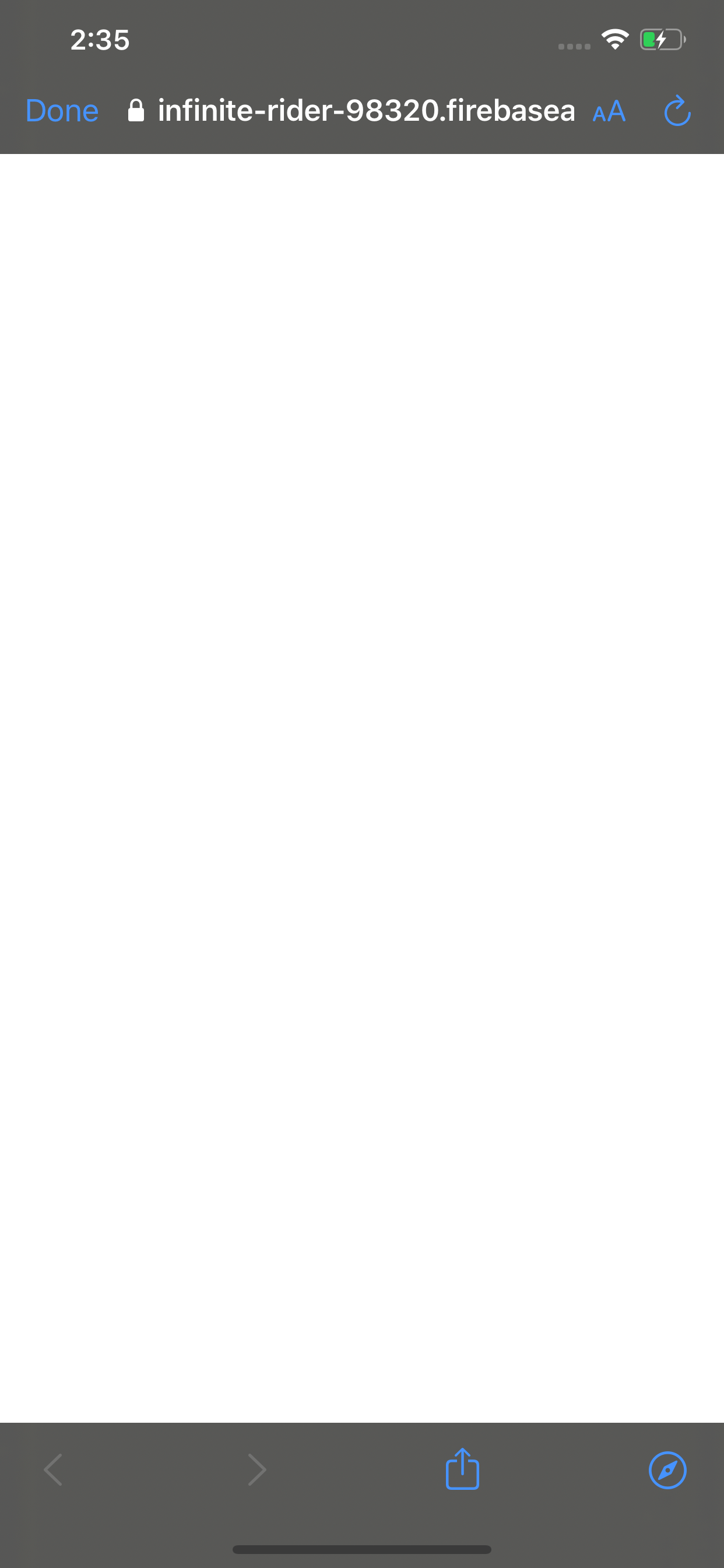
ReCaptcha is not working, go to simulator, try using phone auth , it will take user to safariviewcontroller, then after ReCaptcha autoverifcation. screen stays there.
PhoneAuthProvider.provider(auth: Auth.auth())
PhoneAuthProvider.provider().verifyPhoneNumber(phoneNumber, uiDelegate: nil) { (result, error) in
if let _ = error {
completion(false, nil , nil )
return
}
completion(true , phoneNumber , result)
}
AbubakerMajeed
on 28 Oct 2019
@AbubakerMajeed, the code you've shared is not enough to reproduce the issue. Please upload a sample project that exhibits the error you're describing.
 morganchen12
on 28 Oct 2019
morganchen12
on 28 Oct 2019
@morganchen12 this is exactly the code, when you implement firebase otp service, you need to verify number first. above sample code is doing same. but problem is after ReCaptcha verification, screen stay there not take user back to application.
AbubakerMajeed
on 29 Oct 2019
Hi @AbubakerMajeed Upon investigating, I was able to replicate the issue which it didn't automatically take back to the app. However, based on the documentation, I added the following code in SceneDelegate.swift to handle redirect URL and the issue has gone:
func scene(_ scene: UIScene, openURLContexts URLContexts: Set<UIOpenURLContext>) {
for urlContext in URLContexts {
     let url = urlContext.url
     Auth.auth().canHandle(url)
     }
}
You may try to add it in your SceneDelegate.swift file and see if it works on your end.
rizafran
on 29 Oct 2019
But i am not using swift UI, my app support ios 11 to onwards. This issue can be duplicated on ios12 too.
AbubakerMajeed
on 30 Oct 2019
Hi @AbubakerMajeed, my sample project is also not using SwiftUI, but I observed that when I create a new project in Xcode 11, I can see that the AppDelegate has split in two: AppDelegate.swift and SceneDelegate.swift.
I also tried this on Auth quickstart for iOS, but I can't seem to replicate the issue using iOS 12 or 13.
rizafran
on 30 Oct 2019
@AbubakerMajeed Could you try to check if you have a SceneDelegate.swift in your project file? If so, you may add the code snippet I provided here and see if the issue persists.
rizafran
on 31 Oct 2019
Did you try on simulator? recapctha process is not working in any case.
AbubakerMajeed
on 1 Nov 2019
My project is running from last 4 years. and it start with xcode older version. I do added "SceneDelegate.swift" of you request. Although it specifically requires me available check. but its not working in simulator. It stuck on white screen. As shown above.
AbubakerMajeed
on 1 Nov 2019
Hi @AbubakerMajeed thanks for clarifying. Yes, I'm using a simulator (iOS 12 and 13). I tried running the Auth quickstart for iOS which doesn't have a SceneDelegate.swift file, but I can't seem to get the same issue. It would be great if you can share a minimal repro of your app that I can run locally to reproduce the issue.
rizafran
on 4 Nov 2019
strange it quick easy to produce, I will share a repo with you today. Although i shifted to another otp sms solution. but it great if we have a fix.
AbubakerMajeed
on 5 Nov 2019
Hi @AbubakerMajeed apologies, but I can't reproduce the behavior you encountered so I asked for an MCVE in order to replicate it on my end and determine what's causing it.
rizafran
on 8 Nov 2019
here is demo code, just run app and click on "SignIn with defaultnumber".
AbubakerMajeed
on 8 Nov 2019
Thanks for sharing an MCVE @AbubakerMajeed.
I tried running your app and the reCAPTCHA didn't show. However, when I tried to change the GoogleService-Info.plist file with the copy from my project, the reCAPTCHA worked as intended. I'll consult this internally to see what's causing the issue.
rizafran
on 13 Nov 2019
@AbubakerMajeed May I know if you have tried to re-download and update your GoogleService-Info.plist file?
rizafran
on 13 Nov 2019
this is latest download googleservicer-info plist. For above code(recaptch point) please run on any simulator, not on device.
AbubakerMajeed
on 14 Nov 2019
Hi @AbubakerMajeed, apologies for the late response. May I know if you're not using Google Identity Toolkit?
rizafran
on 6 Dec 2019
No, i am not using identity toolkit. Using only firebase phoneauth.
AbubakerMajeed
on 7 Dec 2019
Thanks for the info @AbubakerMajeed. I've forwarded this to the Auth team, and will let you know once I have an update.
rizafran
on 9 Dec 2019
any update on this?
 juergengunz
on 13 Jan 2020
juergengunz
on 13 Jan 2020
I had similar issue, try using VPN. Firebase seems to have some limitations to users trying to spam from same IP, default sign up quota is 100 times/hr, but not sure about default login quota for same device with same IP
 Nodirbek-Sharipov
on 5 Apr 2020
Nodirbek-Sharipov
on 5 Apr 2020
The conversation looks to be dropped here. Sorry about that. Is this still an issue?
 paulb777
on 14 Apr 2020
paulb777
on 14 Apr 2020
no solved; being ignore... move to another service...
AbubakerMajeed
on 14 Apr 2020
For anyone running into a similar issue, please try the steps mentioned above:
- Implement the SceneDelegate method to handle URL redirects
- Re-download your GoogleService-Info.plist file
If both of these steps fail, please file an issue to Firebase Support.
Given the limited number of reports and our inability to reproduce the issue with the sample project from @AbubakerMajeed and our own quickstart, I'm going to _tentatively_ conclude that this was a configuration issue and does not require SDK code changes, but again if you're encountering this issue please file a ticket at support and we'll take a look.
morganchen12
on 14 Apr 2020
Related issues
 PierBover
·
3Comments
PierBover
·
3Comments
 mlmcgrath
·
3Comments
mlmcgrath
·
3Comments
 professorbk
·
3Comments
professorbk
·
3Comments
 averello
·
4Comments
averello
·
4Comments
 jlaws
·
4Comments
jlaws
·
4Comments
Most helpful comment
Xcode : 11.1
IOS : 13
Firebase sdk : Firebase/Auth (6.11.0)
ReCaptcha is not working, go to simulator, try using phone auth , it will take user to safariviewcontroller, then after ReCaptcha autoverifcation. screen stays there.
PhoneAuthProvider.provider(auth: Auth.auth())
PhoneAuthProvider.provider().verifyPhoneNumber(phoneNumber, uiDelegate: nil) { (result, error) in
if let _ = error {
completion(false, nil , nil )
return
}
completion(true , phoneNumber , result)
}