Describe the bug
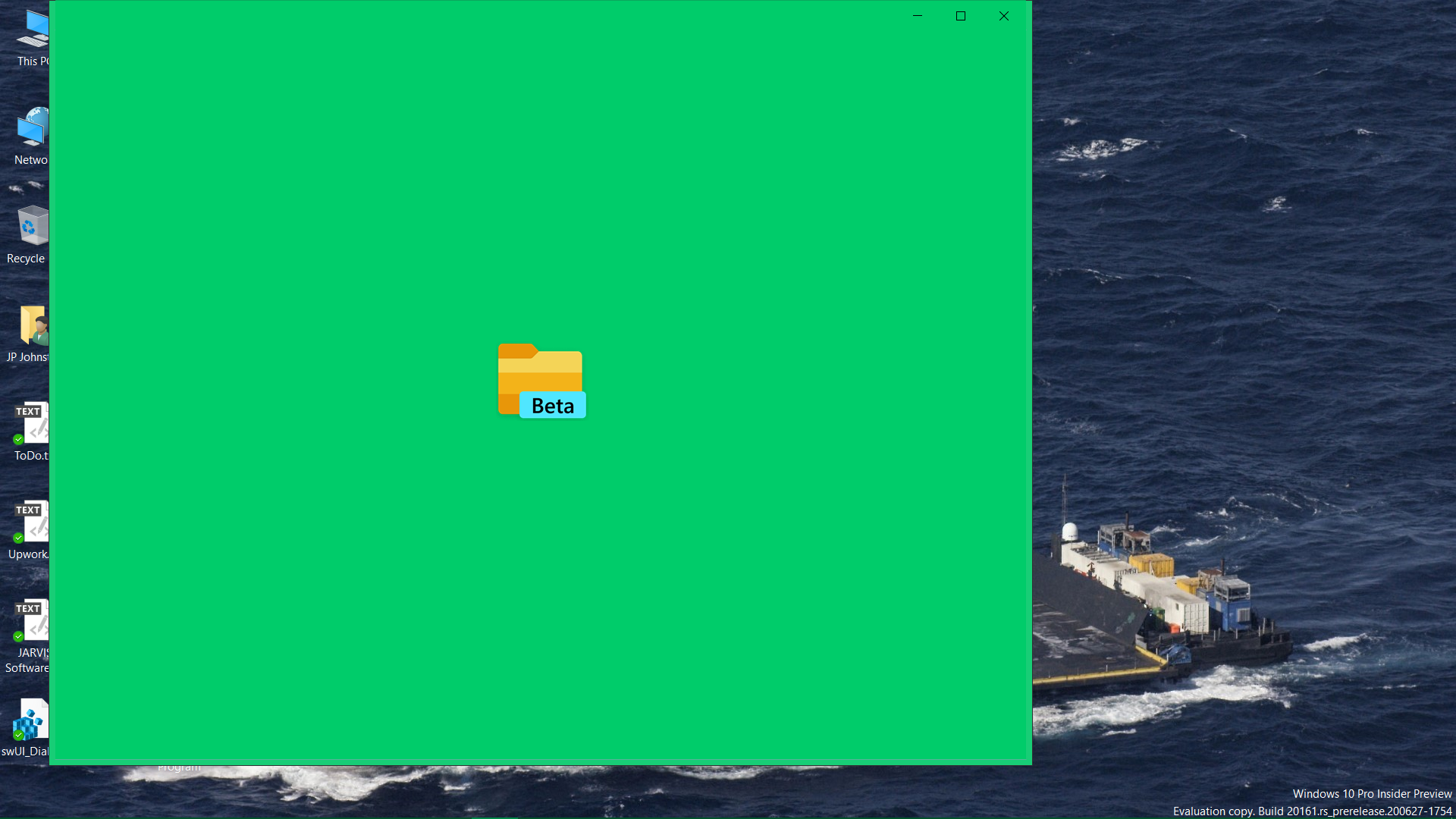
I click the icon on the taskbar and it opens up to what you see in the ayyached screenshot and then exits out
debug.txt
debug_fulltrust.txt
To Reproduce
Steps to reproduce the behavior:
- Click on the icon in the start menu or the taskbar
3.
4.
Expected behavior
A clear and concise description of what you expected to happen.
Screenshots
If applicable, add screenshots to help explain your problem.
Desktop (please complete the following information):
- OS: [e.g. Windows 10 Pro 20161.200627-1754]
- App version: [v0.11.3]
Additional context
Add any other context about the problem here. For instance, are you building from source or using a precompiled build/snapshot?
 jpparametrics
All 7 comments
Issue-Label Bot is automatically applying the label bug to this issue, with a confidence of 0.75. Please mark this comment with :thumbsup: or :thumbsdown: to give our bot feedback!
Links: app homepage, dashboard and code for this bot.
![issue-label-bot[bot] picture](https://avatars2.githubusercontent.com/in/27079?v=4&s=40) issue-label-bot[bot]
on 10 Jul 2020
issue-label-bot[bot]
on 10 Jul 2020
I did uninstall and reinstall the app
jpparametrics
on 10 Jul 2020
@jpparametrics Thank you for reporting this.
Did you notice this was an issue on older releases, or just v0.11.3?
 duke7553
on 10 Jul 2020
duke7553
on 10 Jul 2020
You are welcome.
This is the first time it has happened, just v0.11.3
And Files still, will not run...
jpparametrics
on 11 Jul 2020
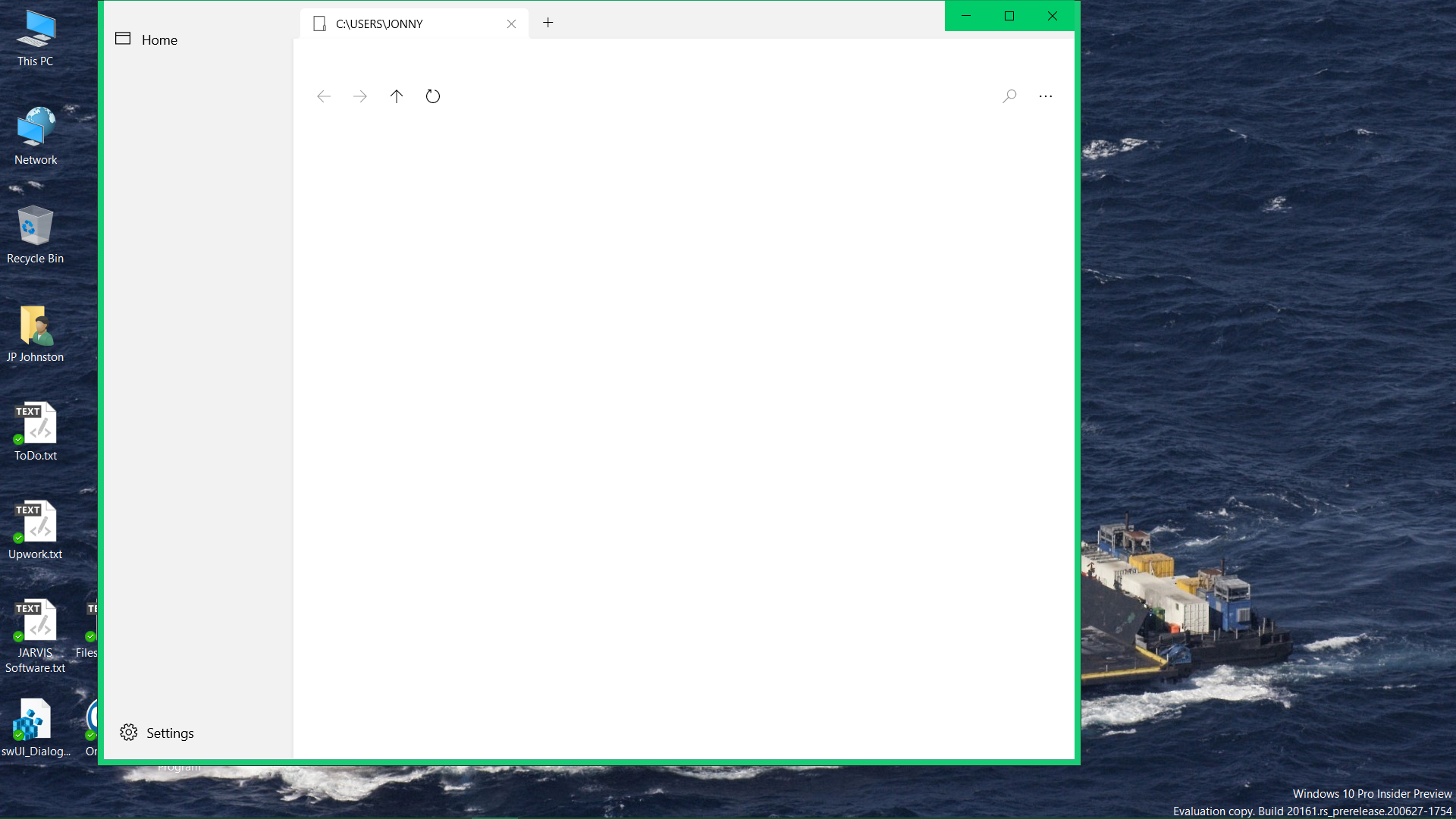
The odd thing about that window is that I do not have a folder by the name that you see on this notebook. There is that very same one on a notebook that a friend of mine is using however. Interesting...
jpparametrics
on 11 Jul 2020
Well, for whatever reason the Dev version 0.11.3 is working for now...
Luke assisted me with getting her up and running in VS. After that I noticed that both the DEV and preview versions were installed. The both of them have never been installed at the same time. Mine always showed as the preview. Just an FYI.
I am assuming it is my system...
JP
jpparametrics
on 11 Jul 2020
Well, for whatever reason the Dev version 0.11.3 is working for now...
Luke assisted me with getting her up and running in VS. After that I noticed that both the DEV and preview versions were installed. The both of them have never been installed at the same time. Mine always showed as the preview. Just an FYI.
I am assuming it is my system...
JP
The preview version is the Store version and the dev version is the version on GitHub.
 Jaiganeshkumaran
on 11 Jul 2020
Jaiganeshkumaran
on 11 Jul 2020
Related issues
 Cyberdroid1
·
3Comments
Cyberdroid1
·
3Comments
 eraychumak
·
3Comments
Cyberdroid1
·
3Comments
eraychumak
·
3Comments
Cyberdroid1
·
3Comments
 DeDaMrAzR
·
3Comments
DeDaMrAzR
·
3Comments
 Francisco820
·
3Comments
Francisco820
·
3Comments