Filepond: Image does not load properly after Markup on IE.
Hi Rik!
Summary
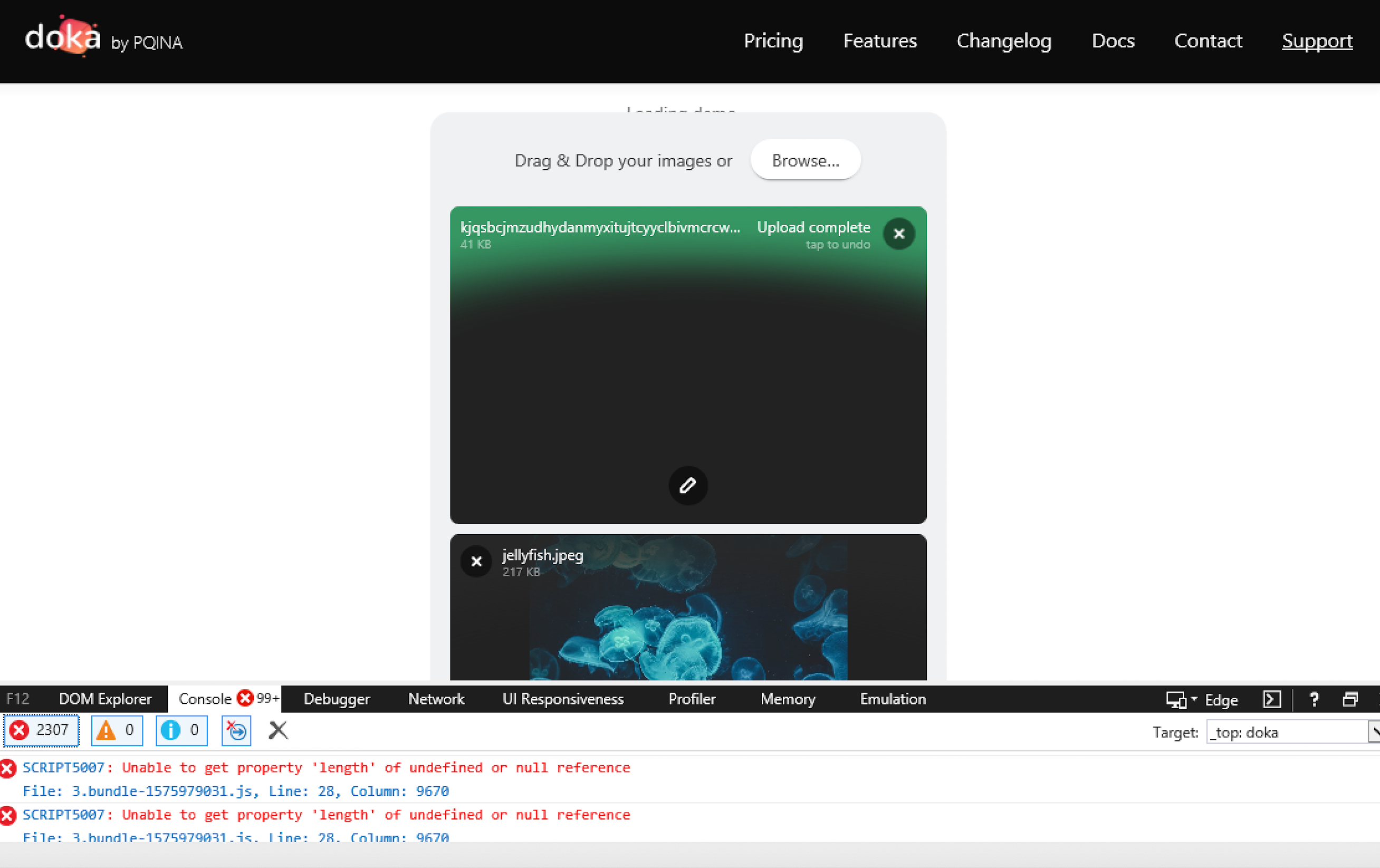
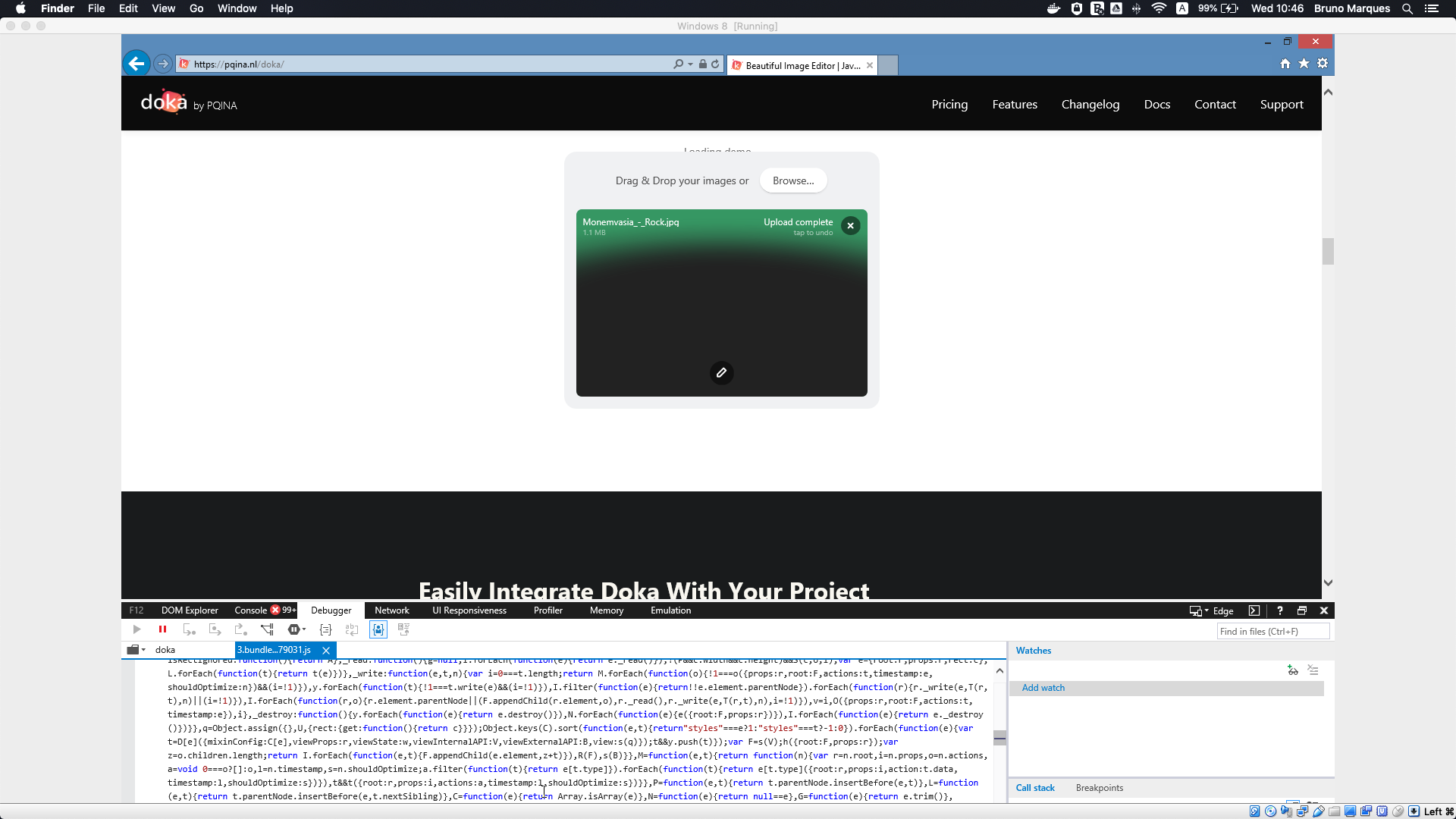
When editing an image using the "Markup" option and clicking on Done Filepond is not able to load the image properly.
...
How to reproduce
https://pqina.nl/doka/
Scroll towards "Optimise Images Before They Hit Your Server" heading.
- Drag & Drop your image or Browse;
- Select "Markup"' and choose any of the following (square, circle, text or arrow);
- Click Done;
- Observe in Internet Explorer (IE) how image preview is displayed with black background.
...
Expected behaviour
In Firefox and Chrome image after Markup is displayed correctly.
...
Additional information
In Console after Inspecting Elements "Script5007: Unable to get 'length' of undefined or null reference.
...
| Environment | Version
|------------- | -----------
| OS | Windows81 (Virtual Box 5.2.34)
| Device | MacBook Pro
| Browser | IE11
Thank you for looking into this in advance.
 lvidrashchuk
All 3 comments
It's fixed in FilePond 4.8.1, now updating the website. Thanks for reporting. 👍
 rikschennink
on 11 Dec 2019
rikschennink
on 11 Dec 2019
I'll close this for now, let me know if it's not resolved.
rikschennink
on 12 Dec 2019
Hello Rik. Thank you very much for resolving this issue very quickly. Image uploads well now.
lvidrashchuk
on 13 Dec 2019
Related issues
 WifiDubt
·
6Comments
WifiDubt
·
6Comments
 johnnyasantoss
·
5Comments
johnnyasantoss
·
5Comments
 Chak10
·
3Comments
Chak10
·
3Comments
 madrussa
·
6Comments
madrussa
·
6Comments
 mirlol
·
4Comments
mirlol
·
4Comments