Fetch: Unable to play downloaded media files
I have this Open-Source project that I am contributing to, it's called TimberX
This Music Player does not play downloaded music files, when I search for the song name in TimberX, I cannot find the newly downloaded file. Even when I go from my phone's file manager and open the audio file with TimberX, the music player is still unable to play that particular song, it just shows a toast "Unable to play Song"...
Whereas, other music players like Pulsar and Google's (Play Music) app plays that downloaded file without interruptions.
This is an uncommon behavior because if I move the downloaded file out of that directory to another and move it back to the original directory or after I restart the device, TimberX is now able to play the song and I can also find the song when I search inside TimberX.
At first, I thought this was an issue with the media player. But, am wrong as it is an issue with this Fetch downloader (I think so) because, when I download same media file (music) through Chrome, everything works fine and I am able to play that downloaded file. But, whenever I download with Fetch, I experience the issue as stated above.
PS: I have already created an issue on the Open-Source project over HERE. But, I also have to do the same here.
 enwokoma
All 14 comments
@enwokoma What errors are you getting. Can you share sample code??.
 tonyofrancis
on 26 Aug 2019
tonyofrancis
on 26 Aug 2019
Whenever I download the media (mp3) file and play with TimberX, I can't really see anything good in the logcat. But, what caught my eye in the logcat is "No such file or directory". I think the issue could be from the way Fetch saves the file content after downloading. There just has to be an issue somewhere.
enwokoma
on 31 Aug 2019
I believe to experience the same issue. I use fetch to download image files. After successful download, files are not listed in the gallery app, although I can find them via file manager. Then, when I open that file with gallery, it has way less options than other image files.

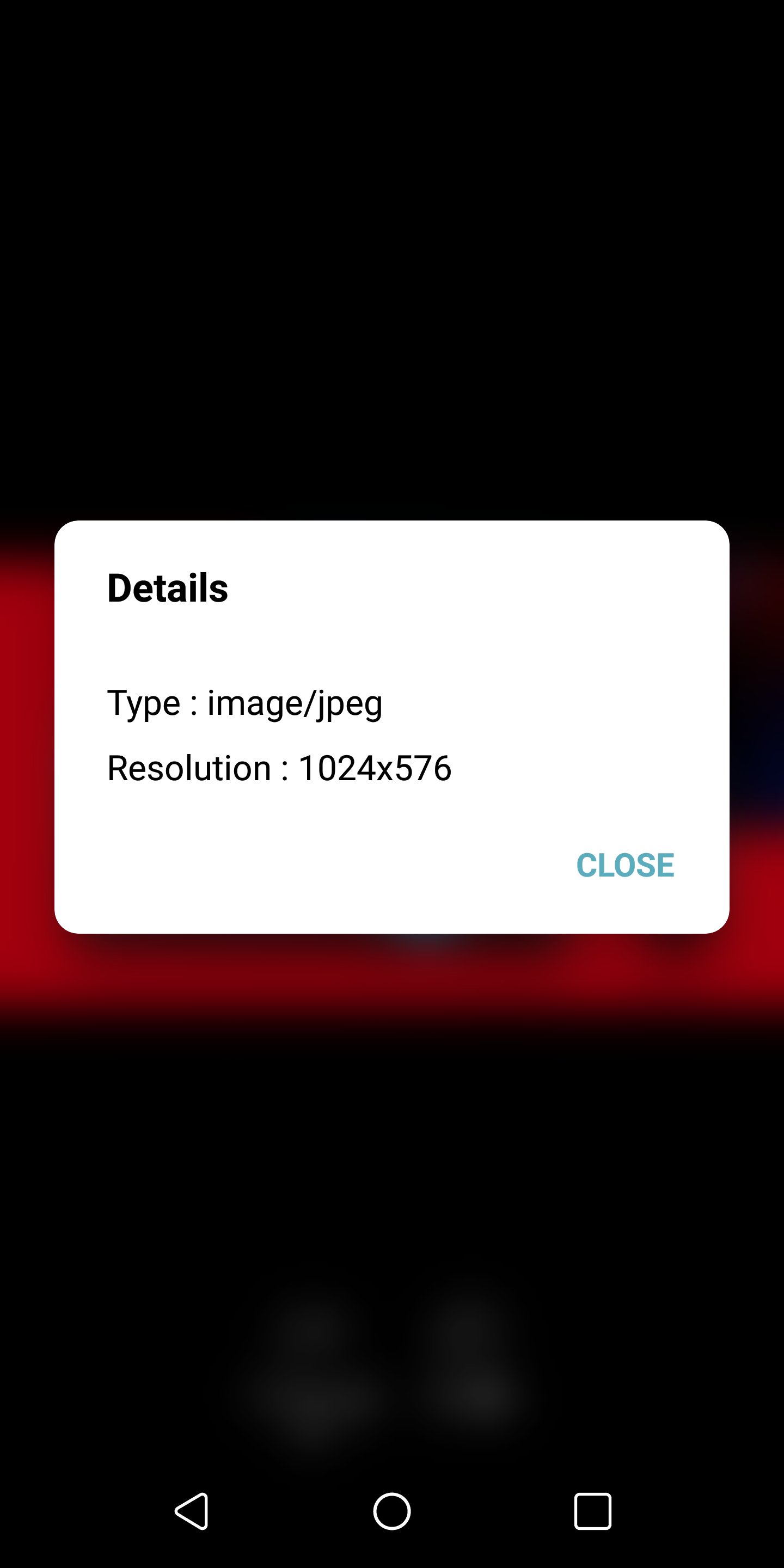
After phone restart file is fixed. It is listen in the gallery app and it has all the options available.
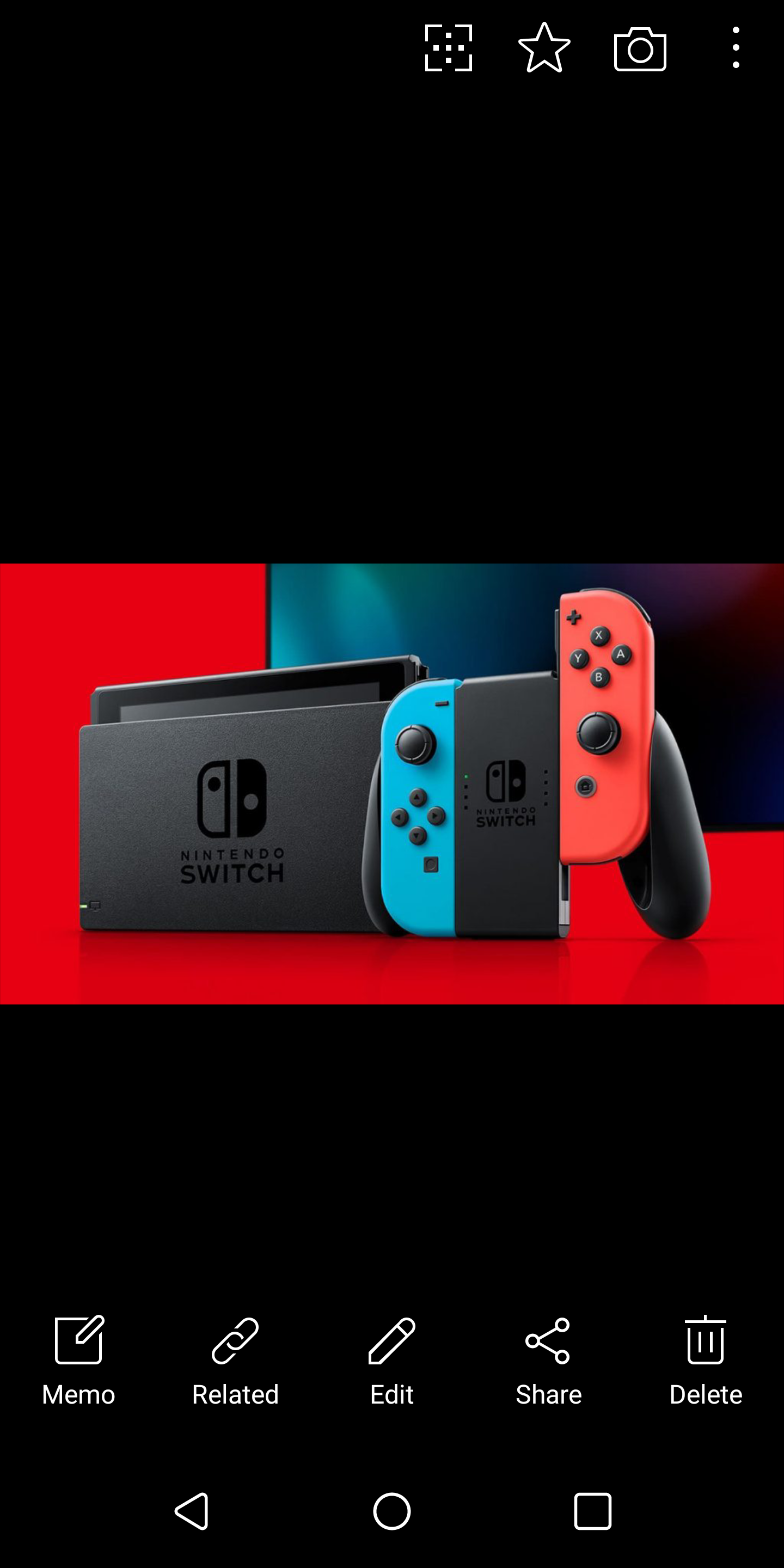
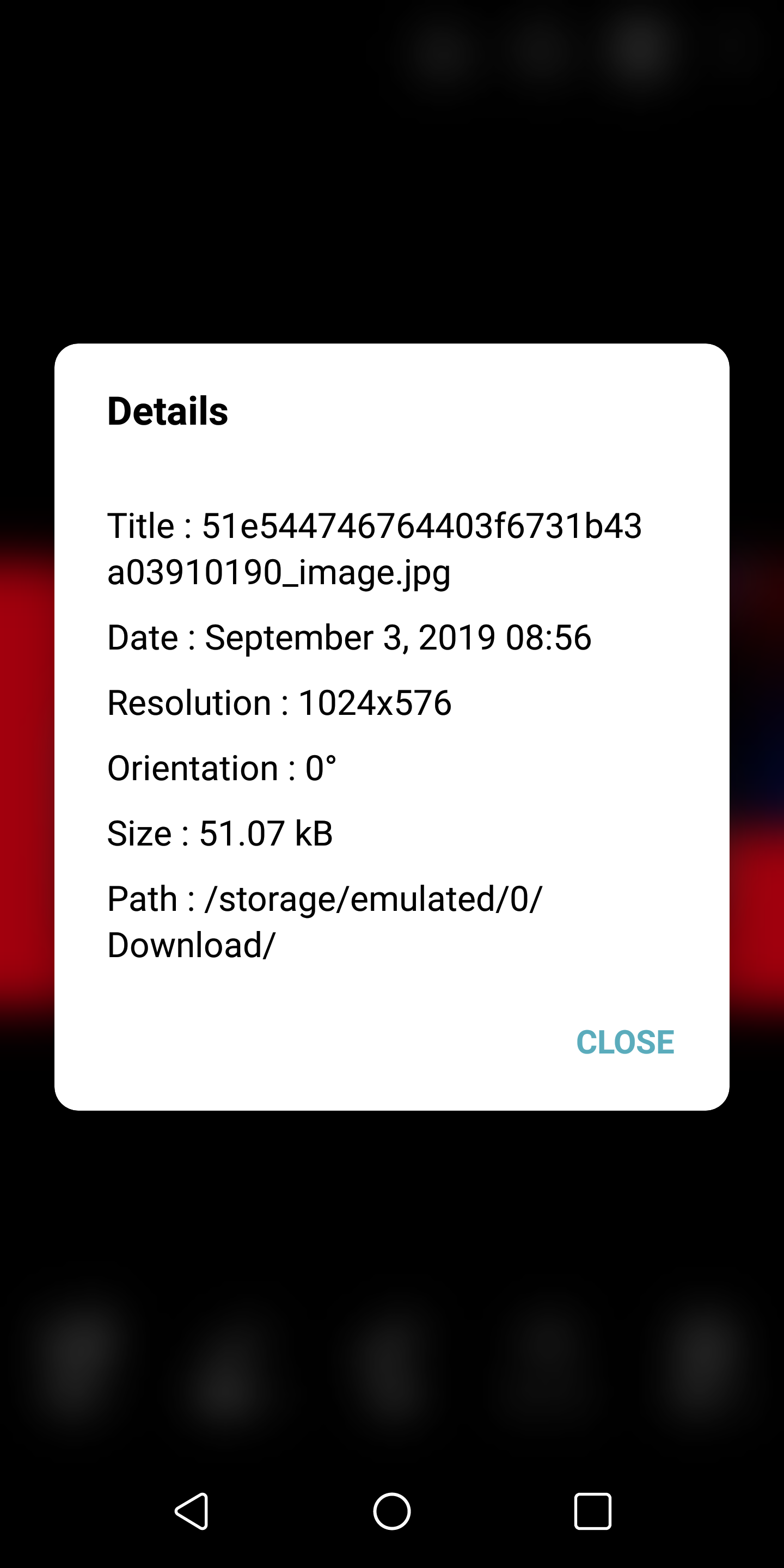
Here is a link to the file image file but it happen to me for all the files.
I guess it has to be something with the way files are saved.
 Grzegorz-l90
on 3 Sep 2019
Grzegorz-l90
on 3 Sep 2019
Can you share sample code?
tonyofrancis
on 7 Sep 2019
I use kind of helper method for that.
fun downloadFile(url: String,
fileName: String,
downloadDirectory: DownloadDirectory,
success: (String) -> Unit,
failure: (Throwable) -> Unit,
progress: (Int) -> Unit) {
val request = Request(url, getFilePath(url, fileName, downloadDirectory))
request.addHeader(CustomHeader.AUTHORIZED_REQUEST_NAME, CustomHeader.AUTHORIZED_REQUEST_VALUE)
fetch.addListener(object : FetchListenerCallback() {
override fun onCompleted(download: Download) {
success(download.file)
fetch.removeListener(this)
}
override fun onError(download: Download, error: Error, throwable: Throwable?) {
failure(throwable ?: Throwable())
fetch.removeListener(this)
}
override fun onProgress(download: Download, etaInMilliSeconds: Long, downloadedBytesPerSecond: Long) {
progress(download.progress)
}
})
fetch.enqueue(request,
Func {},
Func {
failure(it.throwable ?: Throwable())
})
}
Maybe there is something wrong because of adding and removing listener dynamically for each downloaded file?
Grzegorz-l90
on 23 Sep 2019
Well, mine is a little different because I made customizations to my downloader whereby I am able to download multiple files using the example in the sampleApp of fetch. Here is a breakdown of how mine works
First, I declared an instance of fetch in my App.java (the global configurations file)
final FetchConfiguration fetchConfiguration = new FetchConfiguration.Builder(this)
.enableRetryOnNetworkGain(true)
.setDownloadConcurrentLimit(6)
.setHttpDownloader(new HttpUrlConnectionDownloader(Downloader.FileDownloaderType.PARALLEL))
// OR
//.setHttpDownloader(getOkHttpDownloader())
.build();
Fetch.Impl.setDefaultInstanceConfiguration(fetchConfiguration);
Then in my Activity, I initialized fetch.
sonshubAppInstance = this;
// Initialize Downloader
OkHttpClient okHttpClient = new OkHttpClient.Builder().build();
final FetchConfiguration fetchConfiguration = new FetchConfiguration.Builder(sonshubAppInstance)
.setDownloadConcurrentLimit(6)
.setHttpDownloader(new OkHttpDownloader(Downloader.FileDownloaderType.PARALLEL))
.setNamespace(FETCH_NAMESPACE)
.setNotificationManager(new SonsHubDownloadNotificationManager(sonshubAppInstance) {
@NotNull
@Override
public Fetch getFetchInstanceForNamespace(@NotNull String namespace) {
return fetch;
}
})
.build();
fetch = Fetch.Impl.getInstance(fetchConfiguration);
Then after that, whenever a user clicks on the download button for any downloadable item/file in the app, I get the link for that file and automatically append it to the sampleUrls array in my Data.java (as shown here
String downloadFileUrl = matcher.group(0);
Data.sampleUrls = new String[]{downloadFileUrl};
Then, after that, I simply just enqueue the download.
public static void enqueueDownload() {
final List<Request> requests = Data.getFetchRequestWithGroupId(GROUP_ID);
fetch.enqueue(requests, updatedRequests -> {
});
}
This is how my Data.java looks like
public final class Data {
public static String[] sampleUrls = new String[]{""};
private Data() {
}
@NonNull
private static List<Request> getFetchRequests() {
final List<Request> requests = new ArrayList<>();
for (String sampleUrl : sampleUrls) {
final Request request = new Request(sampleUrl, getFilePath(sampleUrl));
requests.add(request);
}
return requests;
}
@NonNull
public static List<Request> getFetchRequestWithGroupId(final int groupId) {
final List<Request> requests = getFetchRequests();
for (Request request : requests) {
request.setGroupId(groupId);
}
return requests;
}
private static String getFilePath(@NonNull final String url) {
final Uri uri = Uri.parse(url);
final String fileName = getNameFromUrl(url);
final String dir = getSaveDir();
String savePath;
if (fileName.toLowerCase().endsWith(".mp3")) {
savePath = dir + "/Music/" + fileName;
} else if (fileName.toLowerCase().endsWith(".mp4")) {
savePath = dir + "/Videos/" + fileName;
} else {
savePath = dir + "/" + fileName;
}
return savePath;
}
private static String getNameFromUrl(final String url) {
int lastIndex = url.lastIndexOf("/");
return url.substring(url.lastIndexOf('/') + 1);
}
@NonNull
public static List<Request> getGameUpdates() {
final List<Request> requests = new ArrayList<>();
final String url = "http://speedtest.ftp.otenet.gr/files/test100k.db";
for (int i = 0; i < 10; i++) {
final String filePath = getSaveDir() + "/gameAssets/" + "asset_" + i + ".asset";
final Request request = new Request(url, filePath);
request.setPriority(Priority.HIGH);
requests.add(request);
}
return requests;
}
@NonNull
private static String getSaveDir() {
return Environment.getExternalStorageDirectory() + "/SonsHub";
}
}
@enwokoma @enwokoma
There a 3 problems here:
- The directory where Fetch will download the file is not created. Verify that the directory the files will be stored is created and accessible.
- Fetch does not handle adding media to the media gallery. Fetch is simply a downloader.
- Ensure your file has the right extension attached to it so the system can find the right app to play the media.
tonyofrancis
on 26 Oct 2019
Well, for your first suggestion, the directory is already created on app launch, long long time before the download starts.
For the second and third suggestions, the file downloaded is already a media file and has the necessary file extension. So, I am not doing any extra work as regards to that.
enwokoma
on 27 Oct 2019
Here's the project.
Takes a while to build...
Am not doing any extra work concerning the download. Everything is handled by Fetch.
So, I believe this persistent problem is from Fetch...
Same download with Chrome, different outcome
enwokoma
on 28 Oct 2019
You need to inform Android about downloaded file @enwokoma
Here is the solution
public void scanFile(Context ctxt, String x, String mimeType) {
        MediaScannerConnection
                .scanFile(ctxt, new String[] {x},
                        new String[] {mimeType}, null);
    }
and in onComplete listener for Fetch
scanFile(context, download.getFile(), fileExtension)|
It's a shame nobody answered you
 AndroidMoneyCourse
on 4 Nov 2019
AndroidMoneyCourse
on 4 Nov 2019
Thank you so much. This fix looks neat.
I will implement this before the weekend and let you know if it works.
Thanks once again for the assistance!
enwokoma
on 6 Nov 2019
@AndroidMoneyCourse Another very big thank you for the fix.
I can confirm that it works.
If you can scroll back up a little, you would see my sample code. Now, your fix works but it onlu works when the DownloadingFragment is open in the app because I added the Fetch listener inside the onResume method of the fragment.
Now my challenge is, if the file completes the download while am on another activity/fragment, the original issue persists because the listener in the onResume method of the DownloadingFragment is not called.
Here's my DownloadingFragment class
public class DownloadingFragment extends Fragment implements ActionListener {
private static final long UNKNOWN_REMAINING_TIME = -1;
private static final long UNKNOWN_DOWNLOADED_BYTES_PER_SECOND = 0;
private static final int GROUP_ID = "listGroup".hashCode();
private static final String FETCH_NAMESPACE = "Downloading";
private static Context appContext = App.getContext();
public static RecyclerView recyclerView;
private DownloadFileAdapter fileAdapter;
public DownloadingFragment() {
// Required empty public constructor
super();
}
@Override
public View onCreateView(@NotNull LayoutInflater inflater, ViewGroup container,
Bundle savedInstanceState) {
// Inflate the layout for this fragment
return inflater.inflate(R.layout.fragment_downloading, container, false);
}
@Override
public void onViewCreated(@NonNull View view, @Nullable Bundle savedInstanceState) {
super.onViewCreated(view, savedInstanceState);
recyclerView = view.findViewById(R.id.downloadingRecyclerView);
recyclerView.setLayoutManager(new LinearLayoutManager(getActivity()));
fileAdapter = new DownloadFileAdapter(this);
recyclerView.setAdapter(fileAdapter);
final SwitchCompat networkSwitch = view.findViewById(R.id.networkSwitch);
networkSwitch.setOnCheckedChangeListener((buttonView, isChecked) -> {
if (isChecked) {
fetch.setGlobalNetworkType(NetworkType.WIFI_ONLY);
} else {
fetch.setGlobalNetworkType(NetworkType.ALL);
}
});
}
public static void enqueueDownload() {
        final List<Request> requests = Data.getFetchRequestWithGroupId(GROUP_ID);
        fetch.enqueue(requests, updatedRequests -> {

        });
    }
public void scanFile(Context ctxt, String x, String mimeType) {
MediaScannerConnection.scanFile(ctxt, new String[] {x}, new String[] {mimeType}, null);
}
private final FetchListener fetchListener = new AbstractFetchListener() {
@Override
public void onAdded(@NotNull Download download) {
fileAdapter.addDownload(download);
}
@Override
public void onQueued(@NotNull Download download, boolean waitingOnNetwork) {
fileAdapter.update(download, UNKNOWN_REMAINING_TIME, UNKNOWN_DOWNLOADED_BYTES_PER_SECOND);
}
@Override
public void onCompleted(@NotNull Download download) {
File file = new File(download.getFile());
String fileName = file.getName();
if (fileName.lastIndexOf(".") != -1 && fileName.lastIndexOf(".") != 0) {
String fileExtension = fileName.substring(fileName.lastIndexOf(".")+1);
scanFile(appContext, download.getFile(), fileExtension);
}
fileAdapter.update(download, UNKNOWN_REMAINING_TIME, UNKNOWN_DOWNLOADED_BYTES_PER_SECOND);
}
@Override
public void onError(@NotNull Download download, @NotNull Error error, @Nullable Throwable throwable) {
super.onError(download, error, throwable);
fileAdapter.update(download, UNKNOWN_REMAINING_TIME, UNKNOWN_DOWNLOADED_BYTES_PER_SECOND);
}
@Override
public void onProgress(@NotNull Download download, long etaInMilliseconds, long downloadedBytesPerSecond) {
fileAdapter.update(download, etaInMilliseconds, downloadedBytesPerSecond);
}
@Override
public void onPaused(@NotNull Download download) {
fileAdapter.update(download, UNKNOWN_REMAINING_TIME, UNKNOWN_DOWNLOADED_BYTES_PER_SECOND);
}
@Override
public void onResumed(@NotNull Download download) {
fileAdapter.update(download, UNKNOWN_REMAINING_TIME, UNKNOWN_DOWNLOADED_BYTES_PER_SECOND);
}
@Override
public void onCancelled(@NotNull Download download) {
fileAdapter.update(download, UNKNOWN_REMAINING_TIME, UNKNOWN_DOWNLOADED_BYTES_PER_SECOND);
}
@Override
public void onRemoved(@NotNull Download download) {
fileAdapter.update(download, UNKNOWN_REMAINING_TIME, UNKNOWN_DOWNLOADED_BYTES_PER_SECOND);
}
@Override
public void onDeleted(@NotNull Download download) {
fileAdapter.update(download, UNKNOWN_REMAINING_TIME, UNKNOWN_DOWNLOADED_BYTES_PER_SECOND);
}
};
@Override
public void onPauseDownload(int id) {
fetch.pause(id);
}
@Override
public void onResumeDownload(int id) {
fetch.resume(id);
}
@Override
public void onRemoveDownload(int id) {
fetch.remove(id);
}
@Override
public void onRetryDownload(int id) {
fetch.retry(id);
}
@Override
public void onResume() {
super.onResume();
fetch.getDownloadsInGroup(GROUP_ID, downloads -> {
final ArrayList<Download> list = new ArrayList<>(downloads);
Collections.sort(list, (first, second) -> Long.compare(first.getCreated(), second.getCreated()));
for (Download download : list) {
fileAdapter.addDownload(download);
}
}).addListener(fetchListener);
}
@Override
public void onPause() {
super.onPause();
fetch.removeListener(fetchListener);
}
@Override
public void onDestroy() {
super.onDestroy();
}
}
So if you are free, I would appreciate it if you could take a look at that and tell me what I can do about it.
enwokoma
on 9 Nov 2019
Fixed
enwokoma
on 13 Dec 2019
@enwokoma Hey, can you share the fix of Downloading while in another activity?
 jaykeerti
on 14 Jun 2020
jaykeerti
on 14 Jun 2020
Related issues
 KulwinderSinghRahal
·
5Comments
KulwinderSinghRahal
·
5Comments
 marcin-adamczewski
·
5Comments
marcin-adamczewski
·
5Comments
 DeevD
·
3Comments
DeevD
·
3Comments
 jpvs0101
·
3Comments
jpvs0101
·
3Comments
 emerging-coders
·
3Comments
emerging-coders
·
3Comments
Most helpful comment
You need to inform Android about downloaded file @enwokoma
Here is the solution
public void scanFile(Context ctxt, String x, String mimeType) {
        MediaScannerConnection
                .scanFile(ctxt, new String[] {x},
                        new String[] {mimeType}, null);
    }
and in onComplete listener for Fetch
scanFile(context, download.getFile(), fileExtension)|It's a shame nobody answered you