Ferdi: App unusable without account on Windows since v5.4.0
hi, it seem a good app.
but i have a big problem, i can't do anything on it. i can't create a new account, i can't add new apps or workplace..... i can only change the settings. (v. 5.4 stable)
ps. the webpage link for the windows version didn't work when i discovered your app.
 webbad
All 34 comments
Do you get any error messages? What server are you using?
What do you mean with "I can't create a new account"? Can't you get to the register screen? Have you tried using Ferdi without an account?
 vantezzen
on 11 Dec 2019
vantezzen
on 11 Dec 2019
i don't get any error messages
I have tried both franz and your server
I have tried both with and without an account
in practice it's like the buttons did not work. for example I go on create new workspace, insert a name and click on create, the button makes the animation but does not create anything. the same thing happens to add an app, create an account etc ...
I have tried to run as administrator or not and both the setup.exe or the "portable" version.
webbad
on 11 Dec 2019
Same here, the 'Save Service' button just flickers for a short moment and then nothing happens. Is there a log I could provide to add some insight? I am using Ferdi 5.4.0 on Windows10, new installation without connecting to any server, just trying to add services.

 Cantello
on 11 Dec 2019
Cantello
on 11 Dec 2019
Same here, the 'Save Service' button just flickers for a short moment and then nothing happens. Is there a log I could provide to add some insight? I am using Ferdi 5.4.0 on Windows10, new installation without connecting to any server, just trying to add services.
yes, that's the problem. only the settings works for me
webbad
on 11 Dec 2019
I sadly have the same problem. Downgrading to an old version seems to work for me.
 Bluetexon
on 11 Dec 2019
Bluetexon
on 11 Dec 2019
For me v5.4.0 works fine on Linux (Ubuntu 18.04), but I can confirm that this issue occurs with both v5.4.0 and v5.3.2 on Windows 10.
@Bluetexon Which version did you downgrade to? v5.3.2 doesn't seem to work for me either.
 FWDekker
on 12 Dec 2019
FWDekker
on 12 Dec 2019
@FWDekker I've downgraded to version 5.3.3. It had some other issues, like not being able to do some requests, but I think that was due to me being kinda logged in (I was logged in, but it didn't display my name and some other weird things). After I logged out, logged in again and restarted Ferdi, I was able to use it.
Bluetexon
on 12 Dec 2019
Downgrading does not work for me either. I tried 5.3.0, 5.3.1, 5.3.2 & 5.3.3. All apart from 5.4.0 cannot even load the services. Logging out and creating an account did not work (the "Create" button did not do anything).
Franz is already installed on my computer, might this affect the issue?
Cantello
on 13 Dec 2019
@Cantello i don't have and never had franz on my pc
webbad
on 13 Dec 2019
Just wanted to install on a Windows machine, had the same problem, I can not add services. Neither franz nor ferdi were installed before.
 AGCaesar
on 14 Dec 2019
AGCaesar
on 14 Dec 2019
Works now for me. Uninstalled & re-installed Franz & Ferdi (5.3.2) and now even 5.4.0 works flawlessly (apart from the discord tab locking the whole app from time to time).
Cantello
on 17 Dec 2019
@Cantello something changed? is the app or windows updated ?
webbad
on 17 Dec 2019
The app (Ferdi) was automatically updated to 5.4.0 once I added the services in 5.3.2, Windows has not been updated (but has since then).
Cantello
on 17 Dec 2019
i had hope, but nothin. still not work for me even trying to update from an older version.
webbad
on 17 Dec 2019
When looking into the developer tools I get a 500 to http://127.0.0.1:45569/v1/service with SQLITE_READONLY: attempt to write a readonly database. Also see here for a fix.
 queicherius
on 17 Dec 2019
queicherius
on 17 Dec 2019
This is a Windows-only issue due to file permissions. Will investigate.
 kytwb
on 18 Dec 2019
kytwb
on 18 Dec 2019
the v. 5.4.1 the new beta 3 fix the problem??
webbad
on 24 Dec 2019
Not yet, I will try to address getferdi/internal-server#2 for the next release.
kytwb
on 24 Dec 2019
ok thank you
webbad
on 24 Dec 2019
This method worked for me:
Uninstalled version 5.4.0 and installed 5.3.3 and it let me create an account and login, then after update was autmomatically downloaded by the app everything is working as it should.
 juanjotoronja
on 31 Dec 2019
juanjotoronja
on 31 Dec 2019
This method worked for me:
Uninstalled version 5.4.0 and installed 5.3.3 and it let me create an account and login, then after update was autmomatically downloaded by the app everything is working as it should.
for me don't work that method, maybe there are some files from the 5.4.0
webbad
on 15 Jan 2020
With logged in accounts its working. It's only without accounts that the error occurs...
 VictorHaine
on 23 Jan 2020
VictorHaine
on 23 Jan 2020
I confirm this issue: 5.4.3 version here (win10), without accounts, and i have the same exact issue: can't do anything, can't save anything.
 graphixillusion
on 13 Feb 2020
graphixillusion
on 13 Feb 2020
See the workaround to use it without an account in https://github.com/getferdi/ferdi/issues/381#issuecomment-586686684 with 5.4.4-beta1.
 luckydonald
on 20 Feb 2020
luckydonald
on 20 Feb 2020
You may want to update your website (remove the download for windows button or link to an older release) until this issue is fixed. As it stands, I downloaded the app and had to sort through three issues to figure out what is going on ... and that isn't likely something most new users will want to do.
I've not yet gotten a working Ferdi as now I have to go track down the beta release and try it.
Just saying you could improve the user experience with some messaging on your website since the issue has been present for months...
 mudnug
on 21 Feb 2020
mudnug
on 21 Feb 2020
@kytwb What do you think about switching the windows download link to 5.3.3 on the website as suggested by @mudnug (leaving the other OSes at the 5.4.0)? I think this would be a good solution until we fixed this problem.
vantezzen
on 21 Feb 2020
@vantezzen I agree! 👍 Thanks for the suggestion @mudnug!
kytwb
on 21 Feb 2020
@mudnug In case you still need it, the beta release can be fund in the release section, and the direct link to v5.4.4-beta.1.
luckydonald
on 21 Feb 2020
Why exactly did it stop working tough? What changed?
luckydonald
on 21 Feb 2020
@luckydonald A couple of file permissions issues on Windows afaik.
kytwb
on 22 Feb 2020
I now added an additional chmod to the copy script - maybe that will help.
vantezzen
on 23 Feb 2020
Any way to test this while we wait for the official release? chmod 666 in Windows, which file?
edit: pczora's comment fixed it. Right-click C:\Users\USER\AppData\Roaming\Ferdi and uncheck "Read Only"
 thekiefs
on 19 Mar 2020
thekiefs
on 19 Mar 2020
@vantezzen tested following completion of https://github.com/getferdi/ferdi/issues/415, seems to be working:
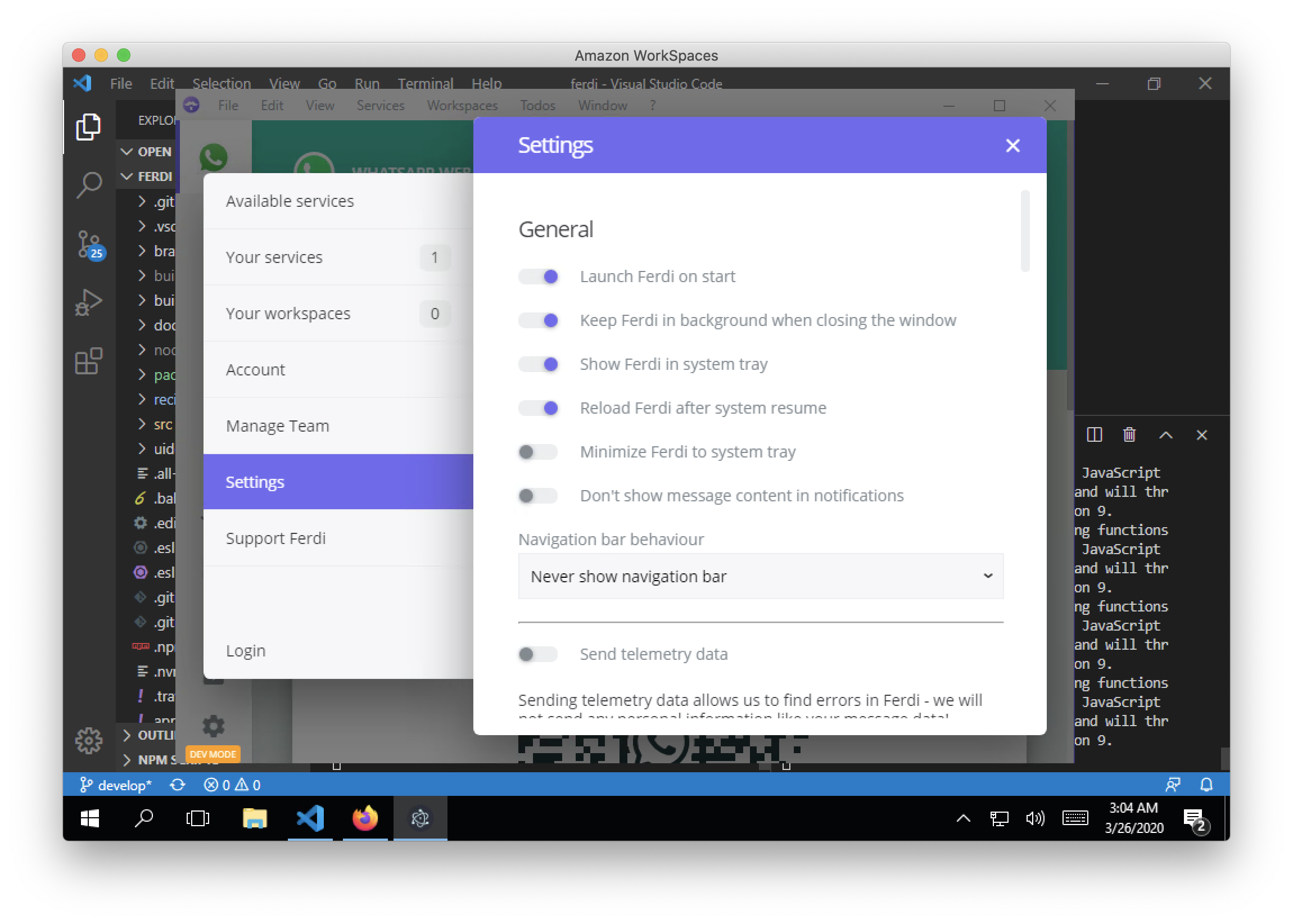
kytwb
on 26 Mar 2020
This should have been fixed in v5.4.4-beta.2 if I'm not mistaken, by the fix mentioned earlier by @vantezeen in https://github.com/getferdi/ferdi/issues/253#issuecomment-590058648.
kytwb
on 28 Mar 2020
Related issues
 alegiglio
·
3Comments
alegiglio
·
3Comments
 yourcontact
·
3Comments
yourcontact
·
3Comments
 sschaefa
·
3Comments
sschaefa
·
3Comments
 idonthaveanametoday
·
3Comments
idonthaveanametoday
·
3Comments
 ammarmalhas
·
3Comments
ammarmalhas
·
3Comments
Most helpful comment
Same here, the 'Save Service' button just flickers for a short moment and then nothing happens. Is there a log I could provide to add some insight? I am using Ferdi 5.4.0 on Windows10, new installation without connecting to any server, just trying to add services.