Steps to reproduce
- Go to any website
- Take a screenshot
Expected behavior
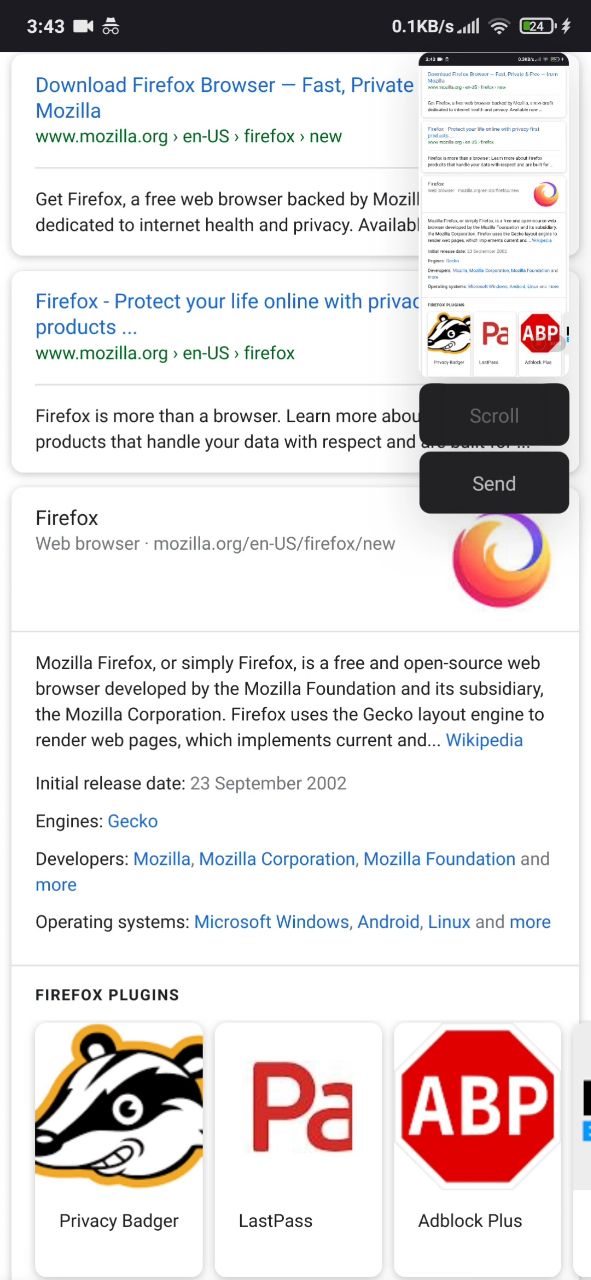
Scroll screenshot feature is enabled.
Actual behavior
Scroll screenshot feature is disabled. (Greyed out)
Does toggling Tracking Protection fix the issue? (Press the shield icon in the toolbar while on the site to see toggle)
No.
Can you reproduce in Chrome (or other non-Mozilla browser)?
No, tried with Chrome and Kiwi Browser and it works properly there.
Device information
- Android device: Mi 9T Pro MIUI 12
- Fenix version: Nightly (Build #2015772363)
(Didn't work on all Nightly version, even on Fenix)
 Japeskie
All 4 comments
This is dependent on a external application that would do that scrolling screenshot, with Fenix not offering this feature.
I tried a similar system feature on a OnePlus 7T Pro (Android 10) and the scrolling feature worked.
Not sure if there's anything that the app should do to offer this, though seeing in the original report that scrolling screenshot works on Chrome but not on Fenix there could be something.
I think it's important first to know exactly what such features work / or not on Fenix versus other apps.
Asking QA for more testing around this, with system features / 3rd party apps that can do this scrolling screenshot.
Ideally a scrolling screenshot should be produced in all / most cases when in Fenix with a similar behavior for other apps.
 Mugurell
on 29 Oct 2020
Mugurell
on 29 Oct 2020
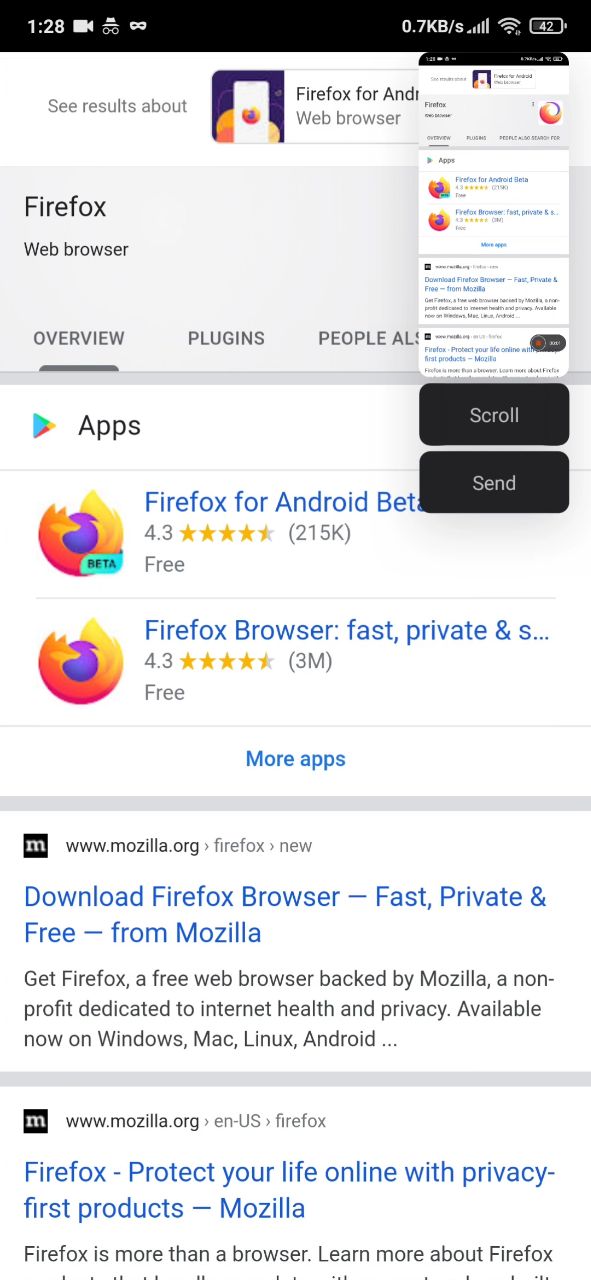
The device is also using Android 10, and the scrolling feature works with in every scenario except with Fenix.
Here is a screenshot with it working on Chrome browser.
I'll try to ask other Xiaomi users if it is working on their device on the Fenix browser.
Japeskie
on 29 Oct 2020
Scrolling screenshots work in Fenix on Huawei's EMUI 10, if this info is of any use for the devs.
 anotherus3r
on 30 Oct 2020
anotherus3r
on 30 Oct 2020
Hi, I've just checked this matter on the latest Nightly Build 201103 using the following devices:
✔️ Google Pixel 3a (Android 11) - 3rd party app - LongShot
✔️ Huawei Mate 20 Lite (Android 10) - Android built-in option
✔️ Samsung Galaxy Note 10 (Android 10) - Android built-in option
❌ Xiaomi Redmi Note 8T (Android 9) - Android built-in option
❌ LG G7 FIT (Android 8) - Android built-in option
✔️ Samsung Galaxy S6 (Android 7) - Android built-in option
✔️ OnePlus A3 (Android 6.0.1) - 3rd party app - Screen Master
On both Xiaomi and LG the scrolling screenshot fails to work on Fenix, whereas, it properly works on Chrome.
 AndiAJ
on 3 Nov 2020
AndiAJ
on 3 Nov 2020
Related issues
 andreicristianpetcu
·
3Comments
andreicristianpetcu
·
3Comments
 robsmith11
·
3Comments
robsmith11
·
3Comments
 csadilek
·
3Comments
andreicristianpetcu
·
3Comments
csadilek
·
3Comments
andreicristianpetcu
·
3Comments
 Chris01277
·
3Comments
Chris01277
·
3Comments