Fenix: Bottom navigation bar shows up while scrolling
Since the last update, the navigation bar (at the bottom on my device) randomly shows up while scrolling down. Then the screen is frozen for a few seconds and scrolling is not possible.
Steps to reproduce
Go to a random website and try scrolling up and down. This bug does not seem to appear at specific events.
Expected behavior
The navigation bar should only show up when scrolling up.
Actual behavior
While scrolling down the navigation shows up and freezes the screen.
Device information
- Android device: LG G8s Thinq
- Fenix version: 82.1.1 (Build #2015770923)
 AndiLeni
All 21 comments
Same problem on LG G8s Thinq, the top location bar is shows up and the scroll freeze.
 aleblanc
on 28 Oct 2020
aleblanc
on 28 Oct 2020
Same problem on LG G7 Thinq. It prevents scrolling and is extremely annoying. Disabling "scroll to hide toolbar" does not fix the problem. The same thing happens, just that the navigation bar does not move when it happens. It happens also with navigation bar on bottom.
 sskodje
on 28 Oct 2020
sskodje
on 28 Oct 2020
There are a lot of similar comments on the play store page.
This issue should be resolved as soon as possible, since it makes the browser unusable.
Related to #16235
AndiLeni
on 28 Oct 2020
Are you seeing this on Nightly? Any ideas @Mugurell about what this could be, or if it's related to some of the gestures work?
 liuche
on 29 Oct 2020
liuche
on 29 Oct 2020
Thank you for your reports!
Could you please share an example of a website you've seen this happening on?
Also a short video detailing the issue?
Being able to reproduce exactly the issue you're encountering would help us greatly.
 Mugurell
on 29 Oct 2020
Mugurell
on 29 Oct 2020
Are you seeing this on Nightly? Any ideas @Mugurell about what this could be, or if it's related to some of the gestures work?
I think these reports are for the just updated release channel but the issues are probably present on Beta and Nightly also.
These could be indeed caused by some recent pan-zoom changes but should probably only happen on particular websites.
Will work with QA to try and reproduce / get a regression range.
Mugurell
on 29 Oct 2020
I think I reproduced the issue (including the page "freezing") on support.mozilla.org

video
In the first part of the video it's seen that the toolbar does show up if scrolling on that carousel. This is current expected behavior - if a panning gesture is handled by the website we will show the toolbar.
But then the page "freezes" with the panning gesture not scrolling the website or animating the dynamic toolbar.
Mugurell
on 29 Oct 2020
@Mugurell
Thanks for taking care of the problem.
You are right, this issue is also present in the nightly version which is available on the play store.
I could not recognize a pattern on which sites the issue occures. It seems to happen at random (at least to me).
If you need help with testing feel free to reach out to me.
AndiLeni
on 29 Oct 2020
@Mugurell
I just noticed, that this issue does not appear after restarting my device.
The problem appears after browsing for several minutes and gets worse the longer I use the browser.
AndiLeni
on 29 Oct 2020
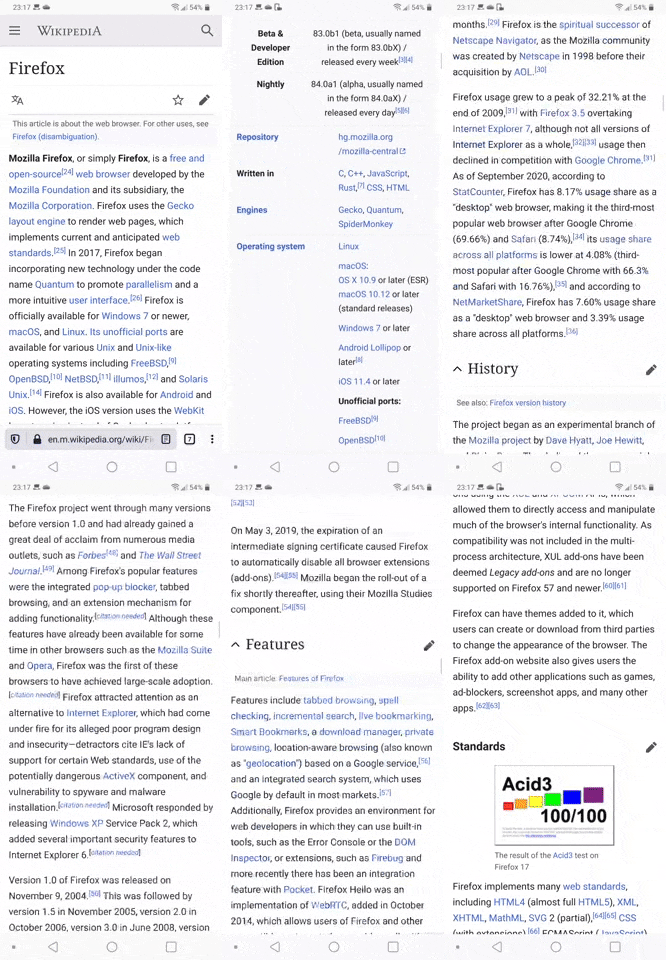
Here's a recording of scrolling down wikipedia at around one swipe per second on an LG G7. It seems to happen more often if you don't scroll continiously, and it happens on every webpage i've visited since the last update. Every time the nav bar pops up, it stops scrolling.
sskodje
on 30 Oct 2020
Seeing the same thing on my LG G8 Thinq. Firefox version 82.1.1
 DeanKertai
on 31 Oct 2020
DeanKertai
on 31 Oct 2020
Two other issues with probably the same problem:
16295
16280
AndiLeni
on 1 Nov 2020
Probably the same problem : #16337
NB: Firefox Focus have not the touch / swipe problem
aleblanc
on 5 Nov 2020
@Mugurell
Any update for this issue?
It seems like many users face this problem currently.
AndiLeni
on 5 Nov 2020
Hello,
Indeed we are seeing more reports of this issue but it's still not clear what triggers it.
If this is easily reproduced by you can you please also try on GVE(geckoview-example.apk) and report back if you see it also happening there?
That is a stripped down version that should eliminate some possible reasons for this.
Mugurell
on 6 Nov 2020
@Mugurell I could not reproduce the issue in the GVE app.
AndiLeni
on 6 Nov 2020
Same here on oneplus 6. This should be high priority. I see many reports on google play store and this is maximum anoying. It is on every website and not only shows up at scrolling down, also when the website has elements to swipe horizontally. Seems that there is freezing something.
 meson11
on 7 Nov 2020
meson11
on 7 Nov 2020
I just switched from iPhone to LG V50 and I have this exact same problem. Scrolling just freezes at times. It seems like it's an issue specifically with Firefox on LG phones. Very annoying.
 08scoffman
on 8 Nov 2020
08scoffman
on 8 Nov 2020
Two more issues facing this problem.
16530
14527
@Mugurell Can we somehow help narrow down the problem?
AndiLeni
on 15 Nov 2020
I have noticed you mentioned #14527. If it's the same problem, try looking into this post and check versions I mention there to see, if your issue started to happen at the same time. I think I found first bad version.
 peter-vasut
on 15 Nov 2020
peter-vasut
on 15 Nov 2020
@peter-vasut
I reverted back to 81.1.5, which is the last version that works fine for me.
AndiLeni
on 15 Nov 2020
Related issues
 softvision-miralobontiu
·
3Comments
softvision-miralobontiu
·
3Comments
 Chris01277
·
3Comments
Chris01277
·
3Comments
 phileastv
·
3Comments
phileastv
·
3Comments
 thelazyoxymoron
·
3Comments
thelazyoxymoron
·
3Comments
 clitetailor
·
3Comments
clitetailor
·
3Comments
Most helpful comment
There are a lot of similar comments on the play store page.
This issue should be resolved as soon as possible, since it makes the browser unusable.
Related to #16235