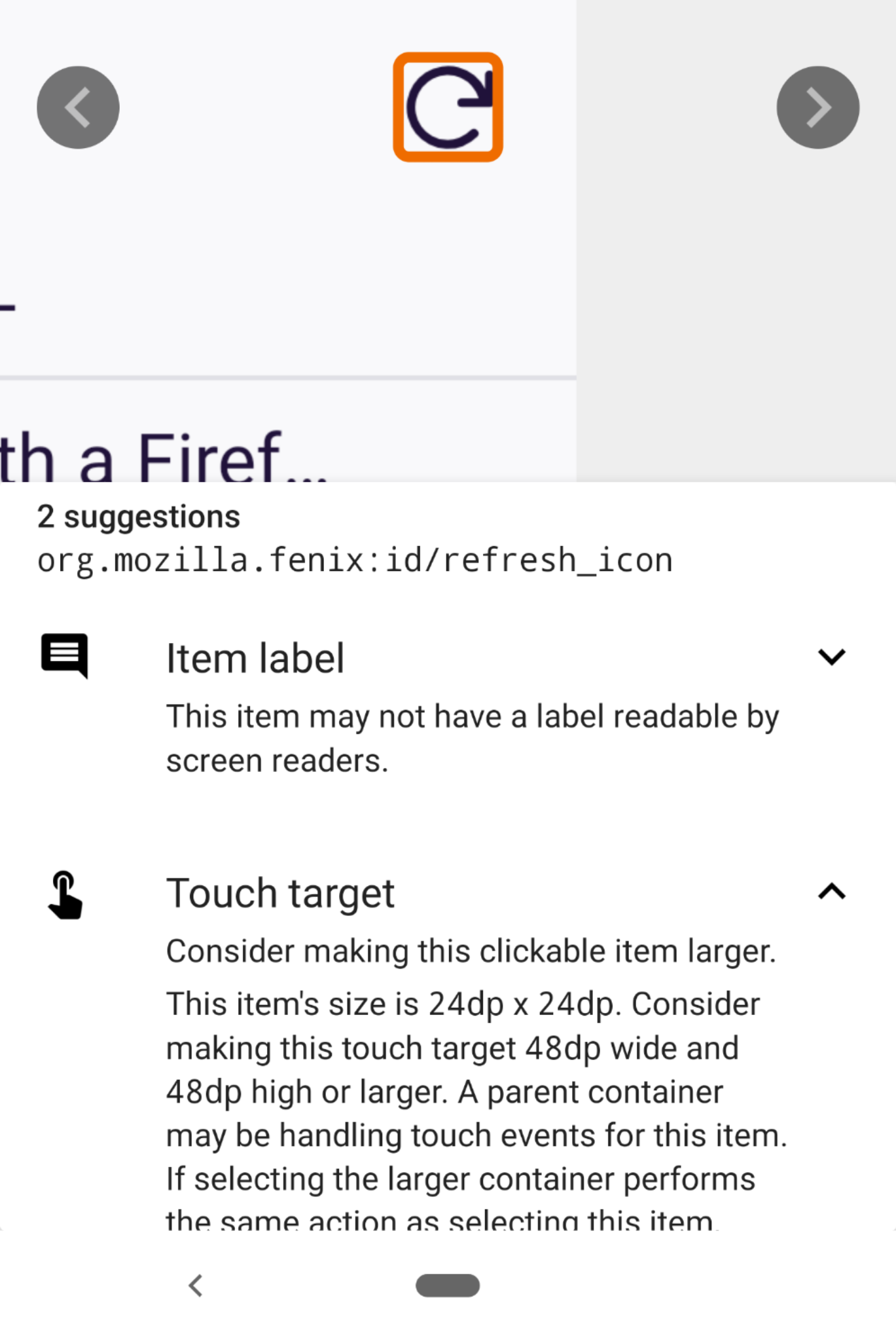
Fenix: [Bug][a11y] Re-sync tabs button is read as unlabeled
Prerequisites:
- Secret settings enabled with sync option in tabs tray active
- Be connected with an fx-account on mobile and desktop
- Have talk back enabled
Steps to reproduce
- Open browser and tap on tabs tray counter.
- View the synced tabs in normal tab.
- Tap on the re-sync/sync now button.
Expected behavior
The label for the button is read correctly.
Actual behavior
It is read "unlabeled" button.
Device information
- Android device: Google Pixel 3XL (Android 9)
- Fenix version: Nightly 9/6
 Diana-Rus
All 7 comments
@betsymi Should the content description read "Refresh" or "Resync" ? Or other option, the shorter the better. Thank you!
 mcarare
on 8 Sep 2020
mcarare
on 8 Sep 2020
@betsymi Should the content description read "Refresh" or "Resync" ? Or other option, the shorter the better. Thank you!
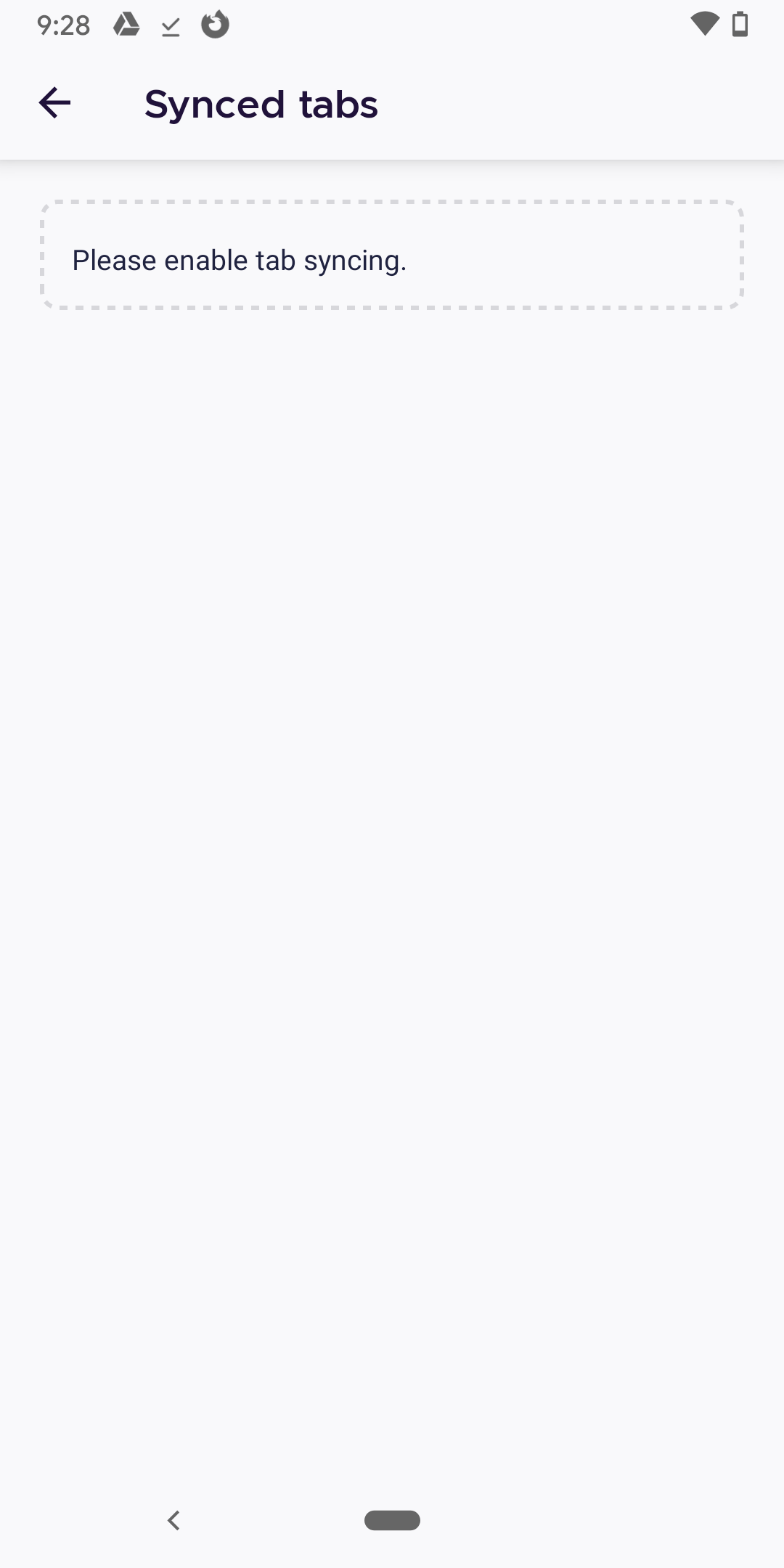
May I see a screenshot of what this looks like? I'm having trouble envisioning it and don't think I have the appropriate settings to recreate. I got stuck here, which feels like a dead end. Can we offer a path to tun on tab syncing?
 betsymi
on 8 Sep 2020
betsymi
on 8 Sep 2020
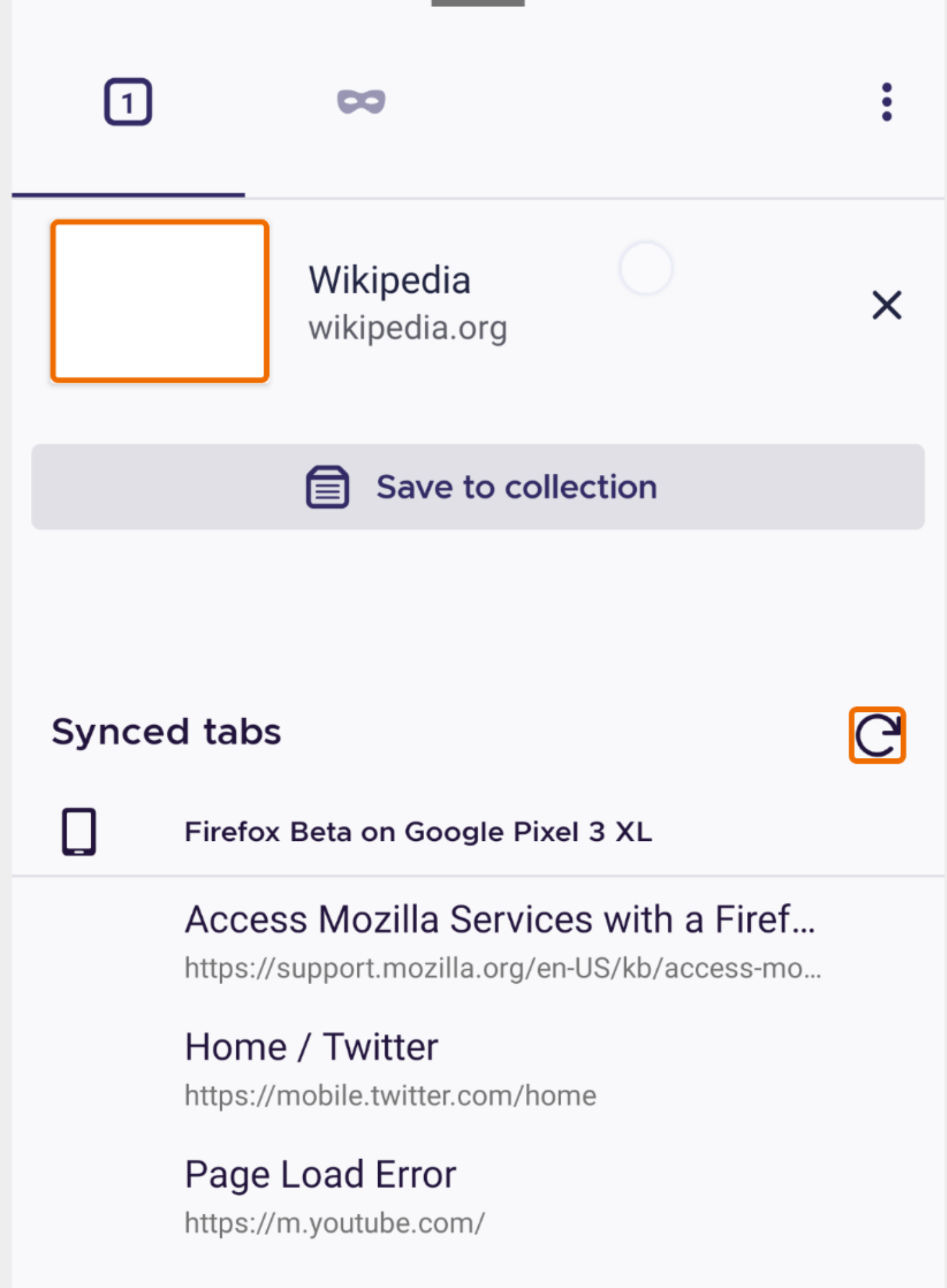
Hi @betsymi you need to go firstly on Nightly, in Secret settings (need to activate developer mode on Nightly) and enable Show Synced tabs in the tabs tray.
Than go in tabs tray - normal browsing
It should look like this
Diana-Rus
on 8 Sep 2020
Screenshot of implementation:

mcarare
on 8 Sep 2020
@betsymi Any feedback on this? Thank you!
mcarare
on 16 Sep 2020
Let's go with Resync for the text label.
betsymi
on 17 Sep 2020
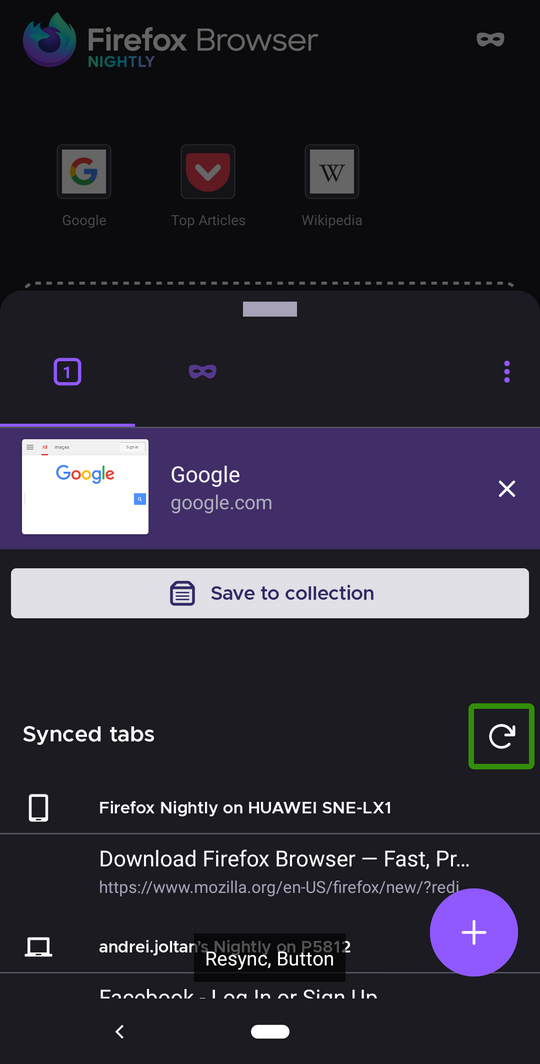
Hi, verified as fixed on the latest Nightly Build 200921 using the following devices:
• Google Pixel 3a (Android 11)
• Huawei Mate 20 Lite (Android 10)
• OnePlus A3 (Android 6.0.1)
► Screenshot
 AndiAJ
on 21 Sep 2020
AndiAJ
on 21 Sep 2020
Related issues
 lindongbin
·
3Comments
lindongbin
·
3Comments
 phileastv
·
3Comments
phileastv
·
3Comments
 clitetailor
·
3Comments
clitetailor
·
3Comments
 andreicristianpetcu
·
3Comments
andreicristianpetcu
·
3Comments
 thelazyoxymoron
·
3Comments
thelazyoxymoron
·
3Comments
Most helpful comment
@betsymi https://app.abstract.com/share/0bae23a7-b55b-43f9-a57a-1fdb7b3596fc?mode=build&sha=a813facef071a6c43e3d40d20afa4aaf4f75e269.
Screenshot of implementation: