Fenix: [Bug]Graphic corruption/glitch on pages
Steps to reproduce: Appears randomly
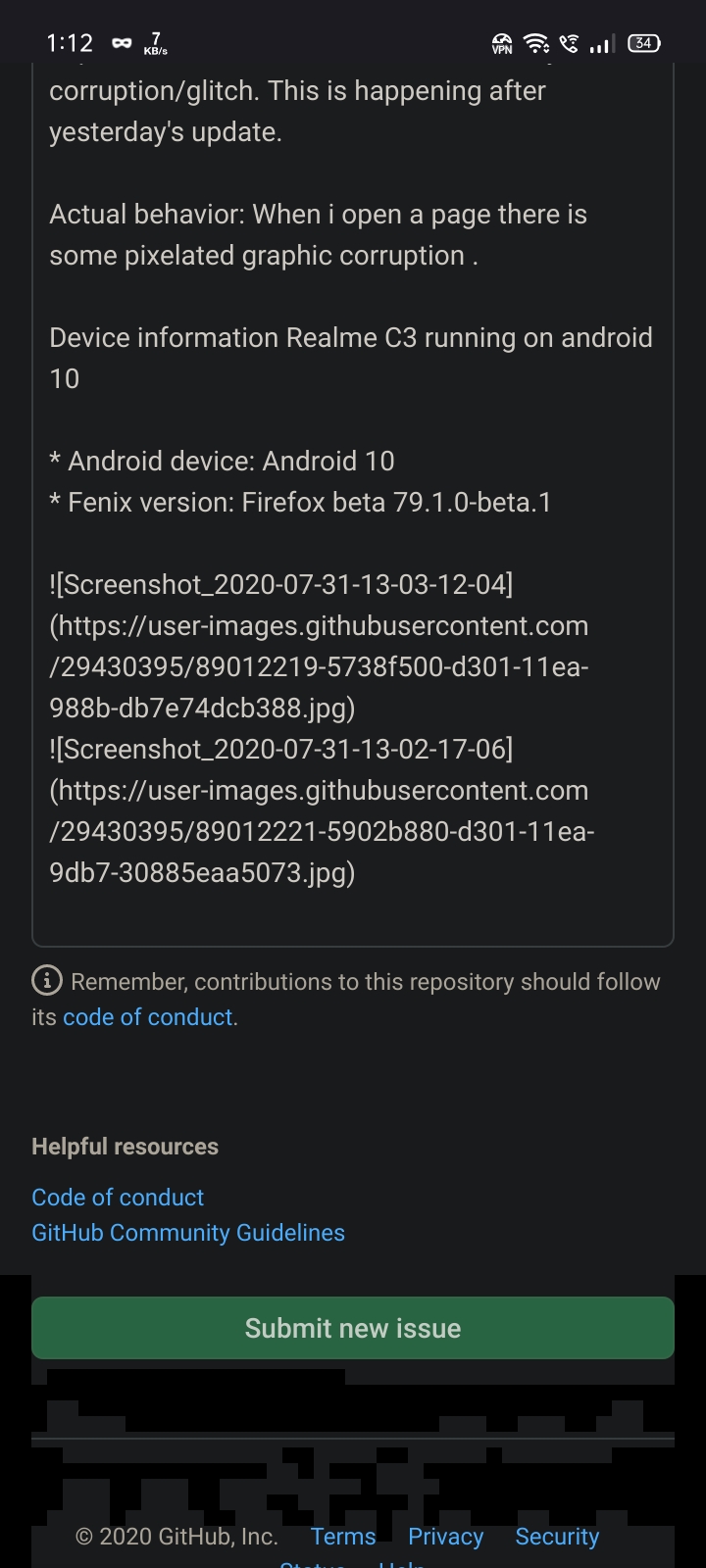
Expected behavior: There shouldn't be any corruption/glitch. This is happening after yesterday's update.
Actual behavior: When i open a page there is some pixelated graphic corruption .
Device information Realme C3 running on android 10
- Android device: Android 10
- Fenix version: Firefox beta 79.1.0-beta.1
 PulkitGupta707
All 8 comments
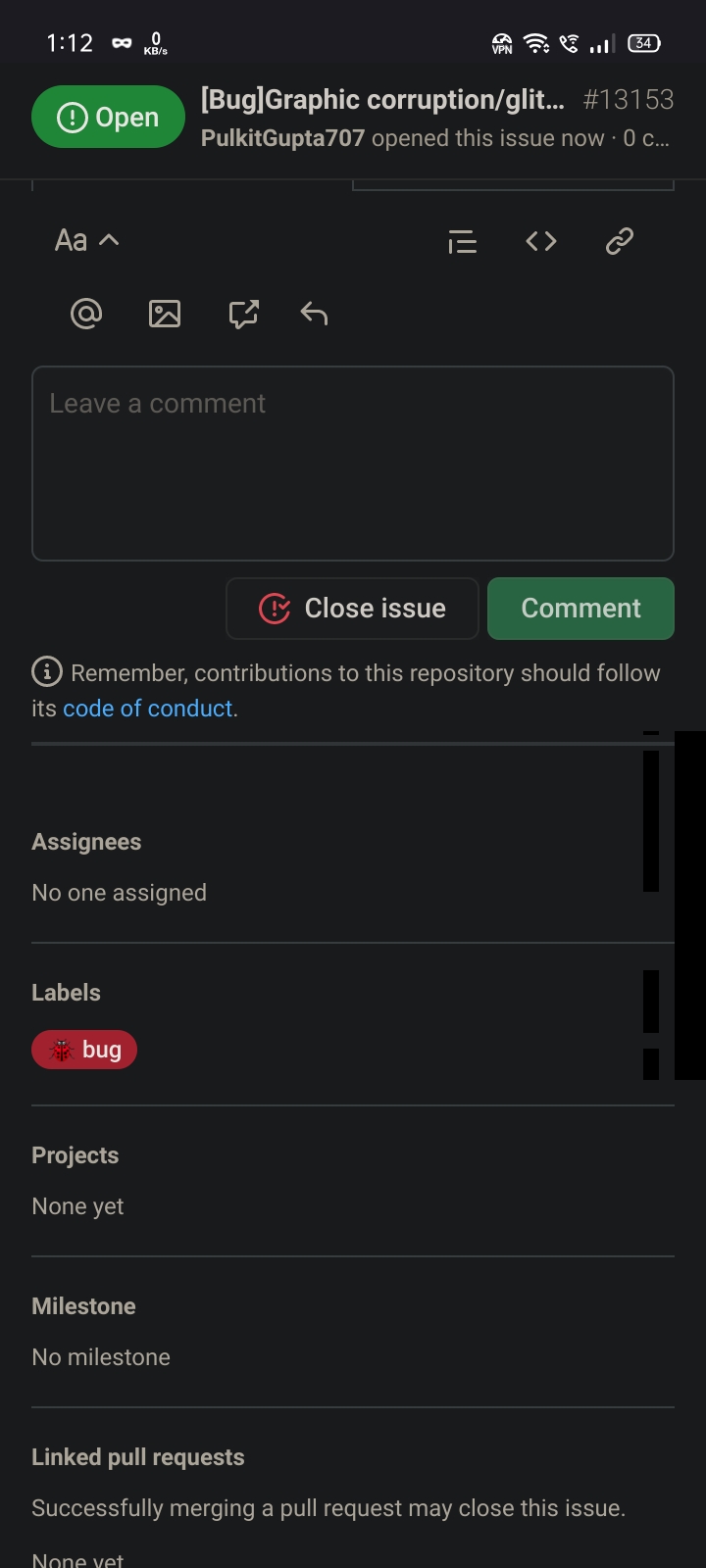
They are on this page as well
Tried disabling dark reader but it didn't solve the problem
PulkitGupta707
on 31 Jul 2020
This looks very similar to this bug, and I can see that the Realme C3 has a Mali-G52 GPU, which would be affected.
@PulkitGupta707, can you check whether webrender is enabled by visiting about:support and reading what it says under "Compositing". It should say either "OpenGL" or "WebRender". If it says WebRender, did you manually enable webrender in about:config at any time?
 jamienicol
on 5 Aug 2020
jamienicol
on 5 Aug 2020
Yes, web render was enabled and disabling it fixed the issue. Also I don't think web render actually works on mediatek devices?
Edit: Yes i enabled it manually to see if it can improve page loading time but it didn't do anything and i forgot to disable it.
PulkitGupta707
on 5 Aug 2020
It's currently only enabled by default on some Adreno devices, other devices work to varying degrees. Some have issues like this, and some don't work at all. This bug should be fixed soon, at which point we may enable it by default on Mali devices such as yours. Please feel free to keep using it if you'd like, and file any more issues you see!
jamienicol
on 5 Aug 2020
After the latest update I'm getting similar but worse glitching on my Android 10 Mali-G77 MP11 device (screen recording).
Happening on both my regular install of stable (84.1.0-rc.1 (Build #2015780291); AC: 67.0.10, 899738987; GV: 84.0-20201207203640; AS: 67.0.01) as well as a fresh install of nightly (Nightly 201209 17:01 (Build #2015780427); AC: 70.0.20201209143130, c6d2a41d1; GV: 85.0a1-20201209034903; AS: 67.0.0), although it's a bit less severe on nightly.
Force-disabling the WebRender compositor through about:config solves the issue on nightly, but of course that's not really an option on stable.
 estrogently
on 10 Dec 2020
estrogently
on 10 Dec 2020
Thanks for letting us know @estrogently. That looks like #16469, which should be fixed for the final 84.1.0 release and an upcoming nightly.
jamienicol
on 10 Dec 2020
Thanks for letting us know @estrogently. That looks like #16469, which should be fixed for the final 84.1.0 release and an upcoming nightly.
Thanks! Glad it's known and will (hopefully) be fixed in the final release.
(Not entirely sure why the RC was pushed out as an update for the normal/stable app with WebRender enabled for devices where it was known to be broken then, though)
estrogently
on 11 Dec 2020
It wasn't known to be broken at the time. The issue is due to a driver bug on Mali-G77.
jamienicol
on 11 Dec 2020
Related issues
 csadilek
·
3Comments
csadilek
·
3Comments
 lindongbin
·
3Comments
lindongbin
·
3Comments
 clitetailor
·
3Comments
clitetailor
·
3Comments
 andreicristianpetcu
·
3Comments
andreicristianpetcu
·
3Comments
 Chris01277
·
3Comments
Chris01277
·
3Comments
Most helpful comment
It wasn't known to be broken at the time. The issue is due to a driver bug on Mali-G77.