Fenix: There should be an Open in App option in Custom Tabs
Why/User Benefit/User Problem
Right now if you want to open youtube links from other apps, there is a three step process of opening the custom tab, opening it in Firefox and then opening in the app itself. I think it would be better if we had a direct open in app option in the three dot menu in custom tabs
What/Requirements
A way to open in app from custom tabs
Acceptance Criteria (how do I know when I’m done?)
The option should be added to the three dot menu
 s-ankur
All 12 comments
@brampitoyo any user experience concerns around adding this option?
 vesta0
on 11 May 2020
vesta0
on 11 May 2020
Assigning to @brampitoyo @apbitner
 AmyYLee
on 3 Jun 2020
AmyYLee
on 3 Jun 2020
@vesta0 when opening a Youtube link from another app, shouldn't it respect the OS preference of how it should be opened? I thought our 'open in app' feature was meant to address links that're opened _within_ the browser.
 apbitner
on 4 Jun 2020
apbitner
on 4 Jun 2020
Hi @vesta0, I don’t see any UX concern around adding an “Open in App” option in our custom tabs.
@apbitner is correct. The “open in app” setting was meant for when links are opened within the Fenix app.
When links are opened from another app via the Fenix custom tab (which in this case is acting more like an intermediary single-tab rather than a full app), then our policy should follow that which is set under Android System Settings → Default apps → Opening links. In most cases, the default Android System policy is to open link in their respective apps. Our custom tab should respect that.
So, in this scenario:
- Set Fenix as a default browser
- Open Twitter app
- Tap on a Reddit link that’s contained within a tweet
- Fenix custom tabs open, showing Reddit
- The Reddit page shows a link that says “Open in Reddit app”
- Tap the “Open in Reddit app” link
Should we open the Reddit app, or keep opening the link in our custom tab? We should do the former.
In conclusion: we don’t need an “Open in App” option in our custom tab, because third-party links will always default to open in their native apps.
@s-ankur Does this match your expectation?
 brampitoyo
on 8 Jun 2020
brampitoyo
on 8 Jun 2020
@brampitoyo Hi, I noticed something today that does not fit your logic.
Here is the STR
Send yourself an email using the gmail app containing a twitter.com link
Have the Twitter app installed and have fenix as the default browser
Open the Twitter link
It opens in a custom tab and not the Twitter app
Why? Because of Google's redirect urls
So basically in this scenario having an open in app option will be very helpful especially if you use Gmail a lot
s-ankur
on 29 Jul 2020
@s-ankur Interesting. Your scneario doesn’t match my experience.
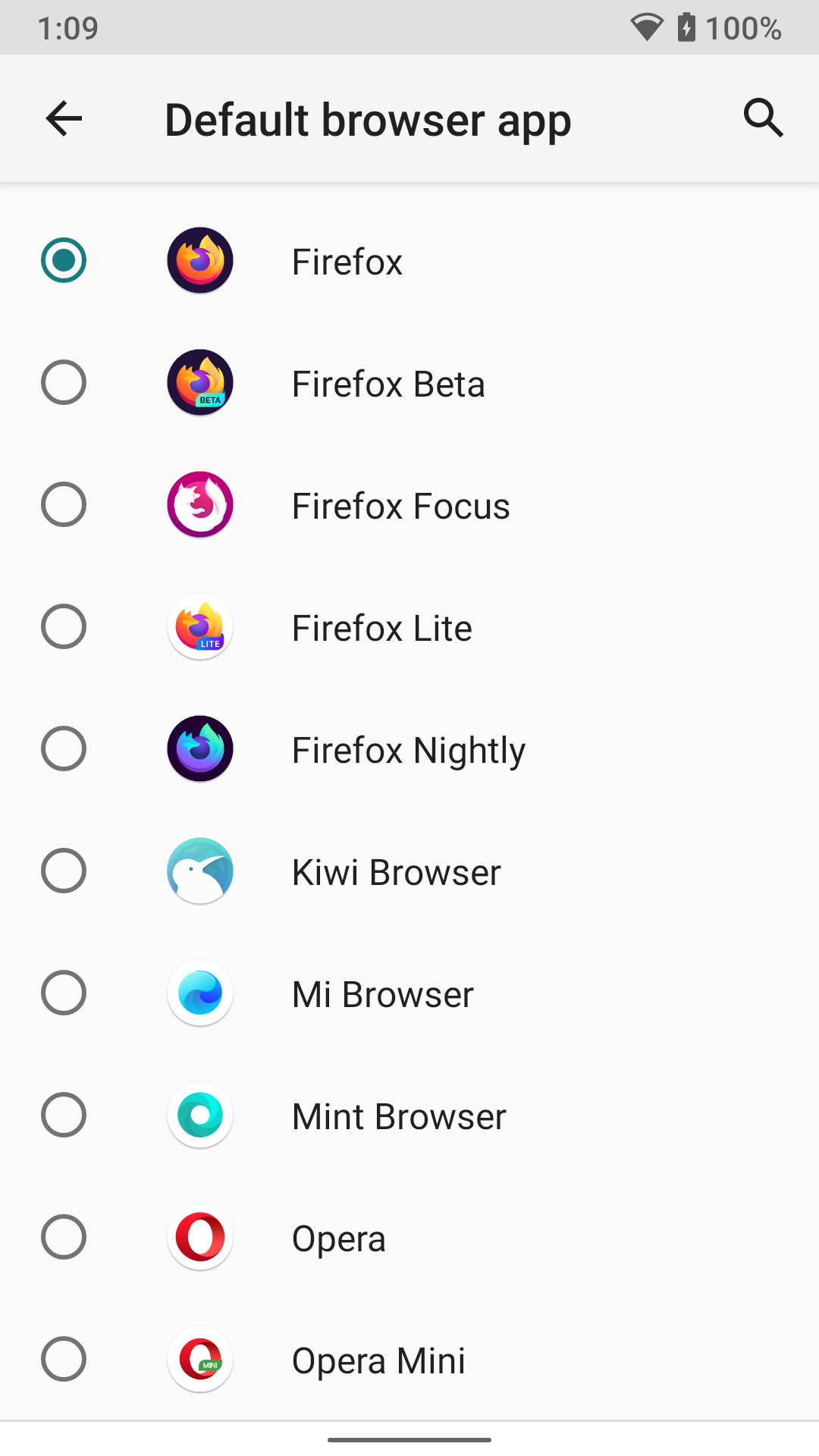
I’ve set my browser to Firefox (which has since upgraded to Fenix – I’m in the NZ locale):
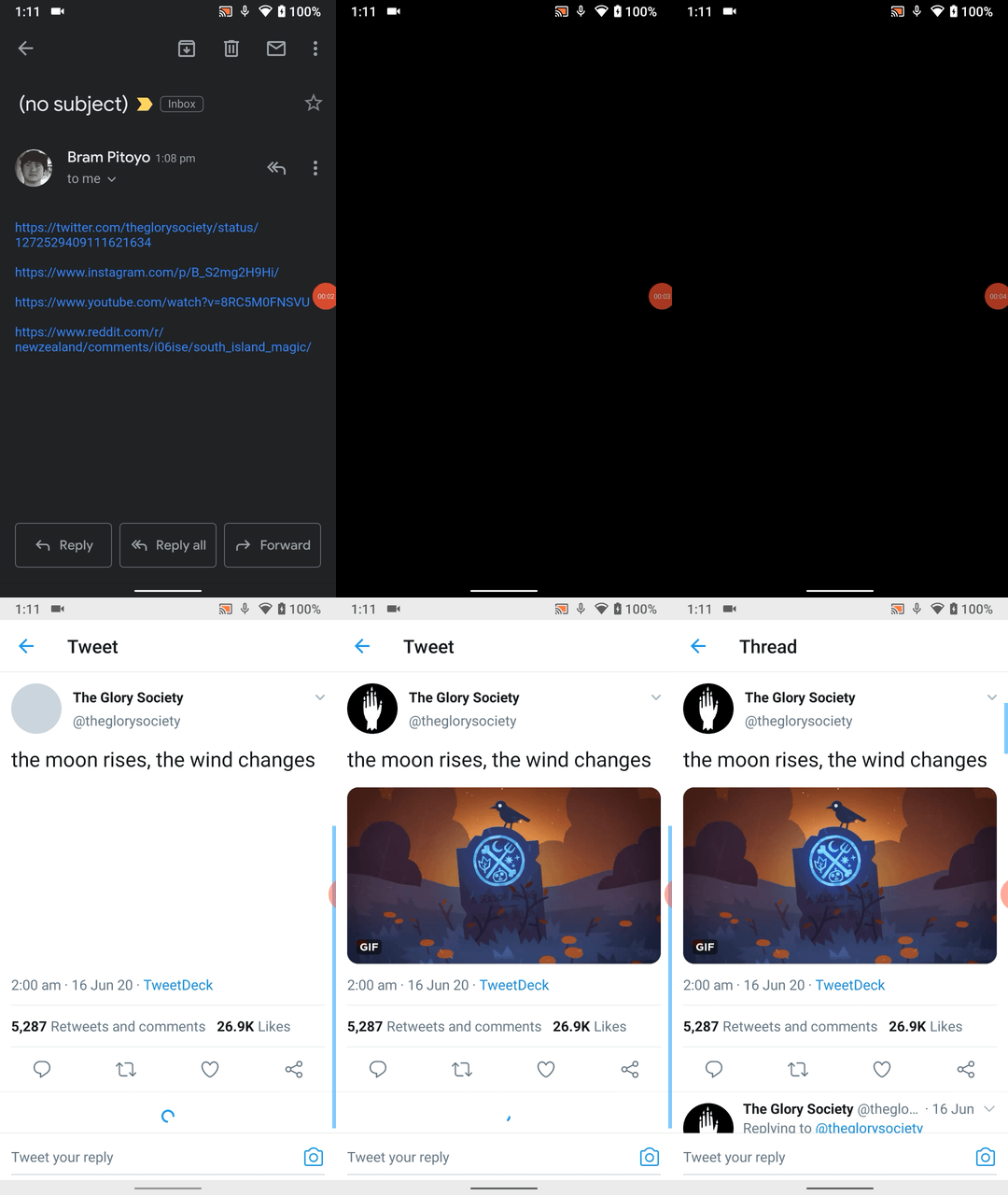
When I open a Twitter link via Gmail, the system skips the Firefox in-app browser and goes straight to the Twitter app.
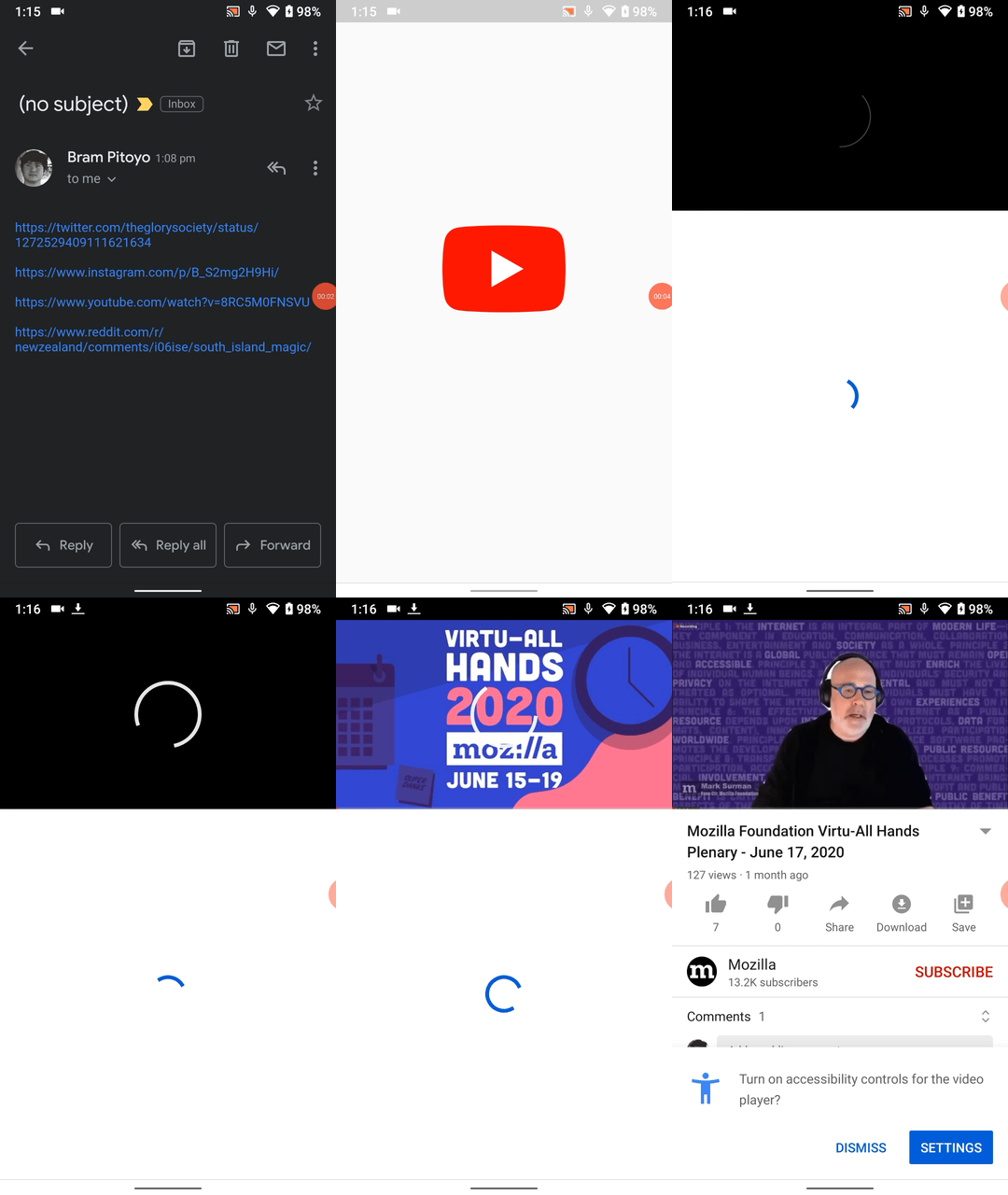
When I open a YouTube link, the in-app browser is also skipped. I am redirected to the YouTube app.
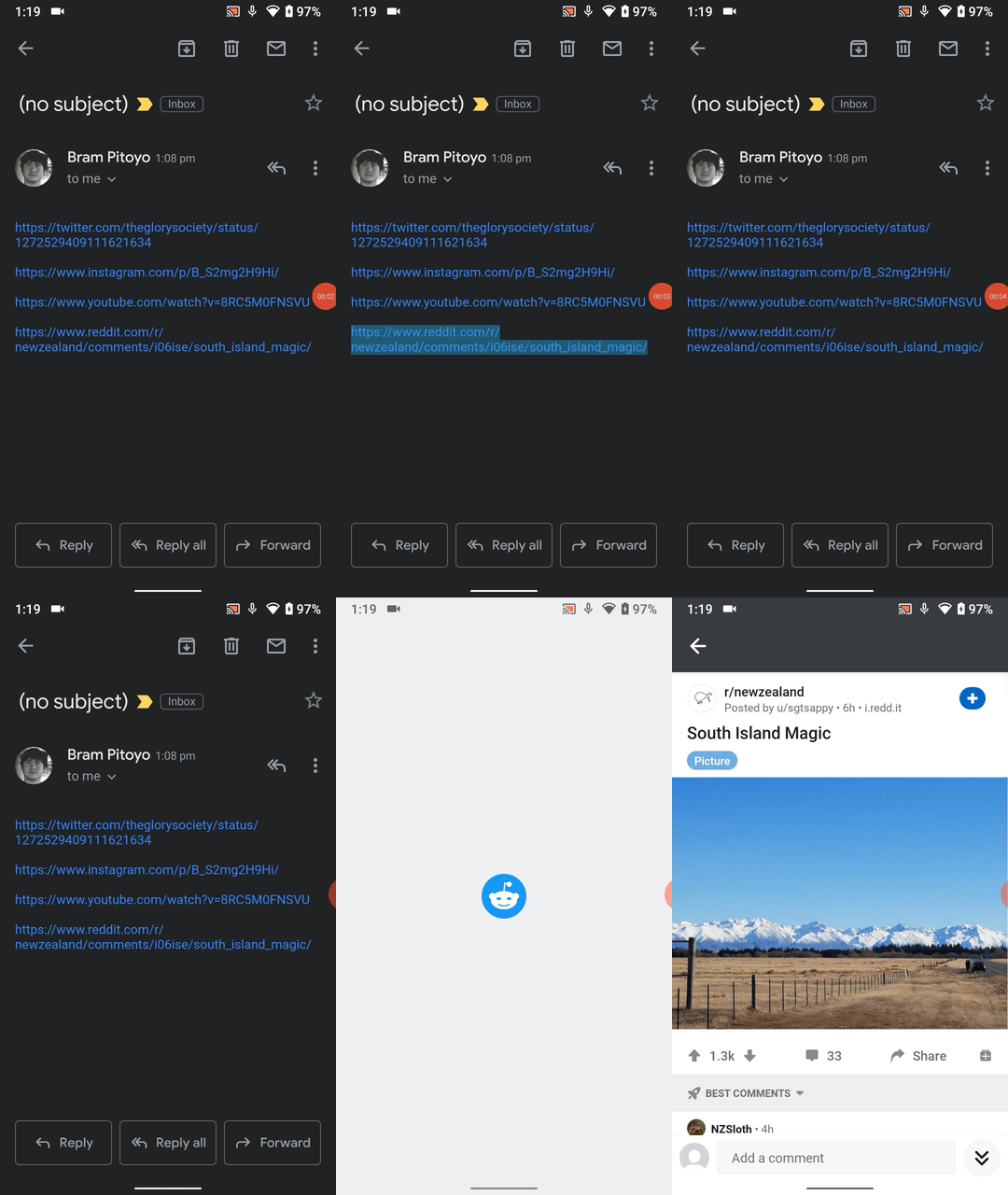
I get the same behaviour when opening a Reddit link on Gmail. The Reddit app is instantly opened.
The Instagram link seems to be an outlier: it opens the Firefox in-app browser by default. However, the website quickly shows me a button to open the Instagram app.
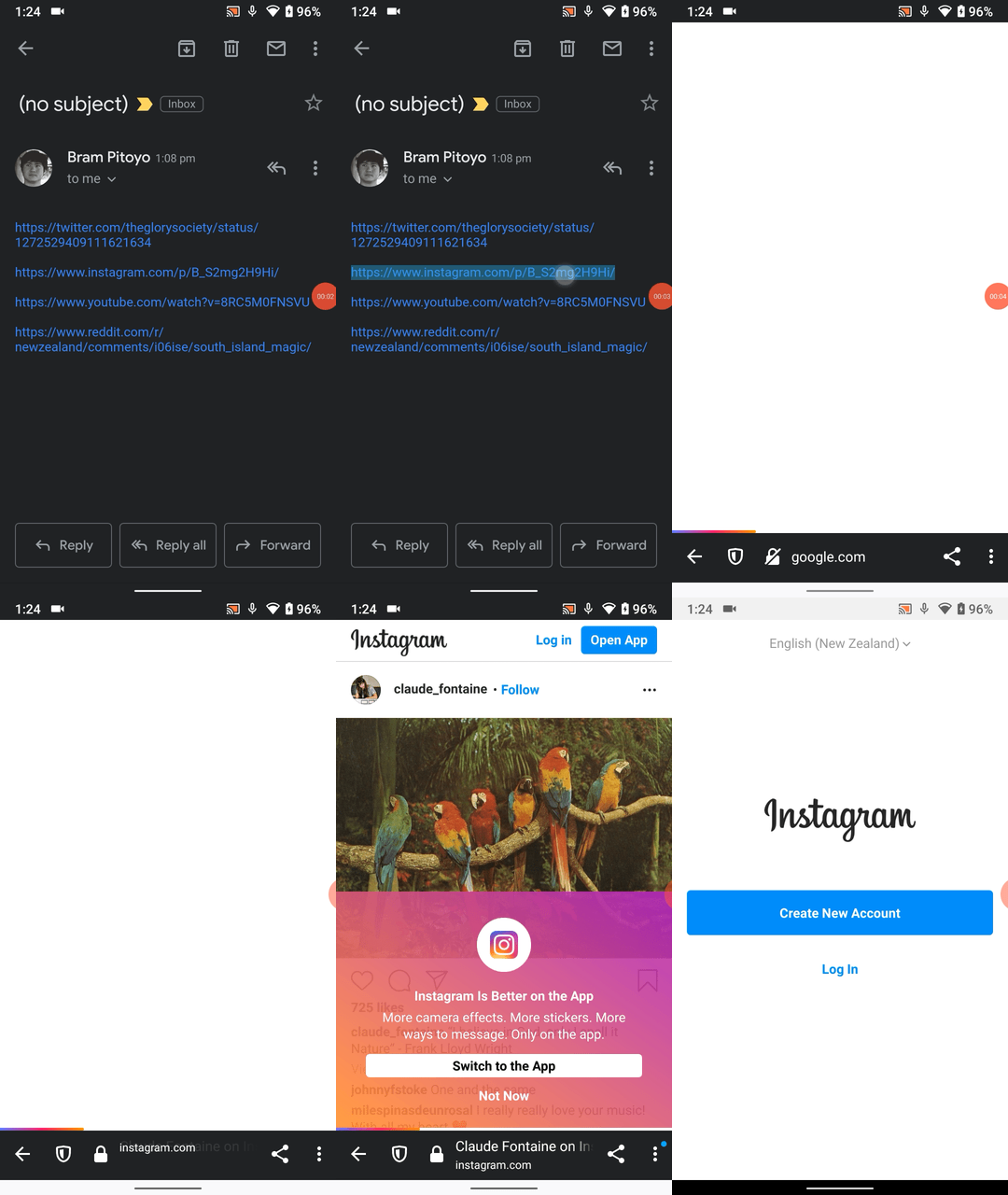
And if you tap “Not now”, you can still access “Open in app” in the custom tab’s three-dot menu.
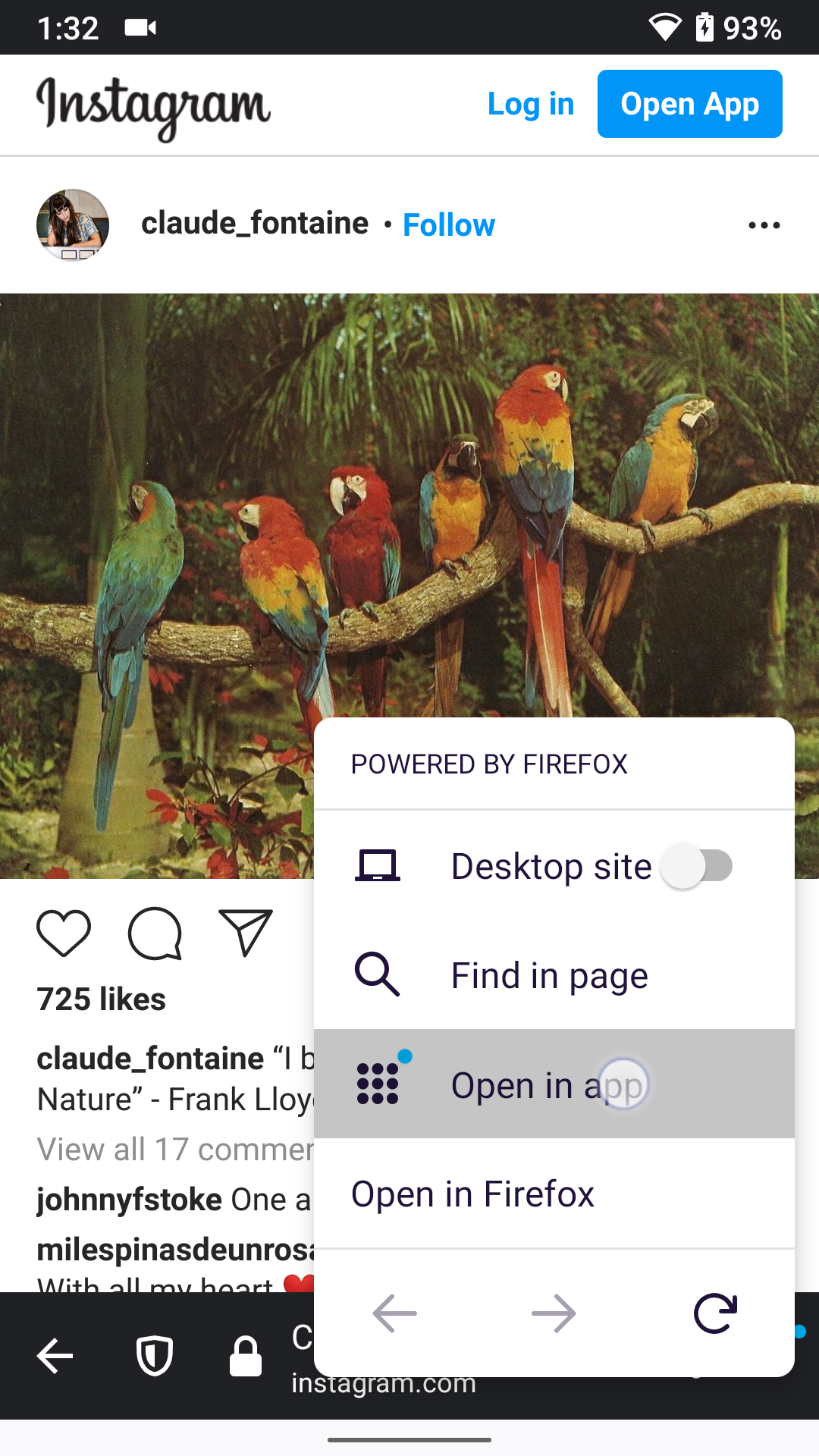
Does this solve your original issue of “A way to open in app from custom tabs. The option should be added to the three dot menu”?
brampitoyo
on 30 Jul 2020
Hi, this does solve my use case, thank you!
s-ankur
on 11 Sep 2020
@brampitoyo hey good detail there in all those use cases. I wonder if you ever found out what was doing different Instagram that it didn't open the link automatically in their application that you seem to have installed, but rather used the browser instead?
I'm running into a similar situation when using Android App Links. However, unless we host browsable content in the link we want to use (A callback URL), there's no indication for the user to continue to the app. And IMO, the "Open in app" option seems a bit hidden under the rug for the typical user.
I've created https://github.com/mozilla-mobile/fenix/issues/15202
 lbalmaceda
on 18 Sep 2020
lbalmaceda
on 18 Sep 2020
@brampitoyo solved for the issue in his comment above, which I'll copy here, showing the addition of Open in app to the 3-dot menu of a custom tab.
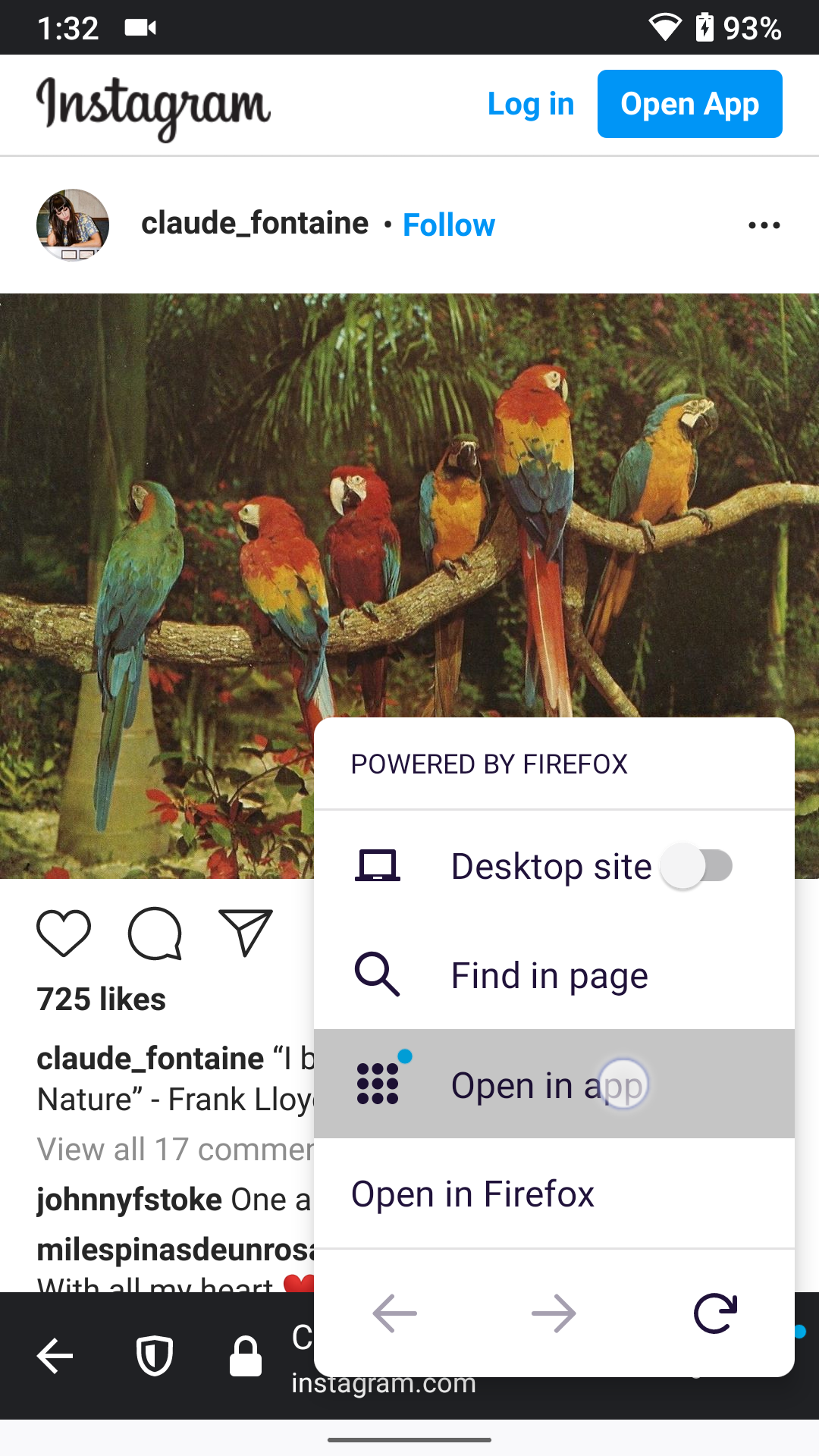
apbitner
on 20 Oct 2020
For QA: Please test this, it seems to be fixed since the time it was opened. Thank you!
Note: I could not reproduce this issue (having a link from Gmail opened in Fenix custom tab when app to handle it is installed), but the "Open in App " option is present in custom tabs, same as in normal ones.
To reproduce this issue, have the handling app (Twitter, Instagram) installed after you open the link from Gmail.
 mcarare
on 26 Oct 2020
mcarare
on 26 Oct 2020
Tested on the latest Nightly build:
STR
Open twitter link from Gmail, in a custom tab.
Install Twitter.
Check Custom tab opened previously -> Result: "Open in app" option is displayed in custom tab -> three dot-menu.
STR
Install Twitter.
Open twitter link from Gmail, in a custom tab. -> Result: the Twitter app is opened.
 sflorean
on 27 Oct 2020
sflorean
on 27 Oct 2020
Closing this as per the comment above.
mcarare
on 5 Nov 2020
Related issues
 andreicristianpetcu
·
3Comments
andreicristianpetcu
·
3Comments
 AndiAJ
·
3Comments
AndiAJ
·
3Comments
 phileastv
·
3Comments
phileastv
·
3Comments
 robsmith11
·
3Comments
robsmith11
·
3Comments
 clitetailor
·
3Comments
clitetailor
·
3Comments
Most helpful comment
Tested on the latest Nightly build:
STR
Open twitter link from Gmail, in a custom tab.
Install Twitter.
Check Custom tab opened previously -> Result: "Open in app" option is displayed in custom tab -> three dot-menu.
STR
Install Twitter.
Open twitter link from Gmail, in a custom tab. -> Result: the Twitter app is opened.