Fenix: [Bug] uBlock Origin is not working after automatic update
Steps to reproduce
launch Firefox and open any website
Expected behavior
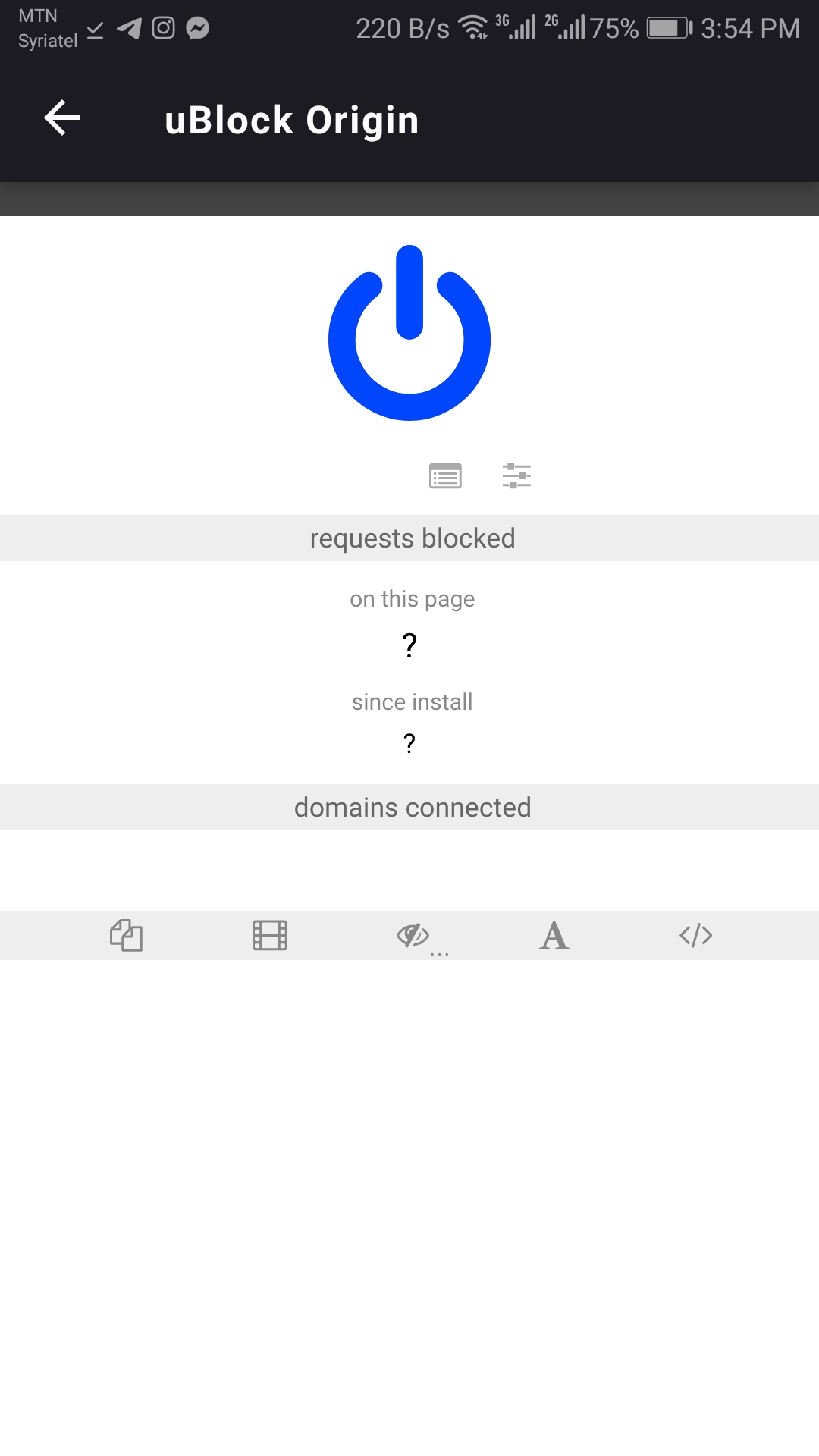
uBlock Origin blocking ads and showing numbers of blocked ads as it was in previous relases
Actual behavior
ads showing in websites
Device information
Huawei Gr3 2017
- Android device: 8.0 oreo
uBlock Version : 1.25.2 - Fenix version:
Nightly 200310 06:01 (Build #20700607)
36.0.0, 6e1631e4f
GV: 75.0a1-20200309091841
AS: 0.53.0
 jawadalkassim
All 21 comments
jawadalkassim
on 10 Mar 2020
@jawadalkassim would you mind share in which version of uBlock are you? You can find it under Settings -> Add-ons Manager-> tap on uBlock Origin -> Details - > Scroll to the bottom -> Version
 Amejia481
on 10 Mar 2020
Amejia481
on 10 Mar 2020
uBlock Version : 1.25.2
jawadalkassim
on 10 Mar 2020
We tested on various devices and we are not able to reproduce the issue. Do you mind sharing which sites you are visiting?
Amejia481
on 10 Mar 2020
I've uninstalled FF and Reinstalled it again then install uBlock Origin and everything is fine.
jawadalkassim
on 10 Mar 2020

jawadalkassim
on 10 Mar 2020
I was not able to reproduce the issue with uBlock Origin 1.25.0. Now, after I received uBlock Origin 1.25.2, I have exactly the same issue as the issue opener.
OnePlus 7T Pro McLaren Edition / Android 10
Fenix latest build from 4.0 branch (revision 3dc4582fe08e7f8f9c61f0c21b102ab52567bf75)
All websites are affected.
 cadeyrn
on 10 Mar 2020
cadeyrn
on 10 Mar 2020
@cadeyrn would you mind to killing the app and open it again?
Amejia481
on 10 Mar 2020
Killing the app via the Android recent apps screen does _not_ solve the problem.
cadeyrn
on 10 Mar 2020
Try Uninstall uBlock and installing it again.
@cadeyrn
jawadalkassim
on 10 Mar 2020
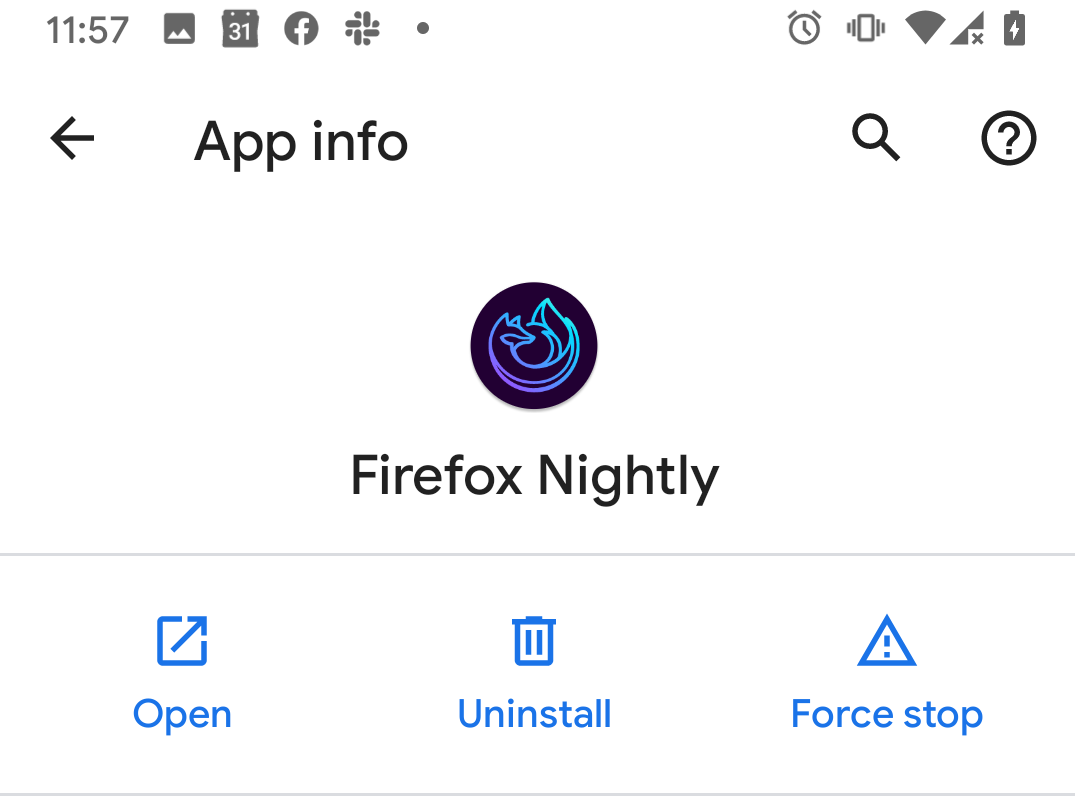
@cadeyrn before uninstalling could you try the "force stop" button on the "App info"?
Amejia481
on 10 Mar 2020
@cadeyrn this is the button that I mentioned
Amejia481
on 10 Mar 2020
before uninstalling could you try the "force stop" button on the "App info"?
I tried the "force stop" button, but without success.
cadeyrn
on 10 Mar 2020
Thanks for the reports, we are working on finding the root of the issue, I think so far the workaround will be to uninstall and install again sorry about that.
Amejia481
on 10 Mar 2020
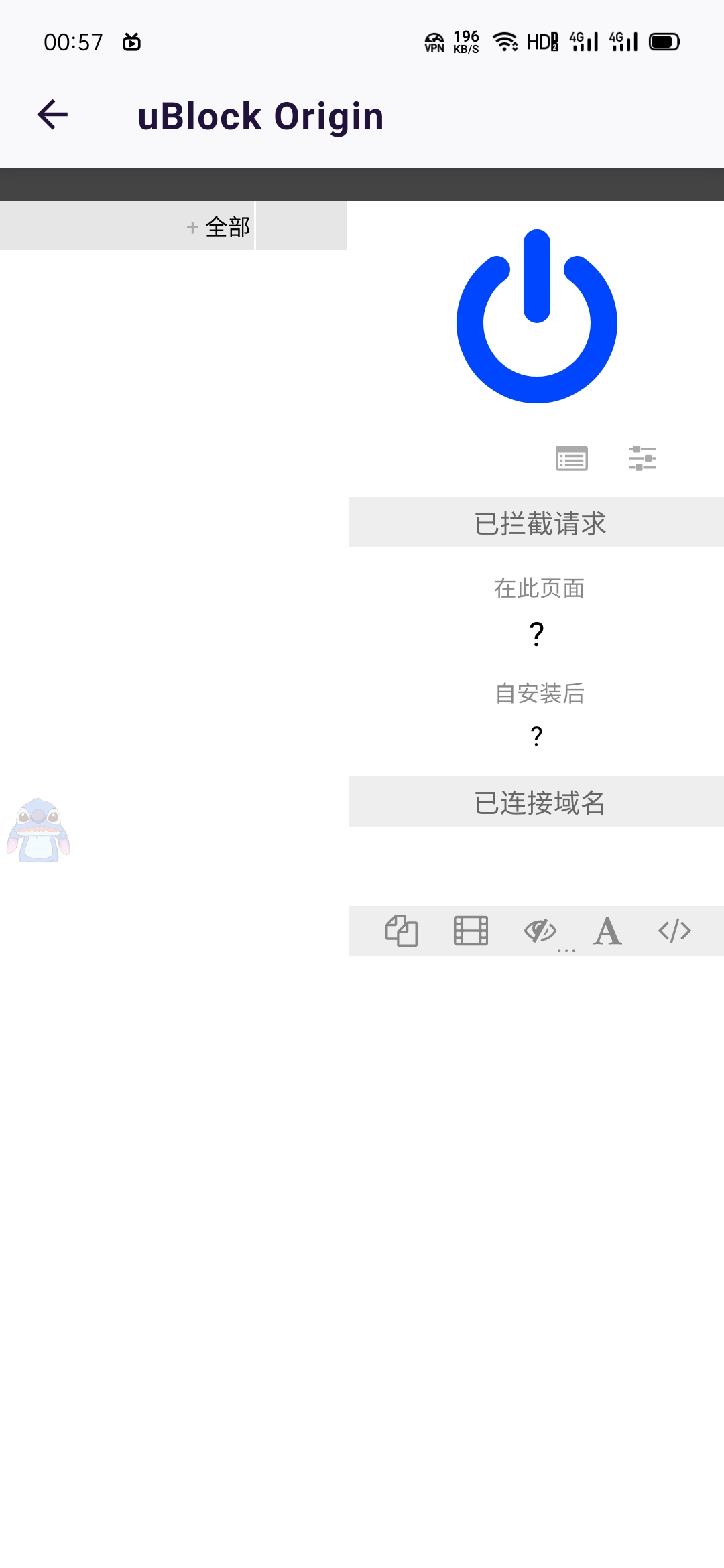
me too
 colorsakura
on 10 Mar 2020
colorsakura
on 10 Mar 2020
Looks like disabling and enabling the add-on back is another workaround.
Settings -> Add-ons Manager -> tap on uBlock Origin -> Switch button. Let me know if it works
Amejia481
on 10 Mar 2020
Yes, uBlock Origin works again after disabling and enabling again. Uninstalling and installing the add-on did not help (I tried this before).
cadeyrn
on 10 Mar 2020
It looks like the issue could be on the GeckoView layer, I opened the below bug to investigate
https://bugzilla.mozilla.org/show_bug.cgi?id=1621503
Amejia481
on 11 Mar 2020
On my two devices uBO 1.25.2 works fine with the latest nighty-builds.
The only thing I did was to refresh the filter lists on uBO a few days ago.
My devices are:
Huawei P smart 2017 (Android 9.1.0, Stock)
Samsung Galaxy Tab A6 SM-T580 (Android 8.1.0, Stock)
 LittleAngelwings
on 11 Mar 2020
LittleAngelwings
on 11 Mar 2020
Hi! The issue that was opened for investigating this, https://bugzilla.mozilla.org/show_bug.cgi?id=1621503, is verified as fixed. Due to that, this issue can be closed. Thanks!
 ebalazs-sv
on 17 Mar 2020
ebalazs-sv
on 17 Mar 2020
This is verified as fixed on 75.0.0-beta.2 GV 75 from 3/25 with Pixel 2 (Android 9).
Details in this issue: https://bugzilla.mozilla.org/show_bug.cgi?id=1621503#c15
ebalazs-sv
on 25 Mar 2020
Related issues
 csadilek
·
3Comments
csadilek
·
3Comments
 abodea
·
3Comments
abodea
·
3Comments
 lindongbin
·
3Comments
abodea
·
3Comments
lindongbin
·
3Comments
abodea
·
3Comments
 Chris01277
·
3Comments
Chris01277
·
3Comments