Fenix: [Bug] Sometimes the number of tabs on the tab pile button is not centered
Steps to reproduce
I haven't find a pattern, but it happens quite often
Expected behavior
The number of tabs is centered in the button
Actual behavior
The number is on the top right corner of the button.
By the way, maybe it's another bug, but is the space between the shield icon and the lock icon not too wide?
Device information
- Android device: Redmi Note 7
- Fenix version: 12580614
 klint
klint
All 9 comments
@mcomella mentioned in a dupe (#5868) that he also sees this and could be related to device font size set to "Large"
 ekager
on 9 Oct 2019
ekager
on 9 Oct 2019
I don't see this very often but two times in the last few weeks. My device font is not set to "Large".
 cadeyrn
on 9 Oct 2019
cadeyrn
on 9 Oct 2019
I haven't seen this in my time working on Fenix. I did check this out with a hundred tabs open and get this, which looks nice:
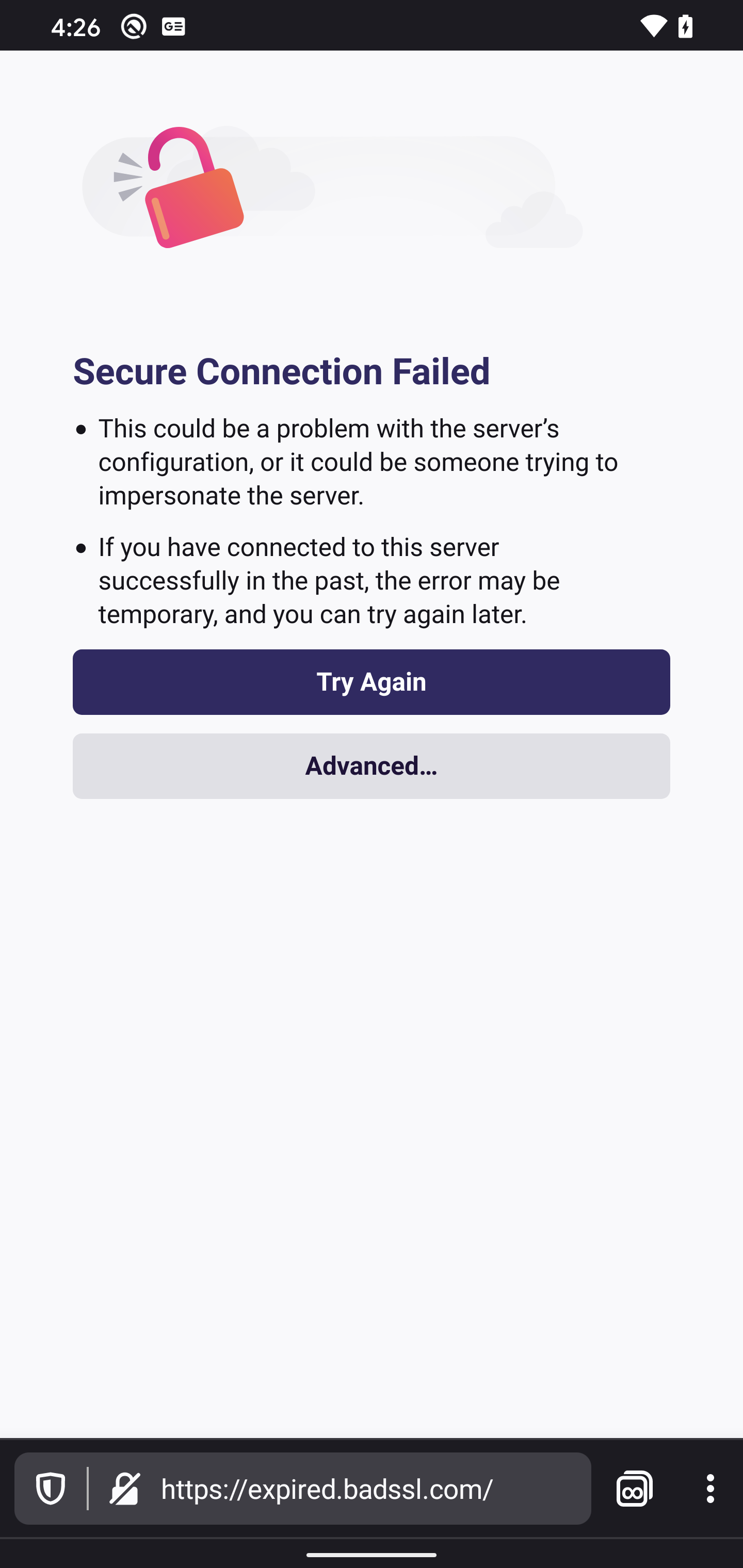
I'm seeing the textSize set to 12sp as well as android:layout_gravity="center", so I'm not sure what could be causing this.
 darkwing
on 11 Feb 2020
darkwing
on 11 Feb 2020
Verified as fixed with latest Nightly 2/14 with Google Pixel XL(Android 10), Samsung Galaxy S10+(Android 9), Samsung Galaxy S8+(Android 8), Samsung Galaxy S7(Android 7), OnePlus (Android 6), LG K4 (Android 5).
Now...depending on the device screen size this would adjust.
I also tried with 1k tabs opened and the tab number position was correct.
@darkwing @ekager I will keep looking after this while testing and add new info if it will be the case.
Please try to review this and let me know if this verification looks good.
Android 10, 9, 8

Android 7

Android 6

Android 5

Based on my comment I will close this issue.
 abodea
on 14 Feb 2020
abodea
on 14 Feb 2020
I don't see any commits that landed to address this issue: are we sure this is fixed?
I haven't seen this in my time working on Fenix
I'm pretty sure I've seen this during the time that darkwing has been working on Fenix. Perhaps it's related to my configuration? I have my device font size set to the non-default large.
 mcomella
on 17 Feb 2020
mcomella
on 17 Feb 2020
I saw this today in Nightly 200220 with 11 tabs open and no special STR: reopening.
mcomella
on 20 Feb 2020
After the Open Tabs icon was changed, the border is now correctly displayed and I verified https://github.com/mozilla-mobile/fenix/issues/8505 as the new border is correctly displayed.
I will remove the eng:qa:verified as this issue is sitll reproducible.
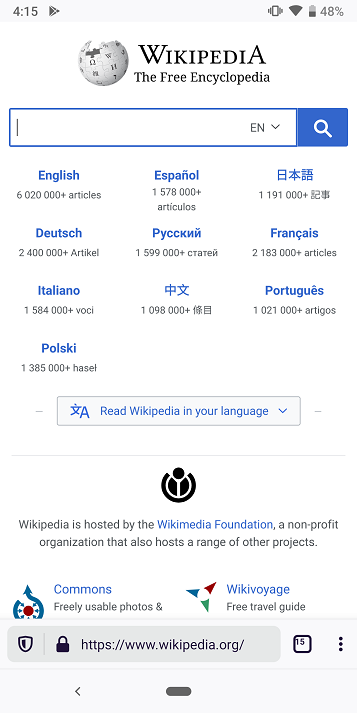
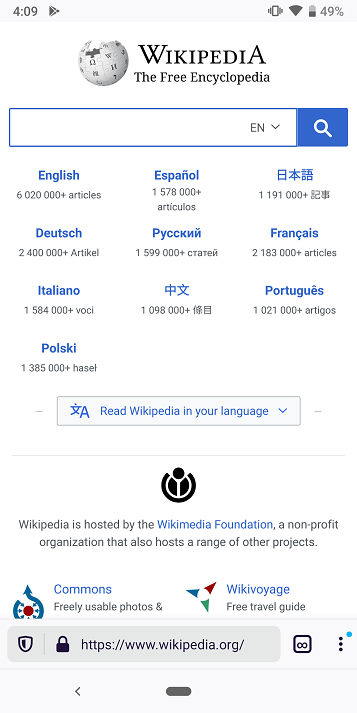
Also, note that I was able to find STR:
- Open a website
- Tap on the tab counter button(redirected to home screen)
- Open a different website
Note that I was not able to reproduce it all the time.
abodea
on 27 Feb 2020
Still have this bug on my Nokia 8, Android 9, fenix
Nightly 200229 06:01 (Build #2015725811)
35.0.0, 7be369584
GV: 75.0a1-20200228092428
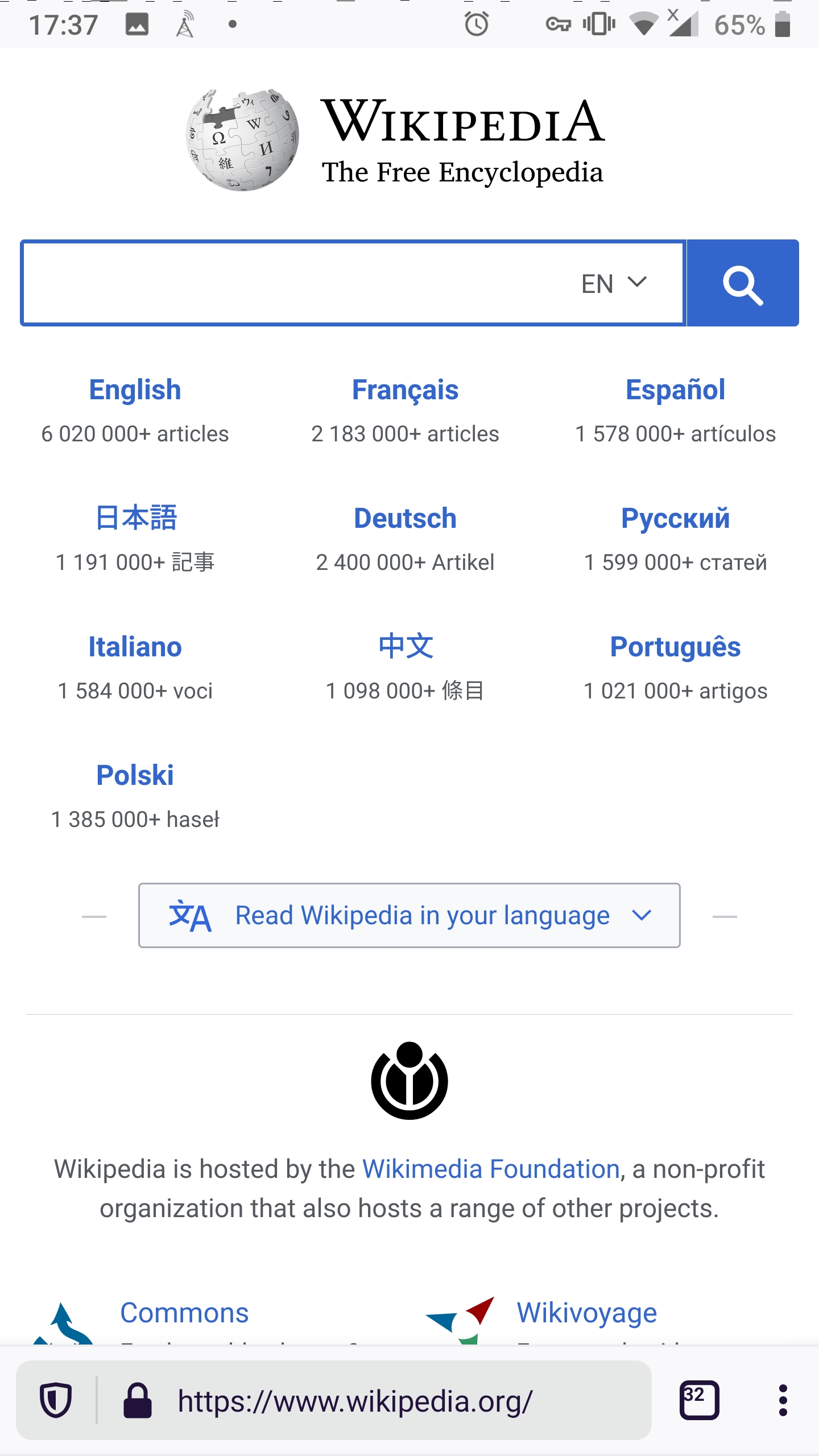
It happens the first time I open a new tab from an app, e.g. from fenix homepage, or from k9 mail. Next time I open a tab the number is back in the middle, but if I switch to another app the next time I open a new tab the number will be offset.
 madb1lly
on 29 Feb 2020
madb1lly
on 29 Feb 2020
Verified as fixed on the latest Nightly from 3/3 with Samsung Galaxy S10+ (A 9).
Note that I opened more than 200 pages. Everything worked as expected and the number of the tabs was displayed correctly.
abodea
on 3 Mar 2020
Related issues
 bbinto
·
3Comments
bbinto
·
3Comments
 softvision-miralobontiu
·
3Comments
softvision-miralobontiu
·
3Comments
 csadilek
·
3Comments
csadilek
·
3Comments
 andreicristianpetcu
·
3Comments
abodea
·
3Comments
andreicristianpetcu
·
3Comments
abodea
·
3Comments
Most helpful comment
I haven't seen this in my time working on Fenix. I did check this out with a hundred tabs open and get this, which looks nice:
I'm seeing the textSize set to
12spas well asandroid:layout_gravity="center", so I'm not sure what could be causing this.