Fenix: [Bug] Bottom bar won't go back to its position when browsing open tabs
Steps to reproduce
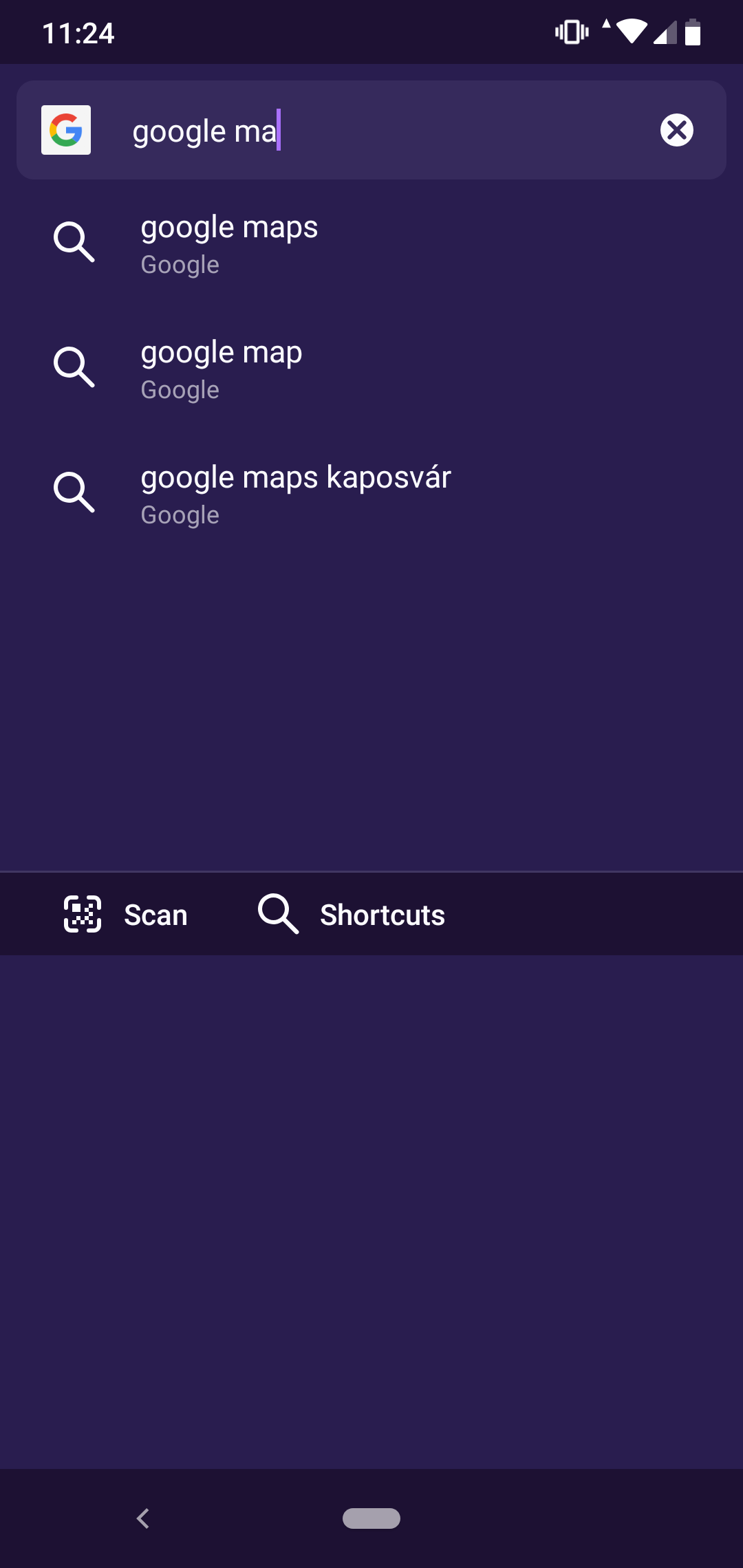
Go to the open tabs section, tap on the search field while the keyboard shows up, then try scrolling up or down without closing the keyboard yourself.
Expected behavior
The keyboard is disappearing because of the scrolling and the bottom bar goes back to place.
Actual behavior
The bottom bar won't go back to its original position.

Device information
Xiaomi Mi A2 Lite
- Android device: Android version 9
- Fenix version: 1.0.0 (Build #11721515 🦎 68.0-20190611143747)
🐞 bug
 bfrks
bfrks
All 2 comments
I can reproduce in Fenix 1.0.0, but it seems already to be fixed in master branch.
 cadeyrn
on 1 Jul 2019
cadeyrn
on 1 Jul 2019
👍1
Yes! Fixed by https://github.com/mozilla-mobile/fenix/pull/3697
 ekager
on 1 Jul 2019
ekager
on 1 Jul 2019
👍1
Was this page helpful?
0 / 5 - 0 ratings
Related issues
 AndiAJ
·
3Comments
AndiAJ
·
3Comments
 csadilek
·
3Comments
csadilek
·
3Comments
 bbinto
·
3Comments
bbinto
·
3Comments
 abodea
·
3Comments
abodea
·
3Comments
 andreicristianpetcu
·
3Comments
andreicristianpetcu
·
3Comments