Fenix: FNX2-16811 ⁃ Cannot login into slack app using Fenix
Steps to reproduce
- Try to login into slack from an non authenticated phone
- Complete dual authentication auth0 steps on phone
Expected behavior
Control is given back to Slack and login is successful.
Actual behavior
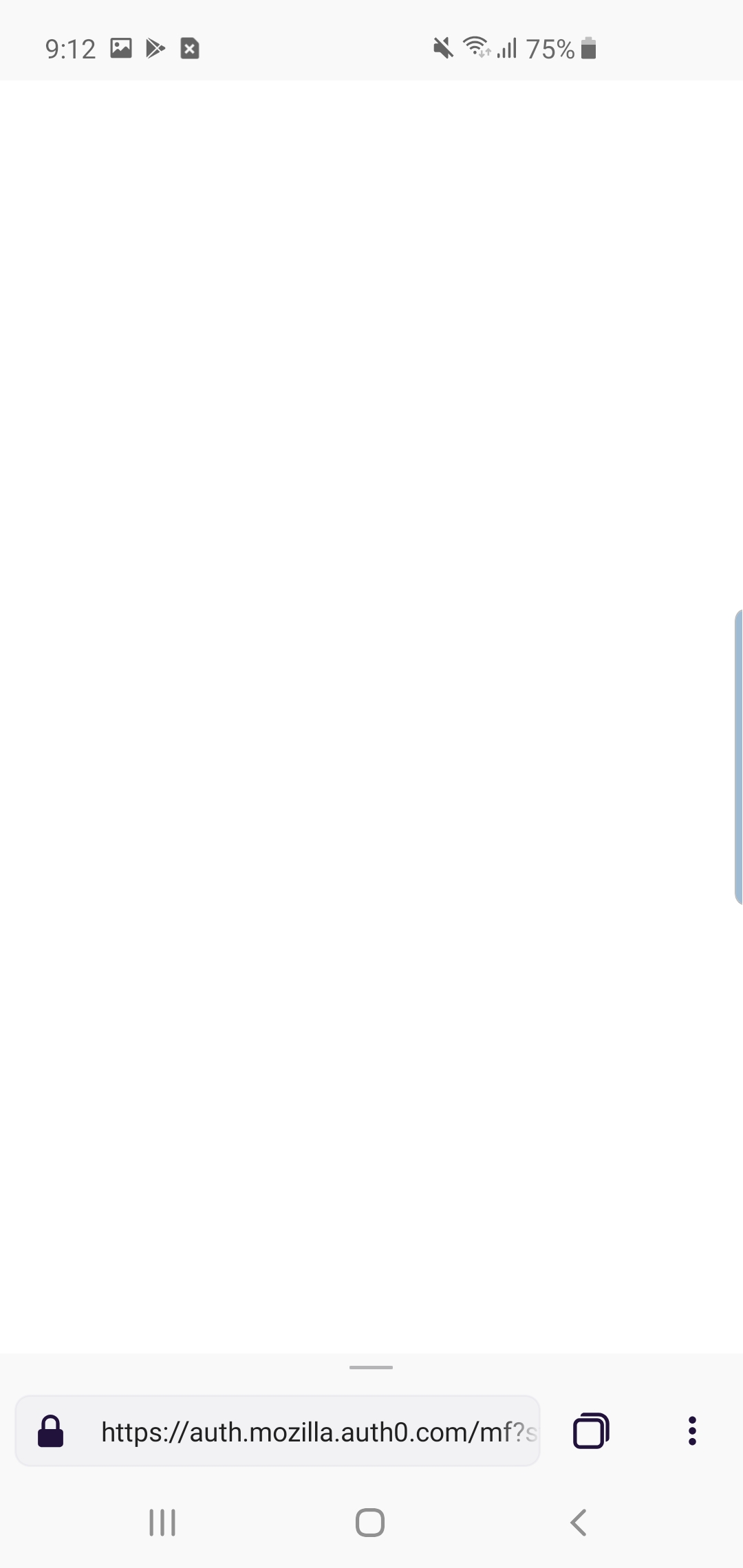
Fenix gets stuck on a white page after dual auth is completed.
- Android device: Samsung S10e
- Fenix version: 1.0.1913
 agi90
agi90
All 16 comments
agi90
on 27 Mar 2019
This could be caused by Tracking Protection. Will verify once tracking protection feature landed.
 vesta0
on 3 Apr 2019
vesta0
on 3 Apr 2019
Works for me using April 25th build and request desktop site on a Pixel 3. Request desktop site is required to bypass the Slack app download redirect.
 kbrosnan
on 26 Apr 2019
kbrosnan
on 26 Apr 2019
This is still broken for me (and works on other browsers like Chrome)
Note for STR:
- Logout from Slack app
- Login again
- Select Auth0 (this opens Fenix if it's your default browser)
- Log in
- White page (instead of getting back to Slack app)
agi90
on 26 Apr 2019
This is _might_ be the app not having intent handling to external apps: https://github.com/mozilla-mobile/android-components/issues/1132
 jonalmeida
on 26 Apr 2019
jonalmeida
on 26 Apr 2019
I thought you were trying to use the web version of Slack on Fenix.
kbrosnan
on 27 Apr 2019
I want to add that this is especially frustrating because users have to change the default browser to unblock themselves, I wouldn't even expect most users to even know how to get there from the settings.
agi90
on 30 Apr 2019
Thanks @agi90. We have prioritized the related A-C issue.
vesta0
on 30 Apr 2019
@kbrosnan can you re-test now that the applink work has landed?
 bifleming
on 3 Jun 2019
bifleming
on 3 Jun 2019
In our sprint planning I said I would re-test this since I still had the issue showing up. There was a crash issue that was in the way of testing it yesterday itself.
I retested this now and I still see the blank screen after logging in without being redirected to the Slack app.
Device: Pixel 2, Android 9.
cc: @jhugman
jonalmeida
on 4 Jun 2019
Thanks, @jonalmeida : I'll take a look.
 jhugman
on 5 Jun 2019
jhugman
on 5 Jun 2019
Verified I can now login to Slack using Fenix default browser. Build: 6/11. Devices: HTC Desire 820 (Android 6.0.1), Pixel (Android 9)
 sv-ohorvath
on 11 Jun 2019
sv-ohorvath
on 11 Jun 2019
Re-opening per: https://github.com/mozilla-mobile/fenix/issues/3528#issuecomment-503630172
 sblatz
on 20 Jun 2019
sblatz
on 20 Jun 2019
This is blocked on re-enabling app-links for custom schemes and intents.
jhugman
on 15 Jul 2019
I believe this we re-enabled by @jhugman? https://github.com/mozilla-mobile/fenix/pull/4117
sblatz
on 23 Jul 2019
Can now login into Slack using Fenix Nightly 190724 Build #12050609.
sv-ohorvath
on 24 Jul 2019
Related issues
 abodea
·
3Comments
abodea
·
3Comments
 topotropic
·
3Comments
abodea
·
3Comments
vesta0
·
3Comments
topotropic
·
3Comments
abodea
·
3Comments
vesta0
·
3Comments
 phileastv
·
3Comments
phileastv
·
3Comments
Most helpful comment
Can now login into Slack using Fenix Nightly 190724 Build #12050609.