GH issue to track design work. Bram is wrapping this up before transitioning off.
Fenix Flows WIP
https://docs.google.com/drawings/d/11Kj7OAvit6bE6QQt_ven0xnHGhmwu4Jc_N_oazdryAo/edit
 lime124
All 8 comments
@brampitoyo can you provide an update when you're back? @st3fan has some questions I believe. Thanks!
lime124
on 26 Jan 2019
Flow
https://mozilla.invisionapp.com/share/WBRBK65D94G
Account
- If user has not signed into Firefox Account, then show the “Turn on Sync” banner
- If user has signed into Firefox Account, then hide the banner and and show the “Account” section
This issue doesn’t discuss this section. Instead, we will use #169.
Basics
This section contains 4 items
1. Search engine
This page contains:
- Search engine selection (radio buttons)
- Toggle to control whether you’d like search suggestions to show up or not

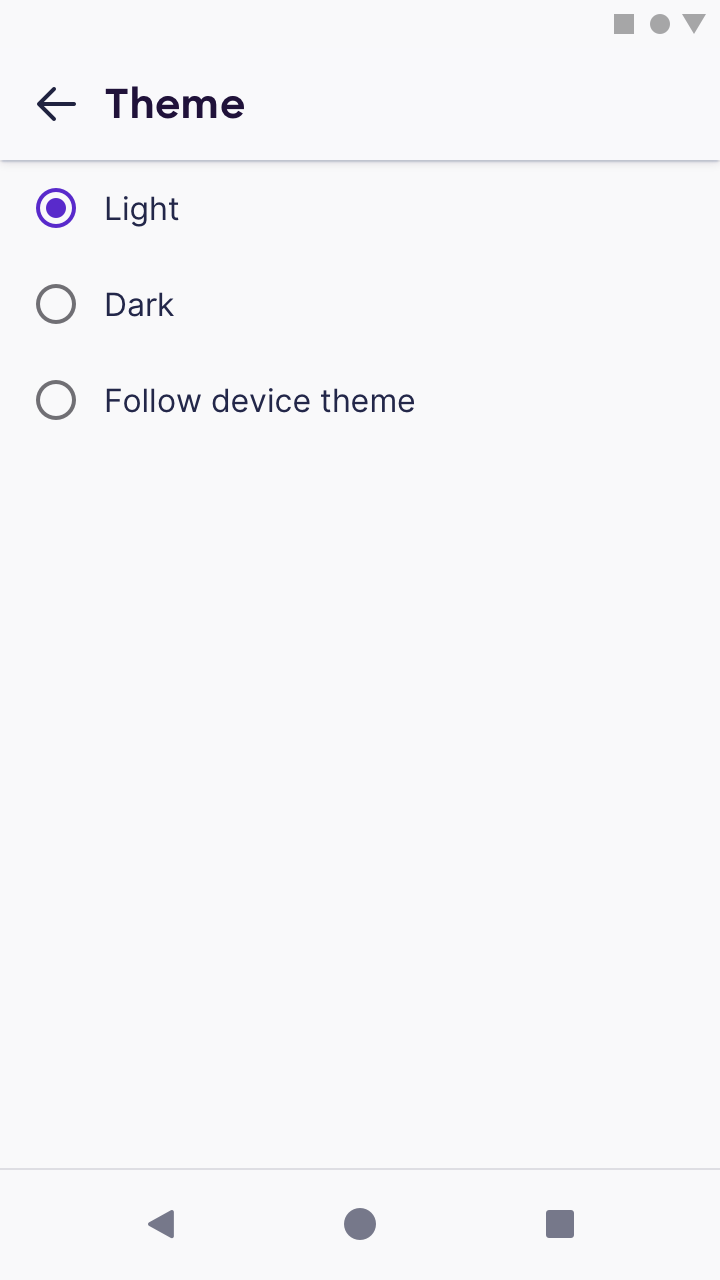
2. Theme
This page contains radio buttons that let you select a theme: light, dark, or follow device theme (in case Android Q provides theme selection).
3. Set as default browser
If Fenix isn’t set as a default browser, the toggle position should be switched OFF.
When tapped, an instructional modal dialogue shows up.
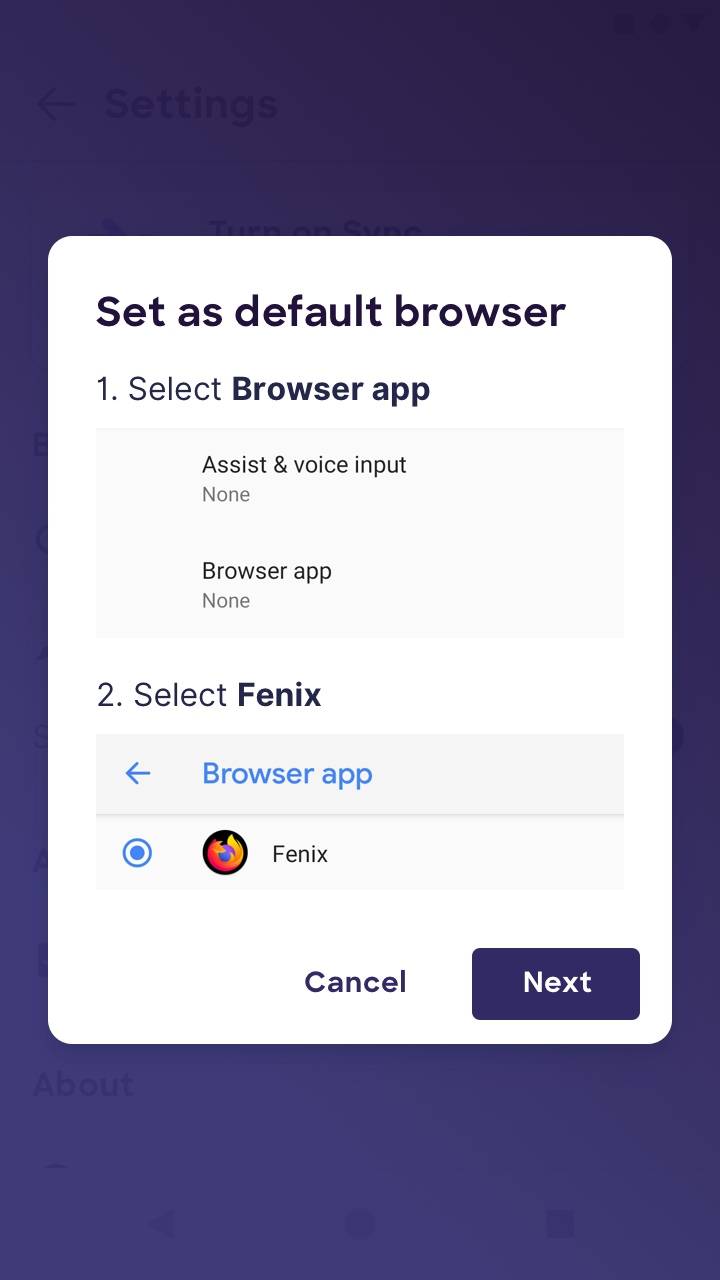
When “Next” is tapped, the user is taken to Android System Settings → “Default Apps”.
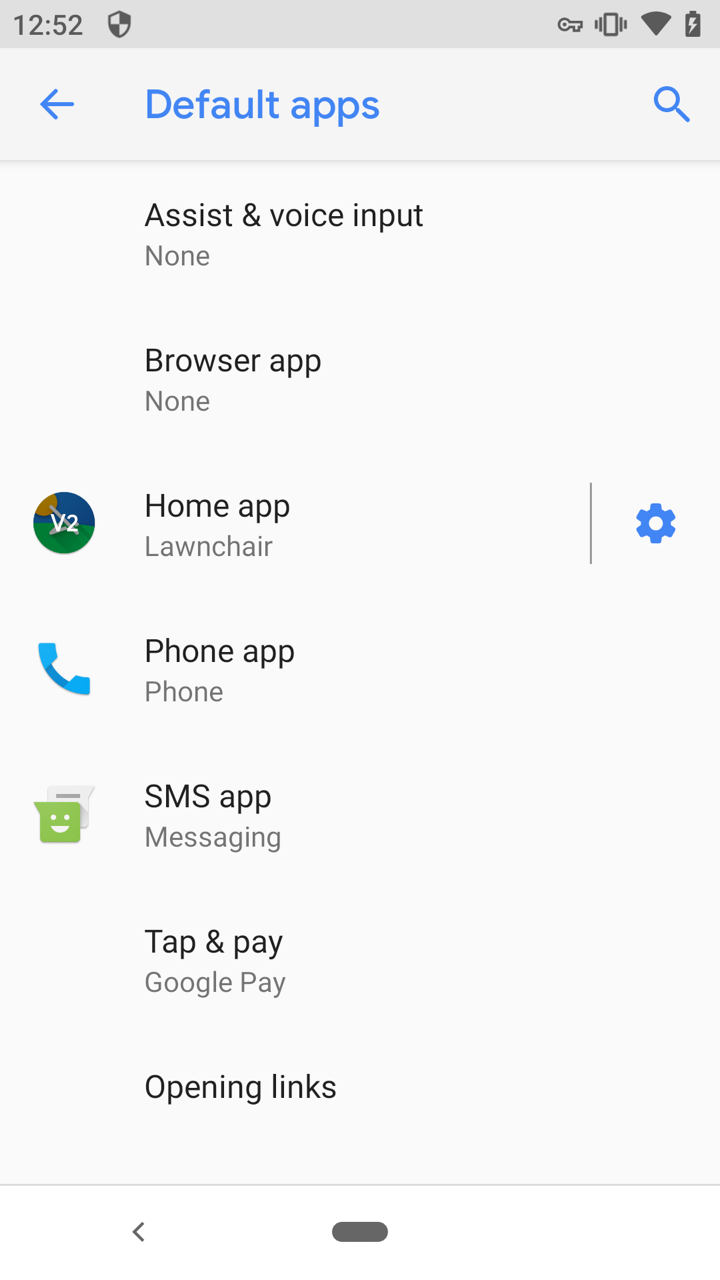
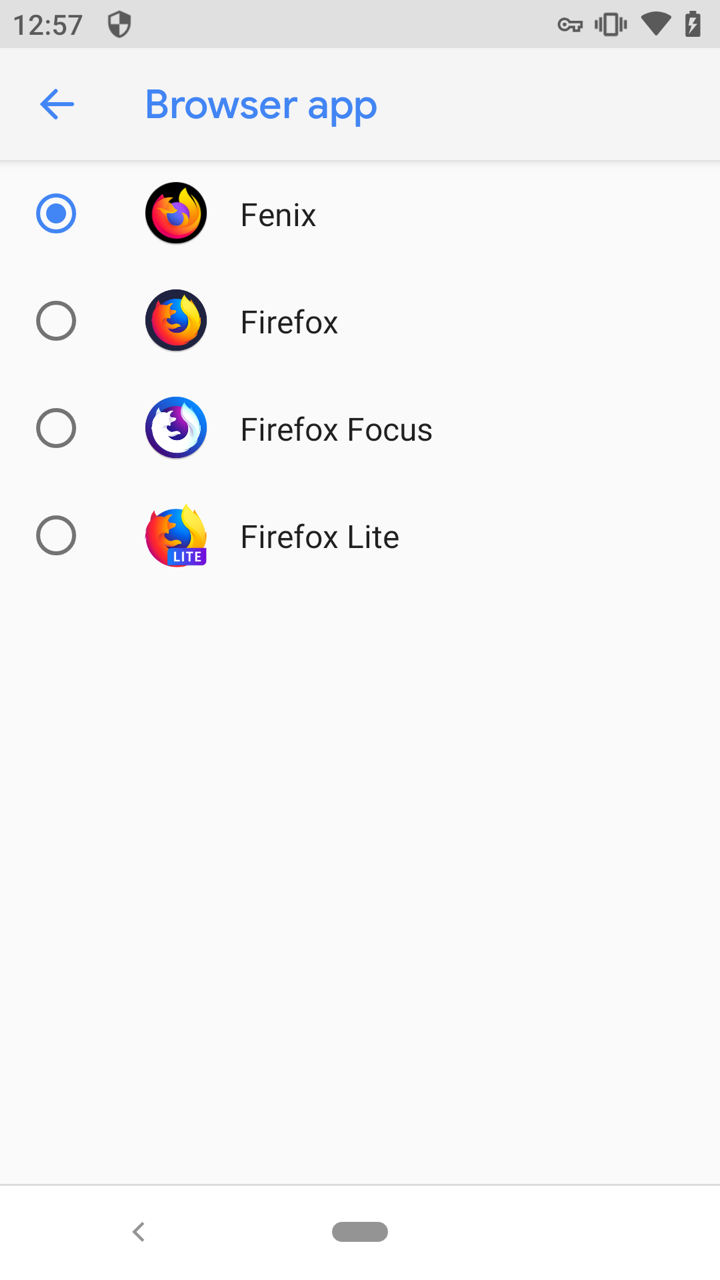
The user has to manually tap on “Browser app” and select “Fenix” on that page.
Privacy
This section contains 2 items:
- Site permissions
- Data choices
Site permissions
Will be discussed in #188
Data choices
This section controls communications between Fenix (the application) and Mozilla (the company).
Telemetry, crash reporter, Mozilla Location Service and health report can be turned on and off from this section.

About
This section contains 4 items:
About
In-content page that shows basic information about Fenix
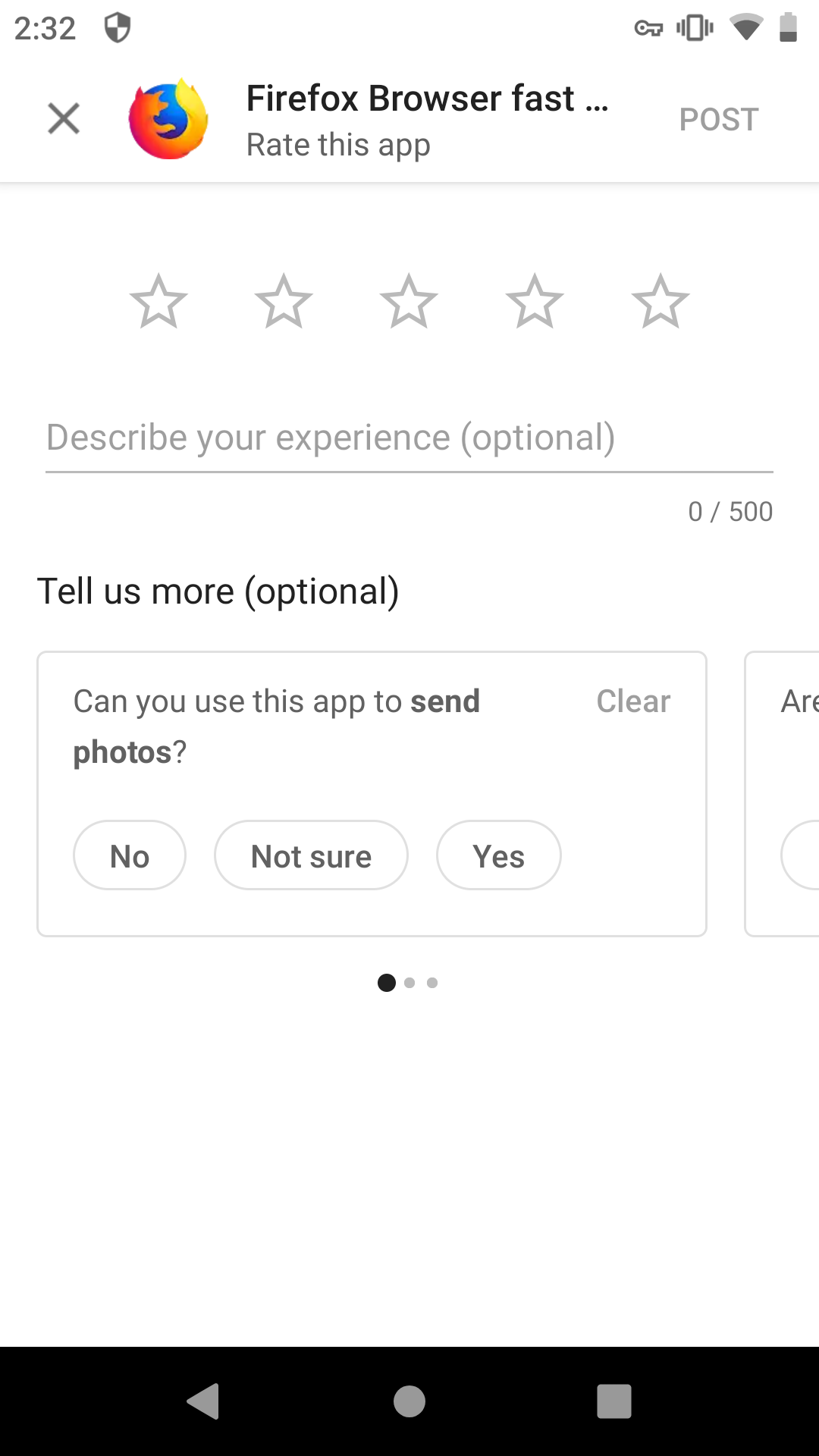
Rate on Play Store
Links to the UI inside Play Store app where the user can rate and write a review
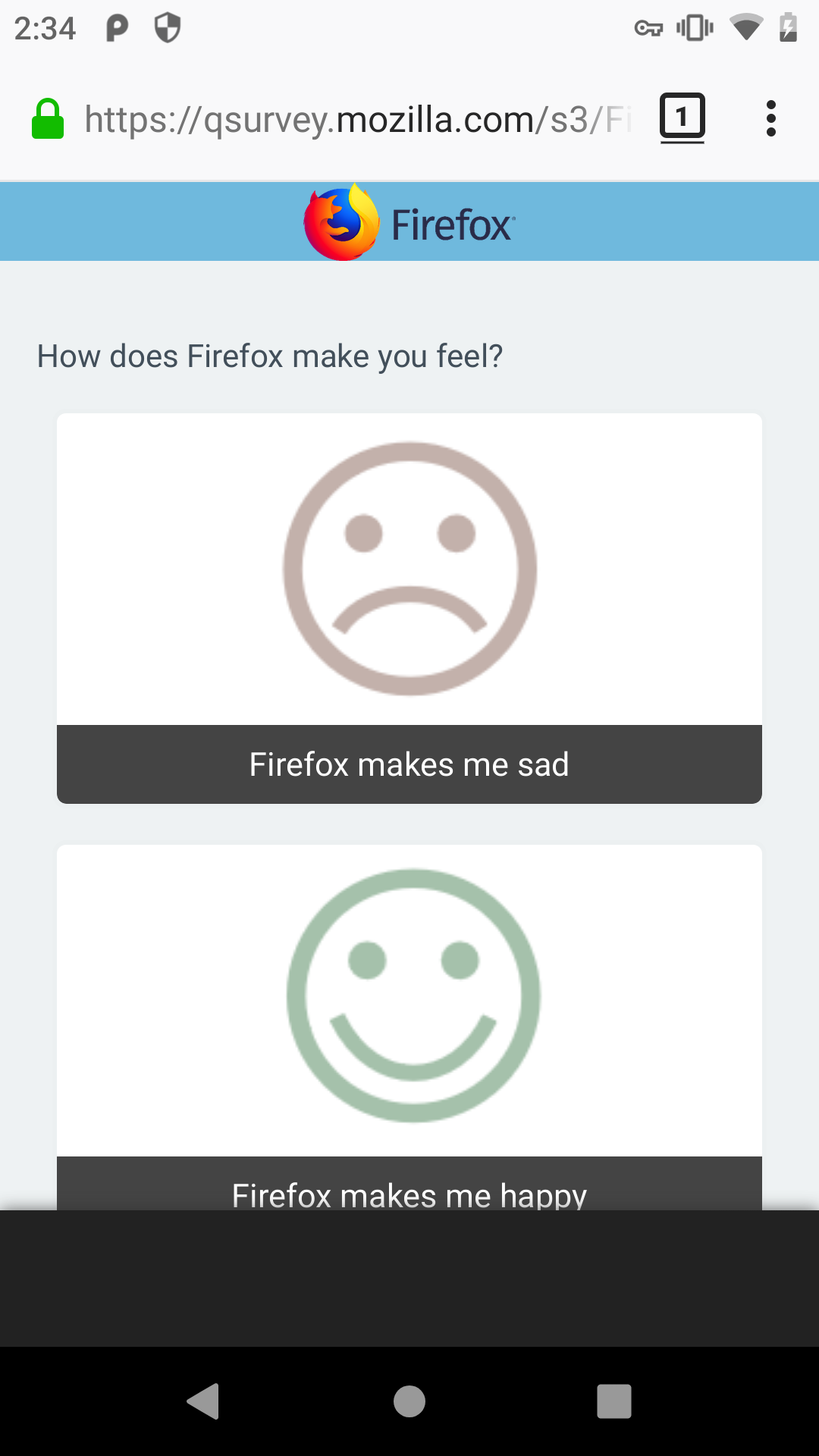
Give feedback
Links to input.mozilla.org
Help
Links to the Fenix product page in support.mozilla.org
 brampitoyo
on 29 Jan 2019
brampitoyo
on 29 Jan 2019
@colintheshots This issue is ready for your feedback, and to estimate.
@st3fan Can I help answer your questions?
brampitoyo
on 29 Jan 2019
@brampitoyo Love the designs, awesome work on these 😄
Just wanted to point out in regards to the default browser setting: we tried doing this with Focus but were unable to find a solution that wasn't really hacky as this is not the intended method of setting a default. I'd recommend we use the accepted method like we used resorted to in Focus in which we just open the system settings to the default browser section.
Unfortunately this doesn't work for devices <7.0, but for those devices we can redirect to a SUMO page as we did in Focus as well.
If someone knows a way around this, feel free to chime in!
 sblatz
on 29 Jan 2019
sblatz
on 29 Jan 2019
@brampitoyo can this issue be closed? It's already been broken down by engineering and in progress.
 vesta0
on 1 Mar 2019
vesta0
on 1 Mar 2019
Two things I noticed on this:
- Not everything listed in the mockups is going to be in MVP
- The accounts section has its own issue (https://github.com/mozilla-mobile/fenix/issues/169)
- We should use "native" Android radio buttons with the right color accent
 shorlander
on 14 Mar 2019
shorlander
on 14 Mar 2019
reopen - we're going to have to do some rework based on some changes to the features (e.g removing battery saving)
lime124
on 20 Mar 2019
I’ve reworked the Settings page to take into account all the features that we’re shipping in MVP. As a result, a lot of sub-pages were taken out.
The only notable thing here is the inclusion of a new instruction for setting default browser, because Fenix will send users to Android System Settings.
The canonical link to the latest mockup, which is just up above, is this: https://github.com/mozilla-mobile/fenix/issues/187#issuecomment-458372653
brampitoyo
on 2 Apr 2019
Related issues
 abodea
·
3Comments
abodea
·
3Comments
 AndiAJ
·
3Comments
abodea
·
3Comments
AndiAJ
·
3Comments
abodea
·
3Comments
 andreicristianpetcu
·
3Comments
andreicristianpetcu
·
3Comments
 phileastv
·
3Comments
phileastv
·
3Comments
Most helpful comment
@colintheshots This issue is ready for your feedback, and to estimate.
@st3fan Can I help answer your questions?