Version
2.3.3
Test Case
https://jsfiddle.net/shaangidwani/91y5jb83/5/
Steps to reproduce
- Add itext with object caching false or true
Expected Behavior
Text must be very clear like mspaint or winword.
Actual Behavior
Text looks blurry
 shaangidwani
All 18 comments
Is blurry because is set on half pixels.
Please try to add text on half pixels on winword or mspaint and you will get a simila bluriness
 asturur
on 6 Jul 2018
asturur
on 6 Jul 2018
but whats the solution. if i set device pixel one still looks blurry. Please help if you can.
shaangidwani
on 6 Jul 2018
can you show me a non blurry text as small as that, and how you create it?
From any applicatio
asturur
on 6 Jul 2018
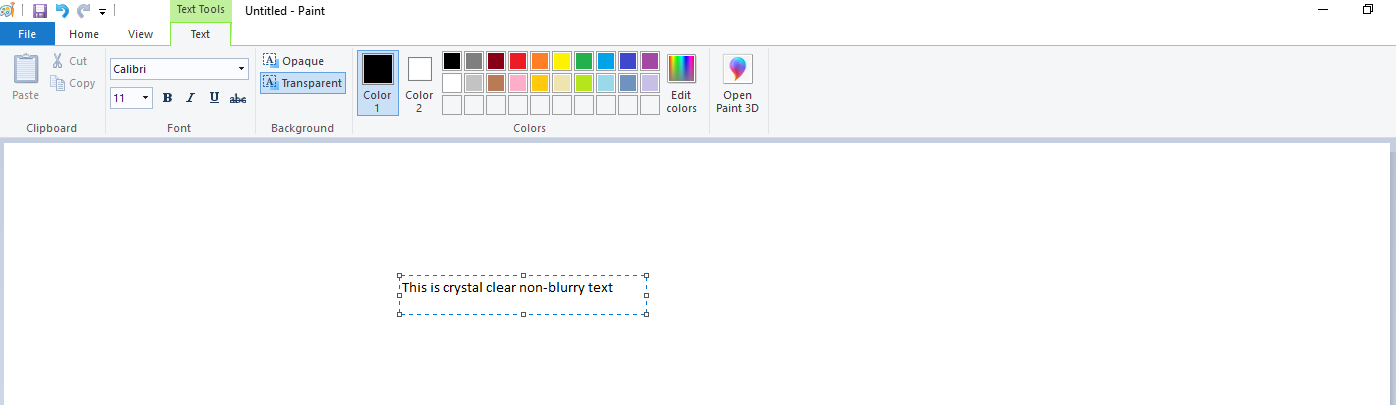
I have attached ms-paint screenshots where font-size is 11 but its looks very clear
shaangidwani
on 6 Jul 2018
@shaangidwani i do not have the font face calibri to replicate the same, can you paste and example with Arial and also give the position of it?
asturur
on 9 Jul 2018
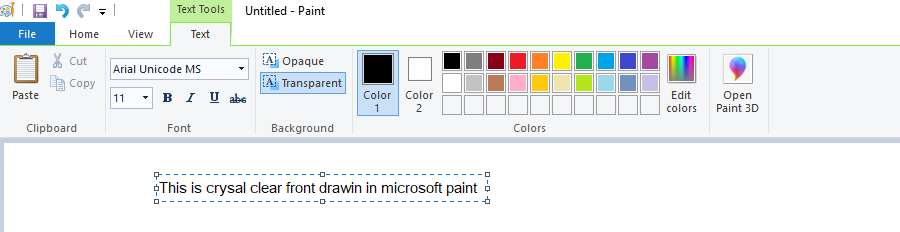
@asturur sure. I have set the "Arial" font and try to draw a text in microsoft paint. its gives crystal clear fonts. attached screenshot for the same.
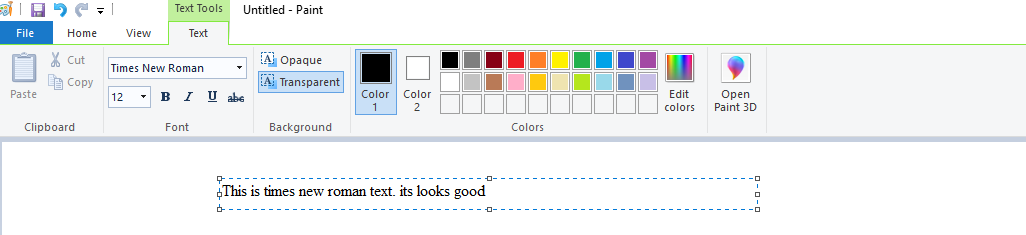
Also attached fonts "Times of new roman"
Not sure about position how to get it from ms-paint. Kindly suggest on this.
shaangidwani
on 9 Jul 2018
canvas 11px

your screen

canvas 15px

asturur
on 9 Jul 2018
Your 11px text is definitely using many pixels compared to canvas one. Aren't you using some sort of high dpi screen?
Can you compare the output of this fiddle at 11px an 15px with your screen?
asturur
on 9 Jul 2018
no. in same screen i fell blurry text in canvas. but in ms-paint its looks very clear.
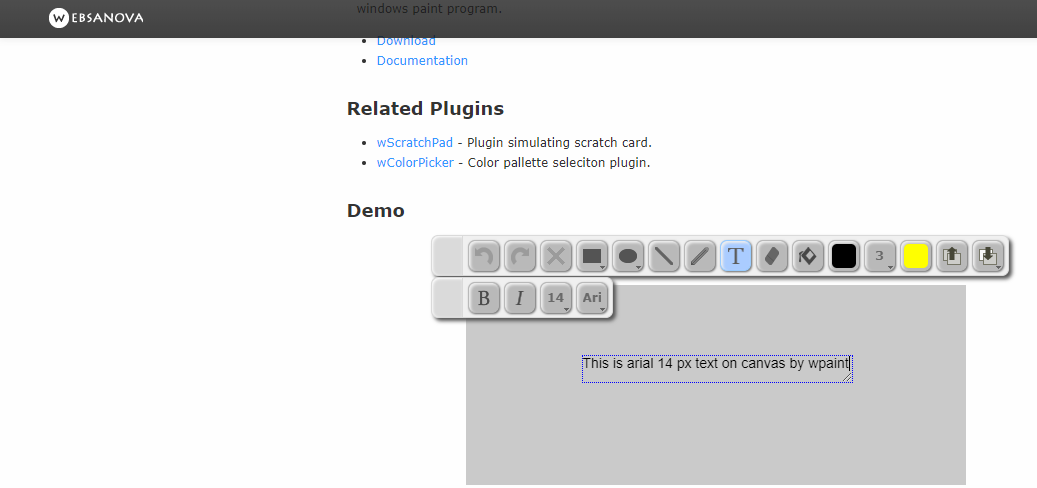
Let me give the another example of canvas. "w-paint" which is simple canvas paint web application. In that fonts clarity is excellent. I have attached screenshot for the same and also mention live demo URL. in that just draw the text and try to write in that it will gives crystal clear fonts (Use black color).
http://wpaint.websanova.com/
shaangidwani
on 9 Jul 2018
Attached comparision of all the verson. wpaint , fabricjs , ms-paint.
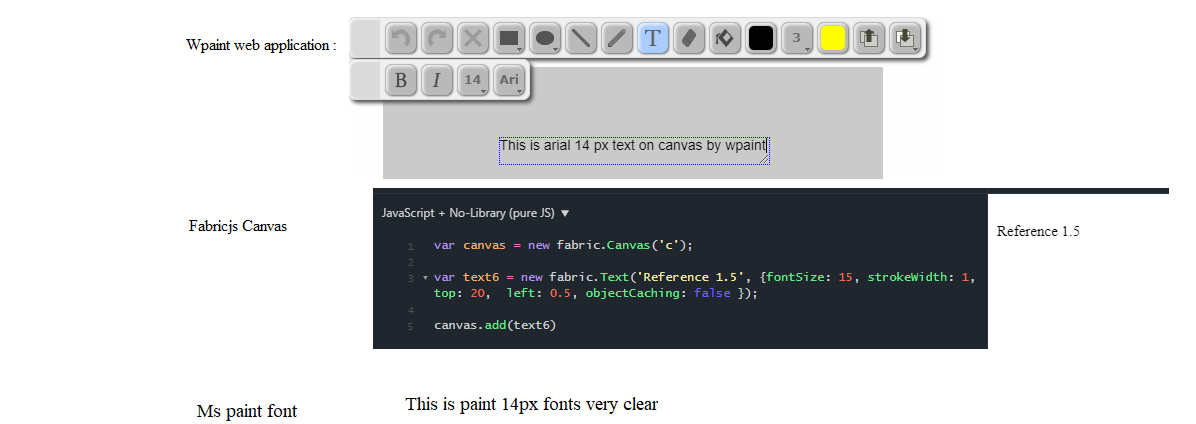
shaangidwani
on 9 Jul 2018
Please let me know if any thing further required. Pls pls pls help me to fix this.
shaangidwani
on 13 Jul 2018
on what windows are you? if win 10 can you check you are not using dpi scaling of 125% in display settings?
If you look at your screenshot the 14px font is bigger than then 15px on canvas, something is off.
asturur
on 14 Jul 2018
I am on windows 10 . I have attached my display setting. dip scaling 100%. I have check on diffrent machines. i.e. windows 10, windows 7 canvas fonts looks blurry with fabricjs itext and textbox.
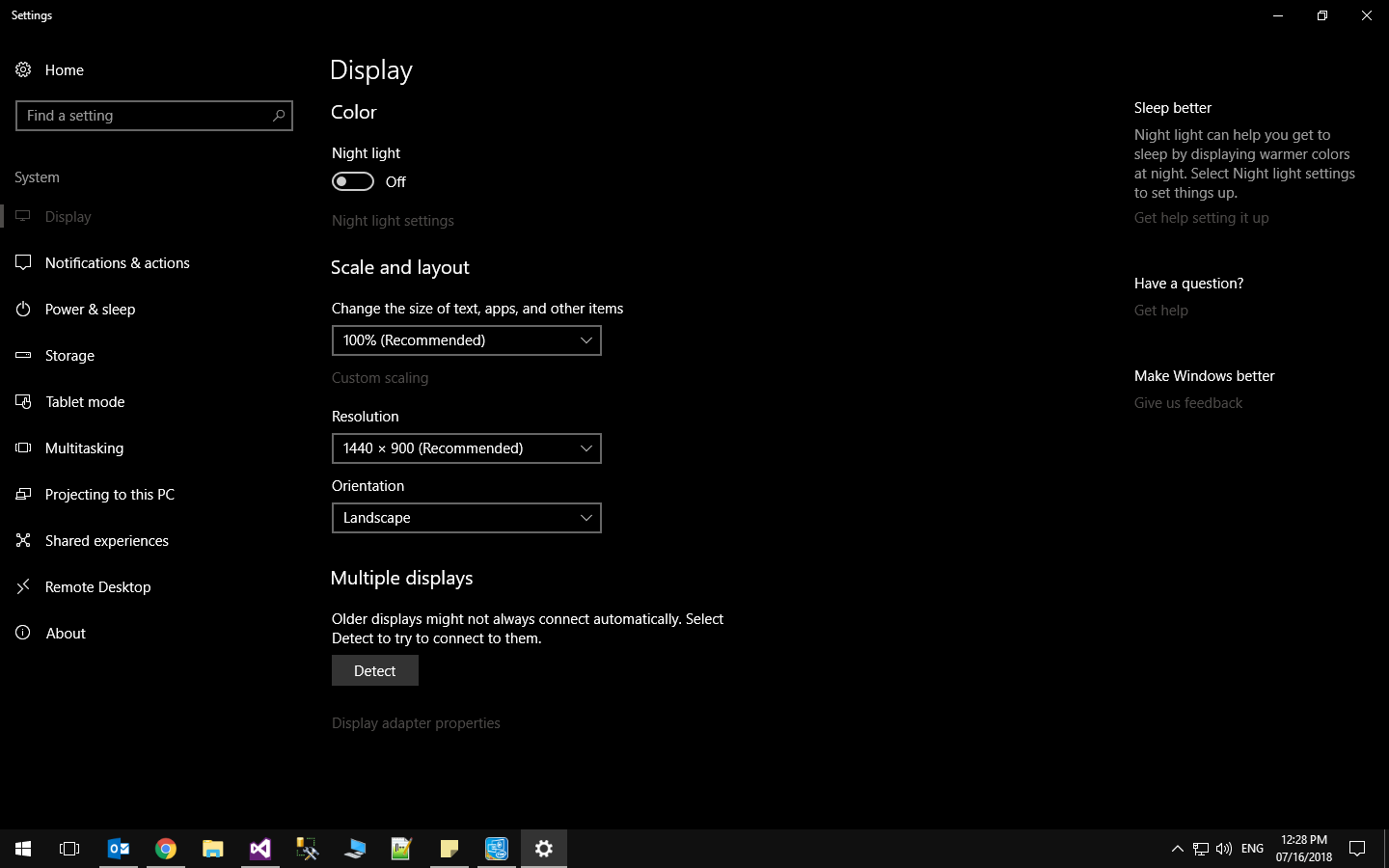
shaangidwani
on 16 Jul 2018
your non canvas font is still way bigger than the canvas one, that is why
is more clear.
On Mon, 16 Jul 2018, 03:00 shaangidwani, notifications@github.com wrote:
I am on windows 10 . I have attached my display setting. dip scaling 100%.
I have check on diffrent machines. i.e. windows 10, windows 7 canvas fonts
looks blurry with fabricjs itext and textbox.[image: image]
https://user-images.githubusercontent.com/26000152/42746103-def66996-88f3-11e8-9391-6c1659c41962.png—
You are receiving this because you were mentioned.
Reply to this email directly, view it on GitHub
https://github.com/fabricjs/fabric.js/issues/5086#issuecomment-405162758,
or mute the thread
https://github.com/notifications/unsubscribe-auth/ABI4QLj4BMP_lQWTbCiHLphSTCN0Cozqks5uHDoCgaJpZM4VDSB9
.
asturur
on 16 Jul 2018
but if you can check other application canvas fonts like http://wpaint.websanova.com/ its looks very clear on canvas with same fonts.
You can also check another github project "http://literallycanvas.com/index.html" its also very clear fonts on the canvas with any windows system.
shaangidwani
on 16 Jul 2018
Litterally on canvas is TOP
Fabric is CENTER
The other is left on BOTTOM
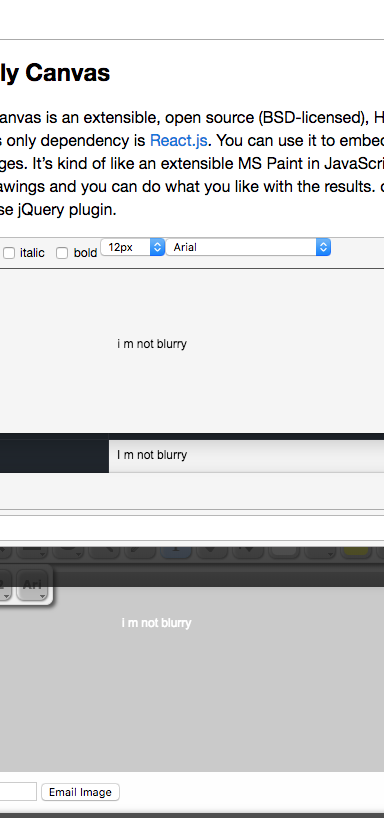
Those are the apps compared with arial 12px there is basically no difference.
Your native apps are using more pixels than needed and you are seeing a better text, but the fabricJS is as clear as a 12px arial text on canvas can be
asturur
on 16 Jul 2018
Is there any solution for display text what native apps are doing for display better text ? Means how to set more pixcel in Itext or Textbox in fabricJS. i really appreciate your help.
shaangidwani
on 17 Jul 2018
increase fonts size. Increase the scale.
asturur
on 17 Jul 2018
Related issues
 urcoder
·
5Comments
urcoder
·
5Comments
 bhaskardas9475
·
4Comments
bhaskardas9475
·
4Comments
 guettli
·
4Comments
guettli
·
4Comments
 bevacqua
·
4Comments
bevacqua
·
4Comments
 raichu
·
4Comments
raichu
·
4Comments