Fabric.js: IText/Textbox - two blinking cursors on IE11
Description
Windows 7, after updating from IE10 to IE11 (IE11 version: 11.0.9600.18426, update version: 11.0.34).
There are two blinking cursors when typing text in IText/Textbox (second one is behind text):

Version
1.6.3
Test Case
 darkknightpl
All 15 comments
I cannot help on this. I cannot find a way to make the blinking cursor transparent on IE.
the hiddenTextarea is 0x0 pixel, transparent, low Zindex, but still ie and iphone show the cursor.
If you are able to style a textbox to make it disappear the cursor i will bring the fix in.
 asturur
on 5 Sep 2016
asturur
on 5 Sep 2016
@asturur using this in my CSS fixes the issue for me:
textarea:focus {
  text-indent: -9999em;
}
 HunterMitchell
on 6 Sep 2016
HunterMitchell
on 6 Sep 2016
why just on focus? i'm inclined to pull it in.
asturur
on 6 Sep 2016
I think its because the cursor is only shown when the textarea is in focus (assuming why its showing). Changing the text-indent forces it off the page. Probably not the cleanest solution, but it works.
HunterMitchell
on 6 Sep 2016
The problem is still occurring after hitting enter:

darkknightpl
on 6 Sep 2016
@darkknightpl Good catch. @asturur I have modified the top / left attributes to [0, 0] and it seems to work even when pressing enter.
textarea:focus {
  top:0 !important;
  left:0 !important;
}
This might have some effect with the cursor being rendered in the top left of the canvas (haven't tested it yet).
HunterMitchell
on 6 Sep 2016
no we cannot move textarea position at all. it has to be where it is or iphones will get crazy.
http://jsfiddle.net/Da7SP/178/
what happens with lineHeight, does it get better?
asturur
on 6 Sep 2016
@asturur Unfortunately, IE still is so generous and overzealous that it adds additional cursor after hitting enter ;)
darkknightpl
on 6 Sep 2016
i will search an IE box and make a test later. i want to get rid of it also.
asturur
on 6 Sep 2016
@asturur - Any update regarding this issue.. As it look much weird in the app that we built... everything is working fine except it..
 salmanjaved
on 2 Nov 2016
salmanjaved
on 2 Nov 2016
I'm not sure about IE, but I had success in removing the duplicate cursor on iOS with the following CSS
body > textarea {
  font-size: 0;
}
EDIT: this causes issues however, if you completely clear the text from a text component (you then cannot type in it anymore) - tested on Desktop Chrome.
 mole440
on 26 Jun 2017
mole440
on 26 Jun 2017
What's the difference between IText and Textbox?
 blivervat
on 23 Aug 2017
blivervat
on 23 Aug 2017
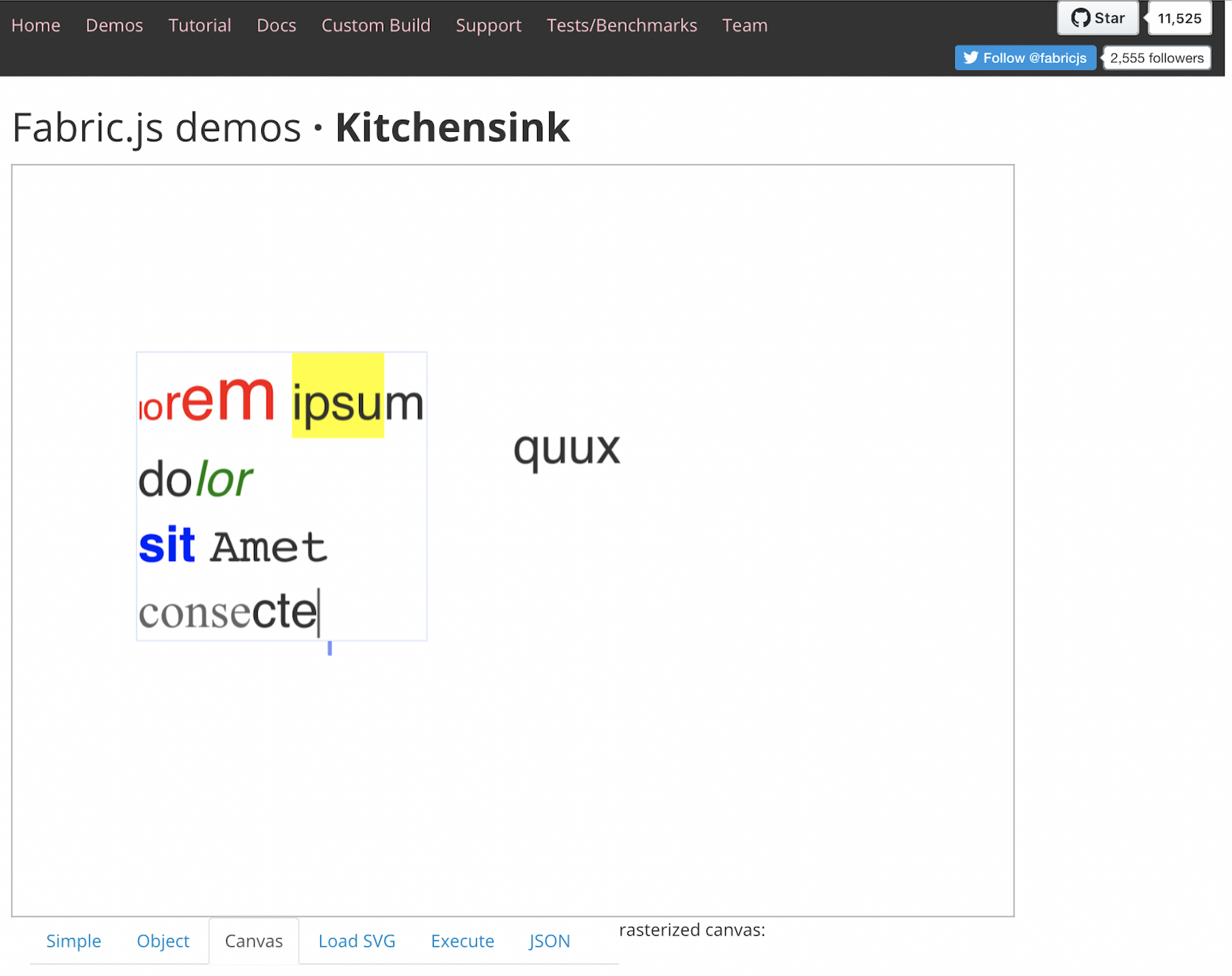
@asturur any updates on this. As i am still having the same issue when tested on iOS.
 sherpa-nimesh
on 17 Dec 2018
sherpa-nimesh
on 17 Dec 2018
I do not know a way to hide that blinking cursor in IE11.
Moving the textbox away to hide it would kill chinese/japanese input at least and MacOS longpress feature.
If there is a way to make it disappear, happy to apply it.
Some weird CSS trick i do not know.
asturur
on 17 Dec 2018
Oh if your issue is on IOS, weirder then.
asturur
on 17 Dec 2018
Related issues
 eddieyangtx
·
5Comments
eddieyangtx
·
5Comments
 zhangzhzh
·
4Comments
zhangzhzh
·
4Comments
 amancqlsys
·
5Comments
amancqlsys
·
5Comments
 semiadam
·
3Comments
semiadam
·
3Comments
 vleandersson
·
4Comments
vleandersson
·
4Comments
Most helpful comment
i will search an IE box and make a test later. i want to get rid of it also.