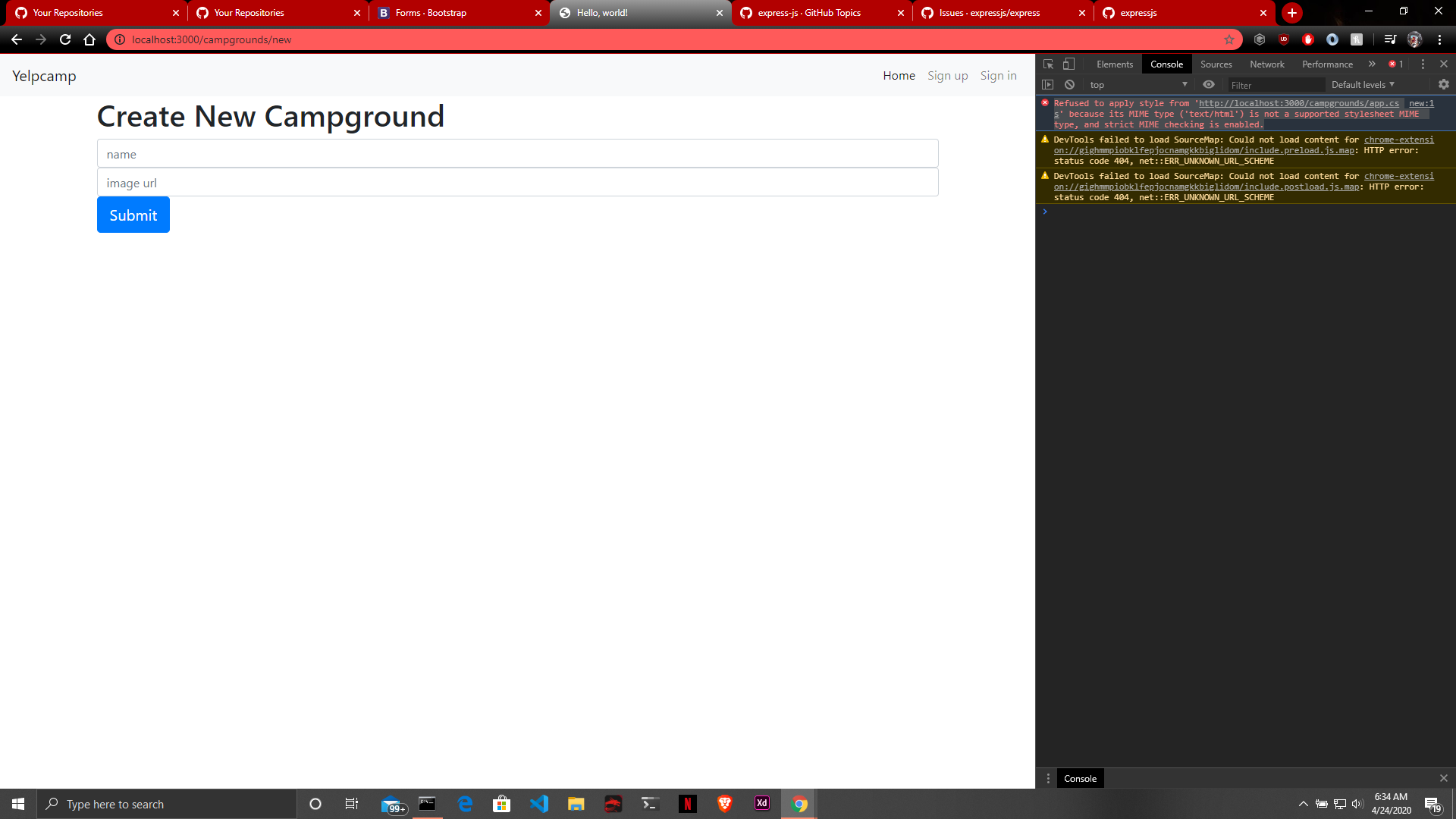
Express: Refused to apply style from 'http://localhost:3000/campgrounds/app.css' because its MIME type ('text/html') is not a supported stylesheet MIME type, and strict MIME checking is enabled.
this error pops in the chrome terminal when i tried to add an app.css file i dont no is it problem with the browser or the code because i have created totally 3 web pages and style called app.css works in two pages except the last one
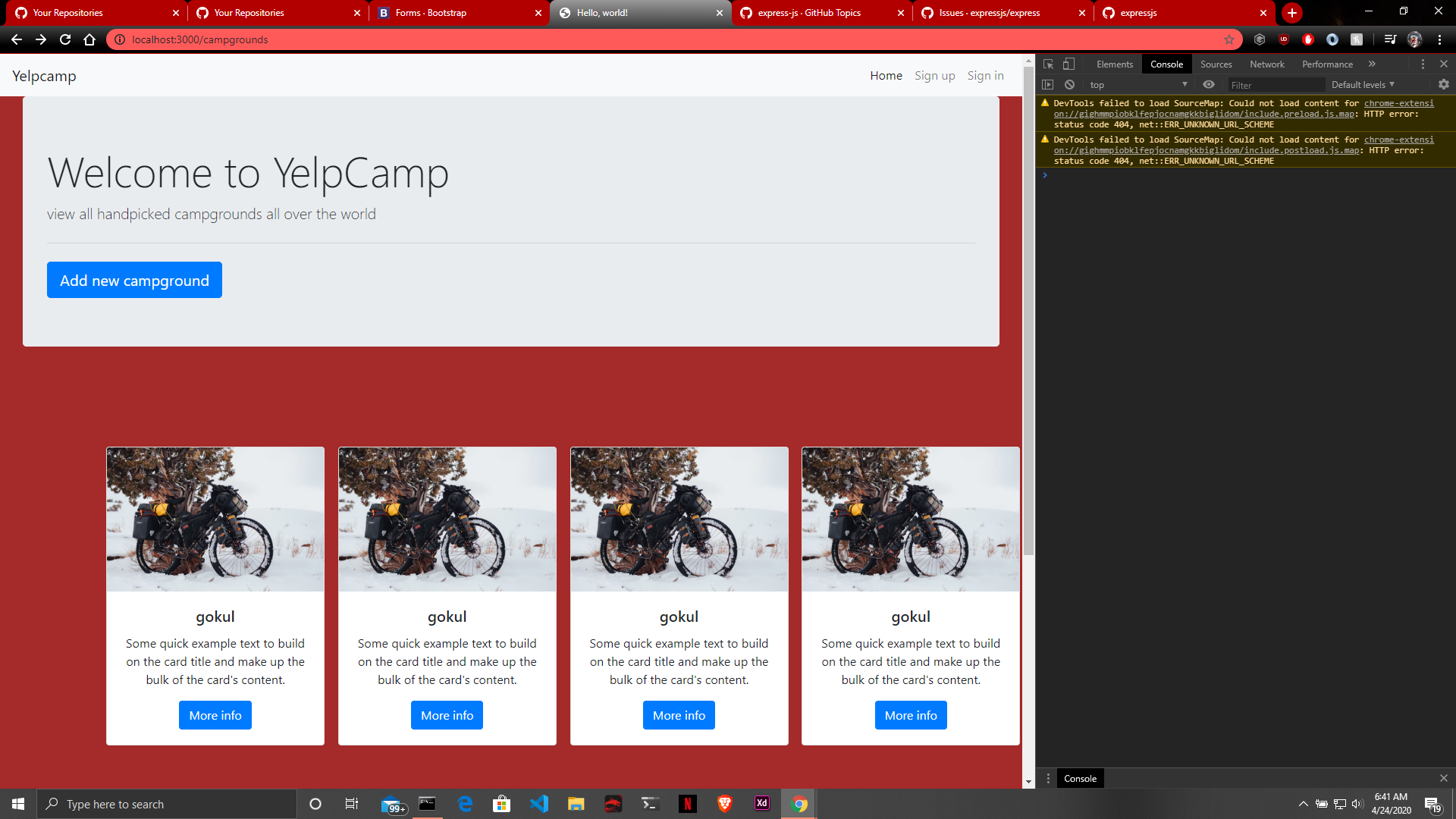
in rest of the web pages the styles are working
 gokuljs
All 6 comments
Hmm - this is definitely not an issue with express but more likely your css file or application.
That said, If you can provide a minimal reproducible example that someone can easily run on their computer, we'd be happy to take a look.
You definitely want your css file's MIME type to be text/css, not test/html.
I'm going to go ahead and close this but feel free to come back with a reproducible example and someone might be able to help. The Express gitter is also a great place to get help! https://gitter.im/expressjs/express
 ryhinchey
on 24 Apr 2020
ryhinchey
on 24 Apr 2020
And to add, if you go into the Network tab on Chrome dev tools, it is likely your CSS file returned a 404 error, which is a HTML response.
 dougwilson
on 24 Apr 2020
dougwilson
on 24 Apr 2020
@ryhinchey https://github.com/gokuljs/backend/tree/master/yellcamp1 my working has been uploaded here
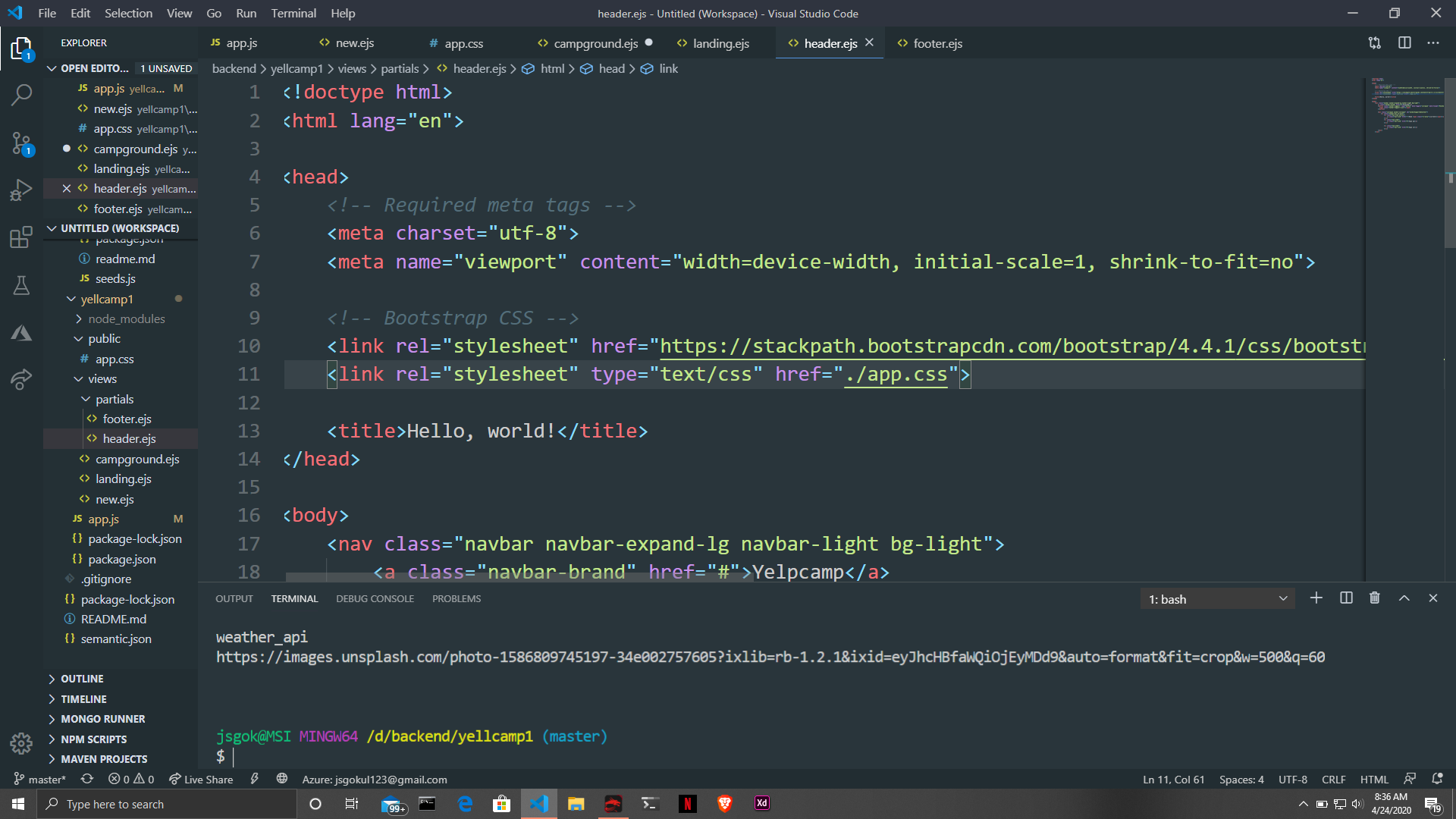
and the type i have given is text/css
gokuljs
on 24 Apr 2020
In your code, the following is problematic:
https://github.com/gokuljs/backend/blob/3daa6f0a1333f338e2819369e066418c565dbdb0/yellcamp1/app.js#L9
This is because it will look for the public directory relative to where you run your server, not relative to the app.js. I would recommend changing that to app.use(express.static(__dirname + "/public")); and perhaps that will fix your issue.
dougwilson
on 24 Apr 2020
Actually, running your app it still does not work. The reason is that your css file is referencing relative to your loaded page. Just change it to /app.css (removing that leading dot) here:
https://github.com/gokuljs/backend/blob/master/yellcamp1/views/partials/header.ejs#L11
dougwilson
on 24 Apr 2020
@dougwilson thanks man that really worked
gokuljs
on 24 Apr 2020
Related issues
 gaurav5430
·
3Comments
gaurav5430
·
3Comments
 wxs77577
·
3Comments
wxs77577
·
3Comments
 AndrewEQ
·
4Comments
AndrewEQ
·
4Comments
 jefflage
·
4Comments
jefflage
·
4Comments
 extensionsapp
·
3Comments
extensionsapp
·
3Comments
Most helpful comment
Actually, running your app it still does not work. The reason is that your css file is referencing relative to your loaded page. Just change it to
/app.css(removing that leading dot) here:https://github.com/gokuljs/backend/blob/master/yellcamp1/views/partials/header.ejs#L11