Exoplayer: Preview/Play Frame by Frame
[REQUIRED] Searched documentation and issues
I found nothing similar question
[REQUIRED] Question
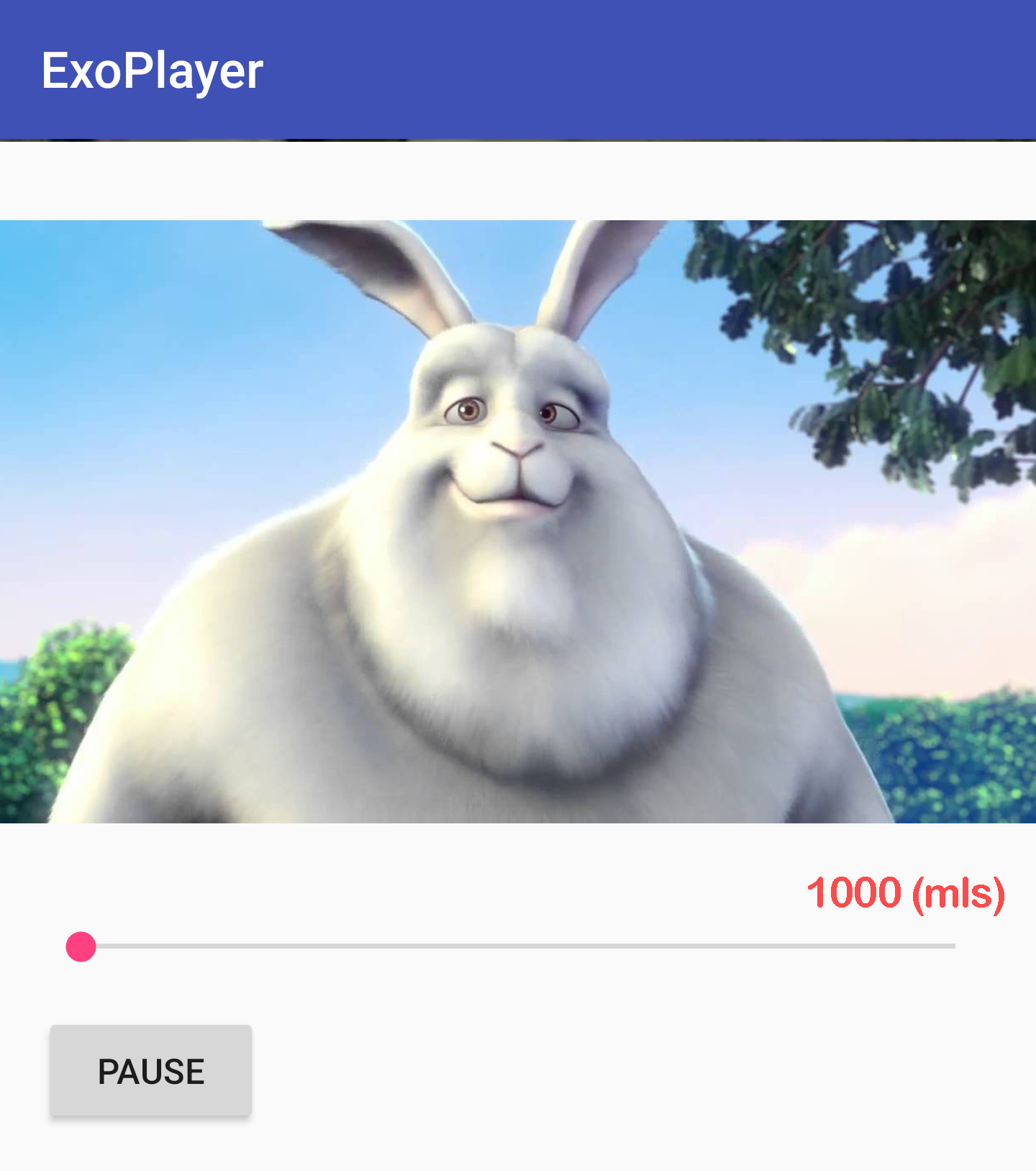
I am using SimpleExoPlayer to play an mp4 video from the internal storage device. In my requirement need to play video normally and play frame by frame such as attachment when user scrolling (realtime). I tried to use method seekTo() but take 400-500mls for the action (not realtime)
I did not find the other method to help me to resolve it. Can anyone help me, please?
A full bug report captured from the device
I tried on the environment:
- Google Pixel 3 - Android OS 10
- ExoPlayer version 2.11.3
 hoaibn-0332
All 5 comments
If the goal is to make user interaction with the seek bar more responsive, please see #6794. That won't help if you need frame-accurate seeking, though (see also #2191, which is about reverse playback but the same kind of limitations apply for random access).
 andrewlewis
on 28 Feb 2020
andrewlewis
on 28 Feb 2020
Thank for replied @andrewlewis
But it's not real-time and exact frame :(
When the user scroll SeekBar between two-step ~ two-frame take about 15-17 milliseconds. But ExoPlayer seekTo not fast enough, so Video Preview not smooth
hoaibn-0332
on 28 Feb 2020
If the goal is to advance forwards by one frame and render it each time the user presses a button, I think you need to have fine-grained control over the player position and prevent rendering multiple frames. That is not really easy to do at the moment, but I think it's possible by (for example) writing a custom video renderer that controls the media clock and has a method that you can call to trigger rendering one frame and advancing the player position accordingly.
If the goal is to give random access in the stream, it's likely not to be feasible to do in general. This is what #2191 is about.
andrewlewis
on 28 Feb 2020
Thank for support
I 've resolved it 👍
The first I am using ExoPlayer to play a video and create a MediaCodec to extract all frames
When touching on the SeekBar i use the GLES to render those frames via GLUtils.texImage2D and call pause the media
When touch-up I call ExoPlayer to seek to the position
When user click play I hide the frame draw before :)
It's working for me :)) Thanks!
hoaibn-0332
on 5 Mar 2020
Cool, glad you got it to work!
andrewlewis
on 5 Mar 2020
Related issues
 qeadsw
·
3Comments
qeadsw
·
3Comments
 Ufosek
·
3Comments
Ufosek
·
3Comments
 kambizira
·
3Comments
kambizira
·
3Comments
 R00We
·
3Comments
R00We
·
3Comments
 mkaflowski
·
3Comments
mkaflowski
·
3Comments