Exoplayer: Android TV Leanback & Picture in picture resizing of video
Issue description
I'm using a VideoSupportFragment, default LeanbackPlayerAdapter and SimpleExoPlayer.
SurfaceView is created in VideoSupportFragment as well as other UI elements (rows).
Simple PiP logic implementation from google tutorial.
Fullscreen video:

PiP:

Then in 5-7 seconds video is adjusted and all is ok:

But.... if you try to Make Activity Fullscreen Again and exit PiP mode:

The result is:

???
How to fix: reopen player (i.e. restart activity); select another track.
Reproduction steps
Enter PiP mode and enjoy the unscaled video.
Link to test content
Don't matter.
Version of ExoPlayer being used
2.9.2
com.google.android.exoplayer:exoplayer:2.9.2
com.google.android.exoplayer:extension-leanback:2.9.2
Device(s) and version(s) of Android being used
Android TV (1080p) API 28 (google emulator)
 petersamokhin
All 9 comments
Note: the same as https://github.com/googlesamples/androidtv-Leanback/issues/143
 andrewlewis
on 22 Feb 2019
andrewlewis
on 22 Feb 2019
Note: the same as googlesamples/androidtv-Leanback#143
I wasn't sure if you would redirect me to that repository, so I decided to duplicate the issue.
I can close this or duplicate issue if it's necessary.
petersamokhin
on 22 Feb 2019
We marked it, to make sure people on the other repo are aware someone is looking into it. It's to avoid we are duplicating work. Normally it's best to only start a single issue to not make several people look into the same issue.
I look into this to check whether it is a problem with ExoPlayer or the ExoPlayer leanback extension. If it's a leanback/framework problem we probably have to look for someone else to look into this some further. I'll let you know.
 marcbaechinger
on 22 Feb 2019
marcbaechinger
on 22 Feb 2019
I tried this out with the sample app. It works for me. When coming back from full screen the surface expands back to the full size of the enclosing activity.
I don't think this has something to do with ExoPlayer. Even the screencast you sent shows that rendering actually is properly done by ExoPlayer in the area it gets from the framework.
A few observations/hints/questions:
- I used an emulator with an image of Android 8.1 (API 27). Plesae check what you are using and if you are using another API level it's maybe worth testing with another API version.
- I'm using Android Studio 3.3.1 with Emulator version 28.0.23
Testing on a real device is maybe also worth trying. I don't think this should make a difference but I'd try to rule out it's not an emulator issue.
In the video you attached to the bug I think to see that the video is already too small when it comes back from the corner to the center of the screen (before you actually go back to fullscreen). There is this grey border around the video surface which I don't have when I tried (see screenshots):
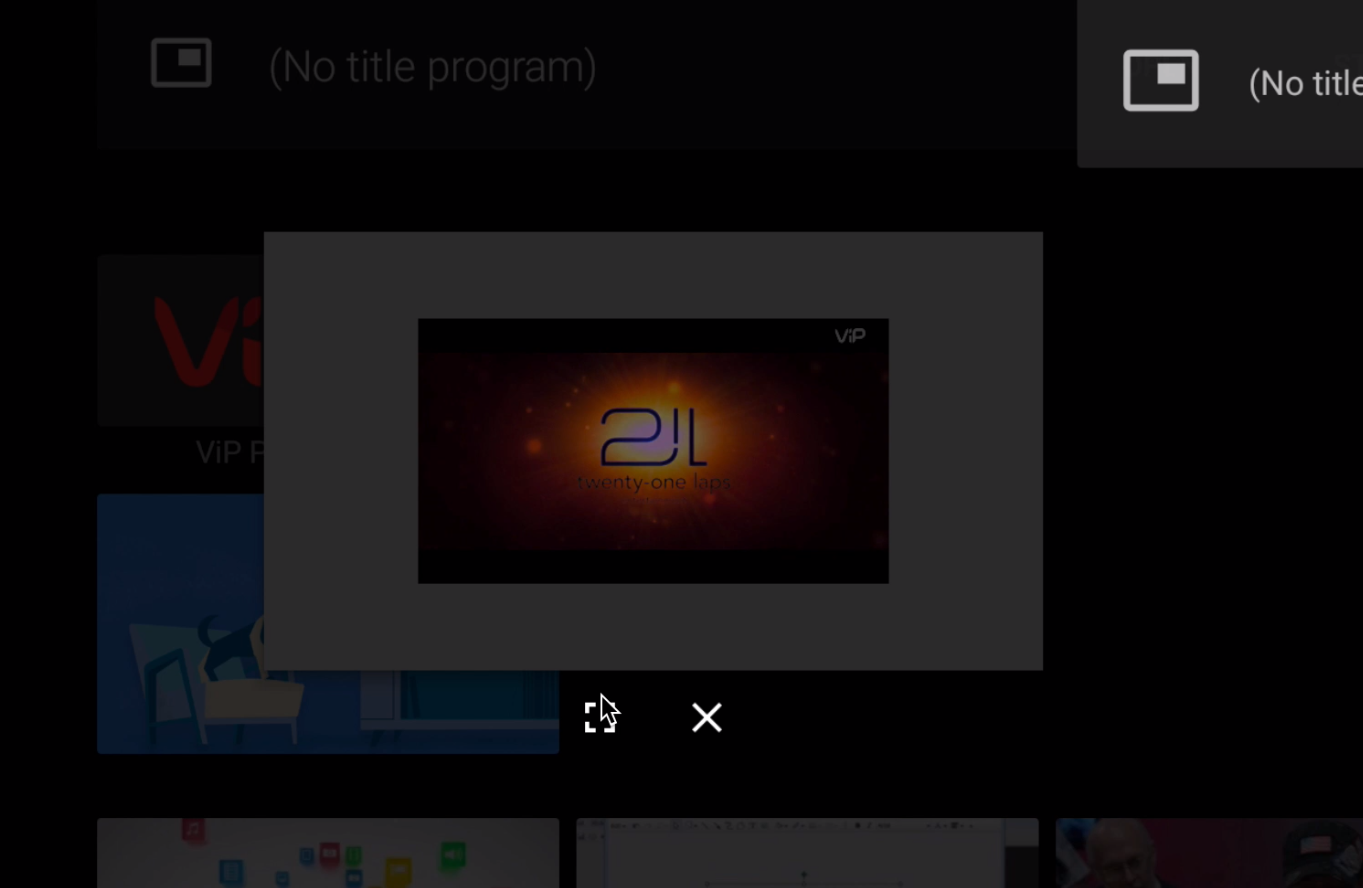
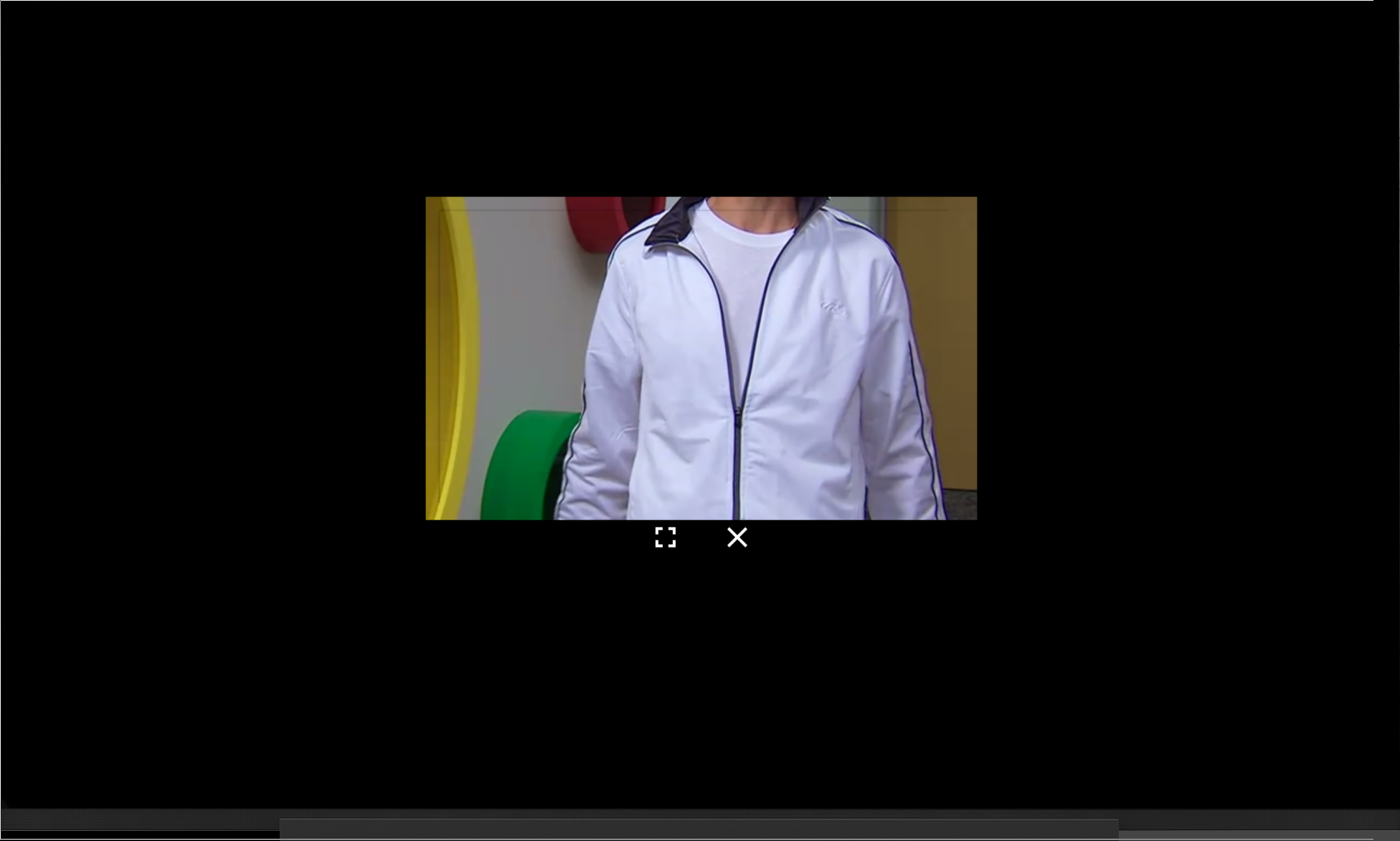
I'd look into and play around with the PictureInPictureParams which you set to when entering picture in picture mode. I just pass an ew PictureInPictureParams.Builder().build(), but I'm not sure how this behaves with a video which has different aspect ratios then the one I have.
marcbaechinger
on 22 Feb 2019
There is this grey border around the video surface
It's not border — it's default app background, so I think it's PlayerFragment (host of SurfaceView).
Looks like:
- after 5-7 seconds video rescaled according to new SurfaceView size (why so late?)
- when you control PiP by home button, its rescaled again (when it come to the center of the screen)
- but video not rescaled (so you can see small "grey border")
- when you go back to fullscreen, video still not rescaled (and "grey border" is bigger — because fragment is fullscreen, but video is not)
petersamokhin
on 23 Feb 2019
Is this a stream content protected with DRM?
marcbaechinger
on 26 Feb 2019
@marcbaechinger
Is this a stream content protected with DRM?
This is a stream content, but not protected with DRM.
petersamokhin
on 26 Feb 2019
Ok, thanks. I'm not sure whether the fragment is using a textureView vs. a surfaceview and whether you can tell the fragment to use a one or the other.
However, can you please test and reproduce the behaviour on a ATV device? Once you've done this it would be best to do a bugreport right after you've done this. This will give us some more insights specifically around what API version and device you are using.
marcbaechinger
on 27 Feb 2019
Closing due to inactivity. Feel free to reopen if you can provide further information.
 tonihei
on 7 May 2019
tonihei
on 7 May 2019
Related issues
 KenendZ
·
3Comments
KenendZ
·
3Comments
 makazemi
·
3Comments
makazemi
·
3Comments
 0x410c
·
3Comments
0x410c
·
3Comments
 talklittle
·
3Comments
talklittle
·
3Comments
 kambizira
·
3Comments
kambizira
·
3Comments
Most helpful comment
We marked it, to make sure people on the other repo are aware someone is looking into it. It's to avoid we are duplicating work. Normally it's best to only start a single issue to not make several people look into the same issue.
I look into this to check whether it is a problem with ExoPlayer or the ExoPlayer leanback extension. If it's a leanback/framework problem we probably have to look for someone else to look into this some further. I'll let you know.