@deshraj @taranjeet I was going through some of the docs in the past few days, so I found that we can have a section for Frequently Asked Questions in our docs which can contain the solutions to the doubts asked by the new contributors on our gitter channel. What are your views about it.
 RishabhJain2018
All 20 comments
@RishabhJain2018 Good idea.
Plus there were some issues with the readme as well, I noticed some commands which aren't necessarily needed for setting up the project.
 the-dagger
on 7 Aug 2017
the-dagger
on 7 Aug 2017
@RishabhJain2018 this sounds like a great idea. @RishabhJain2018 / @the-dagger please feel free to take lead on adding this to the docs section.
 deshraj
on 7 Aug 2017
deshraj
on 7 Aug 2017
Thanks, will proceed with it :)
On Monday, August 7, 2017, Deshraj Yadav notifications@github.com wrote:
@RishabhJain2018 https://github.com/rishabhjain2018 this sounds like a
great idea. @RishabhJain2018 https://github.com/rishabhjain2018 /
@the-dagger https://github.com/the-dagger please feel free to take lead
on adding this to the docs section.—
You are receiving this because you were mentioned.
Reply to this email directly, view it on GitHub
https://github.com/Cloud-CV/EvalAI/issues/1130#issuecomment-320570878,
or mute the thread
https://github.com/notifications/unsubscribe-auth/AGQtlqZG49qoTwuGMxt-qVEvfjT7ksO-ks5sVp4jgaJpZM4Ouzbg
.
--
Best,
Harshit Dwivedi
the-dagger
on 7 Aug 2017
@the-dagger Can you please list down the commands in the readme that are not necessary for setting up the project.
RishabhJain2018
on 7 Aug 2017
Also, the logo in readme isn't loading properly in mobile view of the website.
It loads well in desktop view.
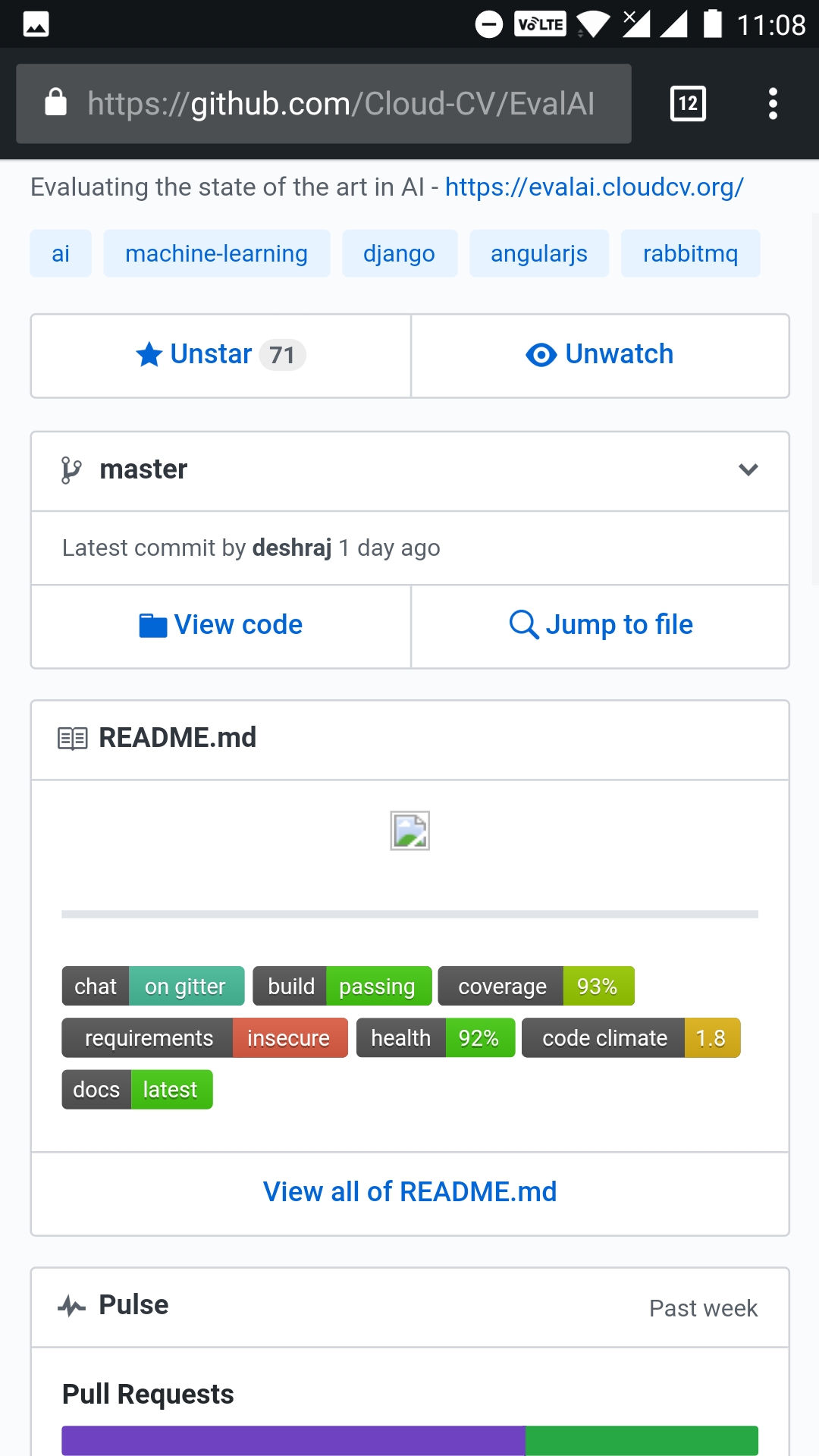
I think that we should be using direct raw links for the image files so that it works on both mobile and desktop view.
the-dagger
on 7 Aug 2017
@RishabhJain2018 For example, while creating virtual env, you need to navigate to the upper directory using cd .. before executing pip install -r requirements/dev.txt
This isn't listed in the readme.
Plus you need to start the Postgres server before running the backend, that isn't mentioned either.
P.S. to rephrase my original comment, we have some missing commands. 😅
the-dagger
on 7 Aug 2017
I think @the-dagger is perfect for this. Since he is new to the codebase, going through the doc will actually help him in getting a better understanding of the project.
 taranjeet
on 7 Aug 2017
taranjeet
on 7 Aug 2017
@the-dagger You can create the virtualenv in the project's directory also. So, I think these steps are correct. Moreover, we can mention about the postgres server. @deshraj @taranjeet What do you say ?
RishabhJain2018
on 7 Aug 2017
@RishabhJain2018 yes, that's correct.
But the Readme asks the user to navigate to evalai directory before creating a virtual environment.
If you can create a virtual environment in the project directory, then we should remove this.
the-dagger
on 7 Aug 2017
Thanks, @the-dagger @RishabhJain2018
Some pointers that you can look:
Problems in the Readme:
- [ ] There is no file dev.txt available inside the virtual env, which we create by going inside the
evalaifolder. Hence, we should mentioncd..command before runningpip install
- [ ] There is no mention of any Python version.
- [ ] The command
sudo -i -u (username)fails for anyone who setup the project as there is no mention what doesusernamerefers to here. [ ] After setup, every time the user has to run the same commands
       1.  cd EvalAI/evalai
       2.  source venv/bin/activate
       3. python manage.py runserver --settings=settings.dev
There should be one run.sh that can handle this stuff for the user.
@deshraj @taranjeet Please suggest any further changes.
 aayusharora
on 7 Aug 2017
aayusharora
on 7 Aug 2017
First let us be very clear on what our directory structure is. I am calling the root folder as the folder where you can find manage.py file. For more clarity, this is root folder
├── CODE_OF_CONDUCT.md
├── LICENSE
├── README.md
├── apps
├── bower.json
├── bower_components
├── docker
├── docker-compose.dev.yml
├── docker-compose.yml
├── docs
├── evalai
├── examples
├── frontend
├── gulpfile.js
├── karma.conf.js
├── manage.py
├── media
├── middleware
├── node_modules
├── package.json
├── pytest.ini
├── requirements
├── scripts
├── settings
├── setup.cfg
├── static
├── tests
├── user.csv
├── user.json
├── uwsgi.ini
├── uwsgi_params
└── venv
Just clarifying here
There is no file dev.txt available inside the virtual env, which we create by going inside the evalai folder. Hence, we should mention cd.. command before running pip install
No such file needs to be present in virtual env folder. Also if you carefully follow instructions in the readme, you can see that we are cloning EvalAI in a folder named evalai. Hence the cd evalai is a one time step which means that doing that you enter the project root directory. I am sure perfectly sure pip install -r requirements/dev.txt is accessible from there as requirements folder is there in the root directory.
There is no mention of any Python version.
Sure please do that, Also there are some badges for it as well.
The command sudo -i -u (username) fails for anyone who setup the project as there is no mention what does username refers to here.
The username is self-explanatory. Still if there is doubt you can try using $(whoami) and replace it. I think that will solve your problem.
After setup, every time the user has to run the same commands
Just one correction here, you do not need to enter evalai directory. You can write a runserver.shwhich activates the virtual environment and runs the runserver command.
@aayusharora @the-dagger
taranjeet
on 7 Aug 2017
@taranjeet Thanks for this.
No such file needs to be present in virtual env folder. Also if you carefully follow instructions in the readme, you can see that we are cloning EvalAI in a folder named evalai. Hence the cd evalai is a one time step which means that doing that you enter the project root directory.
After cloning, we get the folder EvalAI not evalai. The folder evalai is present inside this root folder.
I am sure perfectly sure pip install -r requirements/dev.txt is accessible from there as requirements folder is there in the root directory.
We need to go to evalai by doing cd evalai and then have to run pip install.

Just one correction here, you do not need to enter evalai directory
Yes, this seems correct. We can activate the virtual env outside the directory as well. Thanks for pointing out.
aayusharora
on 7 Aug 2017
You are missing evalai in the clone command
Please find the complete command here
git clone https://github.com/Cloud-CV/EvalAI.git evalai
Thanks @taranjeet, Got this now.
aayusharora
on 8 Aug 2017
@deshraj @RishabhJain2018 This FAQ is for developers or end users only?
 gautamjajoo
on 1 Feb 2018
gautamjajoo
on 1 Feb 2018
@gautamjajoo Developers who are trying to build the project.
the-dagger
on 2 Feb 2018
@the-dagger Is #1455 correct for this issue.
gautamjajoo
on 3 Feb 2018
@gautamjajoo try to make it more focused on Questions related to setting up the project.
Check the gitter channel once, there may be some newcomers who are unable to build the project.
Try to see what issues they are facing and outline them in the FAQ.
You can use the current FAQ submitted in the PR as a base and build upon it.
@deshraj What do you say?
the-dagger
on 3 Feb 2018
@the-dagger: Totally agree.
@gautamjajoo #1455 is good for this issue but you need to change the location of the file from .github/FAQ.md to docs/source/FAQ.md. It would be similar to what you have done in the "Tutorial for Participate in challenge."
deshraj
on 11 Feb 2018
@deshraj Ok. Will work upon this issue and will send the PR related to it. And will also add more setup issues.
gautamjajoo
on 20 Feb 2018
Related issues
 aka-jain
·
6Comments
deshraj
·
6Comments
aka-jain
·
5Comments
aka-jain
·
6Comments
deshraj
·
6Comments
aka-jain
·
5Comments
 vkartik97
·
4Comments
vkartik97
·
4Comments
 HargovindArora
·
4Comments
HargovindArora
·
4Comments
Most helpful comment
I think @the-dagger is perfect for this. Since he is new to the codebase, going through the doc will actually help him in getting a better understanding of the project.