Essentials: Xamarin.Essentials.NotImplementedInReferenceAssemblyException Android Only
I have implemented Xamarin Essentials in with my forms application (iOS and Droid). iOS is working without issue. Droid is throwing the following error:
This is where the error is thrown.
Geolocation.GetLastKnownLocationAsync().
{Xamarin.Essentials.NotImplementedInReferenceAssemblyException: This functionality is not implemented in the portable version of this assembly. You should reference the NuGet package from your main application project in order to reference the platform-specific…}
The xamarin.essentials nuget reference is in the PCL, iOS, and Droid projects. I have removed and reinstalled all of them, cleaned and rebuilt all projects but the error persists.
 asfelicetti
All 13 comments
This most likely means that when you installed it you were not targeting Xamarin.Android 8.1 as your compile target.
Can you uninstall then set your project: https://blog.xamarin.com/android-apps-google-play-target-api-level-requirements/ then install again.
 jamesmontemagno
on 15 Jul 2018
jamesmontemagno
on 15 Jul 2018
I attempted what you suggested setting min api to 19 and target to 8.1. I also updated xamarin forms to the latest release. The error persists.
I then created a completely new xamarin forms application to rule out my application. I create a one button app that simply calls GeoLocator.GetLocationAsync(). I checked all options for required permissions simply for test purposes. I then ran my app and clicked the button and are getting the following error.
Java.Lang.NullPointerException: Attempt to invoke virtual method 'void android.app.Activity.requestPermissions(java.lang.String[], int)' on a null object reference
at java.lang.NullPointerException: Attempt to invoke virtual method 'void android.app.Activity.requestPermissions(java.lang.String[], int)' on a null object reference
It seems like a permissions error but like i stated above I gave the app full permissions.
asfelicetti
on 16 Jul 2018
So, you don't have to set the minimum, just your compile version. Minimum can stay at 19.
Looks like perhaps you didn't call the Init in your mainactivity:
jamesmontemagno
on 16 Jul 2018
@jamesmontemagno Thanks for your assistance, the issue is now resolved per your feedback.
asfelicetti
on 17 Jul 2018
I also received the following error when trying to run DeviceDisplay.ScreenMetrics from my PCL project:
"Unhandled Exception: Xamarin.Essentials.NotImplementedInReferenceAssemblyException: This functionality is not implemented in the portable version of this assembly. You should reference the NuGet package from your main application project in order to reference the platform-specific implementation."
So I thought I would add the following to the MainActivity.cs per the Xamarin.Essentials installation instructions: "Xamarin.Essentials.Platform.Init(this, bundle);" but VS2017 says that Platform does not contain a definition for Init.
I made sure to install Xamarin.Esentials with Compile and target set as v 8.1 (oreo). I have done a clean and rebuild and it didn't help.
I greatly appreciate any help!
 JoeBGonzalez
on 25 Jul 2018
JoeBGonzalez
on 25 Jul 2018
I would uninstall the nuget and re-install. Ensuring that you have 8.1 set as the compile version.
jamesmontemagno
on 25 Jul 2018
Thanks James for the fast response! I uninstalled Xamarin.Essentials, confirmed that v8.1 was both the Compile and Target version, and reinstalled Xamarin.Essentials but still got "'Platform' does not contain a definition for 'Init'" at the "Xamarin.Essentials.Platform.Init(this, bundle);". Any thoughts? Thanks again!
JoeBGonzalez
on 26 Jul 2018
Can you attach a sample project so I can look?
jamesmontemagno
on 26 Jul 2018
SyncFusionSample4Support.zip
I worked on a couple of demo projects and I did not run into the issue on either a new Net Standard project or an older PCL project.
I'm only running into the issue in an existing PCL project that is quite big so it will take a little more time for me to make a copy and strip it down until it is small enough to upload it.
In the mean time I am uploading a demo (a reused/modified a previous SyncFusionSample4Support demo) of a PCL project in which I noticed the following two 'smallish' items:
1) the name of the ScreenMetricsChangedEventArgs type and DeviceDisplay.ScreenMetricsChanaged event are misspelled (Chanaged->Changed).
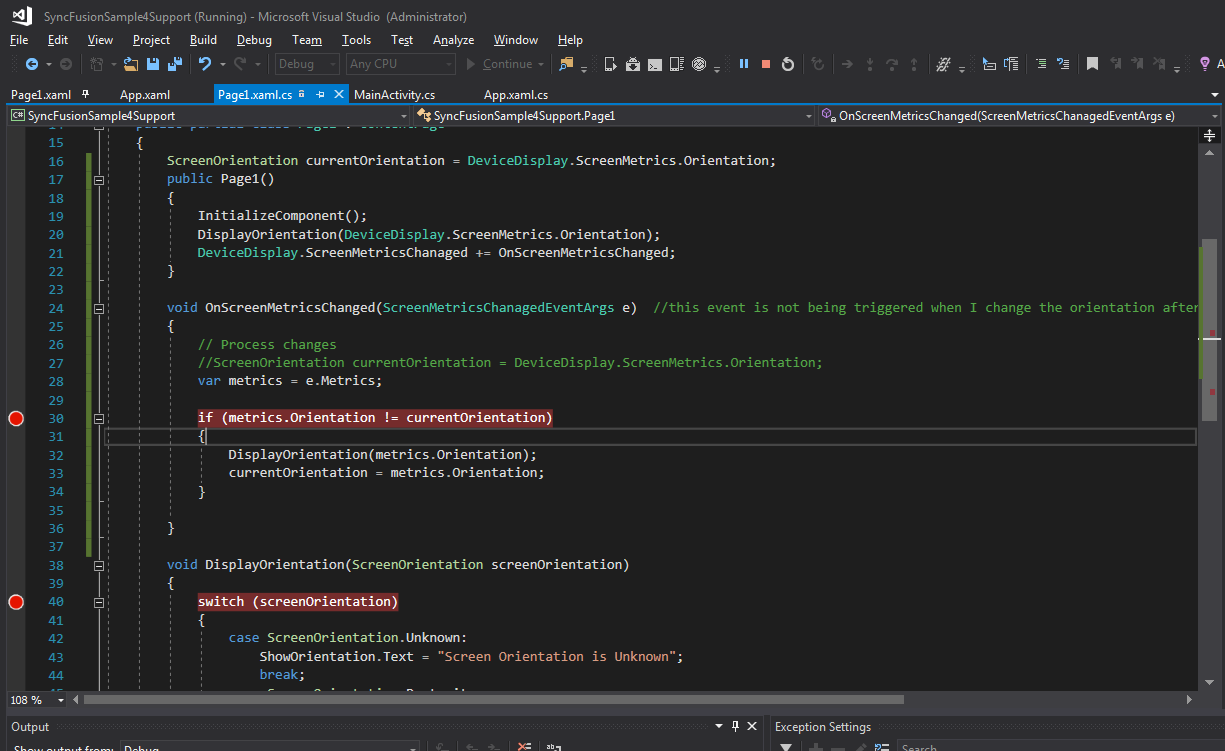
2) the ScreenMetricsChanged event is not being fired when the screen orientation changes. Is it supposed to? I hoping to use the event to detect screen orientation changes.
I will follow up with the demo of the main issue hopefully by tomorrow.
Thanks again James!!
JoeBGonzalez
on 26 Jul 2018
Taking a look.
1.) We fixed this in next release 0.9.0-preview (should be soon)
2.) What device?
jamesmontemagno
on 26 Jul 2018
So you code was a bit funky causing issues. You want to do:
        ScreenOrientation currentOrientation = DeviceDisplay.ScreenMetrics.Orientation;
        public Page1()
        {
            InitializeComponent();
            DisplayOrientation(DeviceDisplay.ScreenMetrics.Orientation);
            DeviceDisplay.ScreenMetricsChanaged += OnScreenMetricsChanged;
        }

        void OnScreenMetricsChanged(ScreenMetricsChanagedEventArgs e)  //this event is not being triggered when I change the orientation after launching the app
        {
            // Process changes
            //ScreenOrientation currentOrientation = DeviceDisplay.ScreenMetrics.Orientation;
            var metrics = e.Metrics;


            if (metrics.Orientation != currentOrientation)
            {
                DisplayOrientation(metrics.Orientation);
                currentOrientation = metrics.Orientation;
            }

        }
Cool and thanks again James.
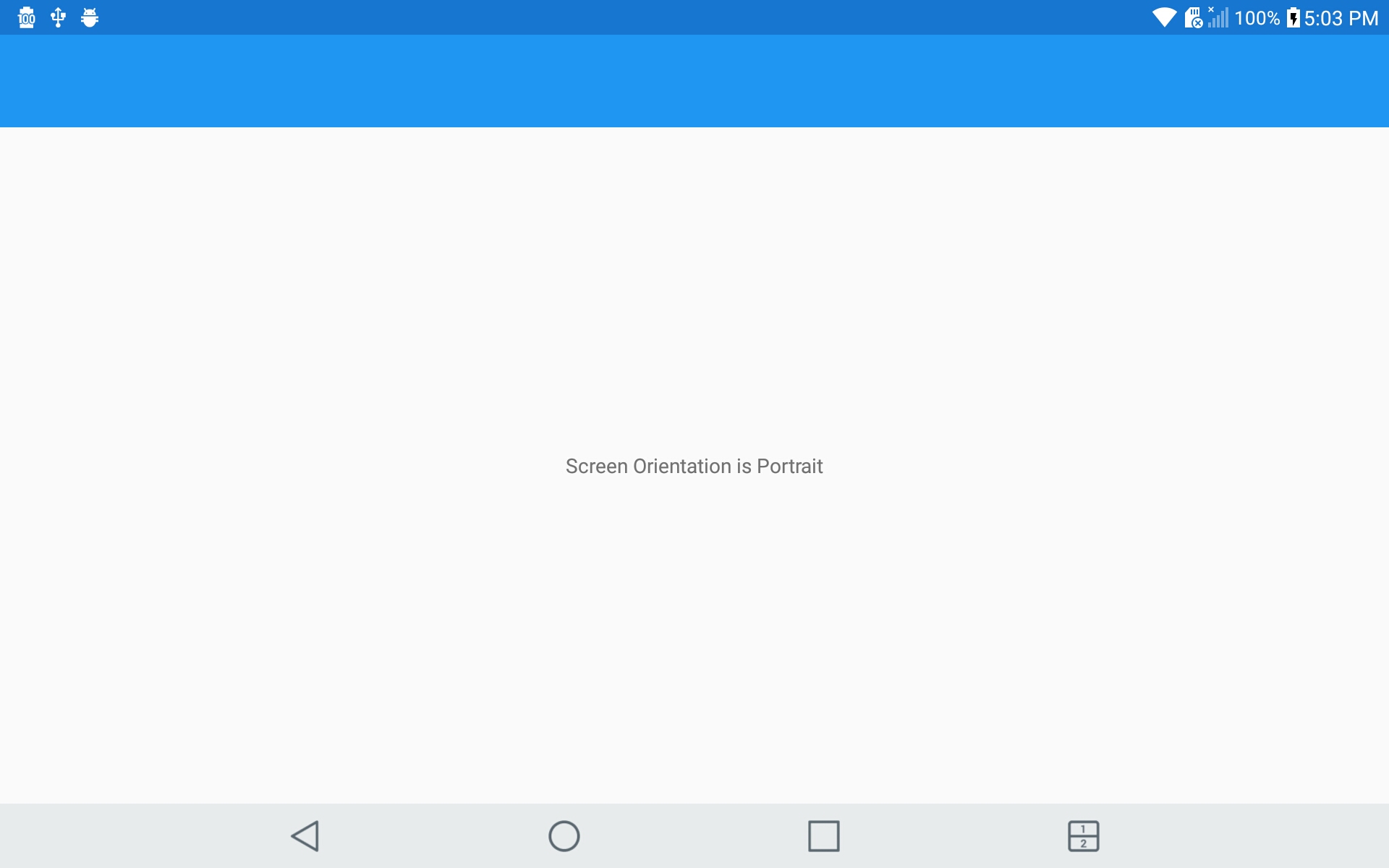
I replaced the code with your changes and it took from 45+ seconds for the OnScreenMetrics event to get triggered when switching from landscape to portrait and 20+ seconds when switching from portrait to landscape.
I am testing on an LG G Pad X 8.0 (aka: LGE LG-V520 in the VS2017 device dropdown).
JoeBGonzalez
on 26 Jul 2018
Sorry James, I take it back! The OnScreenMetrics event is actually being triggered as expected!
It turns out that I was testing through the Visor chrome extension when I was experiencing these delays. I turned off Visor and tried it again and could see that event was being triggered right away! I was surprised to see that Visor was somehow introducing this delay!
Thanks so much for your help!
JoeBGonzalez
on 26 Jul 2018
Related issues
 janusw
·
4Comments
janusw
·
4Comments
 nicolgit
·
4Comments
nicolgit
·
4Comments
 euquiq
·
3Comments
euquiq
·
3Comments
 RogerSchmidlin
·
4Comments
RogerSchmidlin
·
4Comments
 Tommigun1980
·
3Comments
Tommigun1980
·
3Comments
Most helpful comment
@jamesmontemagno Thanks for your assistance, the issue is now resolved per your feedback.