Eslint-plugin-import: Unable to load resolver "webpack"
After linting project using following config
const path = require('path');

module.exports = {
  "settings": {
    "import/resolver" : {
      "webpack": {
        "config": path.resolve(__dirname, "internals/webpack/webpack.resolve.js")
      }
    }
  }
};
I got error "unable to load resolver "webpack"". As a workaround, fixed using next config
const path = require('path');

module.exports = {
  "settings": {
    "import/resolver" : {
      [path.resolve(__dirname, 'node_modules/eslint-import-resolver-webpack')]: {
        "config": path.resolve(__dirname, "internals/webpack/webpack.resolve.js")
      }
    }
  }
};
package.json
    "eslint": "^5.2.0",
    "eslint-config-airbnb": "^17.0.0",
    "eslint-import-resolver-webpack": "^0.10.1",
    "eslint-import-resolver-alias": "^1.1.0",
    "eslint-loader": "^2.1.0",
    "eslint-plugin-import": "^2.13.0",
    "eslint-plugin-jest": "^21.18.0",
    "eslint-plugin-jsx-a11y": "^6.1.1",
    "eslint-plugin-react": "^7.10.0",
 showoffer
All 7 comments
Very strange. What are your node / npm versions?
 benmosher
on 9 Sep 2018
benmosher
on 9 Sep 2018
I had encountered the same problem, I guess it's caused by let resolver = tryRequire(eslint-import-resolver-${name})
I had put my ESLint script in another module namded xxx-scripts and then I called it in my project so the error threw.
https://github.com/benmosher/eslint-plugin-import/blob/master/utils/resolve.js#L157
 starandtina
on 4 Dec 2018
starandtina
on 4 Dec 2018
I had the similar problem, but the workaround does not working for me.
eslint cli is working normally. problem with eslint conjunction with vs code.
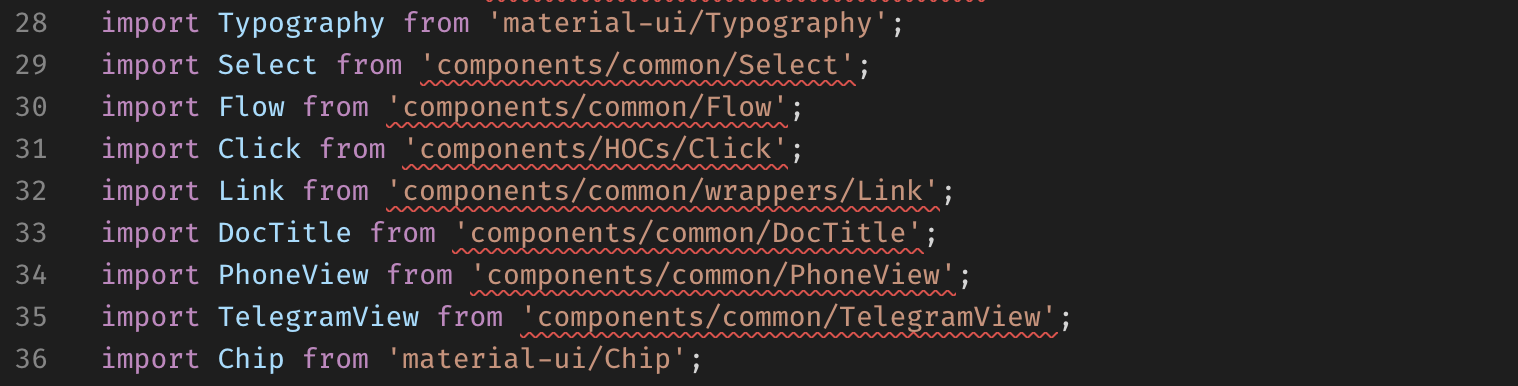
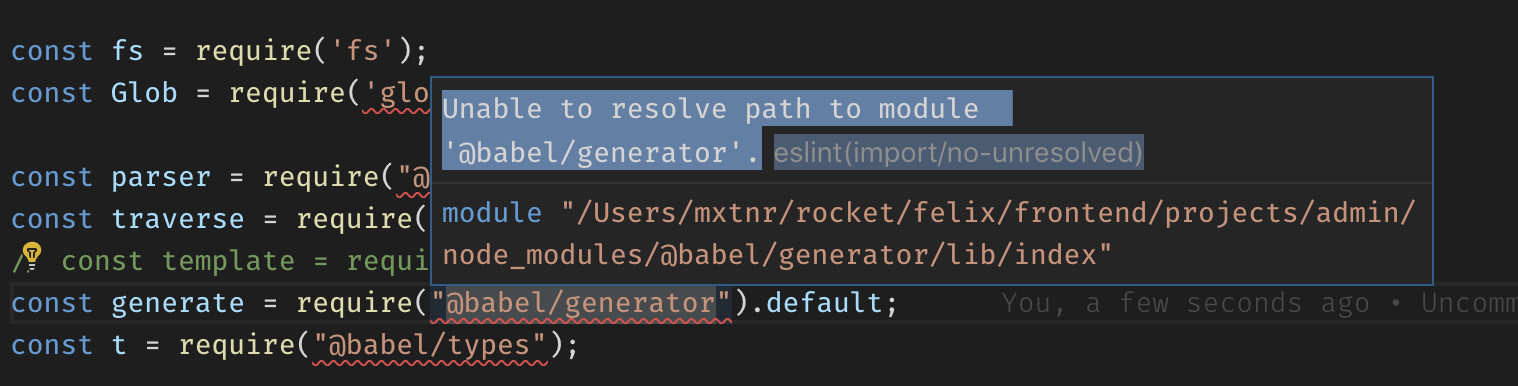
.eslintrc.js fragment:
{
// ...
  "settings": {
    "react": {
      "version": "16.7", // React version
    },
    "import/resolver": {
      [path.resolve(__dirname, 'node_modules/eslint-import-resolver-webpack')]: {
        "config": path.resolve(__dirname, "webpack/webpack.config.js"),
      }
    },
  },
// ...
}
webpack/webpack.config.js fragment:
const root = path.resolve(__dirname, '..');
module.exports = {
  context: root,
  resolve: {
    modules: [root, 'node_modules'],
    extensions: ['.js', '.jsx', '.json', '.coffee', '.cjsx'],
    alias: {
      src: root,
    },
  },
}
versions
"webpack": "^4.26.0",

"eslint": "^5.13.0",
"eslint-plugin-import": "^2.16.0",
"eslint-import-resolver-alias": "^1.1.2",
"eslint-import-resolver-webpack": "^0.11.0",
 a-x-
on 10 Feb 2019
a-x-
on 10 Feb 2019
I tried global and local eslint
a-x-
on 10 Feb 2019
_(incorrect solution was here)_
a-x-
on 10 Feb 2019
Make sure you have uninstalled the global one and also that vscode only ever looks at the local one.
 ljharb
on 10 Feb 2019
ljharb
on 10 Feb 2019
I was an issue, yes
I removed global eslint and set up the path to local eslint bin in vs code
a-x-
on 13 Feb 2019
Related issues
 AndrewLeedham
·
3Comments
AndrewLeedham
·
3Comments
 leonid-bauxy
·
3Comments
leonid-bauxy
·
3Comments
 pahan35
·
3Comments
pahan35
·
3Comments
 gaearon
·
3Comments
benmosher
·
3Comments
gaearon
·
3Comments
benmosher
·
3Comments