Erpnext: Quotation broken in latest release v11.1.23
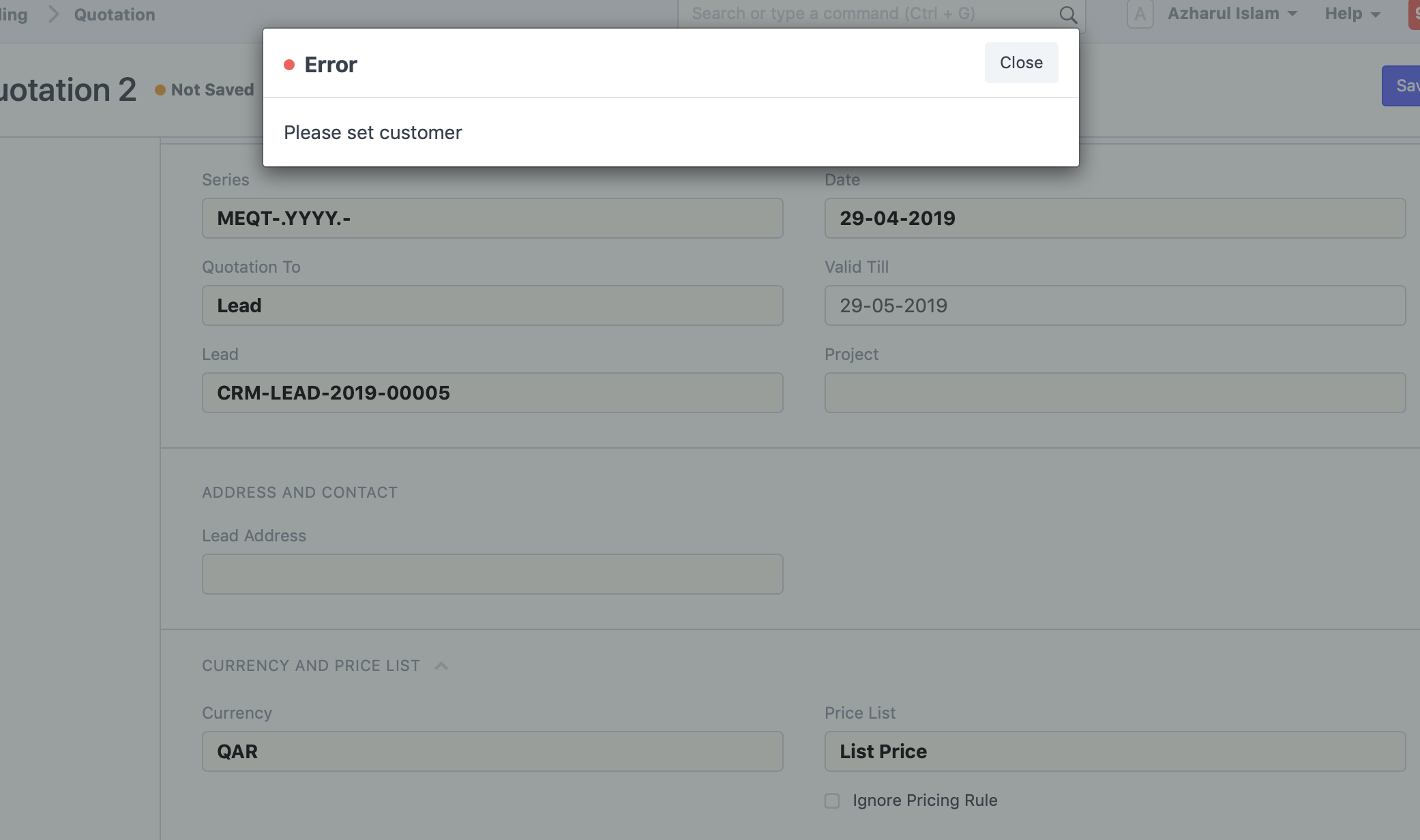
I cannot select an address. I get “Please set customer” error
I understand the customer field type was changed to dynamic link and field name was changed to “party_name”. However not everything has been refactored properly. For example, Contact Person field has depends on value “eval:doc.customer”. This expression will now never evaluate to "true".
 azharul-islam
All 11 comments
I Have Same issue I cannot create Quotation to Sales order
Quotation Totally broken Please fix immediately . we cannot do anything
 sammish
on 30 Apr 2019
sammish
on 30 Apr 2019
Since the update, I too can't see any information about the customers (e.g. Address, contact etc) in the quotations.
Looks like only Quotations are affected. Sales orders seem to pick the customer information. Need a quick fix for this, please. We had to stop all the quotations in the company.
 JaneshP
on 30 Apr 2019
JaneshP
on 30 Apr 2019
@JaneshP @azharul-islam do you get solution ?
sammish
on 1 May 2019
@sammish No solution yet for the V11.1.23 issue yet.
JaneshP
on 1 May 2019
@sammish
I followed this, as I had a snapshot.
https://discuss.erpnext.com/t/missing-data-from-quotation-pdfs/48490
JaneshP
on 1 May 2019
+1 also affected by this issue.
Since the link type has been changed, the customer dashboard does not work properly: linked quotations and opportunities are not shown:
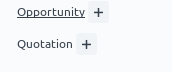
Clicking the (+) symbol or the link does not filter the route to the list or form.
This is on master, please urgently fix.
 lasalesi
on 2 May 2019
lasalesi
on 2 May 2019
Should be fixed with #17455
More details on https://discuss.erpnext.com/t/quotation-broken-in-latest-release-v11-1-23/48441/2
lasalesi
on 2 May 2019
Fixing via https://github.com/frappe/erpnext/pull/17455
 saurabh6790
on 2 May 2019
saurabh6790
on 2 May 2019
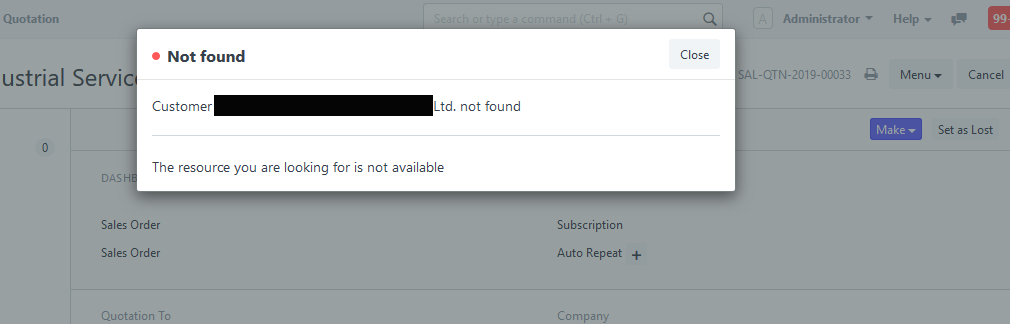
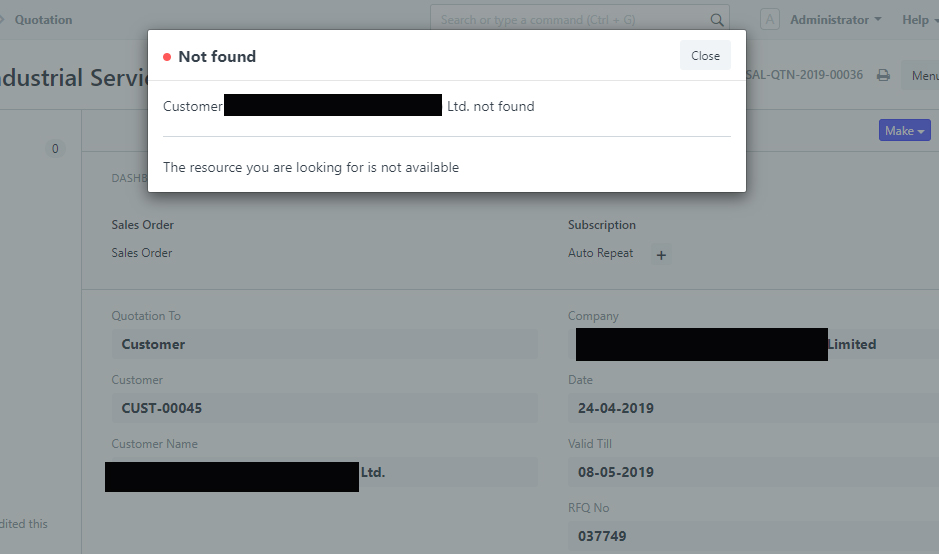
currently issues is there if you are using customer with customer code. Please need support
sammish
on 2 May 2019
@sammish
We have identified and fixed the issue and tomorrow we'll release the fix
 rohitwaghchaure
on 2 May 2019
rohitwaghchaure
on 2 May 2019
@rohitwaghchaure thank you
sammish
on 2 May 2019
Related issues
 neilLasrado
·
4Comments
neilLasrado
·
4Comments
 giuseppelamatrice
·
3Comments
giuseppelamatrice
·
3Comments
 Fredoluka
·
3Comments
Fredoluka
·
3Comments
 cradford
·
4Comments
cradford
·
4Comments
 berniezhao11
·
4Comments
berniezhao11
·
4Comments
Most helpful comment
Since the update, I too can't see any information about the customers (e.g. Address, contact etc) in the quotations.
Looks like only Quotations are affected. Sales orders seem to pick the customer information. Need a quick fix for this, please. We had to stop all the quotations in the company.