Useful info for entities
Customer
- [ ] Ranking (all time sales)
- [ ] Total volume
[ ] Last order
Supplier
[ ] Ranking (all time purchase)
- [ ] Total volume
[ ] Last order
Item
[ ] Sales Ranking (by volume)
- [ ] Purchase Ranking
- [ ] Average Price (?)
- [ ] Current stock positions (in each warehouse)
- [ ] Warning if projected qty is below 0
 rmehta
All 17 comments
Great!!
For customer dashboard, I suggest ranking by A/R also. Actually very-very important for any business.
Note: When team has initiated Quickbooks integration, I would suggest to have a look at A/R graphical representation (along with drilling down upto record level is) provided in Quickbooks. It's THE BEST in segment and Most Useful feature (especially for an SME owners/decision makers).
 Devens
on 13 Apr 2016
Devens
on 13 Apr 2016
@rmehta
Dear Mehta
It's very good idea , this is biggest problem we have with erpnext , we move from WEBERP to ERPNEXT but due we don't have any dashboard for items with all details need in one page , still we use old ERP .
i make one mockup may be help you to get idea for item dashboard what's important for trading company , so easily can make best decision and share price with customer .
Please check attachment .
Regards


 me2ne
on 13 Apr 2016
me2ne
on 13 Apr 2016
@me2ne you get that data via reports anyways.
If you want such dashboards, you can make them yourself in your app
rmehta
on 13 Apr 2016
Thanks for your reply , I'm not technical , i need to ask some one do it for me :)
me2ne
on 14 Apr 2016
@me2ne Post your custom requirements to hire Frappe/ERPNext Developers & Service Providers > https://community.erpnext.com/jobs
 yashodhank
on 14 Apr 2016
yashodhank
on 14 Apr 2016
For more ideas, I am proposing following layout for Client Portal - Dashboard.

yashodhank
on 14 Apr 2016
@yashodhank I am working on dashboards for erpnext and other applications but i have chosen to make it an external application. It does have single sign on for erpnext. I happen to agree with @rmehta that dashboard usually give a mind set for setting short term goals and can hurt you long term. To get a true overview you need to dig in and see whats going on with all of your customers. Anyway it should be done by the end of next week if you would like it
 woakes070048
on 14 Apr 2016
woakes070048
on 14 Apr 2016
@yashodhank from where you have capture this image. Can you share html/css code.
We can build such webpage in existing shopping cart.
Really good design (y)
We also like same designed page for supplier portal
 sbkolate
on 14 Apr 2016
sbkolate
on 14 Apr 2016
@sbkolate that page is from whmcs
woakes070048
on 14 Apr 2016
@sbkolate sure, take a look at
Screenshot theme source > https://github.com/WHMCS/templates-six
yashodhank
on 14 Apr 2016
This may already be the plan, but it may be good to think of these in terms of widgets. Users can pick and choose what they want to see. Devs can extend/add widgets through apps.
 felixvarghese
on 18 Apr 2016
felixvarghese
on 18 Apr 2016
+1
Devens
on 20 Apr 2016
+1
 mhbu50
on 10 Aug 2016
mhbu50
on 10 Aug 2016
breaking this into to parts, goals #8777 and leaderboards #8795
rmehta
on 12 May 2017
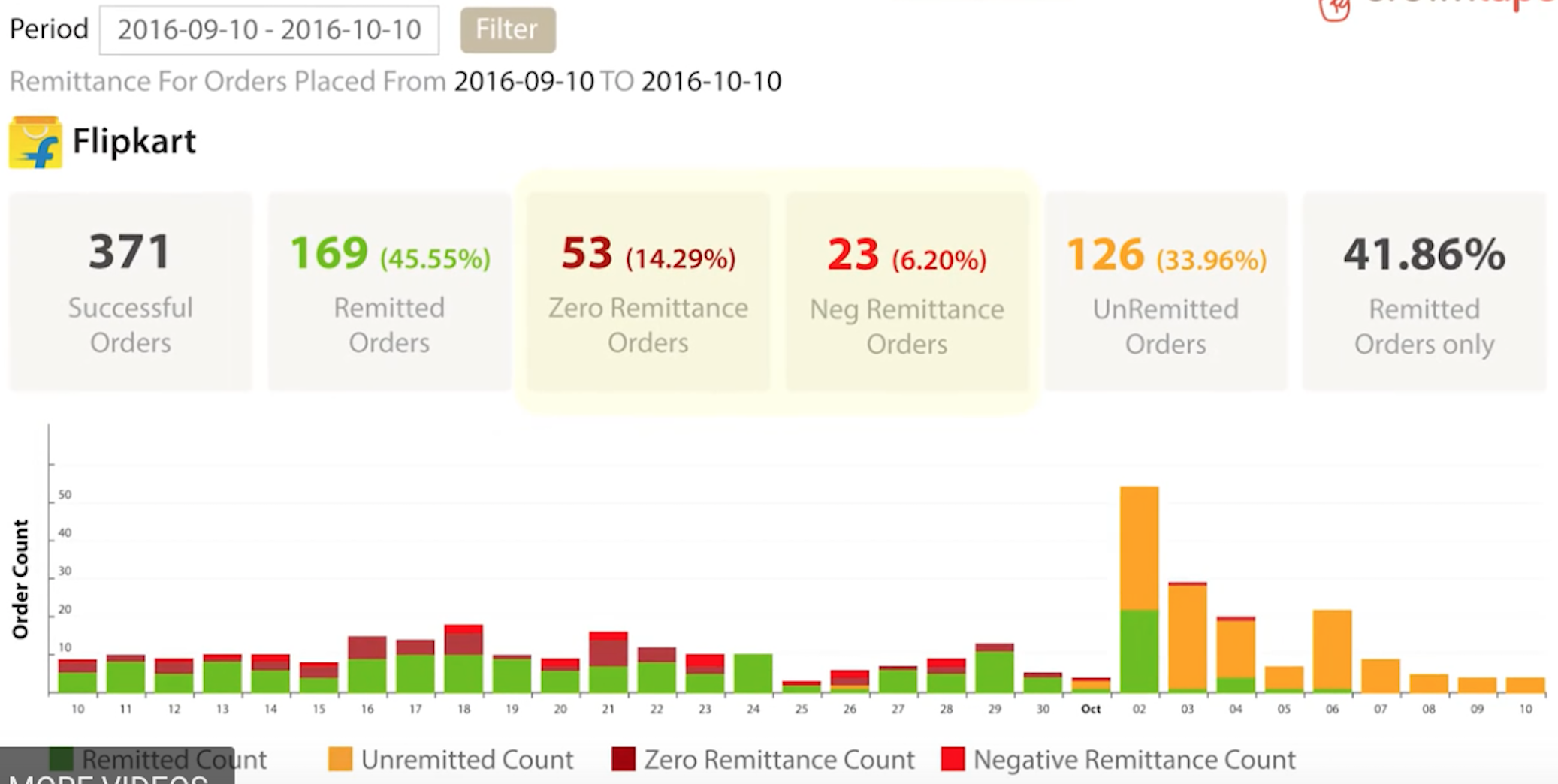
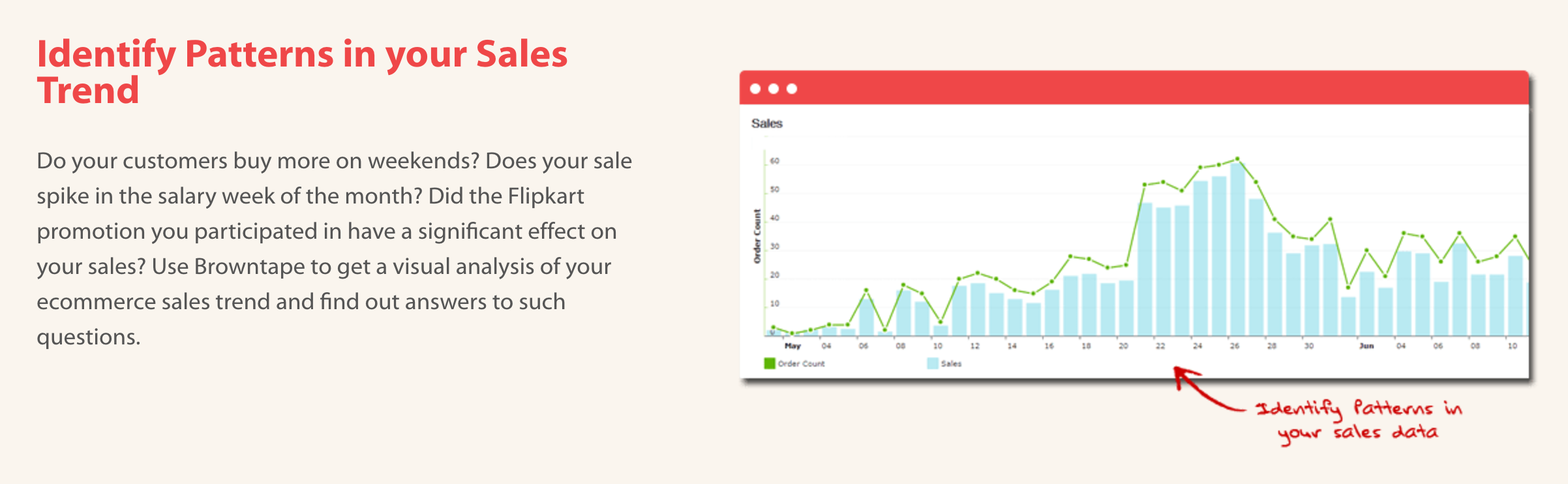
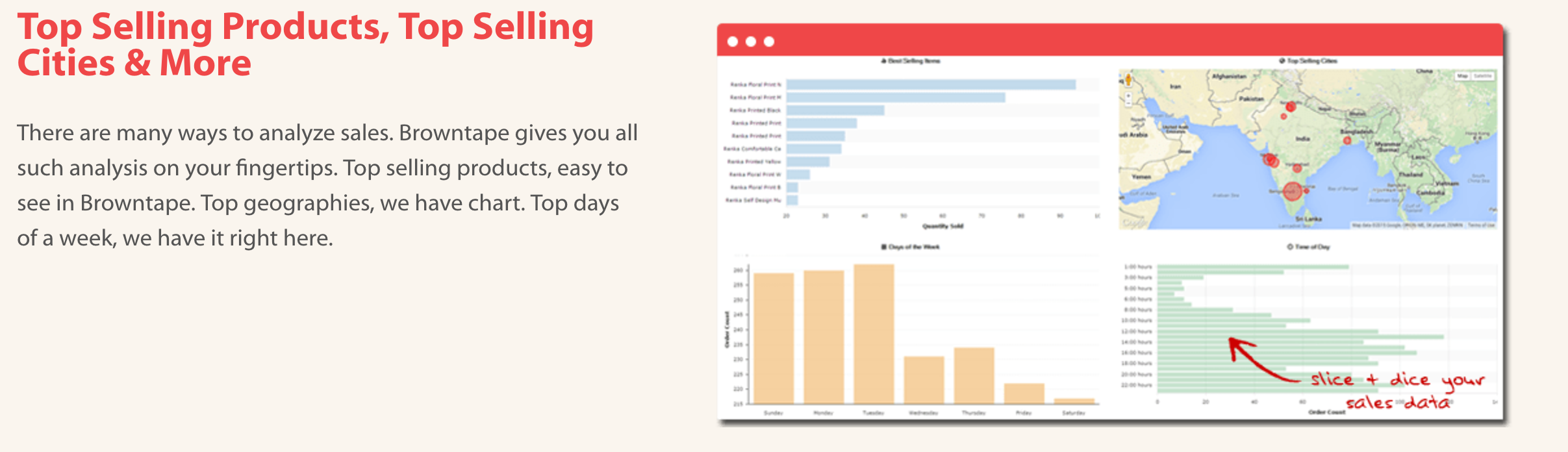
These are some of the best dashboard I've seen on a system. Simple and practical.
This one shows orders along with states of payment remittance in a bar per day.
Sales Dashboards ->
Sales Analysis by location, days, time of day and top selling items.
 LifeP
on 20 Jun 2017
LifeP
on 20 Jun 2017
Hello @LifeP
Is it real time? In other words, if the page is opened, then data are changed automatically or the user need to click on refresh?
Regards
Bilal
 bghayad
on 23 Jan 2018
bghayad
on 23 Jan 2018
These were not realtime.
LifeP
on 14 Jul 2018
Related issues
 berniezhao11
·
4Comments
berniezhao11
·
4Comments
 GSLabIt
·
4Comments
GSLabIt
·
4Comments
 cradford
·
4Comments
cradford
·
4Comments
 jboilesen
·
3Comments
jboilesen
·
3Comments
 mubeenmazhar
·
4Comments
mubeenmazhar
·
4Comments
Most helpful comment
For more ideas, I am proposing following layout for Client Portal - Dashboard.
