Eleventy: Eleventy favorite markdown editor
Hi,
As the title says, I am wondering if anyone found an open-source markdown-it based editor?
Any tip, idea... is always welcome!
 TigersWay
All 10 comments
Your title doesn't mention open source, but your comment does. I'm using Typora, but while it's free in beta it's not open source, I don't think. Code is on Github tho...
Main reason I love this editor is because the editor is also a live preview - just as soon as you type modifiers (like bold, italic, etc.) the code disappears and you just see the words bolded or italicized. If you want to get back to raw markdown you can toggle that on and off. I find I like it better than having a separate pane for preview.
 dixonge
on 5 Feb 2020
dixonge
on 5 Feb 2020
Your title doesn't mention open source, but your comment does. I'm using Typora, but while it's free in beta it's not open source, I don't think. Code is on Github tho...
Yes, I clearly hesitated.... I also use Typora, because nothing better, and no, there is no source on github!
I am still dreaming about some markdown editor or fork of it, which would allow "us" to use eleventy path of images, use current css theme file(s), etc... Just being a dreamer :-/
TigersWay
on 5 Feb 2020
Note also the Typora-like Mark Text, which is open-source (MIT-licensed).
 brycewray
on 7 Feb 2020
brycewray
on 7 Feb 2020
Note also the Typora-like Mark Text, which is open-source (MIT-licensed).
Wow, didn't even know you could do diagrams in Markdown! This looks like a great app. Downloading now. If it can handle opening/navigating folders better than Typora I'm all in!
Gracias.
dixonge
on 7 Feb 2020
Nice application, but not happy yet...
- I still prefer the markdown/source button of Typora
- and like Typora, can't really succeed to manage images, uploaded or already local.
TigersWay
on 13 Feb 2020
Have been writing too quickly, and discovered:
- typora-copy-images-to
- typora-root-url
Not ideal, but much better!
TigersWay
on 13 Feb 2020
Thanks for the discussion! Feel free to keep posting here after this issue is closed
 zachleat
on 16 Feb 2020
zachleat
on 16 Feb 2020
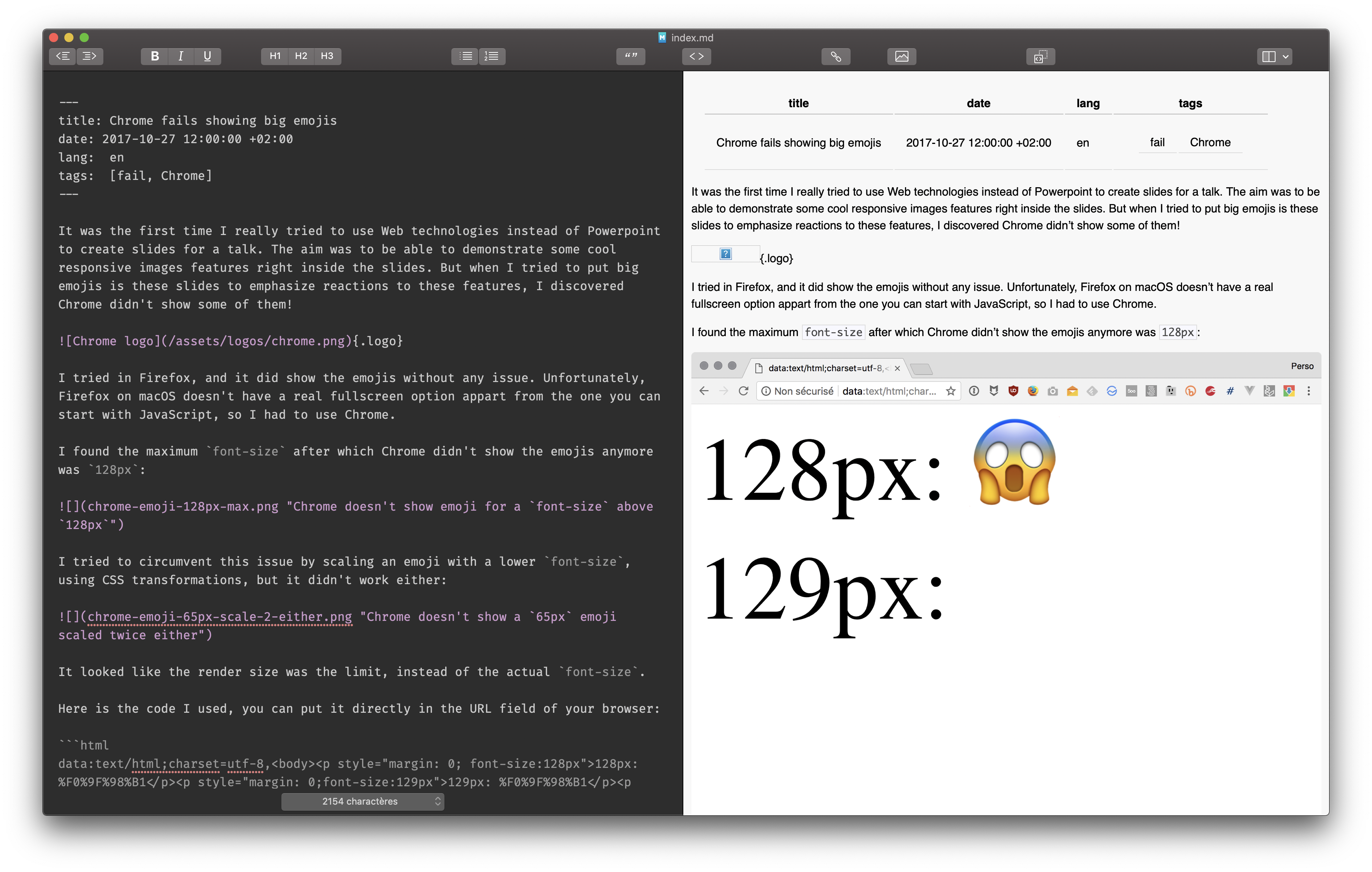
@TigersWay I'm a little late in this discussion, but I wanted to mention the Markdown editor I use: MacDown
It's not based on Markdown-it though, and only works on macOS.
For images, which seem to be one of your main concerns:
I keep them either in the same folder as my Markdown files:
https://github.com/nhoizey/nicolas-hoizey.com/tree/master/src/articles/2017/10/27/chrome-fails-showing-big-emojis
Or in a shared one:
https://github.com/nhoizey/nicolas-hoizey.com/tree/master/src/assets/logos
So that I can use simple relative or absolute URLs in Markdown for images.
In the example above, there's this for the shared logo:
{.logo}
And this for the article illustration:

The logo is unfortunately not shown, but the illustrations are:
 nhoizey
on 30 Mar 2020
nhoizey
on 30 Mar 2020
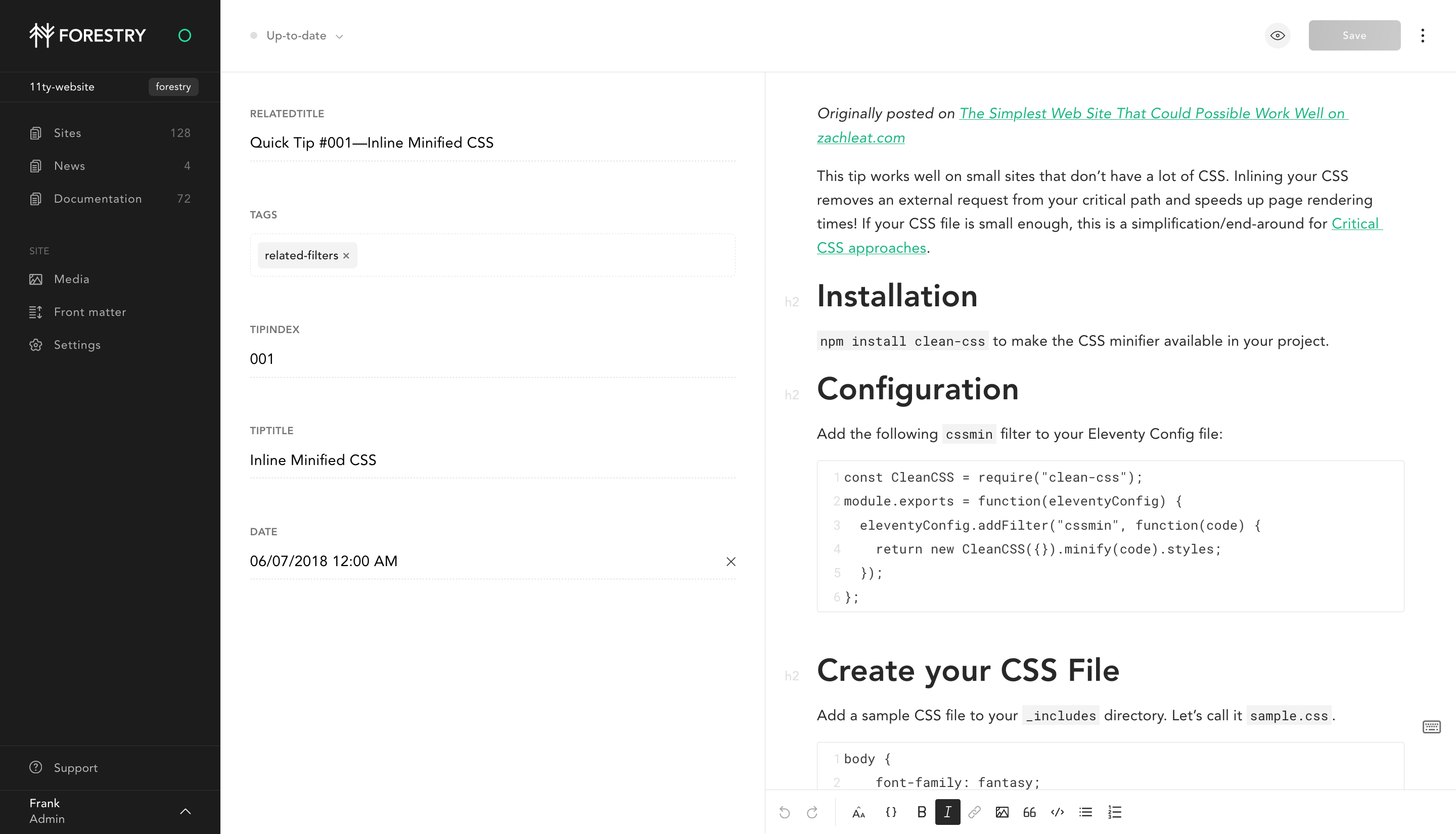
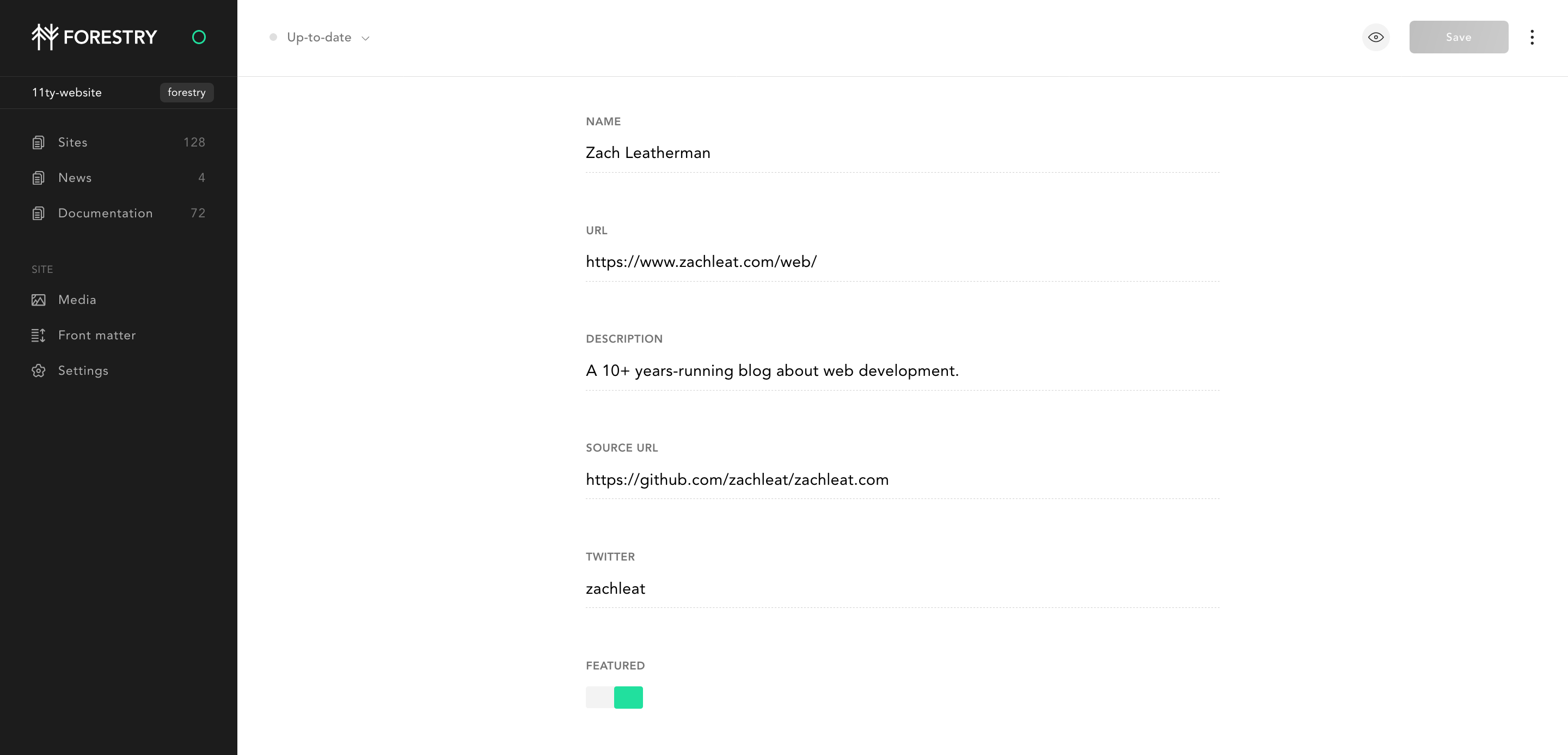
If you're looking for a way for editors to edit Markdown, you can import your Eleventy repository to forestry.io which provides a simple user interface to edit Commnomark, JSON, or YAML files. All changes are commited back to your Git repository.
Markdown file edition in Forestry:
JSON file edition in Forestry
We added a pre-configured Eleventy Hylia starter on https://forestry.io/starters/, let me know if I should add more ready to use Eleventy themes there.
 DirtyF
on 30 Mar 2020
DirtyF
on 30 Mar 2020
I can confirm that Forestry is really nice for content authors, I'm already using it for one site with authors without any technical knowledge. 👍
nhoizey
on 30 Mar 2020
Related issues
DirtyF
·
3Comments
zachleat
·
3Comments
 jamrelian
·
3Comments
jamrelian
·
3Comments
 aaronstezycki
·
3Comments
aaronstezycki
·
3Comments
 kaloja
·
3Comments
kaloja
·
3Comments