Element-android: Need 1 (or 2) icons for #2289
We need 2 new icons for what has been done in #2289: It is now possible to create a DM either by entering matrixId (the legacy way), or, new, by scanning a QR code.
The existing icons has been used for the moment, this is what we have:
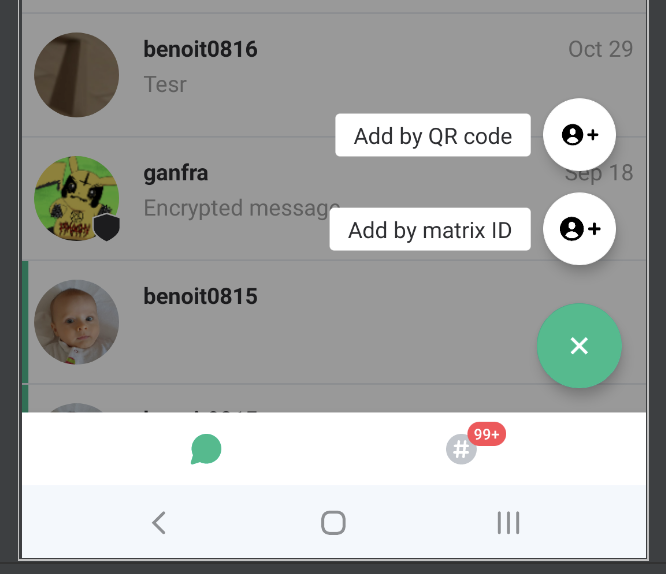
Maybe only one new icon (for "Add by QR code") action will be enough.
 bmarty
All 3 comments
@bmarty Interesting idea - can definitely see that being very useful :)
Do you think this might have a negative impact? For example, it's not clear from the options that pop up how I can add people from my contact book. I don't know what matrix ID means, and I don't want to use QR code, I just want to invite David in my contacts on my phone. These two options might make it hard to know what to pick/do.
I'm sure its been considered but maybe it would be better to put it on the next screen, next to the other options at the top:
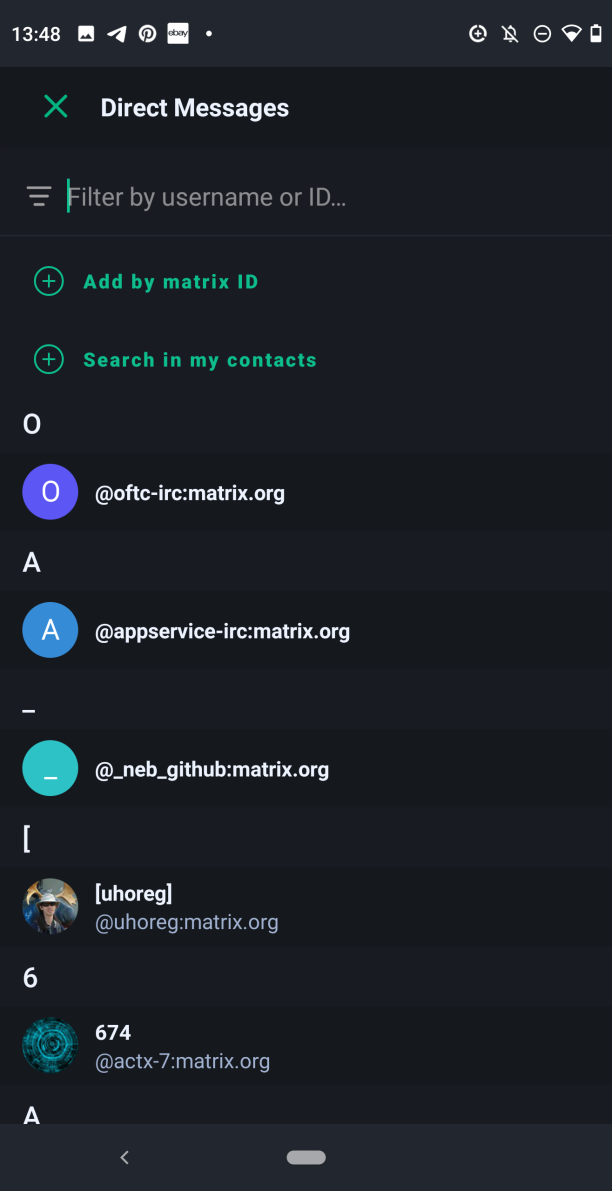
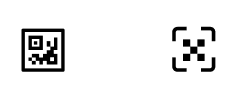
I put a couple of QR icons here
 niquewoodhouse
on 6 Nov 2020
niquewoodhouse
on 6 Nov 2020
@niquewoodhouse That was what I did originally (see screenshots section in #2276) but we decided that it would be better to move it into the roomlist as (1) it behaved differently to the other buttons (instantly created the room as opposed to adding to the list) and (2) that screen is supposed to be getting a re-work. Also, (3) that screen already has quite little space for the contact list even without the 3rd button. I think another positive of moving it into the roomlist is that it's quicker to access which is good in the scenarios it would be used in, like face-to-face. To solve the problem you mentioned, maybe Add by matrix ID could just be replaced with Search or Search for users/contacts? WDYT?
 TR-SLimey
on 10 Nov 2020
TR-SLimey
on 10 Nov 2020
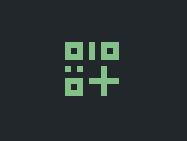
About the icons also, I think adding a little plus sign in the corner might look good, kind of like Android's add WiFi network by QR code button (attached).
TR-SLimey
on 10 Nov 2020
Related issues
 Bubu
·
3Comments
Bubu
·
3Comments
 Flam3z
·
3Comments
Flam3z
·
3Comments
 Yajo
·
3Comments
Yajo
·
3Comments
 matrixes
·
3Comments
matrixes
·
3Comments
 2011
·
3Comments
2011
·
3Comments
Most helpful comment
About the icons also, I think adding a little plus sign in the corner might look good, kind of like Android's add WiFi network by QR code button (attached).