exports.mysql = {
clients: {
// clientId, 获取client实例,需要通过 app.mysql.get('clientId') 获取
db1: {
// host
host: 'mysql.com',
// 端口号
port: '3306',
// 用户名
user: 'test_user',
// 密码
password: 'test_password',
// 数据库名
database: 'test',
},
db2: {
// host
host: 'mysql2.com',
// 端口号
port: '3307',
// 用户名
user: 'test_user',
// 密码
password: 'test_password',
// 数据库名
database: 'test',
},
// ...
},
// 所有数据库配置的默认值
default: {
},
// 是否加载到 app 上,默认开启
app: true,
// 是否加载到 agent 上,默认关闭
agent: false,
};
使用方式:
const client1 = app.mysql.get('db1');
await client1.query(sql, values);
const client2 = app.mysql.get('db2');
await client2.query(sql, values);
这样子根本就拿不到get方法返回的是个表,egg-mysql仓库还没有issues模块,连提bug的地方都没有牛逼!!!
 wxwzl
wxwzl
All 2 comments
config.mysql = {
  clients: {
    db1: {
      host: 'xxxxxx',
      port: 3306,
      user: 'xxxxxx',
      password: 'xxxxxx',
      database:  'xxxxxxx'
    },
    db2: {
      host: 'xxxxxx',
      port: 3306,
      user: 'xxxxxx',
      password: 'xxxxxx',
      database:  'xxxxxxx'
    }
  }
}

const db1 = app.mysql.get('db1');
await db1.query('select * from xxxx');
这个写法没问题,给个多数据源但是不能跑的例子呢?
 hyj1991
on 21 May 2020
hyj1991
on 21 May 2020
egg-mysql仓库还没有issues模块,连提bug的地方都没有牛逼!!!
睁大眼睛看看 https://github.com/eggjs/egg-mysql#questions--suggestions
集中式 issue 没见过么?百来个库,分散开更不容易交流。
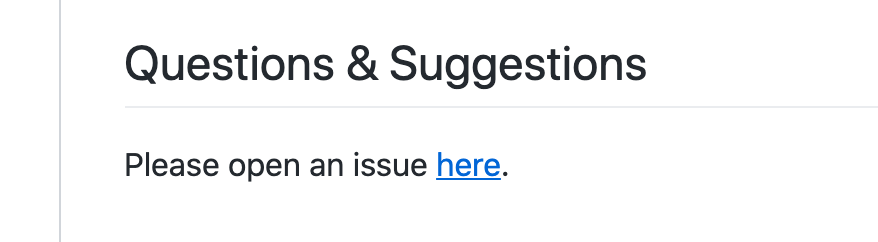
有 bug 就提最小可复现仓库,最基础的开源社区反馈礼仪都不懂么?
 atian25
on 27 May 2020
atian25
on 27 May 2020
Related issues
 dizhifeng
·
3Comments
dizhifeng
·
3Comments
 Webjiacheng
·
3Comments
Webjiacheng
·
3Comments
 Leungkingman
·
3Comments
Leungkingman
·
3Comments
 weijiatan456
·
3Comments
weijiatan456
·
3Comments
 popomore
·
3Comments
popomore
·
3Comments
Most helpful comment
睁大眼睛看看 https://github.com/eggjs/egg-mysql#questions--suggestions
集中式 issue 没见过么?百来个库,分散开更不容易交流。
有 bug 就提最小可复现仓库,最基础的开源社区反馈礼仪都不懂么?