EarTrumpet: "The data area passed to a system call is too small"
Getting the following error since today:

Windows 10, version 1809
I tried repairing, resetting, uninstalling, reinstalling.. nothing did work
 btastic
All 21 comments
Thanks @btastic passing this immediately to Microsoft.
 riverar
on 18 Nov 2018
riverar
on 18 Nov 2018
Can you please do the following so we can gather trace data?
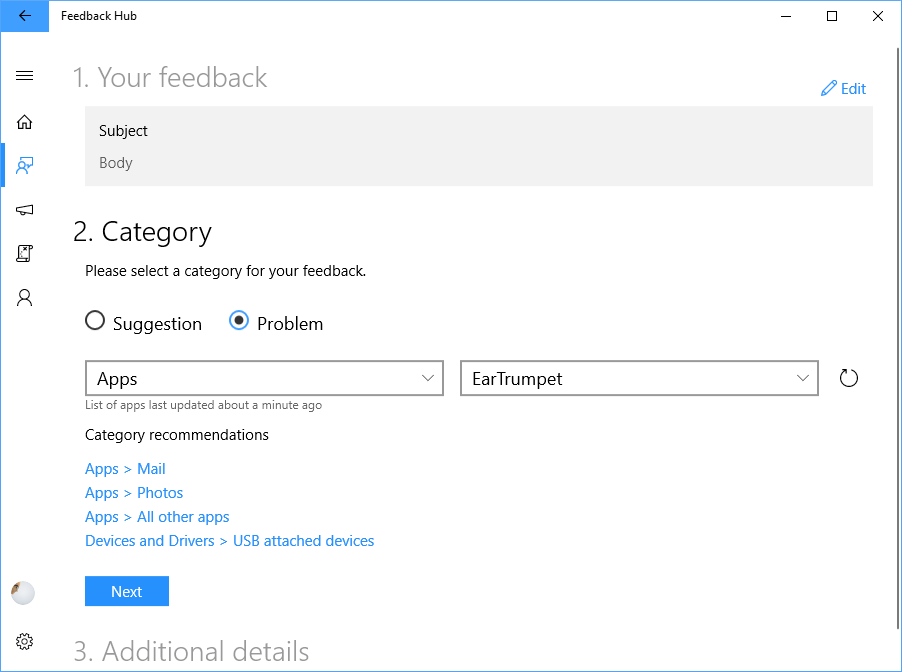
- Open Feedback Hub
- Click Report a Problem and use the data below to populate the fields:
- Title: Issue 306 - The data area passed to a system call is too small
- Body: Anything you want, a nice haiku perhaps
- Category: Problem / Apps / EarTrumpet
- Submit
We've engaged Microsoft on this issue and they're looking for logs.
cc: @btastic
riverar
on 19 Nov 2018
Hey there, I just did that. Hope it helps!
btastic
on 20 Nov 2018
@btastic Thanks, can you share a link here?
riverar
on 20 Nov 2018
@riverar I am not sure what you need? I just sent it yesterday and I didn't pay attention for a link
btastic
on 20 Nov 2018
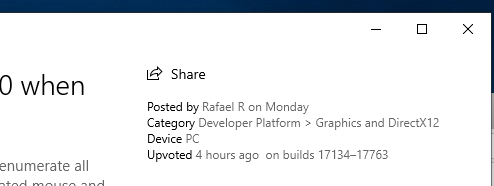
@btastic The Feedback Hub sucks in that it doesn't immediately index content. So without a link to your item, I can't pass it on to Microsoft. You can find your feedback under My Feedback in the Feedback Hub then click the Share button in the top right corner to get a link.
Thanks!
riverar
on 20 Nov 2018
Alright, had to resubmit because I wasn't logged in. https://aka.ms/AA399kl
btastic
on 20 Nov 2018
@btastic Ah, that's a pain. Thanks for doing that again, passing it on now.
riverar
on 20 Nov 2018
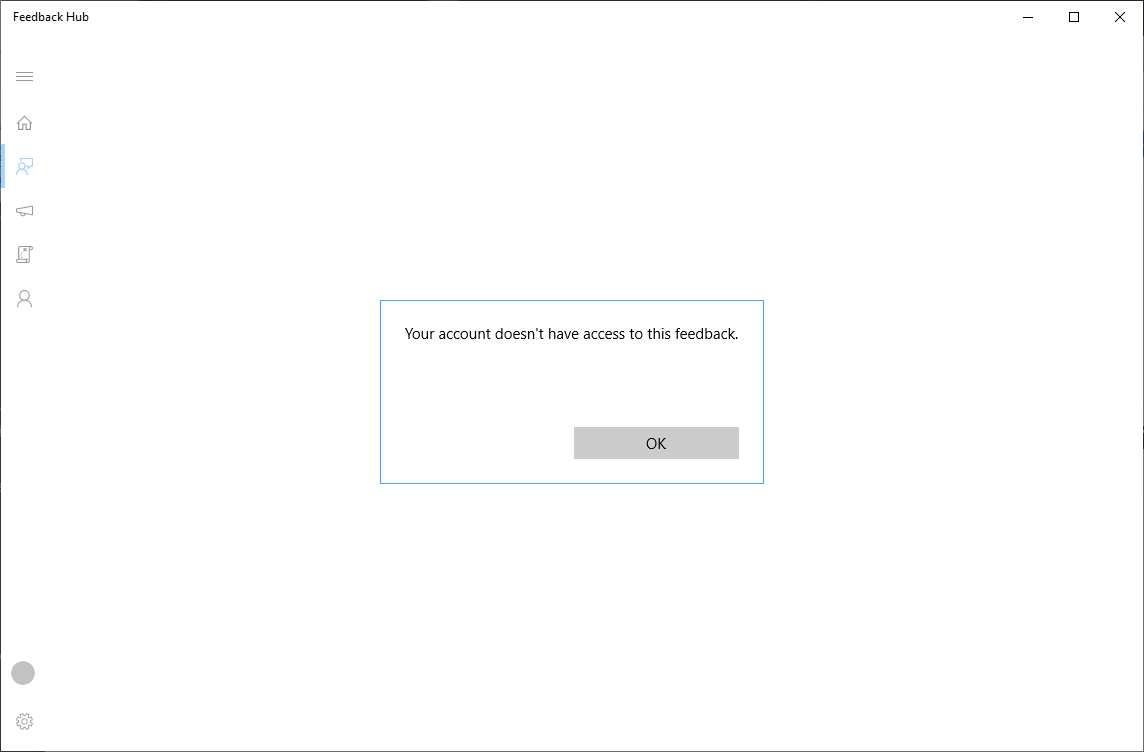
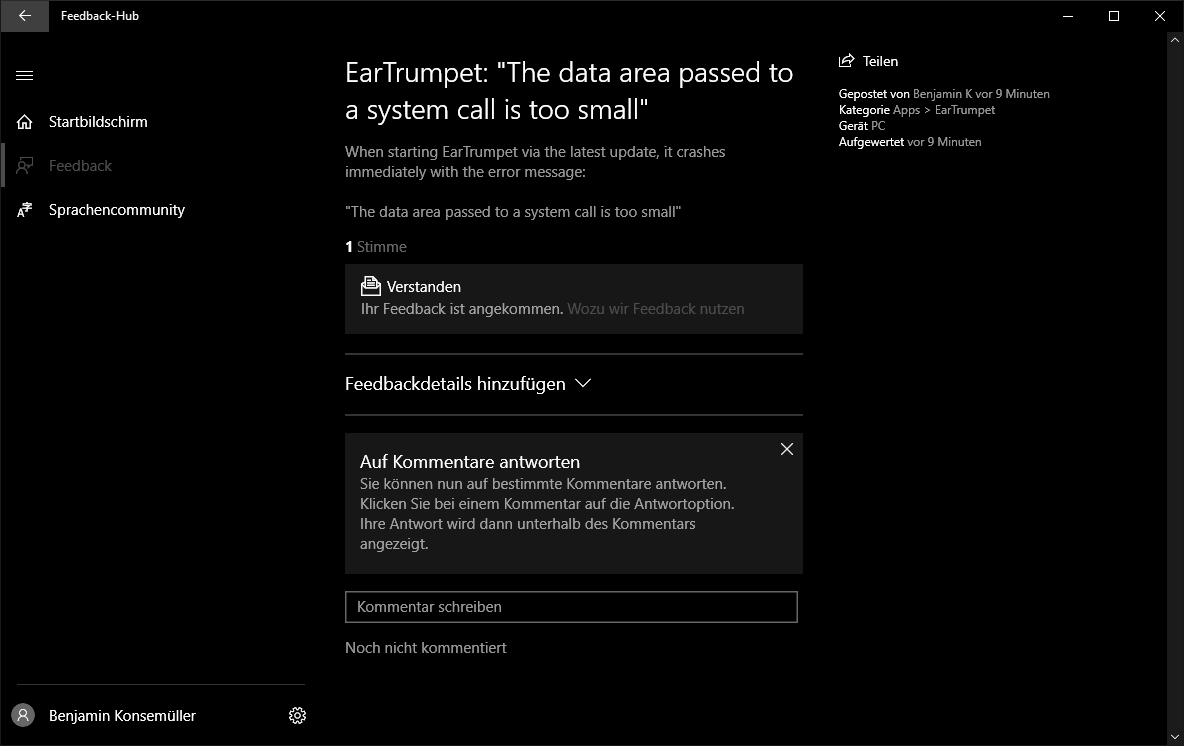
Strange. Can you paste a screenshot of what you submitted?
riverar
on 20 Nov 2018
Yea sure..
btastic
on 20 Nov 2018
Got it, thanks. I see what's going on now (different region). We can't directly see that but I can send the link to Microsoft. Stay tuned!
riverar
on 20 Nov 2018
Alright no worries, just happy to help to get EarTrumpet working again :)
btastic
on 20 Nov 2018
@btastic Sorry to keep bothering you, Microsoft is asking if can you file another issue under:
“Developer Platform > App Deployment” or “Install and Update > App launch issues”
This will gather the right logs needed.
riverar
on 20 Nov 2018
There you go: https://aka.ms/AA395pj
btastic
on 20 Nov 2018
@btastic Microsoft has narrowed it down but needs a little more info from your machine. Can you email us ([email protected]) and I'll send you a script to run offline? Thanks very much for the help.
riverar
on 21 Nov 2018
Sure just sent you an email
btastic
on 21 Nov 2018
I'd like to keep some of the communication here in case anyone else stumbles upon this issue: (I simplified the steps)
- @riverar sent me an email containing some proprietary powershell scripts for logging
- I ran the script, started EarTrumpet - crashed
- I ran the script again to stop it
- Uploaded the generated file for further investigation
btastic
on 21 Nov 2018
Sent follow up email to Microsoft. Awaiting response.
riverar
on 4 Dec 2018
Hey there, just had the issue that I wanted to use the latest PowerBi version, which forced me to get it via windows store (note: I never use the windows store for apps)
I was surprised that I got the same error message. So I decided to dig around the internet for a bit, and it seems to be an issue with the SQL Server I have installed locally, which also has the filestream feature enabled.
After disabling the filestream feature, everything is back to normal. I can launch PowerBi from the store, and most importantly, I can finally use EarTrumpet again!
I found it via: http://ilikesqldata.com/centennial-apps-desktop-bridge-sql-server-and-error-the-data-area-passed-to-a-system-call-is-too-small/
I still need the filestream feature, but I guess microsoft is working on it ™
btastic
on 18 Dec 2018
Thanks @btastic, Microsoft has confirmed it's a bug and may have already fixed it. Just waiting for additional guidance on the KB article/build.
riverar
on 18 Dec 2018
Does appear to be related to filter drivers on the machine. If any user hits this issue again, please run fltmc instances -v C: and open a new bug. Closing this for now.
riverar
on 11 Jan 2019
Related issues
 prettyvoid
·
4Comments
prettyvoid
·
4Comments
 CosimoMatassini
·
4Comments
CosimoMatassini
·
4Comments
 l1ving
·
7Comments
l1ving
·
7Comments
 cynr1c
·
7Comments
cynr1c
·
7Comments
 brutlern
·
7Comments
brutlern
·
7Comments
Most helpful comment
I'd like to keep some of the communication here in case anyone else stumbles upon this issue: (I simplified the steps)