Dxvk: DXVK hangs GPU for some reason in Darksiders 3.
This happens during the game start up.
This Unreal Engine 4 D3D11 game works with wined3d but not with dxvk:
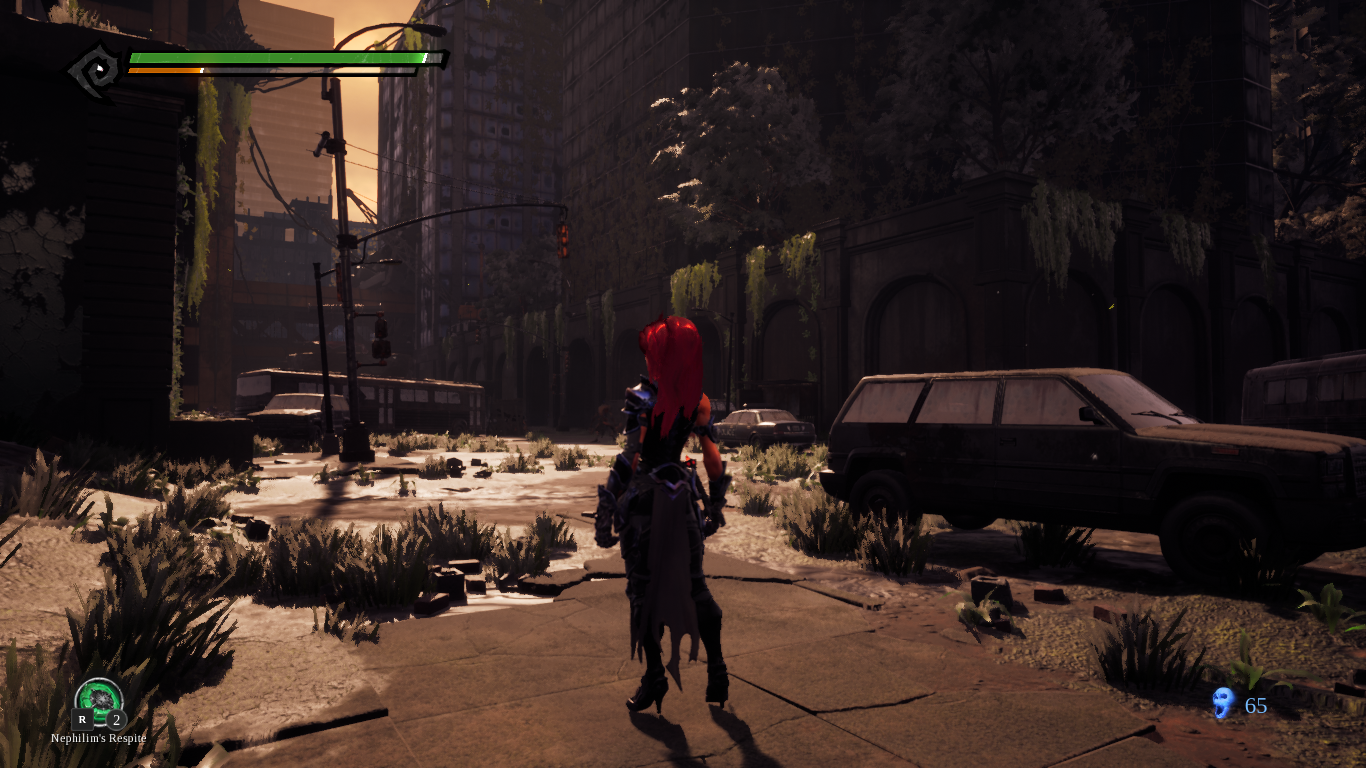
System information
- GPU: Mesa DRI Intel(R) HD Graphics 520 (Skylake GT2)
- Driver: Mesa 19.0.0-devel - padoka PPA
- Wine version: wine-4.0-rc1 (Staging)
- DXVK version: v0.93
apitrace
https://drive.google.com/open?id=1bHUkIt2tkF96sbT9BGEunEV0LdYP-czq
Log files
Darksiders3-Win64-Shipping_d3d11.log
Darksiders3-Win64-Shipping_dxgi.log
 Monsterovich
All 19 comments
Try running the game with validation layers (https://github.com/doitsujin/dxvk#debugging) and post the logs with that please.
 K0bin
on 1 Dec 2018
Monsterovich
on 1 Dec 2018
K0bin
on 1 Dec 2018
Monsterovich
on 1 Dec 2018
Most likely an ANV issue, the game clearly works fine on Nvidia: https://www.youtube.com/watch?v=GD6DxKIKzrY
 jrugia
on 1 Dec 2018
jrugia
on 1 Dec 2018
Most likely an ANV issue, the game clearly works fine on Nvidia:
I'm happy for you but your comment is not helping.
Monsterovich
on 1 Dec 2018
Most likely an ANV issue, the game clearly works fine on Nvidia:
I'm happy for you but your comment is not helping.
I apologize if my comment sounded the wrong way, I was merely pointing out that dxvk works with this game and the issue may be related to ANV. Didn't mean to offend or anything.
jrugia
on 1 Dec 2018
game and the issue may be related to ANV.
I thought you made a mistake, what is ANV by the way?
Monsterovich
on 1 Dec 2018
game and the issue may be related to ANV.
I thought you made a mistake, what is ANV by the way?
Intel ANV is the name of their open source Vulkan driver.
jrugia
on 1 Dec 2018
I think that my system freezes because dxvk allocates a lot of memory for unknown reason. I don't know how can I figure it out.
Monsterovich
on 1 Dec 2018
https://github.com/doitsujin/dxvk/issues/707
https://github.com/doitsujin/dxvk/issues/632
Sounds similar to your problem
 Leopard1907
on 3 Dec 2018
Leopard1907
on 3 Dec 2018
It's probably just a gpu hang and not related to allocations at all.
K0bin
on 3 Dec 2018
It's probably just a gpu hang and not related to allocations at all.
I can't detect any error because my system freezes instantly and I can only reboot through poweroff button. Any ideas?
Monsterovich
on 3 Dec 2018
@Monsterovich If this is due to a kernel freeze, and you are booting in UEFI mode, it is highly likely you have EFI-based pstore support enabled.
pstore is a mechanism for the kernel to save the crash log (dmesg) into persistent storage. I suggest looking into this as it differs from distro to distro, and is very helpful in cases like these.
Try looking in /sys/fs/pstore/ for any log files.
Another thing you could try is leaving a terminal with dmesg -w running when the freeze happens, but this has a low chance of working as it most likely instantly locks up, not allowing enough time for dmesg to print the crash to the terminal.
Good luck!
_Note: If you are not booting in UEFI mode or if your platform does not support pstore, you could try other mechanisms such as netconsole._
 Ristovski
on 9 Dec 2018
Monsterovich
on 11 Dec 2018
Ristovski
on 9 Dec 2018
Monsterovich
on 11 Dec 2018
I'm guessing you're not running the game from Steam right?
If I try that the game won't even start and I get the following message :
DX11 feature level 10.0 is required to run the engine
What's the setup to reproduce this?
 djdeath
on 14 Dec 2018
djdeath
on 14 Dec 2018
What kernel version are you using now? There is a serious regression with i915 starting with 4.18, which was fixed in 4.20-rc7. This regression makes the system crash hard, which seems similar to what is happening on your case.
 FurretUber
on 24 Dec 2018
FurretUber
on 24 Dec 2018
I've been trying to figure out the cause of this issue. I'm currently testing it on 2 systems with Intel HD and having mixed results.
System 1: Laptop i3-5005U with 16GB ram. The game runs fine here barring the low performance and it's able to allocate 3.9GB V-Ram.
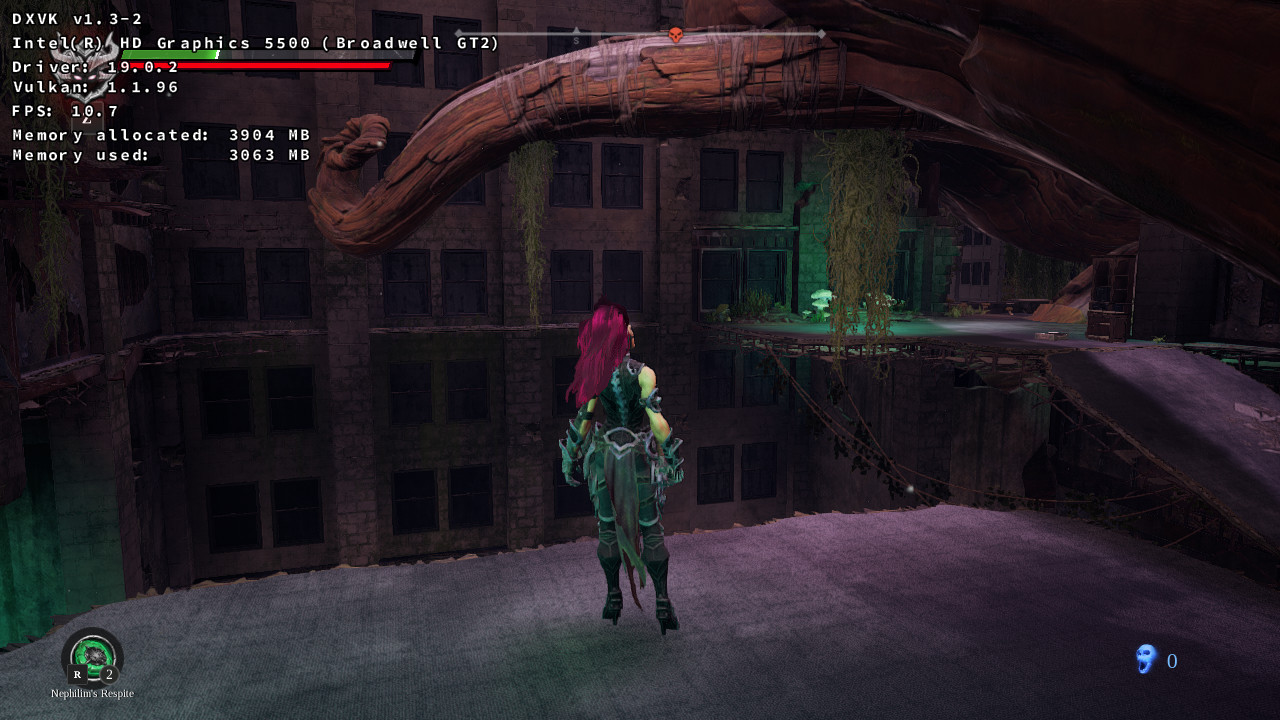
System 2: Desktop i3-7100 with 8GB ram. The game runs and freezes same as OP. I checked my motherboard and on the spec sheet it clearly states "Max Shared Memory 1024MB", however when I run Guild Wars 2 using D9VK it is able to allocate and use over that amount without issues:
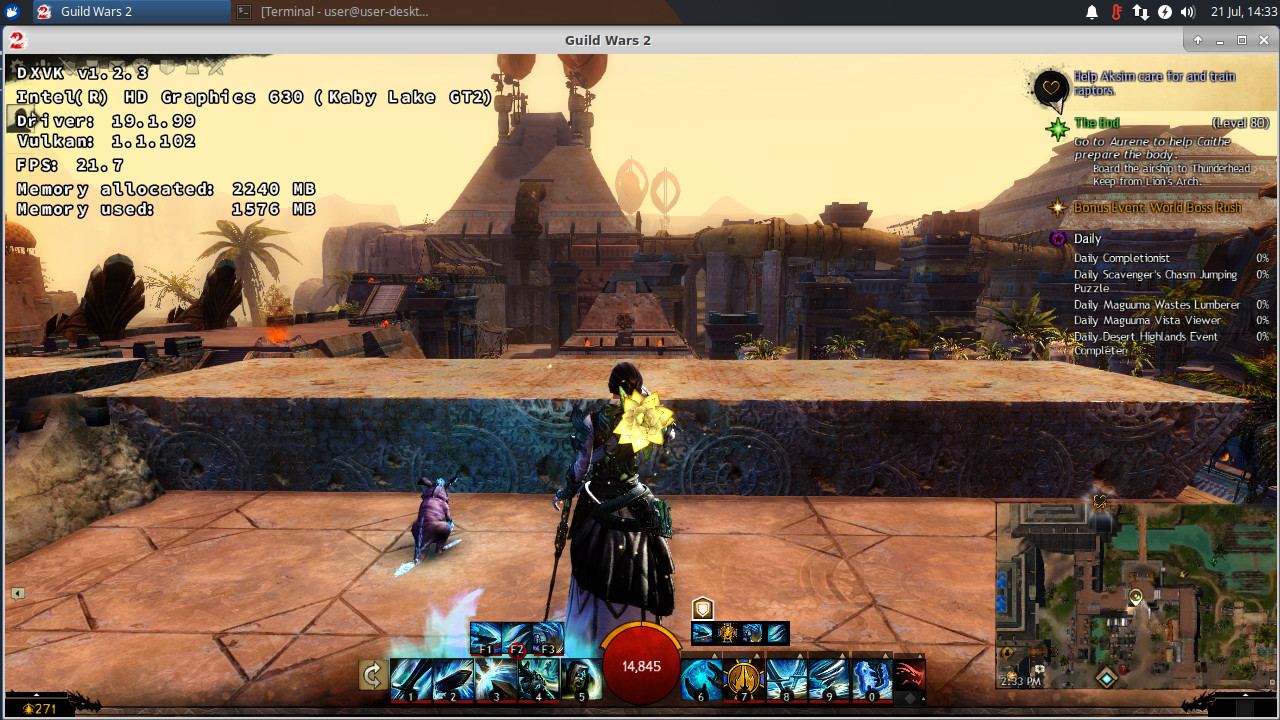
For consistency both of these tests were ran with fresh installations of Xubuntu 19.04 and using stock kernel/mesa. On the 8GB system I upgraded the Kernel to 5.1 and Mesa to latest using Oibaf and the situation remained the same.
Currently I'm running out of options of what else to try. I'll remove one of the 8GB Ram modules on my laptop to bring the ram amount the same as the desktop and see what happens.
Log Files
Darksiders3-Win64-Shipping_dxgi.log
Darksiders3-Win64-Shipping_d3d11.log
jrugia
on 21 Jul 2019
Update: Removing one of the two 8GB sticks on my laptop still launched the game successfully. At this point this is most likely looking like a specific issue with Gen9 graphics.
jrugia
on 21 Jul 2019
hello guys. I found out, that this bug is very similar to other, reported in mesa:
https://bugs.freedesktop.org/show_bug.cgi?id=110228 (here is the first one, other you may find in links to it). As I see here, Darksides also uses UE4 engine, so I checked attached trace with this kernel patch from => https://bugs.freedesktop.org/show_bug.cgi?id=110998
And it fixed the hang. Now trace reproduces up to splash screen and crashes (what, I think, is ok). Tested 3 times, no hangs.
Also interesting fact, that on CFL cpu I couldn't reproduce the hang in all kernels I had (4.19, 5.+, and even patched)... what might be a bit strange (because during testing UE4 issue I used exactly CFL machine...). Anyway, current tests were made on KBL cpu.
 DenKos363
on 4 Sep 2019
DenKos363
on 4 Sep 2019
It seems my suspicions from the July tests were correct. I'm happy to report that the fix pointed out by @DenKos363 indeed solves the freezes for my test system with an i3-7100 (Kabylake CPU) and the game runs perfectly (low performance aside).
On a technical note, if you're on Ubuntu be aware that the prebuilt Mainline kernels don't carry the fix yet so you'd have to apply it manually and build the kernel from source (I applied it to 5.2.14 without issues). Here's the link to the latest version of the patch: https://patchwork.freedesktop.org/patch/328933/?series=64920&rev=2
Game running:
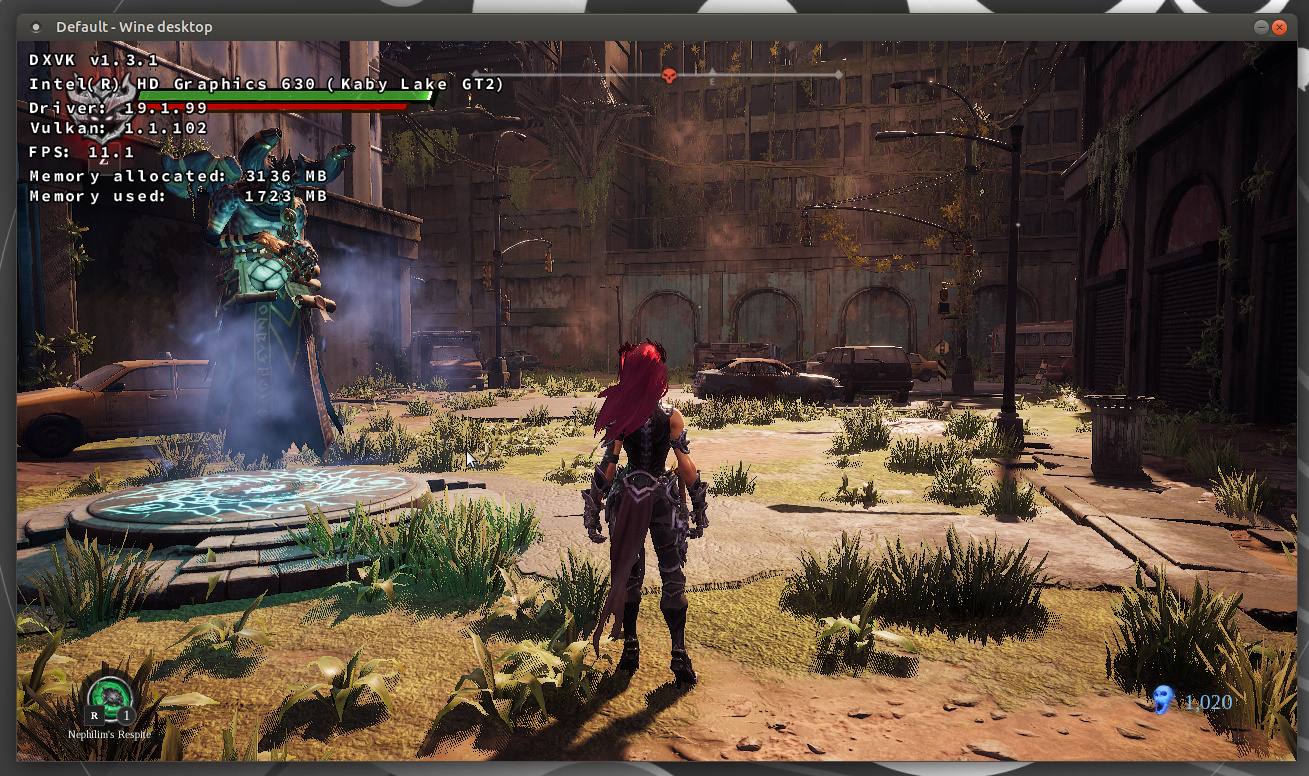
I think it's safe to say that this issue may finally be closed, it's clearly not a DXVK bug.
jrugia
on 12 Sep 2019
Related issues
 yusdacra
·
4Comments
yusdacra
·
4Comments
 mozo78
·
5Comments
mozo78
·
5Comments
 index-0
·
3Comments
index-0
·
3Comments
 linuxwrper
·
4Comments
linuxwrper
·
4Comments
 jekstrand
·
5Comments
jekstrand
·
5Comments