Dxvk: Performance loss in NIeR Automata since 0.54
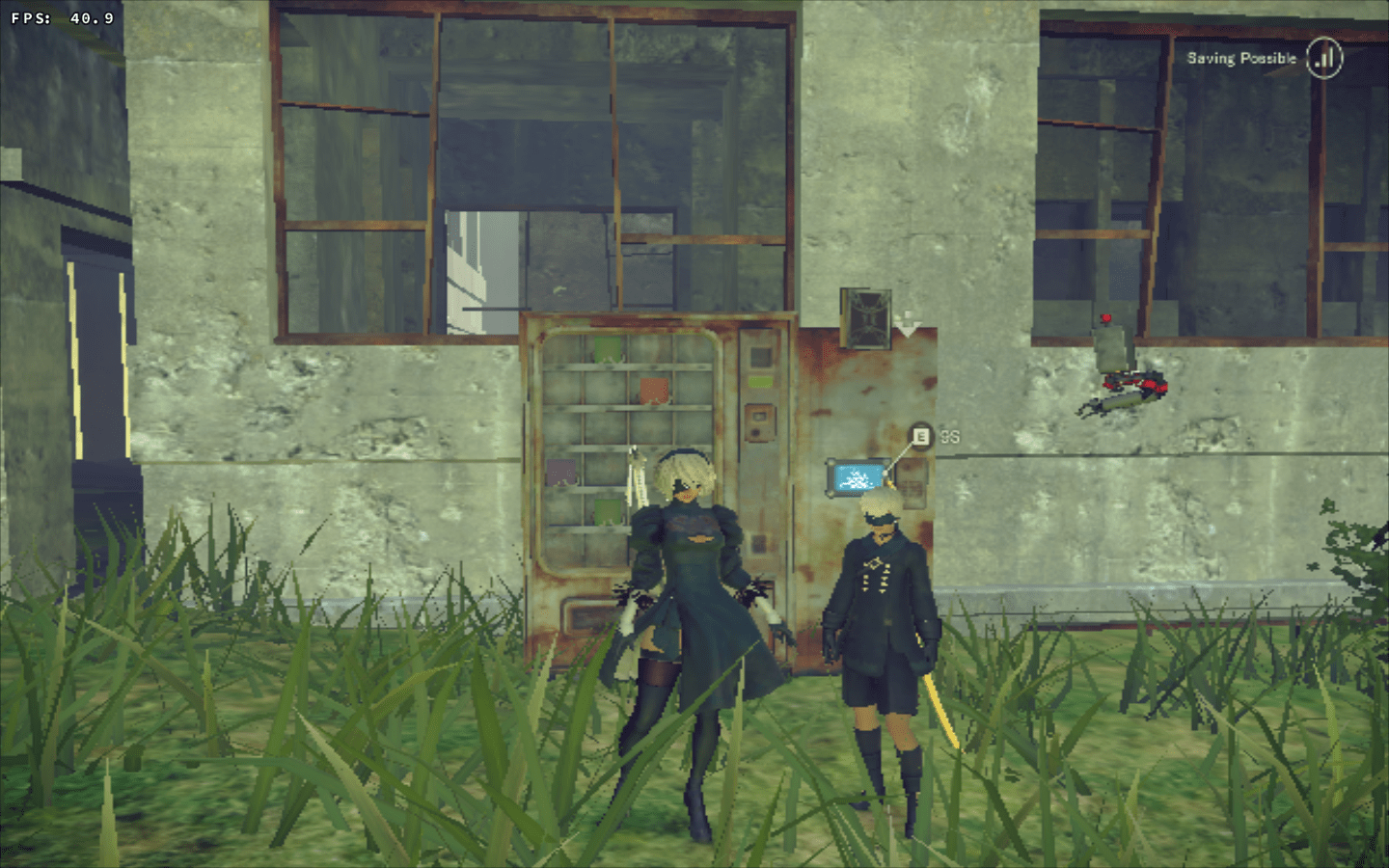
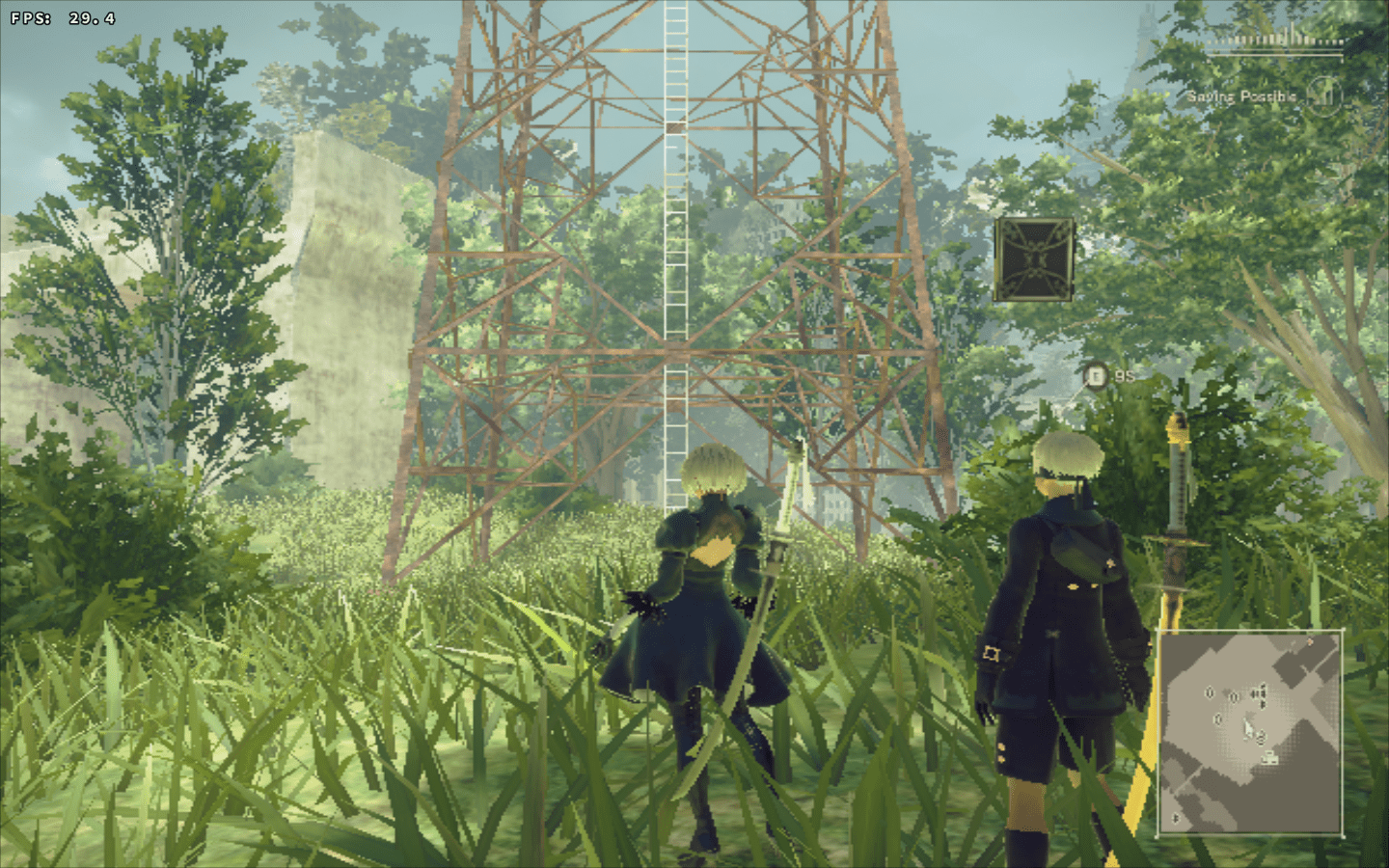
This is the only title I have available, so I don't know if this would affect the performance of other titles under my system. from 0.53 to 0.54 the game went from (looking to a wall) from ~38fps to 27fps, and when moving around from ~32fps to ~18fps as well as not running at full speed anymore.
System information
- GPU: AMD HD 7770 (1GB)
- Driver: radv (tried git and
18.1.418.1.5 and same result, will be using stable for this test) - Wine version: 3.13 staging
- DXVK version: 0.53/0.54
Log files
Might not be useful for this, but uploading just in case. Will update when I know what's the last good commit for me.
NieRAutomata_d3d11.log
NieRAutomata_dxgi.log
-Edit-
my distro's packages were updated so I'll be using 18.1.5 now.
I'm installing some dependencies for building dxvk.
 vosian
All 11 comments
Can't reproduce, 0.63 is actually faster than 0.53 on my RX 480 with latest mesa-git.
Please keep in mind that your GPU is quite underpowered for this game and might just run out of memory. 1GB of VRAM is not enough to run it.
 doitsujin
on 3 Aug 2018
doitsujin
on 3 Aug 2018
I'm aware that my gpu is underpowered, which is the reason why I run it at the lowest setting (and resolution), and as the difference is quite pronounced for me between 0.53 and 0.54 (and beyond) and that someone else also seemed to have performance issues after 0.54 with an nvidia card and a different game, I thought that there might be something from that point that might be causing some bottleneck issue with underpowered cards. So, who knows, maybe this can be improved, or maybe it's something that can't be changed, but to try to find what is causing the problem here I thought it'd be a good idea to know what commit introduced the problem for me.
I'm still downloading some dependencies, but I'd like to know if, after starting git bisect, and when running
./package-release.sh master /your/target/directory --no-package
we should replace "master" with the hash of the commit in question.
vosian
on 3 Aug 2018
if we should replace "master" with the hash of the commit in question.
Not necessary, as this parameter merely sets the name of the output directory.
Anyway, there's nothing new in 0.54 that should reduce performance, and for me it definitely doesn't. Let's see what your bisect uncovers, although I doubt that anything can be done about it.
doitsujin
on 3 Aug 2018
Sorry for the delay, first time I used git bisect, I'm a bit confused why it seemingly skips some commits but... I found where there performance changed for me
commit f77392a
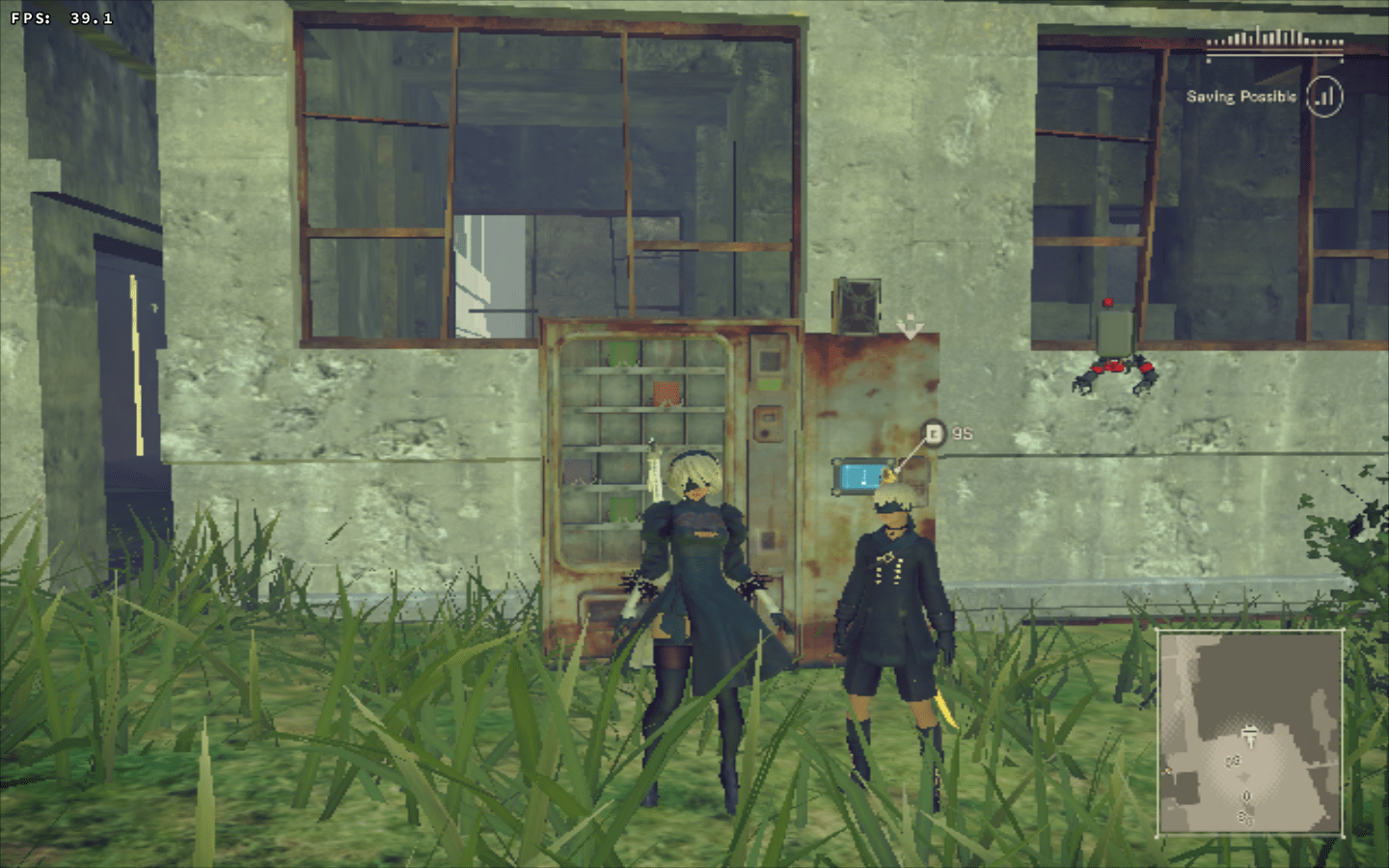
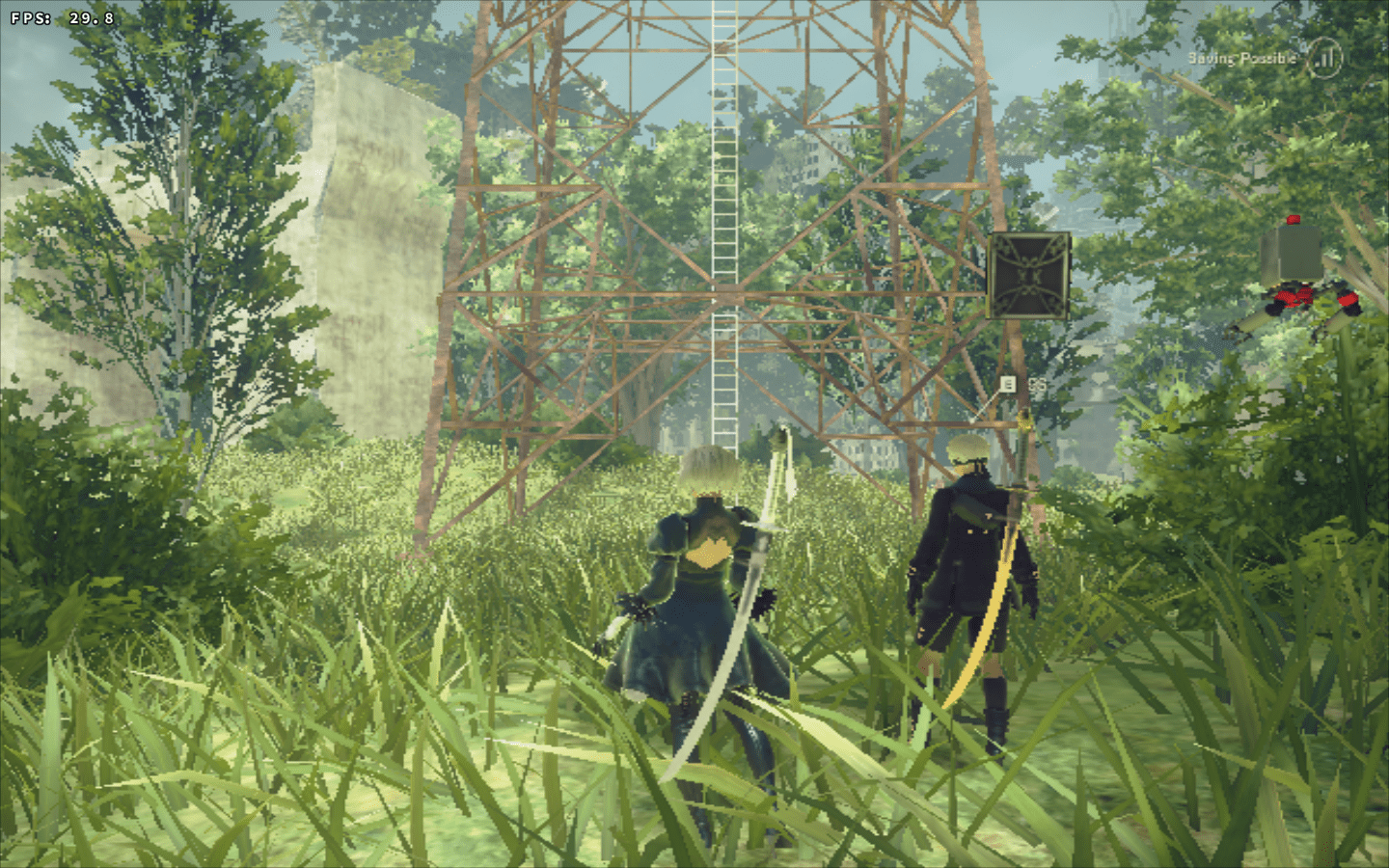
commit a9eff13
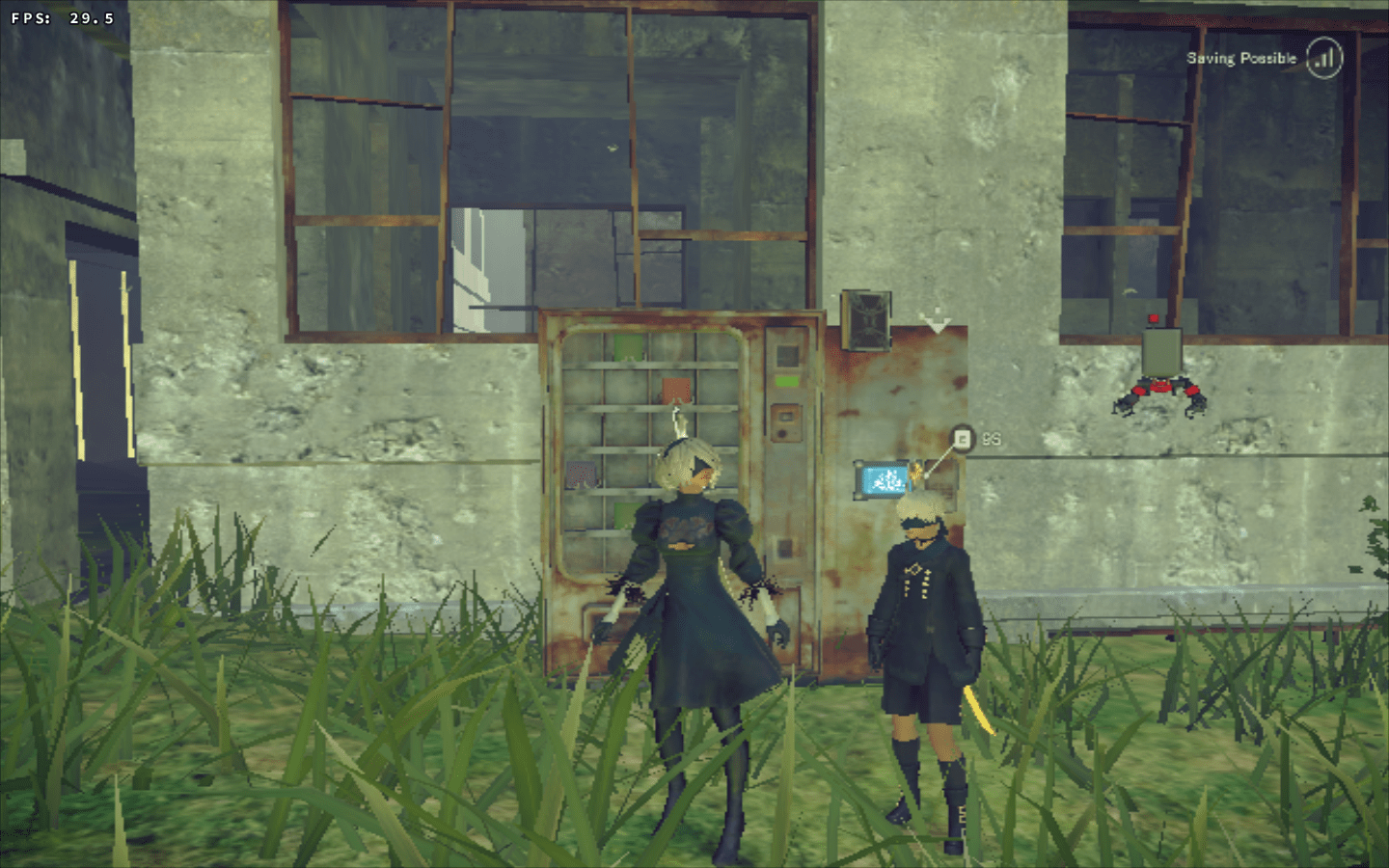
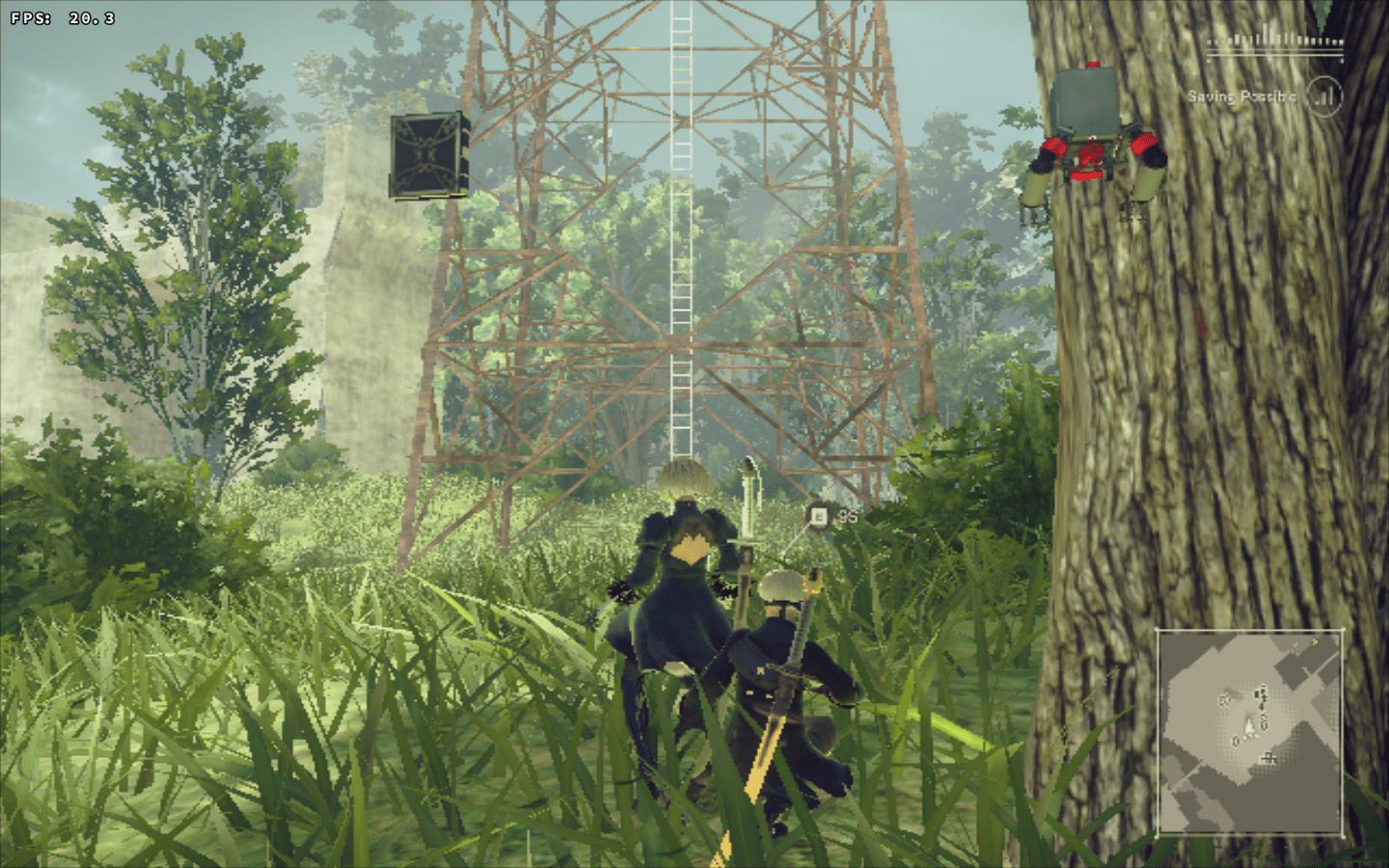
(I understand if this is the sort of thing that just can't be _fixed_ I imagine this could be the sort of change that might tax my gpu while providing benefits to basically everyone else).
vosian
on 3 Aug 2018
I guess a9eff13b920c65ec020fbf170514731980efefc1 could be causing that since it prevents DXVK from allocating more device memory than your GPU actually has. Can you please test this patch with latest master:
dxvk-allow-overcommit.patch.txt
This basically reverts that behaviour and might make your 1GB card a bit happier, although I'm reluctant to change that behaviour again. It's bad practice and may cause issues when all the memory is actually needed to render a frame.
doitsujin
on 3 Aug 2018
yep, it's working like before with that patch:
vosian
on 3 Aug 2018
Confirming the issue. There is about 2x-3x performance improvement on 0.53 vs 0.64 on Everspace.
Maybe DXVK can check on startup if there is enough free RAM and enable overcommitting for GPUs with less than 3GB RAM? This way, GPUs that can use RAM would be able to do so.
 TestMode1
on 6 Aug 2018
TestMode1
on 6 Aug 2018
Hardcoding a threshold to enable something that can cause undefined behaviour is stupid.
Of course the proper fix would be to dynamically move textures between host memory and video memory in low-memory conditions, but given that pretty much everyone has 4GB or more VRAM I don't think it's worth the development time, or the additional overhead that would also affect GPUs that do have enough VRAM.
I'll consider adding a knob to enable the old behaviour with an environment variable.
doitsujin
on 6 Aug 2018
@doitsujin I tested the patch on my GTX970 w/4GB vram, and i am not sure if its a placebo effect or not, but it seems as there is slightly less stuttering when playing World of Warcraft.
WoW uses 1.3-1.5GB vram on my settings, so im nowhere near any vram cap
Is this a "ongoing check" that is being done, and thus maybe creating a slight overhead each time new textures is loaded or shuffled around in vram? WoW i guess does this a lot every time you move around and new stuff pops into view :)
 SveSop
on 6 Aug 2018
SveSop
on 6 Aug 2018
Is this a "ongoing check" that is being done
No, this check is done when allocating a new slice of device memory, which actually happens very rarely (usually just a few dozen times in total when running a game).
doitsujin
on 6 Aug 2018
With latest master, you can create a configuration file dxvk.conf next to your NieRAutomata.exe with the following contents:
dxvk.allowMemoryOvercommit = True
See https://github.com/doitsujin/dxvk/wiki/Configuration for more details.
doitsujin
on 7 Aug 2018
Related issues
 ghost
·
5Comments
ghost
·
5Comments
 artivision
·
4Comments
artivision
·
4Comments
 7oxicshadow
·
3Comments
7oxicshadow
·
3Comments
 ThePiggyBanks
·
5Comments
ThePiggyBanks
·
5Comments
 SzDavidHUN
·
3Comments
SzDavidHUN
·
3Comments
Most helpful comment
With latest master, you can create a configuration file
dxvk.confnext to yourNieRAutomata.exewith the following contents:See https://github.com/doitsujin/dxvk/wiki/Configuration for more details.